aleksandar
-
Posts
9 -
Joined
-
Last visited
aleksandar's Achievements




-
Precision M6800 questions and upgrades
aleksandar replied to Jers6410's topic in Pro Max & Precision Mobile Workstation
For nvcleanstall, Is this the method I use with Maxwell cards (eg 980m)? I can't figure it out, but I want to investigate. -
Precision M6800 questions and upgrades
aleksandar replied to Jers6410's topic in Pro Max & Precision Mobile Workstation
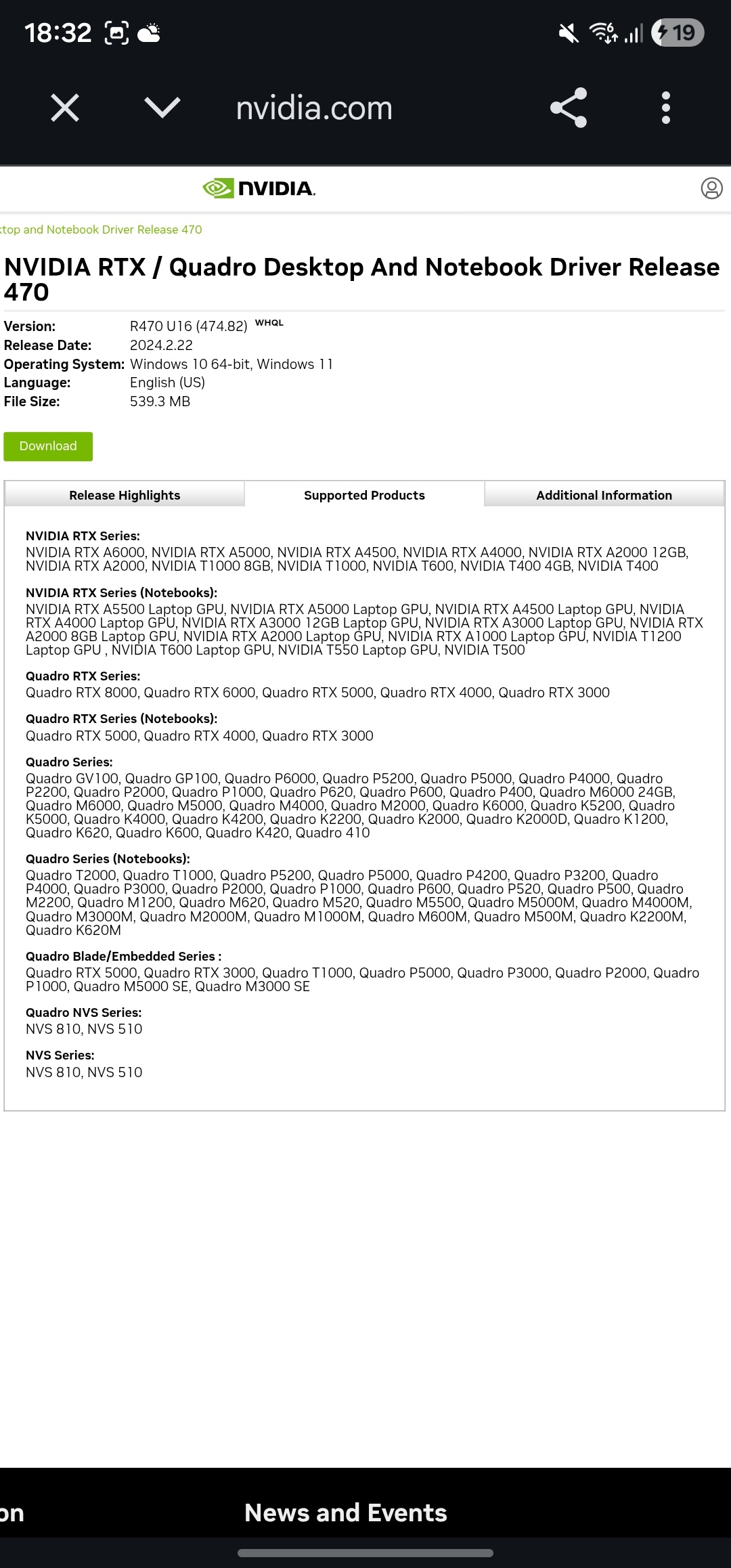
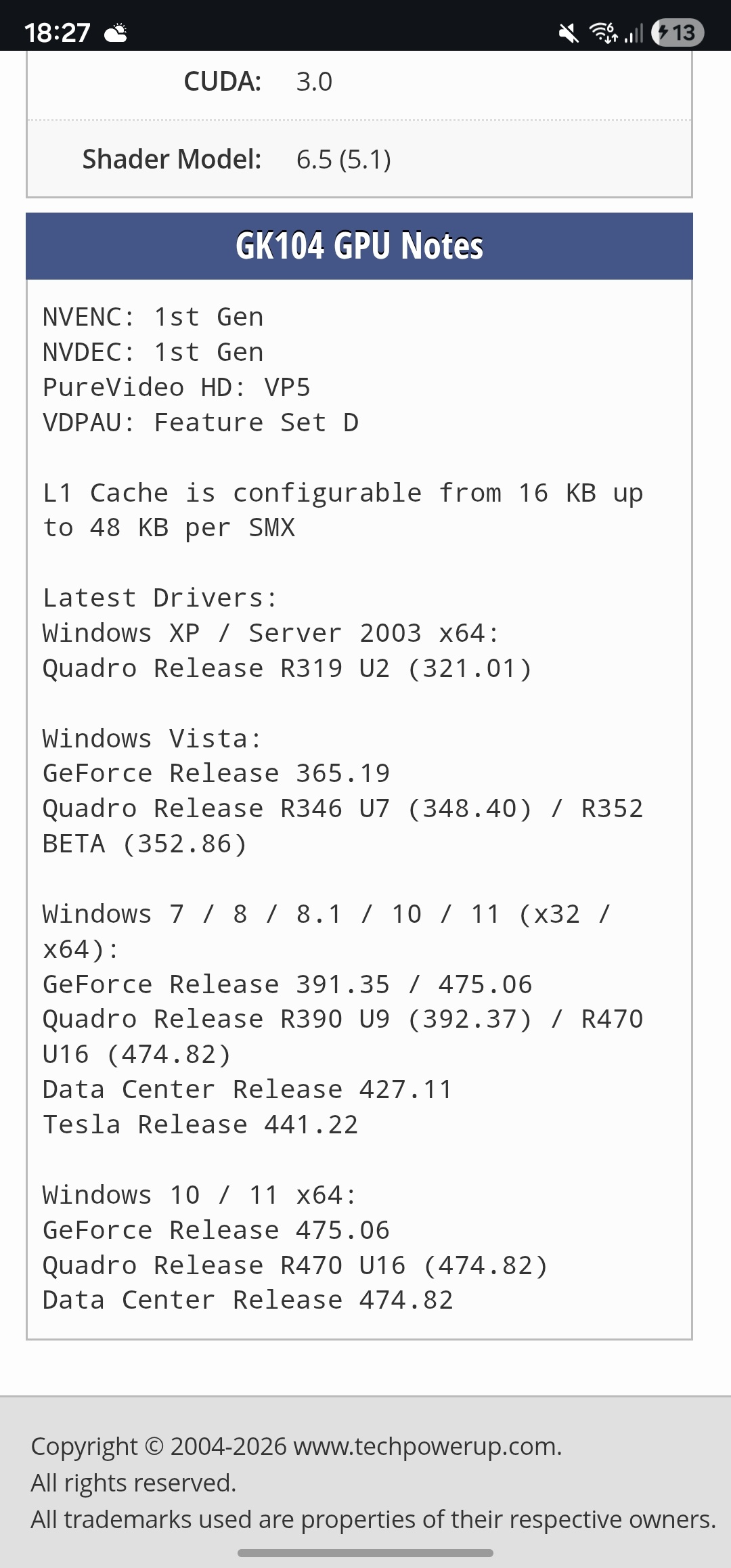
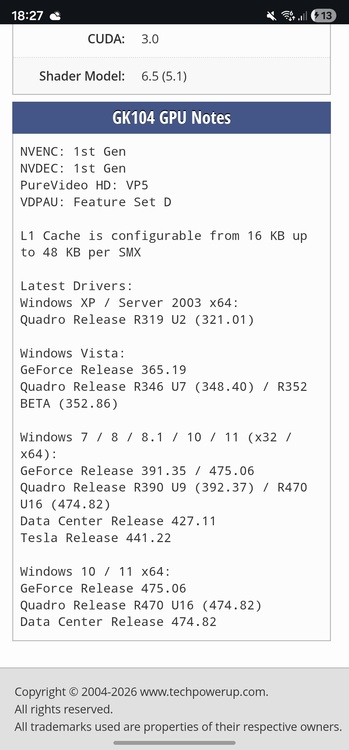
What should I do regarding the regular drivers for the K5100M? I can’t find any official Windows 11 driver for it. The last update I see seems to be from around 2020. But on the TechPowerUp website, it says that 474.82 is supported (2024 security update)? I was on Win10 until now.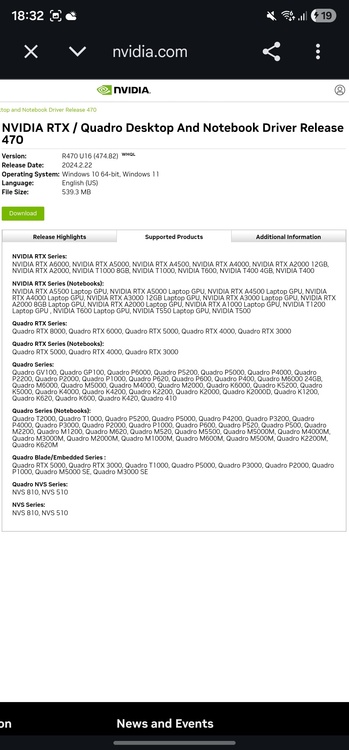
-
Precision M6800 questions and upgrades
aleksandar replied to Jers6410's topic in Pro Max & Precision Mobile Workstation
Also, i forgot... Could someone write me a step by step guide for installing a 980M? Do I need to cut/modify the heatsink? Do I need different thermal pads, and if so, what thickness? How do I install the driver? And how does the GPU behave afterward if a new driver update comes out, how do I update it? If I reset Windows, would I have to custom install the driver again? Also, would I have a 100% guarantee that the 980M would work without issues? I don’t want to spend 100 euros and then not be able to set everything up properly I need a bit more confidence before buying 😅 -
Precision M6800 questions and upgrades
aleksandar replied to Jers6410's topic in Pro Max & Precision Mobile Workstation
I think I may have already tried resetting the BIOS, but I’m not completely sure since it happened about a month ago. I also think it’s most likely an issue with the K3100M and not the motherboard, because neither diagnostic tool shows any kind of problem. Now I’m not sure what to do. Should I try the K5100M, which is around 100 euros? Or maybe a 980M / 970M / 880M? Honestly, I’m not sure if I should try the GTX series, because I’m not confident I’d be able to properly set everything up with the drivers. I could really use some help. Is there any tutorial on YouTube or something similar? As far as I know, for the 900 series no heatsink or vBIOS modification is required (I might manage to adjust the heatsink, but vBIOS modification is out of the question for me, skill issue lol). I’m also not sure about the drivers. My dad, who also used it for those purposes, says he’s not sure about buying GTX cards when they’re not officially supported. So I can’t convince him to get a 980M instead of a K5100M lol. Let alone a P4000 or P5000 with all the vBIOS, display, heatsink, and other modifications. I might be kind of an enthusiast, but he definitely isn’t 🤣 I don’t know where you usually look for GPUs, but I’m in the EU. On AliExpress: K5100M is 100 euros 980M 8GB is also 100 euros 970M 6GB is 70 euros What do you think? -
Precision M6800 questions and upgrades
aleksandar replied to Jers6410's topic in Pro Max & Precision Mobile Workstation
Hi guys, I have a problem. I own a Dell Precision M6800 with an Nvidia Quadro K3100M GPU. Everything was working fine, and I was using the laptop for CAD programs (Archicad and AutoCAD). However, one day when I tried to launch Archicad, the program either wouldn’t open or it would freeze. I asked ChatGPT what the issue might be, and it suggested that the GPU could be the cause. I was advised to boot into Safe Mode, uninstall the GPU driver, and test whether Archicad would run on the integrated graphics (Intel HD). After doing that, the program worked perfectly. I then attempted to reinstall the K3100M driver, but that’s when the real problem started, Windows no longer detected the GPU, not even in Device Manager. I tried the following: 1. Scanning for hardware changes in Device Manager 2. Removing the Intel HD graphics driver 3. Removing the main battery 4. Removing the CMOS battery 5. Forcing installation of the K3100M driver None of these methods worked. Even the BIOS no longer detects the K3100M, it’s as if the GPU doesn’t exist. I would also like to mention that aside from this issue, the laptop works perfectly. I ran diagnostics using Dell SupportAssist, as well as the built-in Dell BIOS diagnostics, and no errors were reported. The BIOS is updated to the latest available version. I’m wondering whether the GPU had already started failing when the CAD programs began crashing, and after uninstalling the driver it completely stopped working. The last two solutions suggested to me, by Ai, were: 1. Physically removing the GPU from its slot and reseating it. 2. Accepting that the GPU has most likely failed. Thank you in advance and best regards. -
Precision M6800 questions and upgrades
aleksandar replied to Jers6410's topic in Pro Max & Precision Mobile Workstation
For U.FL to MHF4 adapter, do I need male/male, female/male..? -
Precision M6800 questions and upgrades
aleksandar replied to Jers6410's topic in Pro Max & Precision Mobile Workstation
Can someone guide me on installing a Wi-Fi 6 or 7 card? I mainly need a card with modern Bluetooth, version 5 or higher, so that my BT headphones will work. I assume I need an mPCIe to M.2 adapter. https://a.aliexpress.com/_EIK96A0 Does this one fit? And also a Wi-Fi + BT card, can someone recommend one that definitely works, preferably one that’s available on AliExpress? Thanks in advance. I know a BT USB dongle would solve my problem right away, but it will not look professional. -
Precision M6800 questions and upgrades
aleksandar replied to Jers6410's topic in Pro Max & Precision Mobile Workstation
Can someone guide me regarding vBIOS? Is it required for GPUs like the GTX 970M, GTX 980M, Tesla M6, etc.? Where can it be downloaded? -
Precision M6800 questions and upgrades
aleksandar replied to Jers6410's topic in Pro Max & Precision Mobile Workstation
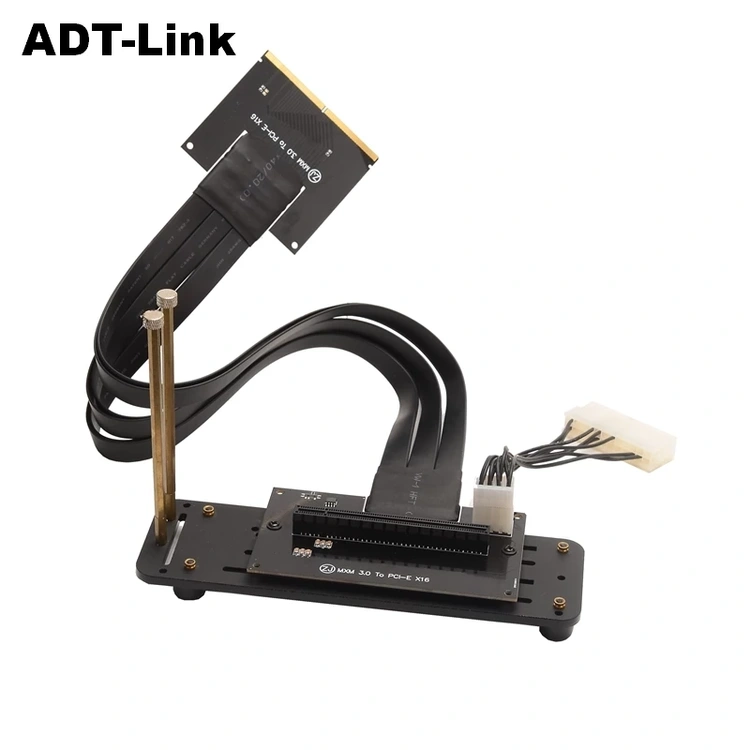
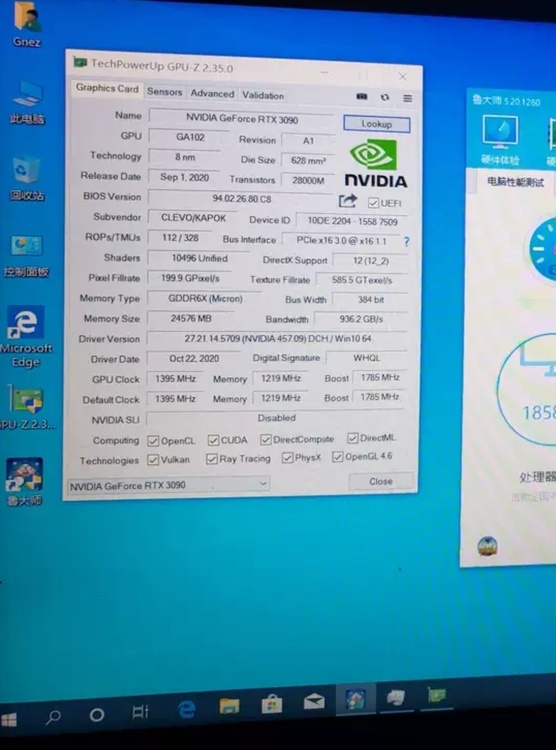
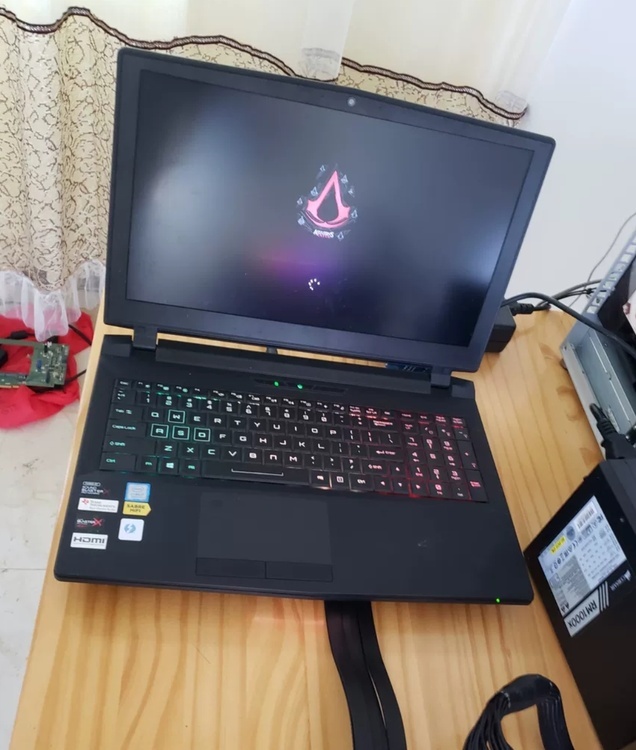
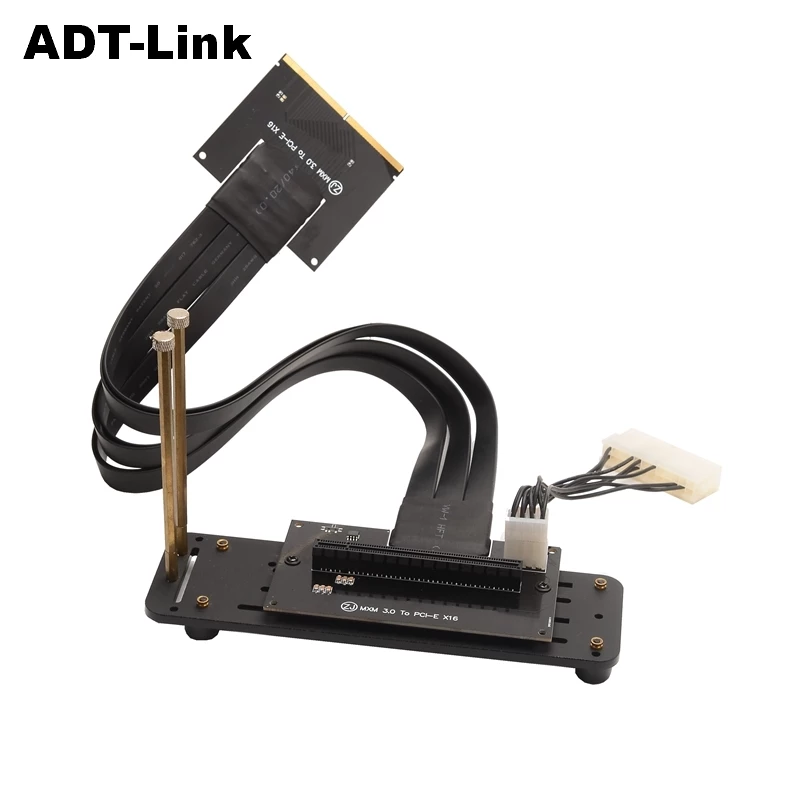
Hi everyone, I've been following the upgrade paths for the M6800 here. Has anyone experimented with using an MXM 3.0 to PCle x16 adapter to connect a full-sized desktop GPU? If this is possible, then our possibilities are truly infinite. Lol I've actually found some forums where people successfully pulled this off with other laptop models.(2nd and 3rd pic) Https://notebooktalk.net/topic/1196-clevo-p775dm3-mxm-to-pciex16-gpu-adapter-mod-project/