rainer124
-
Posts
32 -
Joined
-
Last visited
-
Days Won
2
1 Follower

rainer124's Achievements






-
I've done that before with a P870TM and a 3080 SLI... but it only works for benchmarks, not for gaming!! 😉
-
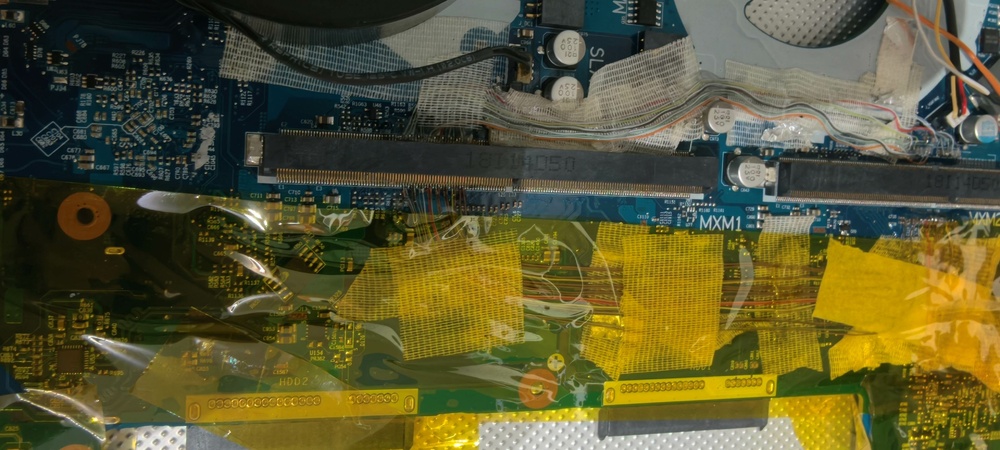
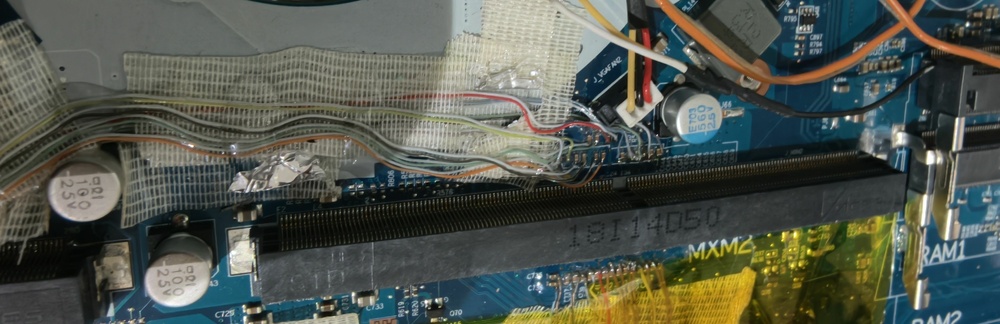
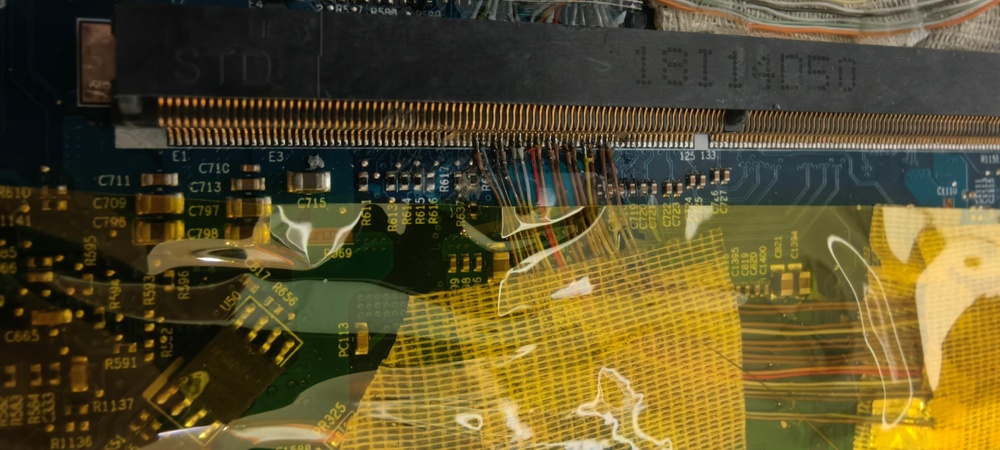
The lanes must be perfectly parallel, otherwise it won't work!
-
Unfortunately, Clevo didn't include a multiplexer here that automatically switches the other 8 lanes to the master multiplexer when only one card is inserted! 😉
-
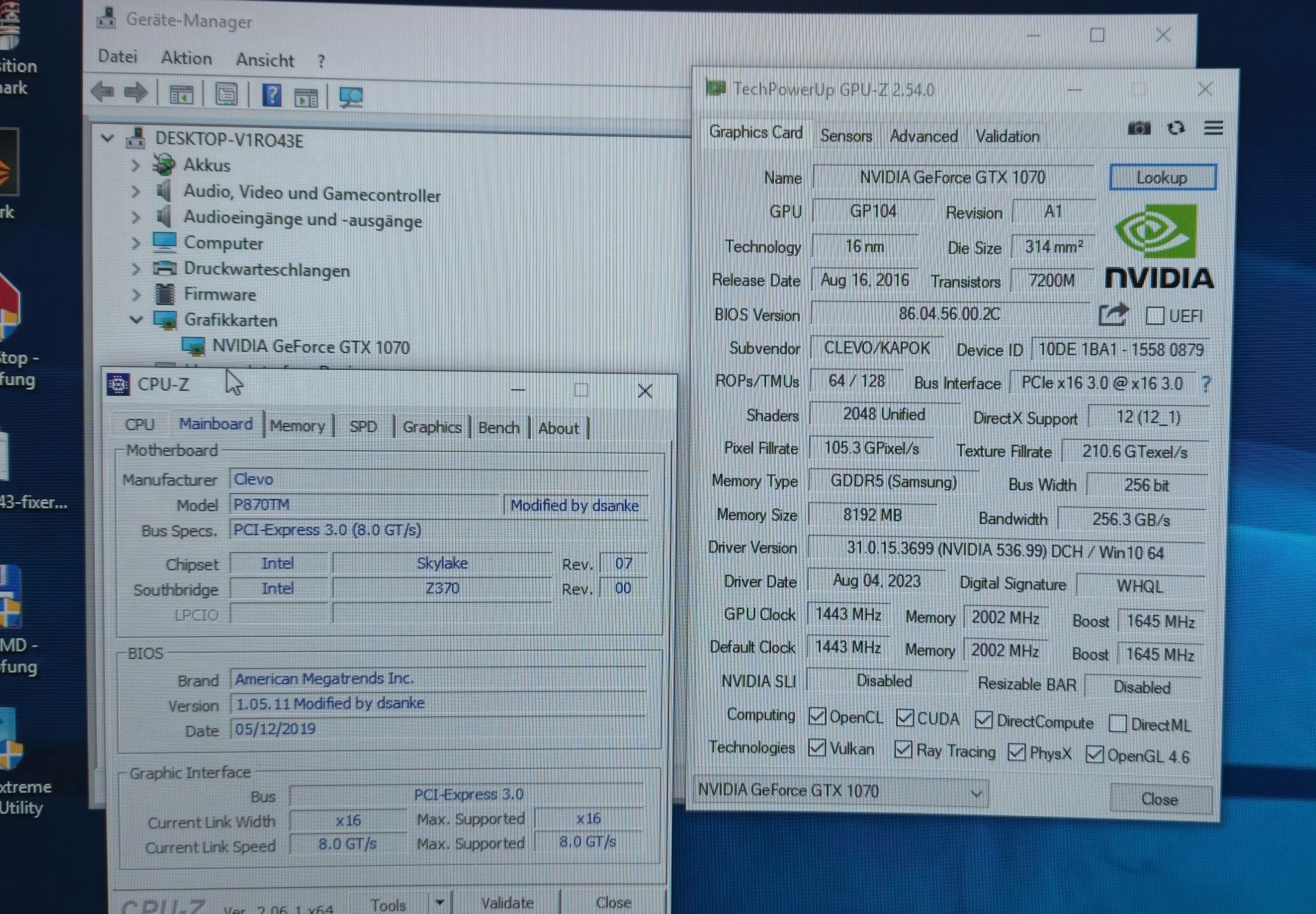
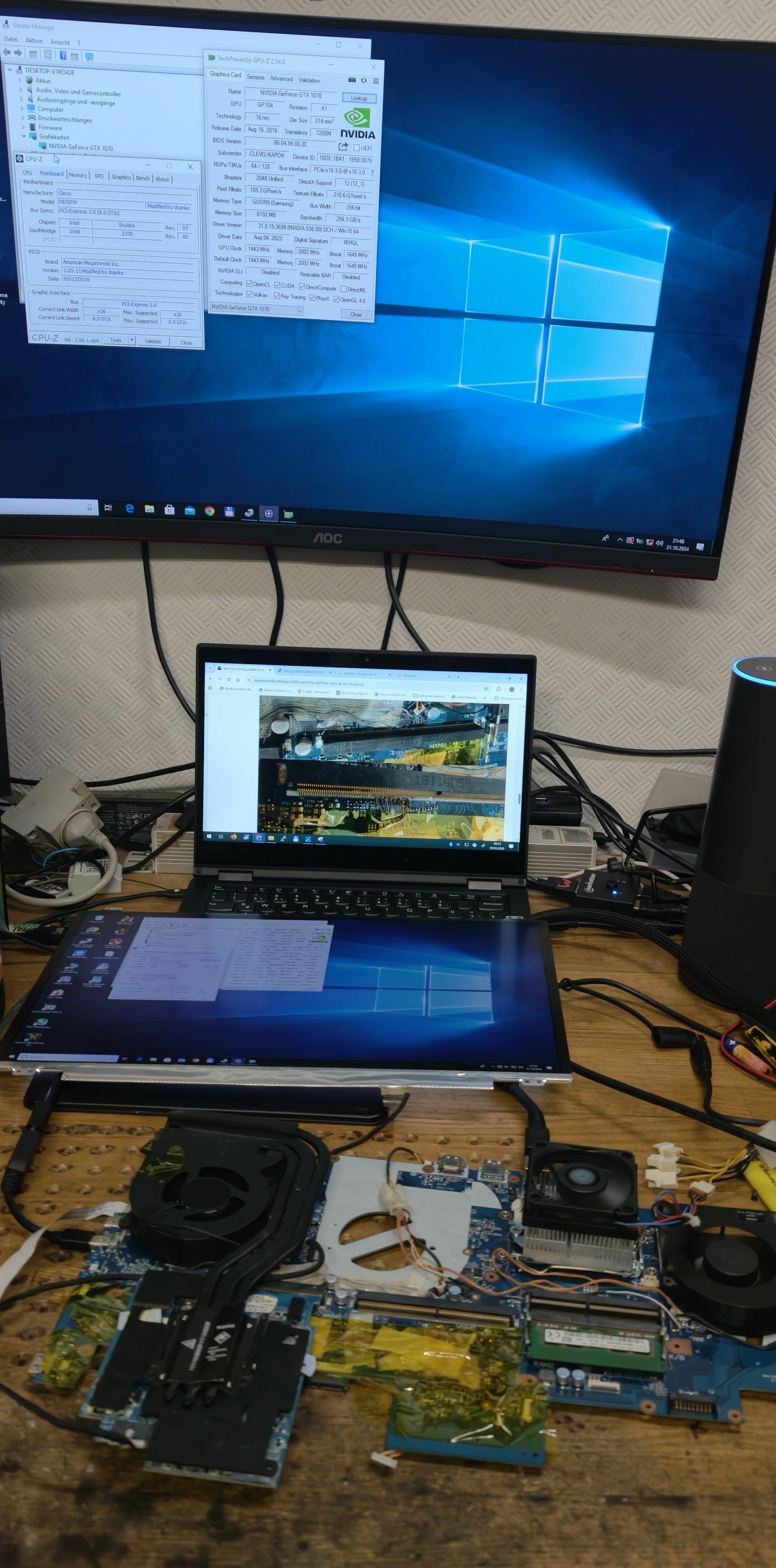
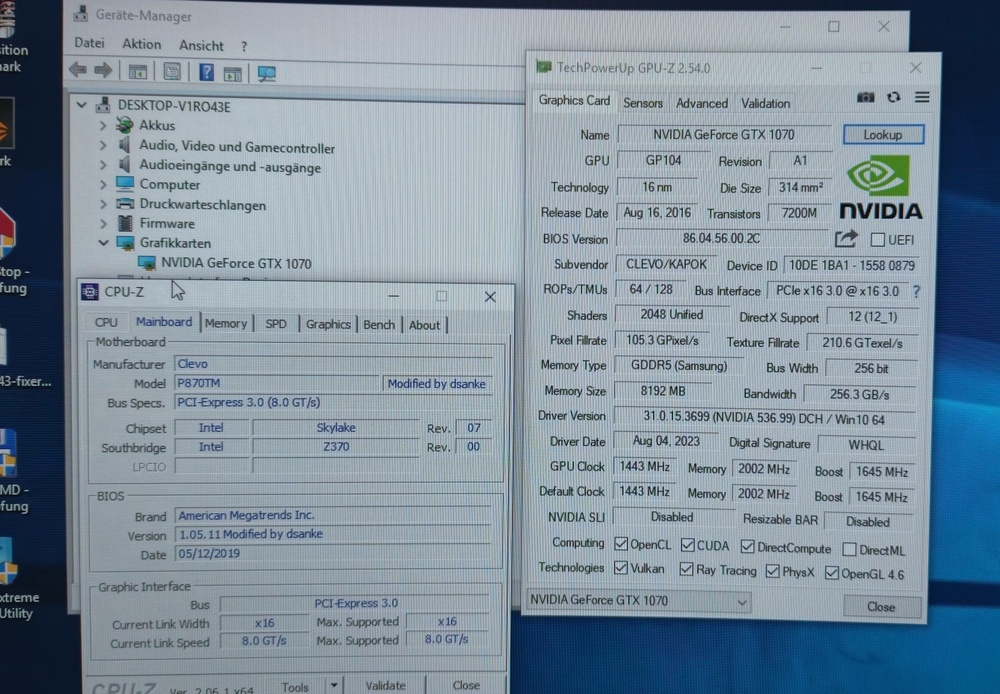
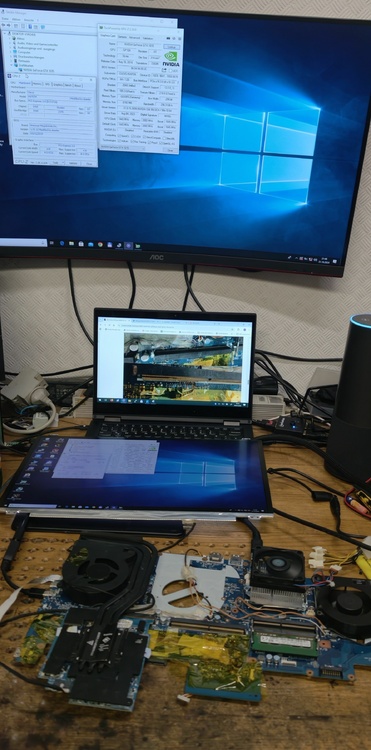
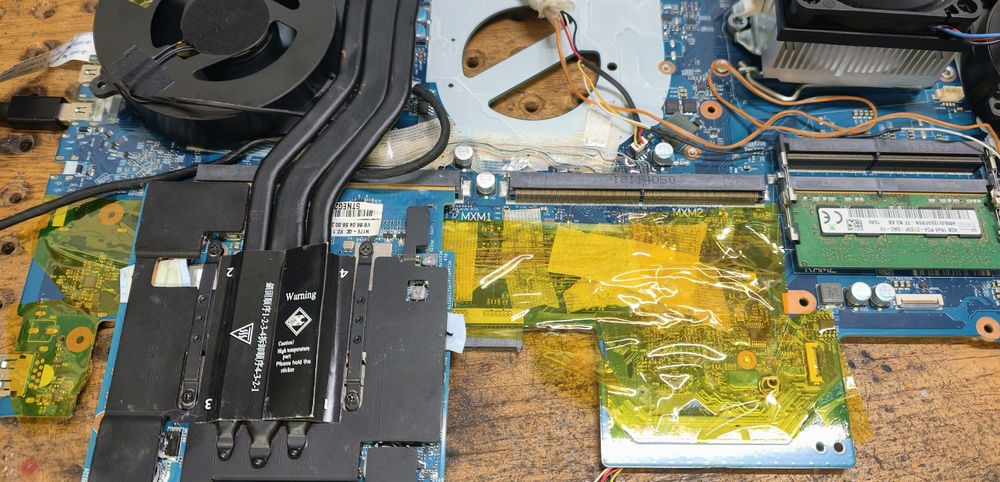
Here is The Picture GTX 1070 mxm With 16x PCI-E 3.0 on P870TM
-
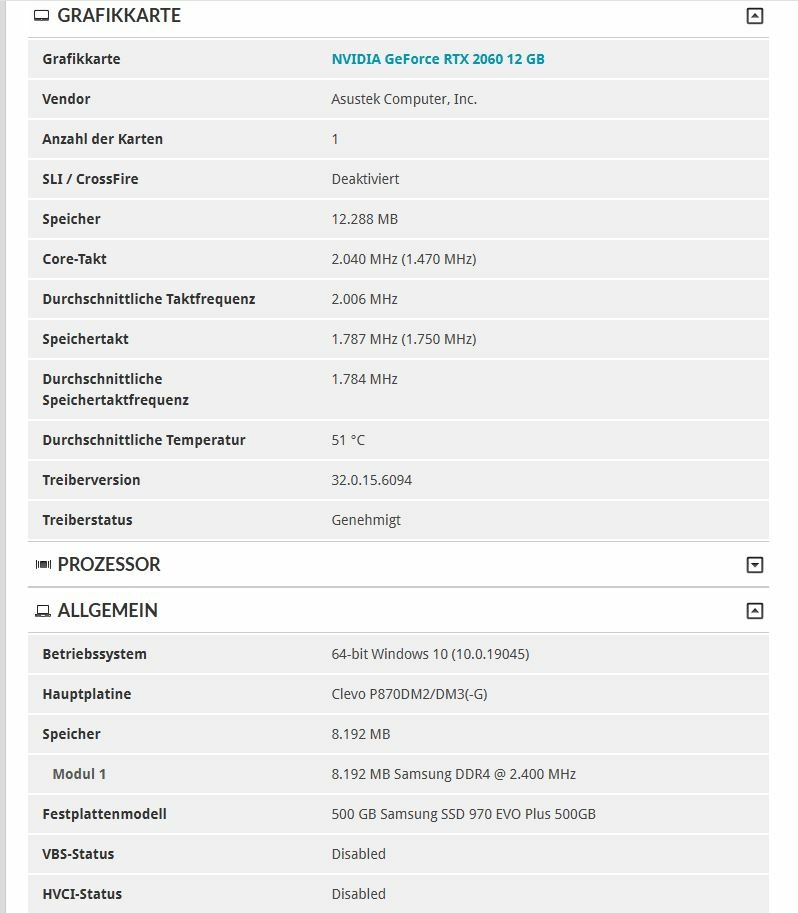
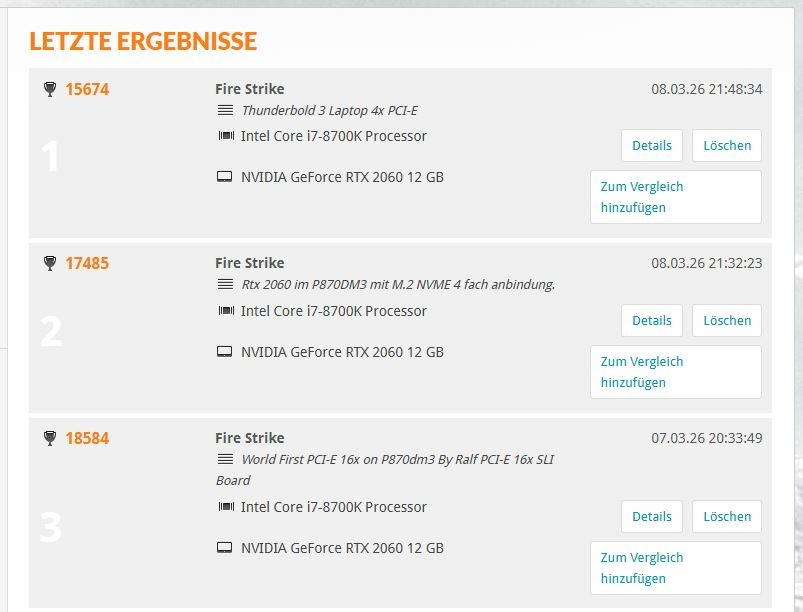
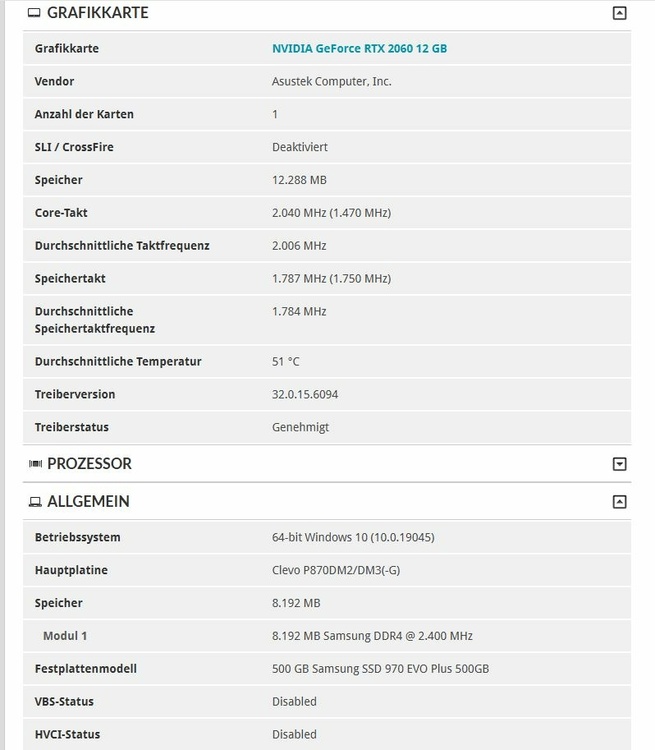
you can See the benchmak Result on 3d Mark user Rainer124 . i make 1 With Ralfs 16x sli mxm adapter, one With riser m.2 NVME to mxm adapter an one Thunderbold3 Benchmark all with Sam configuration RTx 2060, 8700k....... Same Laptop. and a Big Problem is the P870dm3 not work with aPCI-E graphics Card the fan goes to 100% an the system automaticly shutdown in 2 minutes. Also not work with without a mxm card , or only an nvme riser adapter shut down autoaticly 2 minutes. A temperature signal must be sent to the SM bus (on master mxm port SM_DAT (SMBus Data): Pin 272 SM_CLK (SMBus Clock): Pin 274 ) every second; otherwise, it will beep and shut down. I solved the problem with an Arduino! It sends a signal every second with 27 degrees.
-
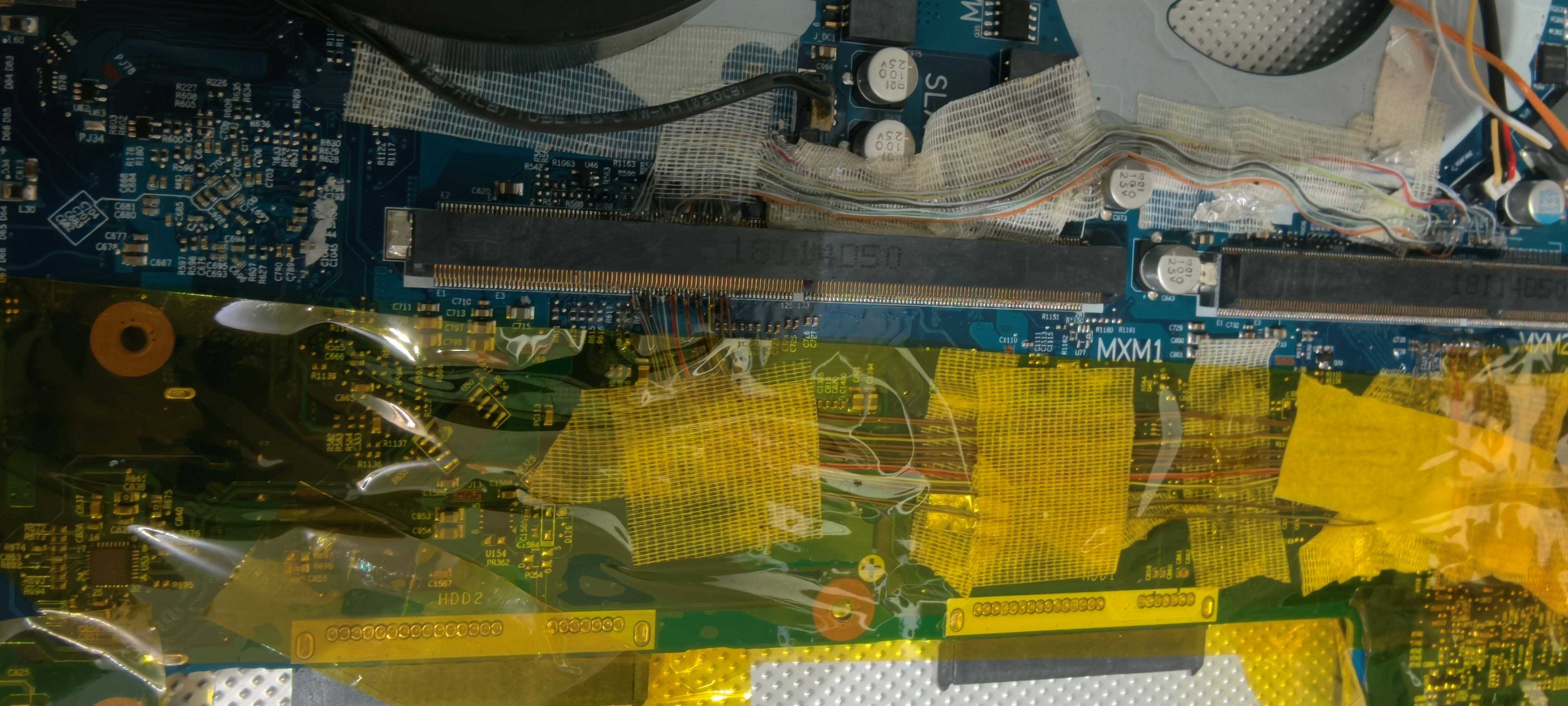
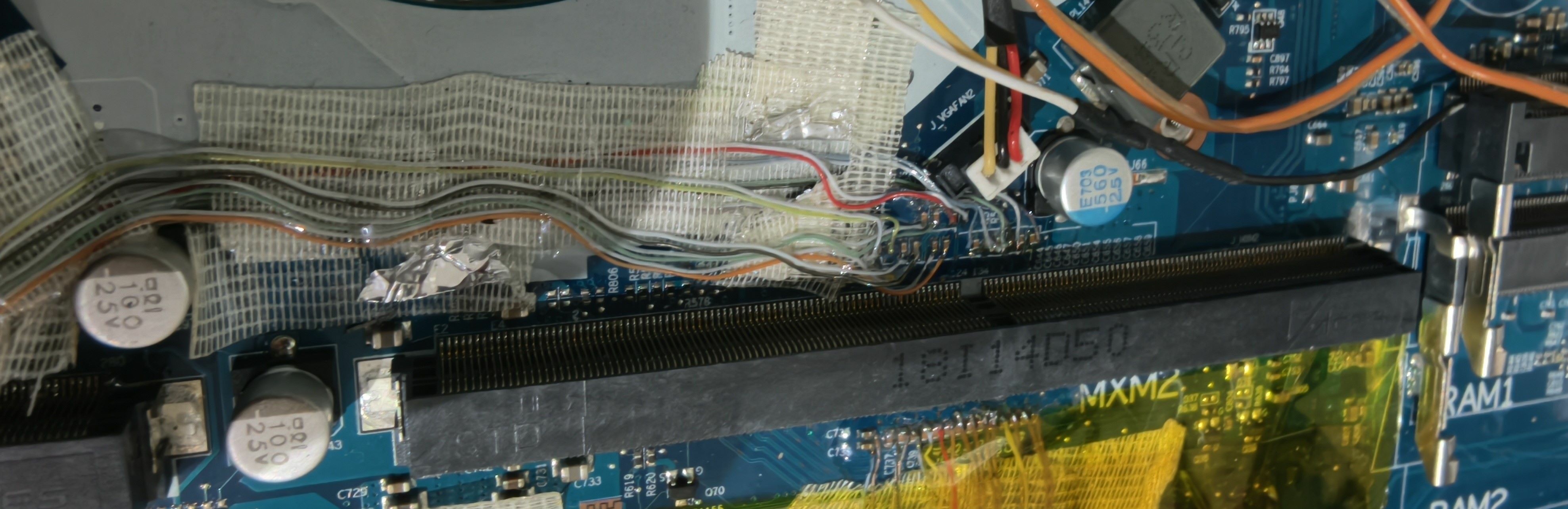
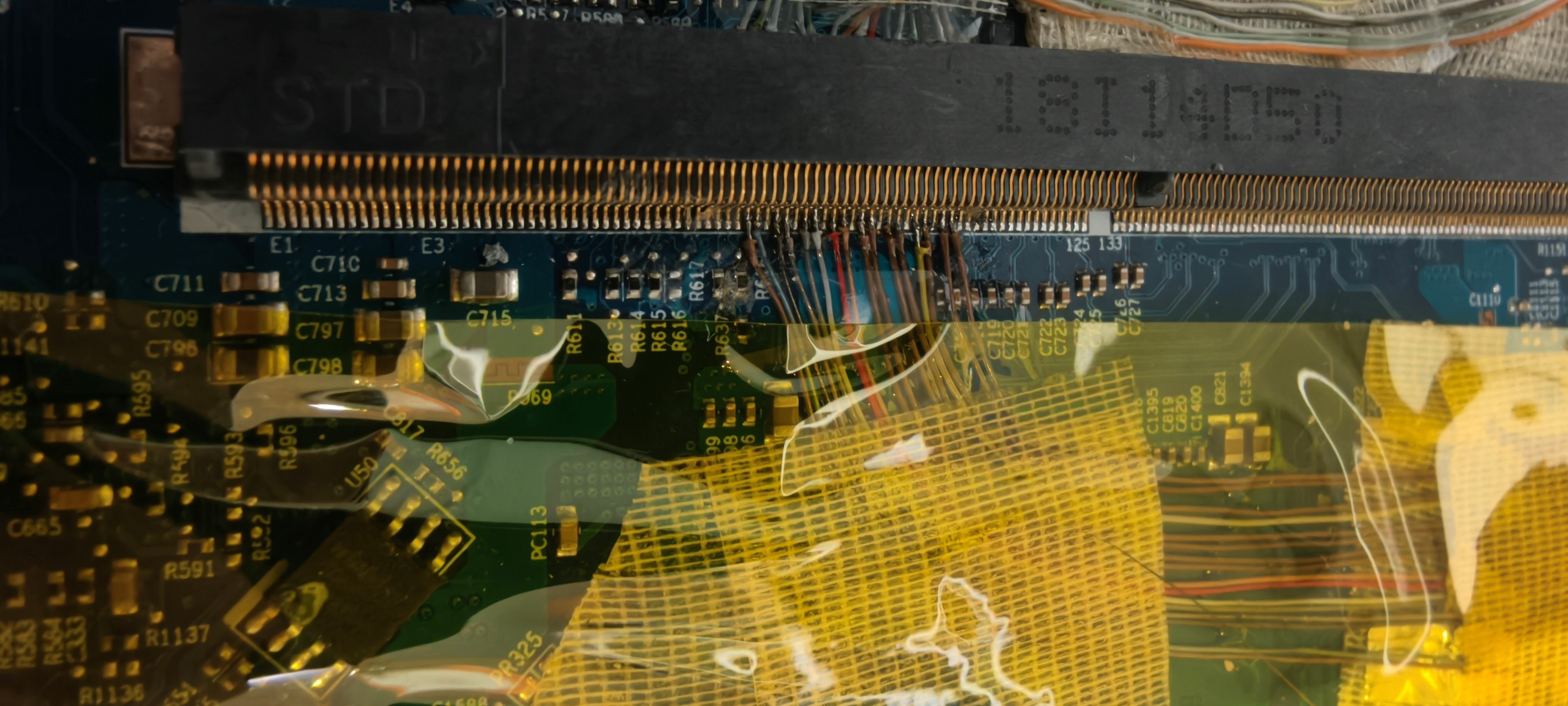
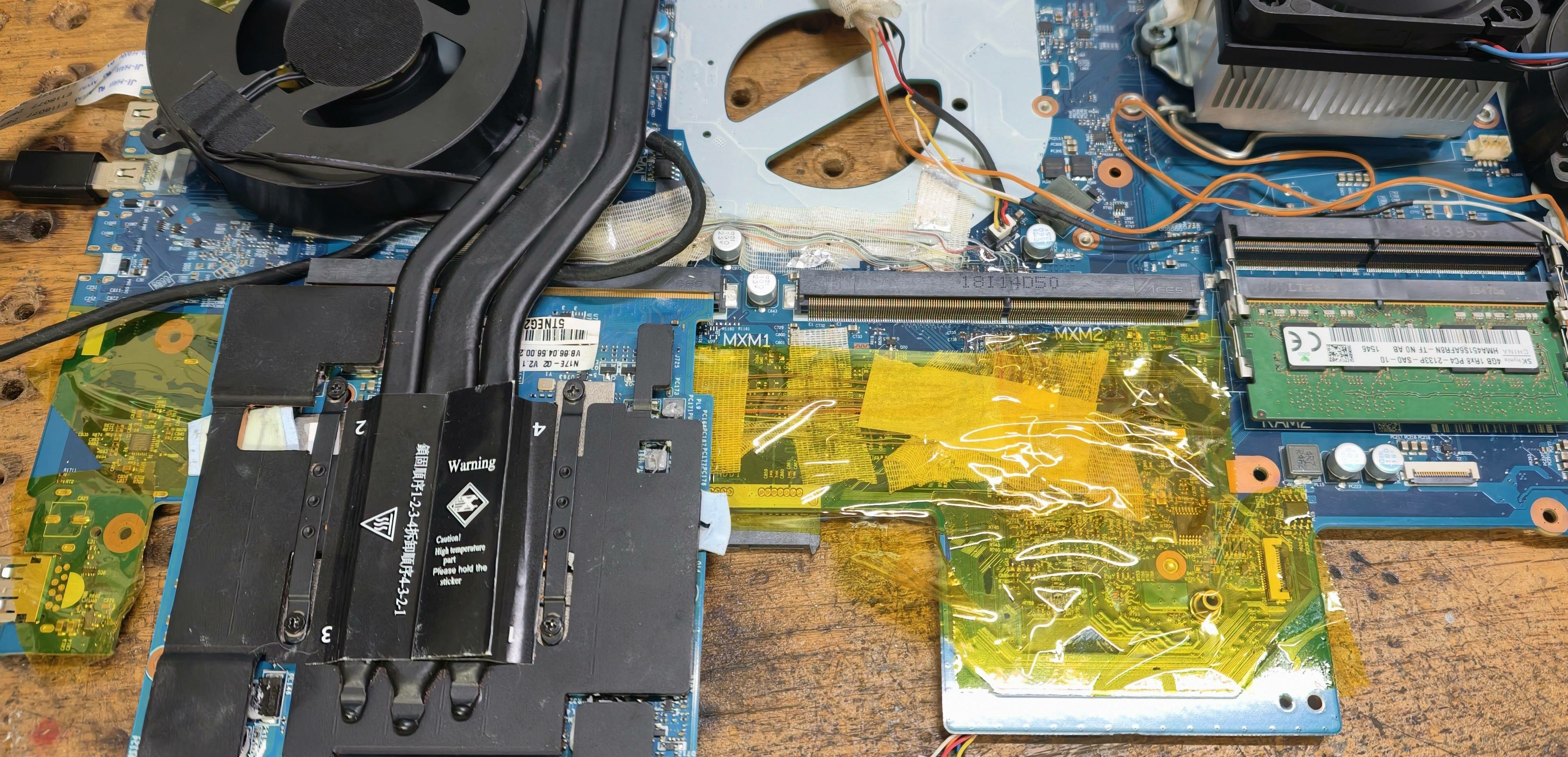
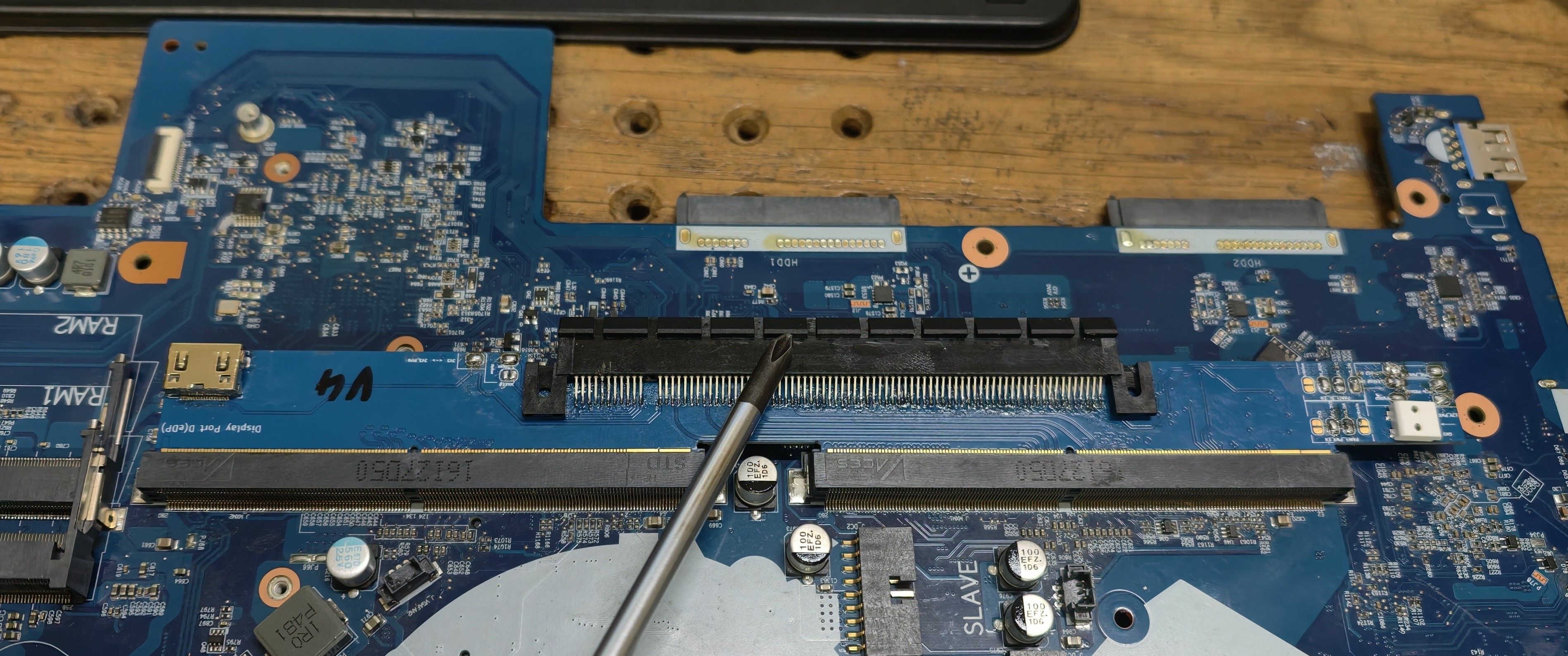
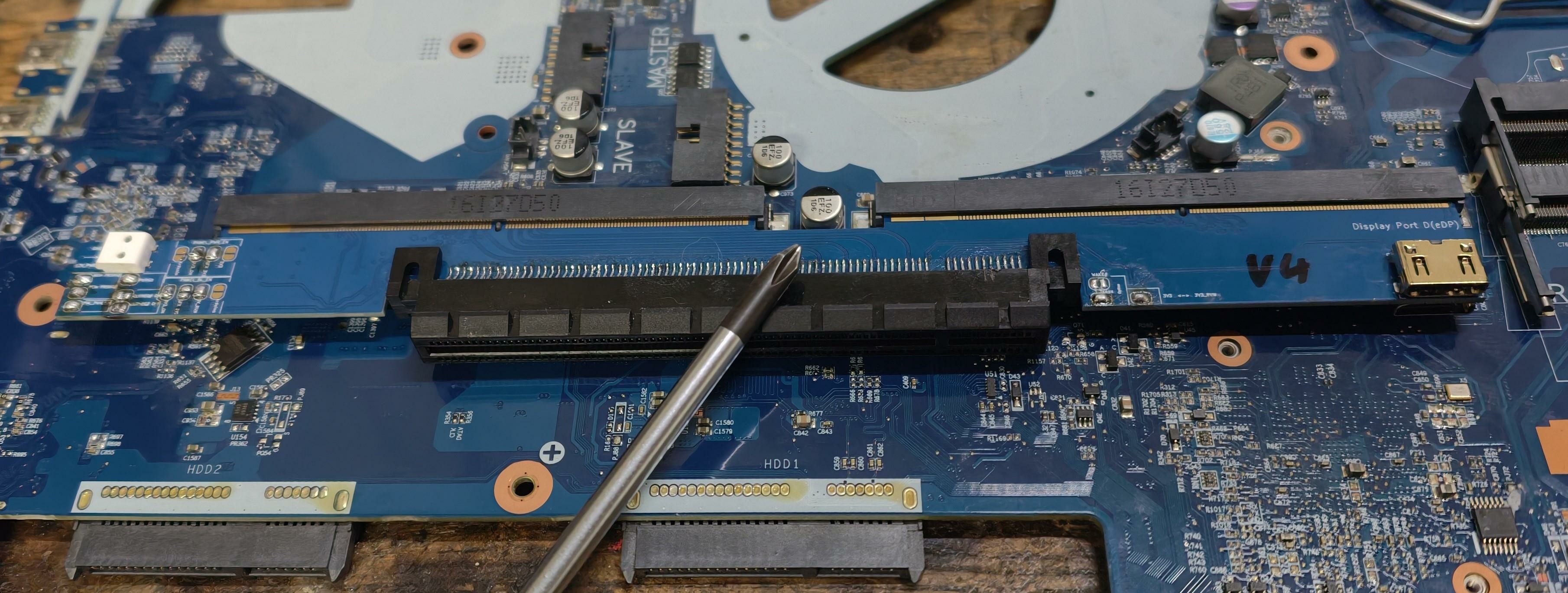
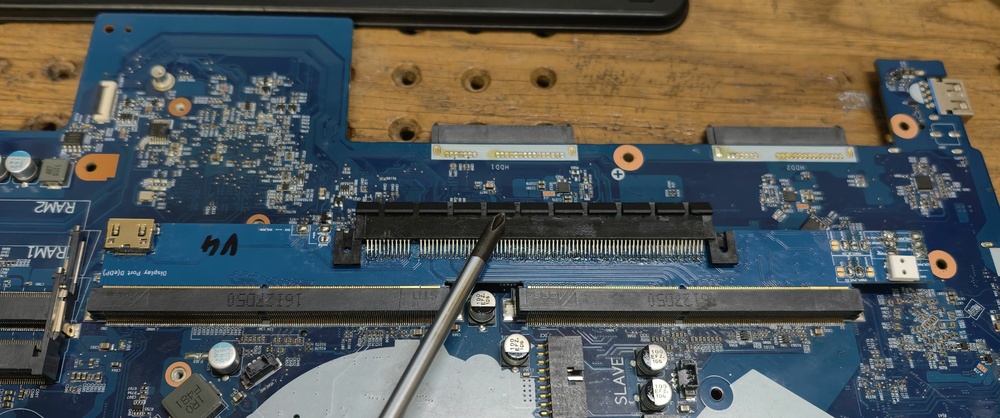
And The Here's a P870TM wired with a 16x slave mxm to master MXM Slot. Works perfectly.
-
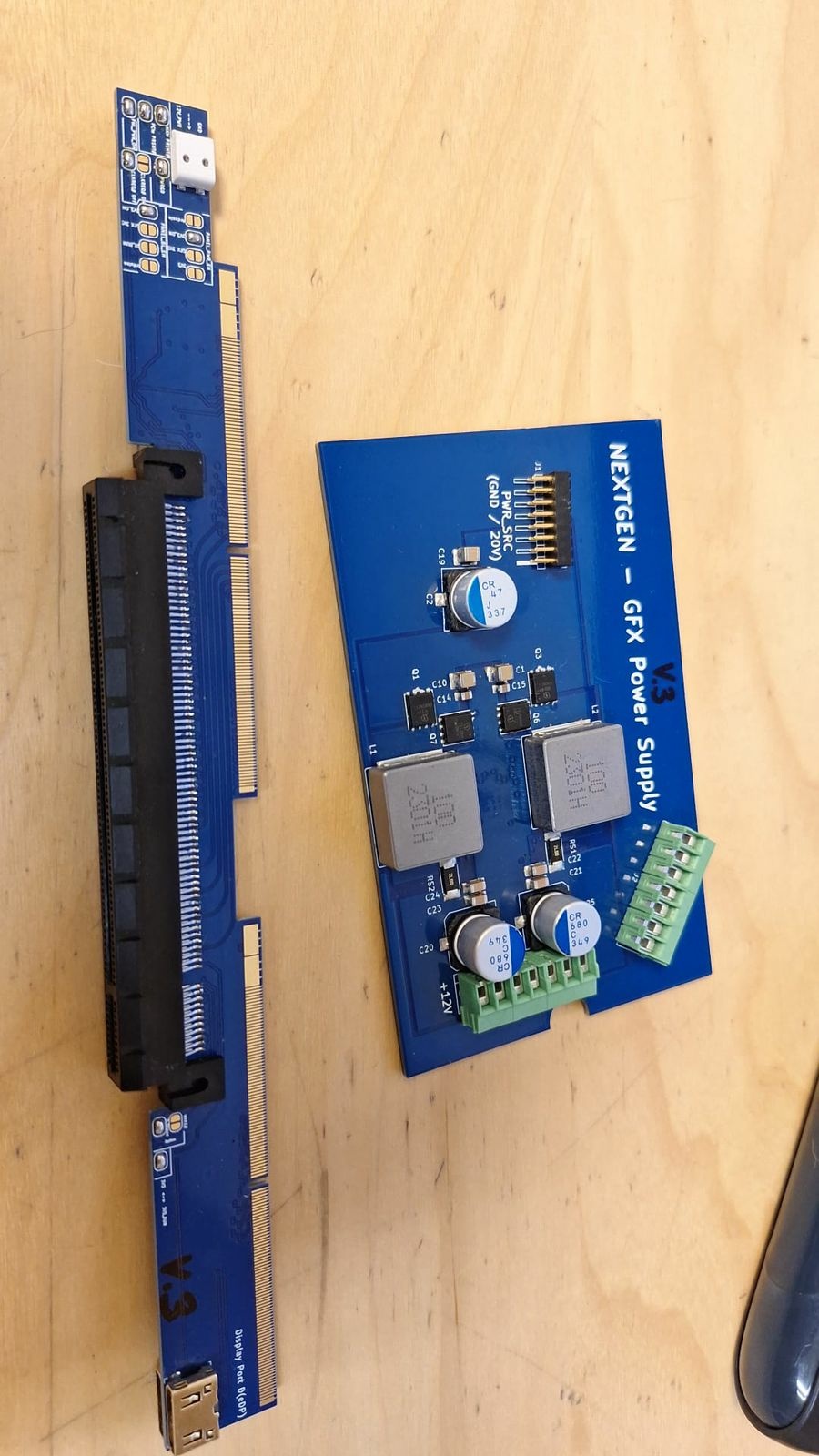
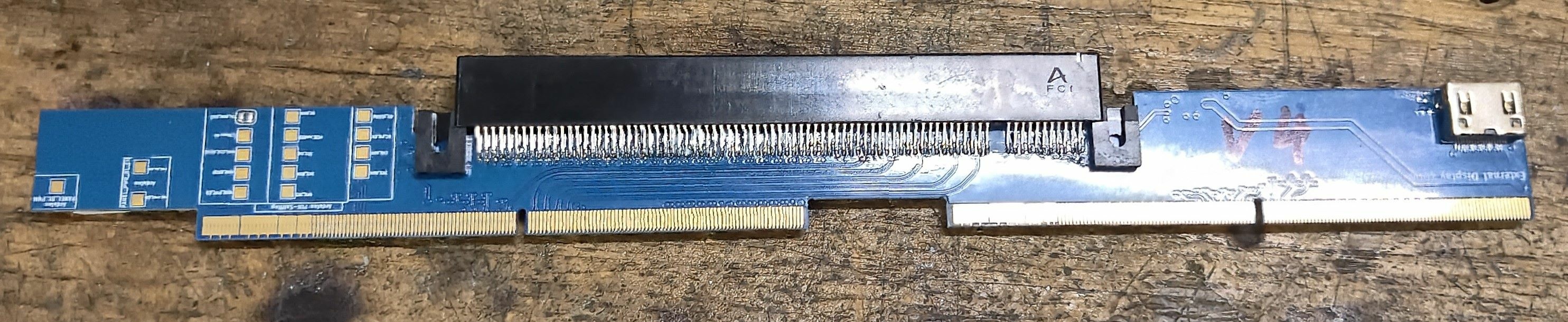
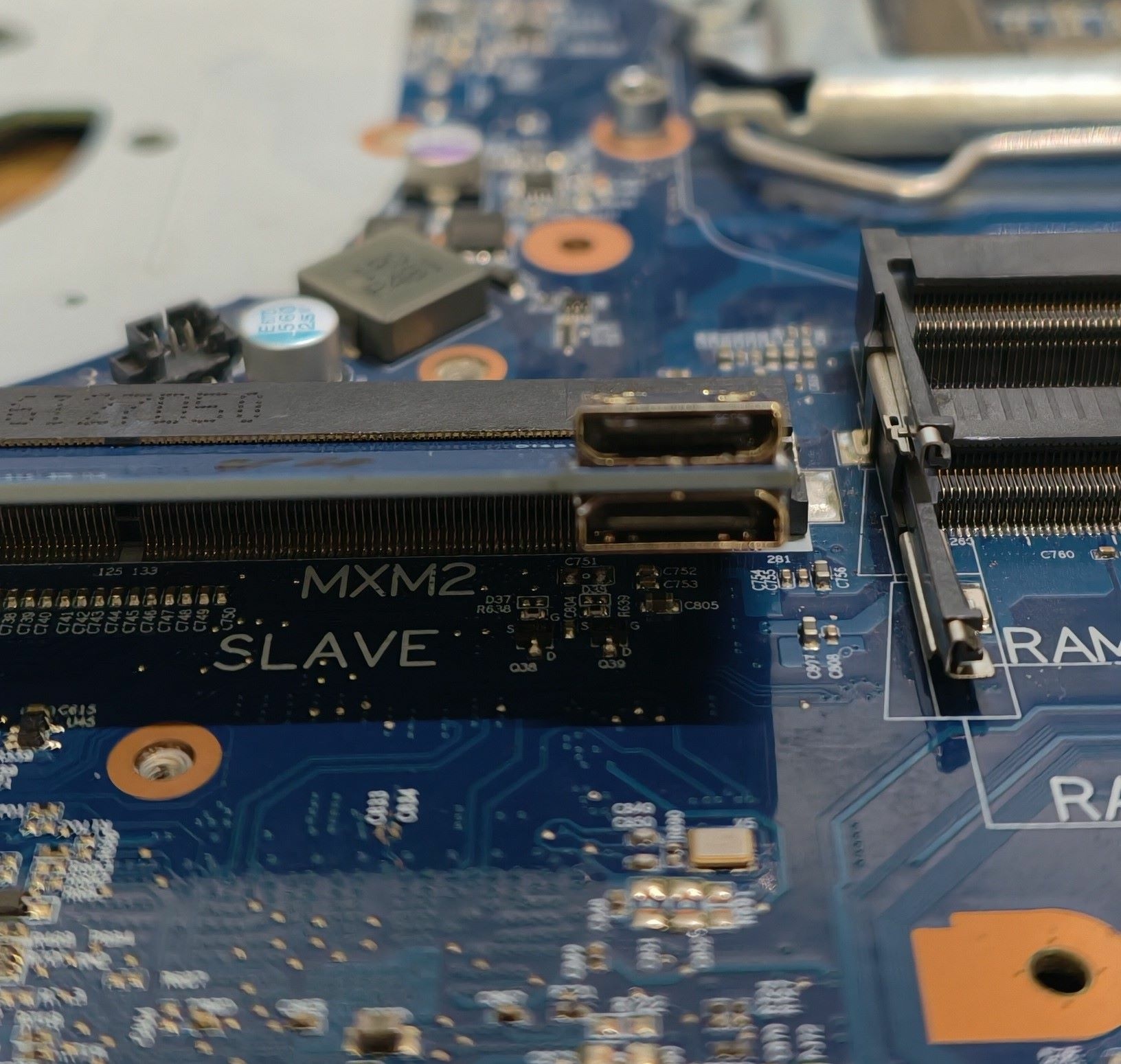
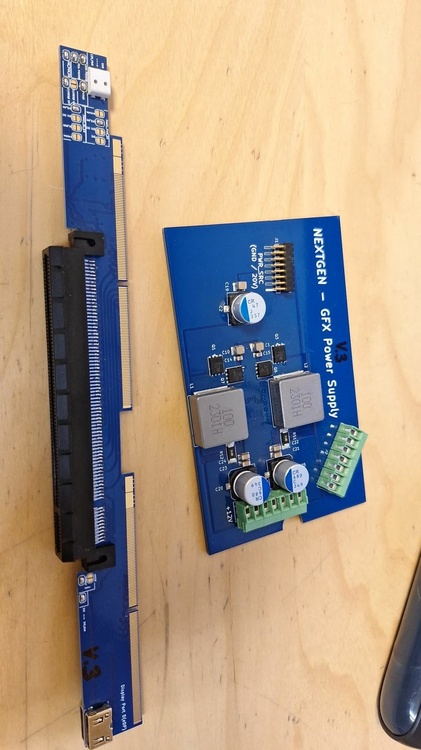
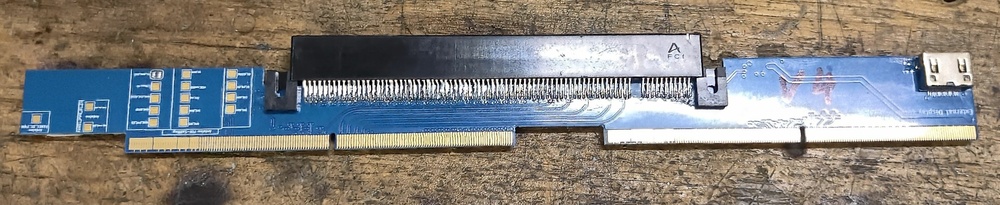
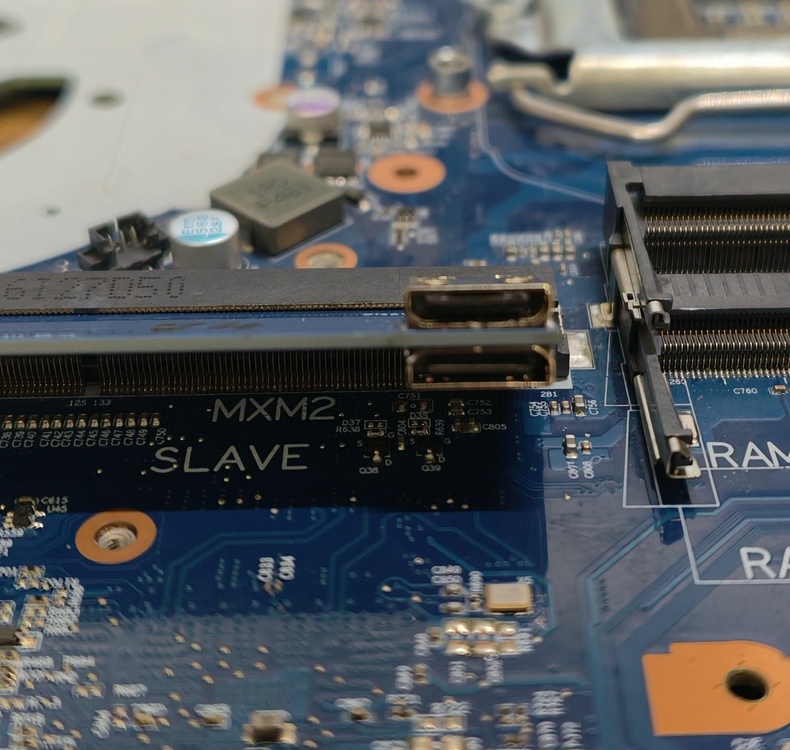
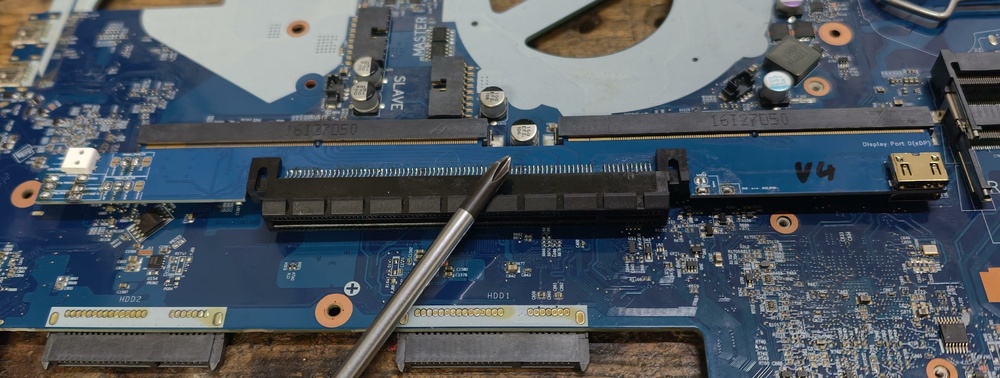
World's first MXM SLI on PCI-E 16x connection. The P870 can only support 8x per MXM slot because the necessary connections are missing! And a small hardware change is also required to enable 16x, as it's currently disabled at the hardware level! I even tried rerouting the connections from the slave MXM port to the master MX port on a P870TM motherboard. It actually worked, and you can run all RTX MXM cards at 16x! Tested with AMD ,RTX2060, 380 and 4070 Th mini HDMi is one for internal Display and one for external Display port Conector on mainboard. Also Works with internal Display. The Connection is from DP Port on card to Mini HDMI Connector (The Mnini HDMI is A Display port connector !) The mini HDMI was only practical because it is very thin and a mini DisplayPort would be too thick.
-
that is the difference. I know it's not out of date! I've been playing COD for 6 years on my p870km with 2080 with 2k resolution and approx. 100FPS 165HZ what more do I need. why should the x170 be obsolete in 2 years! I have a p570wm3 with 1080 and E5 1680 V2 an 8 core so you can still play the new cod with 65 FPS. what's the point if I have 150 FPS!??? nothing !!!!!! I can still play with the x170 in 5 years without any problems...
-
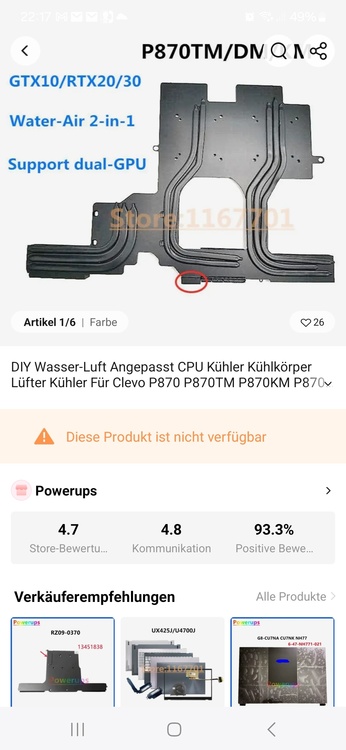
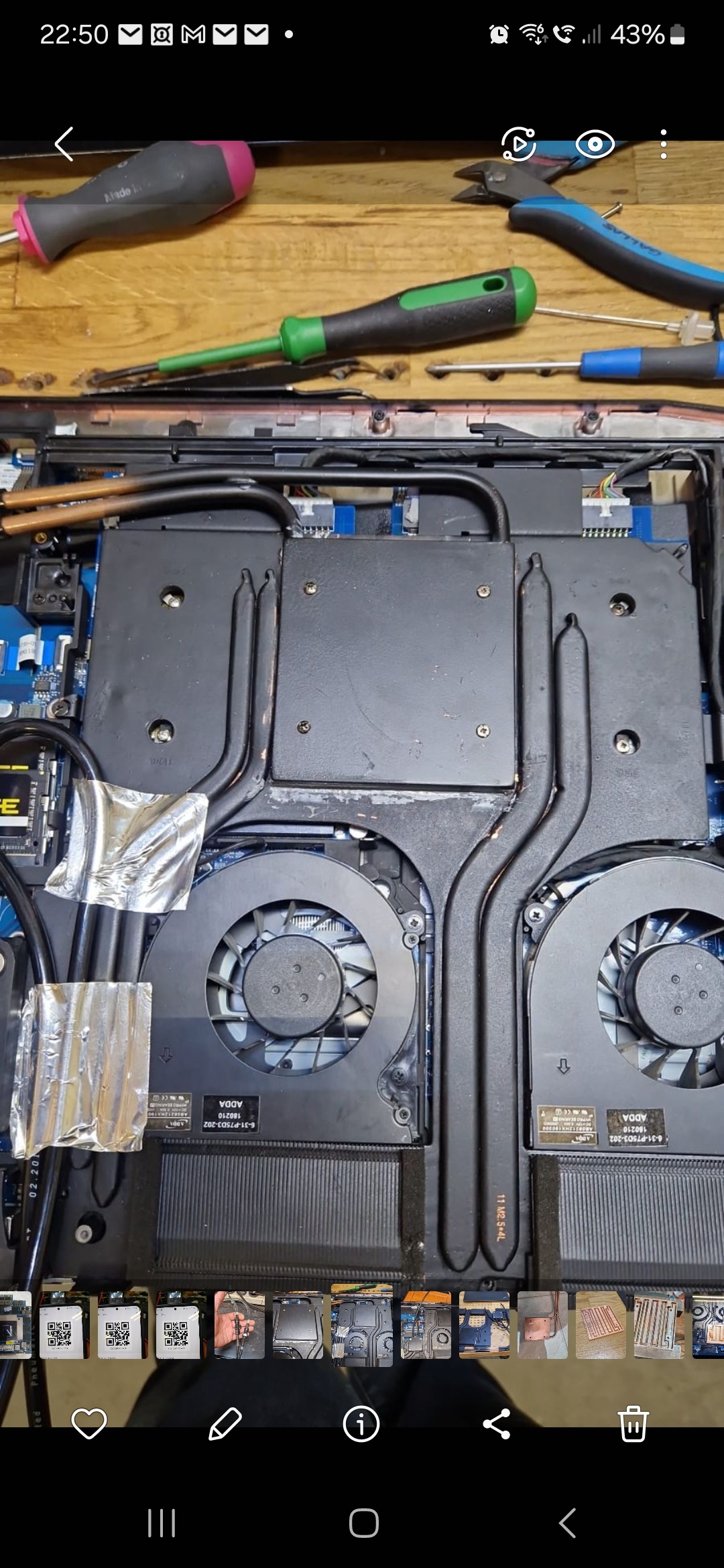
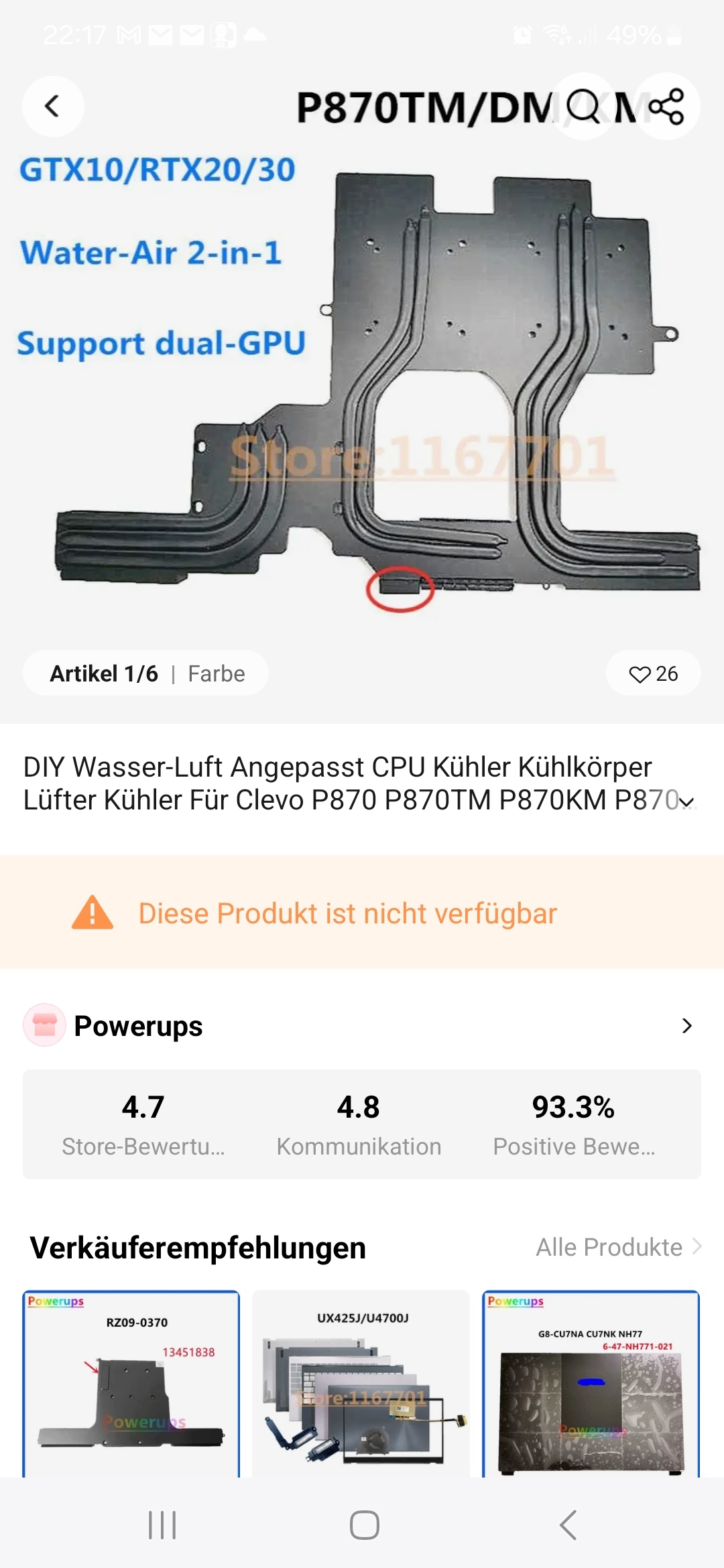
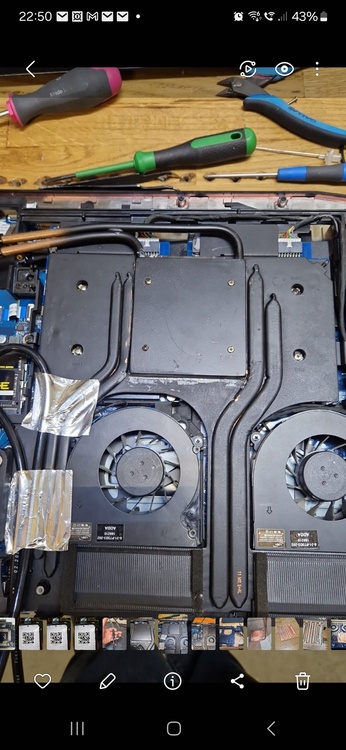
Sli system P870TM 3080 only for benchmark. And this colling system reduced 400 watt. And the original air colling system still works.... but nothing can cooling 2x 3080 with air cooling. And you can close the housing cover
-
I have already built and sold a lot of cooling. For nothing, I don't do that it should stay mobile. I thought a lot with my heat exchangers. They are calculated in such a way that you can reduce 200-300 watts of power. Only with those from AliExpress it doesn't work, too little flow! And only air cooling doesn't work at all! The original vapor is even better!
-
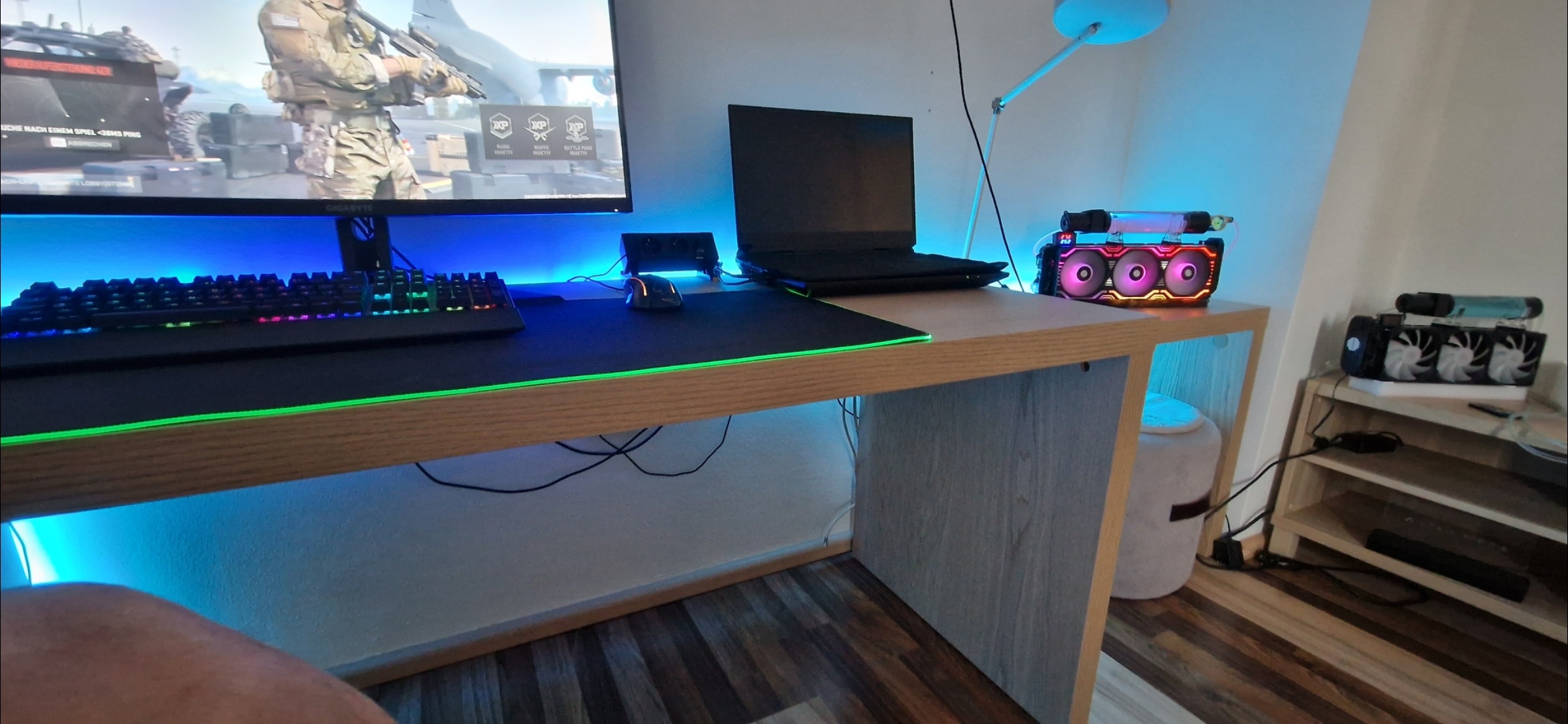
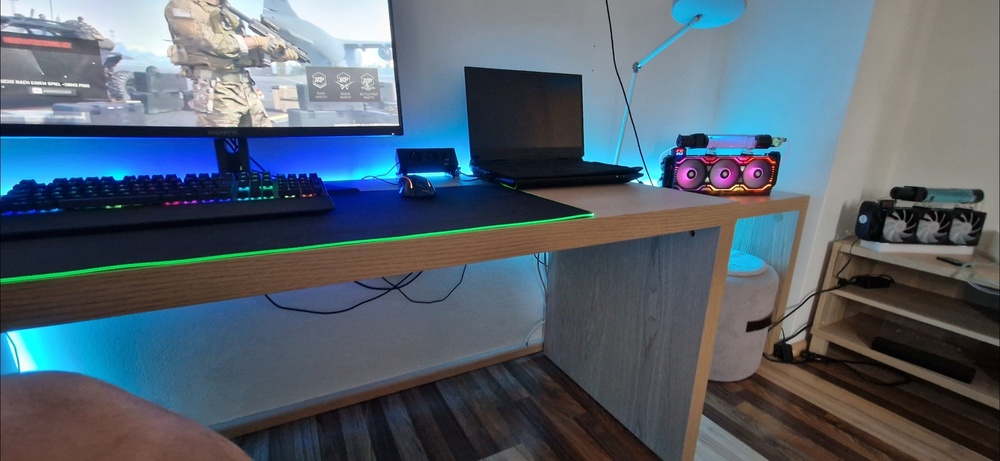
First x170 wathercooling is mobile, The system quickly has clutches for stiling. And my all other p870km colling system. Is mobile. And baddemichl result on 3d mark with 9900ks with 3080 is 29200 points in firestrike. With my colling system !! 🙂 🤣🤣😂🤣 https://www.3dmark.com/fs/29653049
-
-
.
-


-
Ha ha ha is very shit wather colling is shit, air colling is more shit ha ha. I have bought for 4 years. And i sold . Is very shit !!!. Why water cooling. !? Because the P870xx and the X170 is extremely loud and just annoying with headphones !! My cooling does not make any noise and the GPU has a maximum of 44 degrees at 100% load. Yes for the 5 minutes of benchmark 48 degrees is great but when gaming after 2 hours the laptop glows !!! This is the truth !!!! Mine still has 44 degrees after 2 hours! 😉