JuliusCesare
-
Posts
9 -
Joined
-
Last visited
Content Type
Profiles
Forums
Events
Everything posted by JuliusCesare
-
@Teo I have not seen any signs of corrosion on the board. I have never had any fluid spills issues with the system. Each of the 4 RAM sticks work fine in slot 3, but the system never completes POST when any or more of the other slots has a stick of RAM in it. Yes, I have done a BIOS reset multiple times. I also load defaults every time after a BIOS flash. I have read somewhere up this thread that Fn+D or Alt+D at boot might reset NVRAM. I did not observe anything resembling a reset of NVRAM after trying the key combination at boot. While I do the BIOS resets, it is possible that there is an operation I'm unaware of involving NVRAM. I do not know much about NVRAM except that if I disconnect all power (power cord, regular battery, and the internal CMOS battery) and let the system sit for at least 30 minutes to discharge capacitors, then NVRAM should be cleared. It is possible I could be misinformed about resetting NVRAM and I'm open to other ideas.
-
Hi @Teo, I'm now leaning towards a faulty motherboard. The computer worked with 4 sticks of 16GB RAM for close to 2 years and until it suddenly started the hangs and freezes last month. Thanks for that link. I had previously used it to unlock my previous (stock) BIOS and it work very well. I just wasn't sure if someone here knew of a different method or tool. For now I'm using a humble 16GB and I can work with that.
-
Hi @cedr1k, last weekend I installed the same both the 1.07.09RTR6 and 1.07.09RTR7-G2 in an attempt to improve my memory issues. What I noticed is that my 11900KF had degraded performance even when moving a few GBs in a file manager from one drive to another. The system is not overheating and monitoring RAM, SSD, GPU all show low usage but the CPU is somehow slow. This coming weekend, if I get the time I will revert to something like 1.07.08 and see if the CPU issue persists.
-
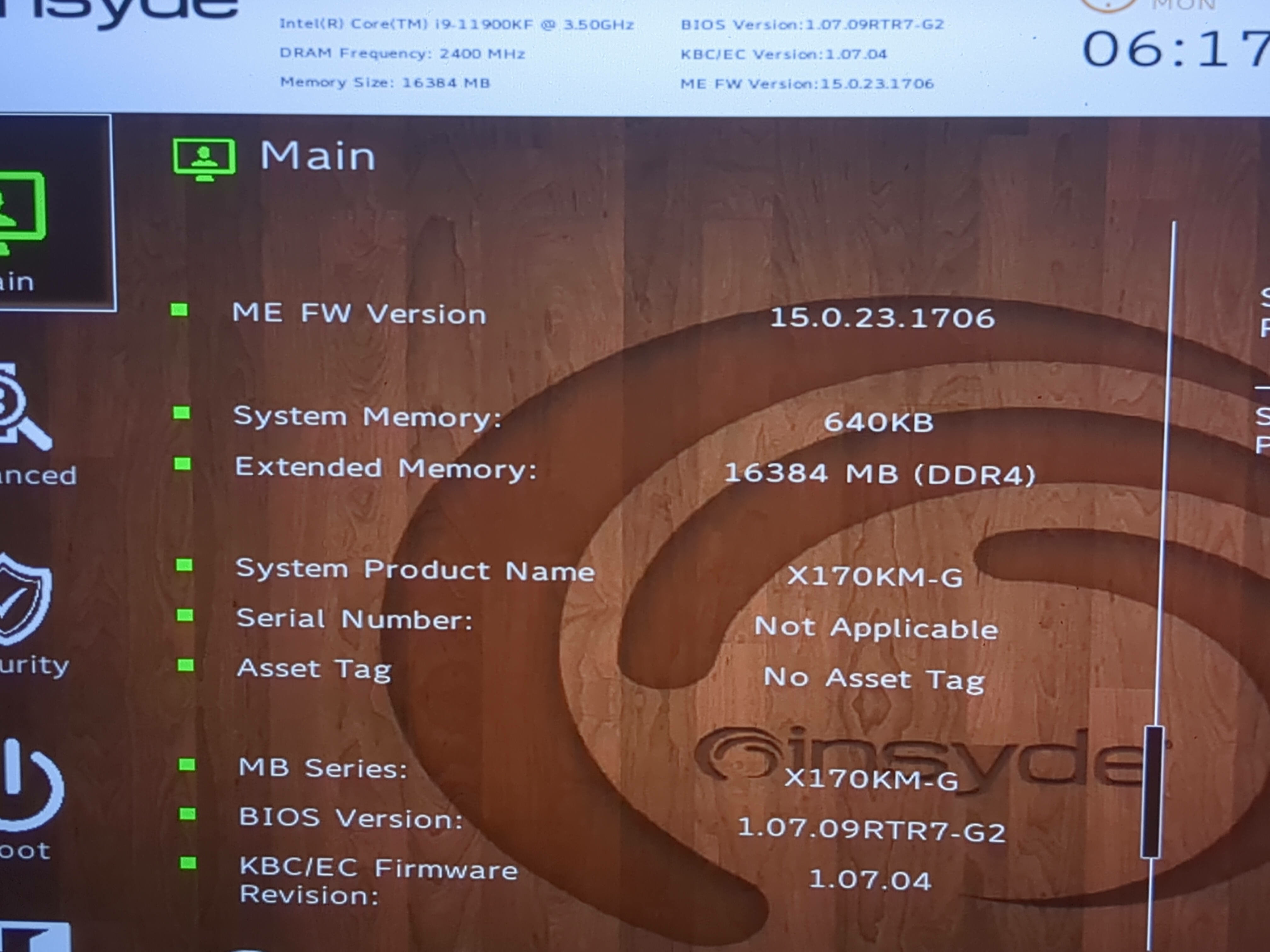
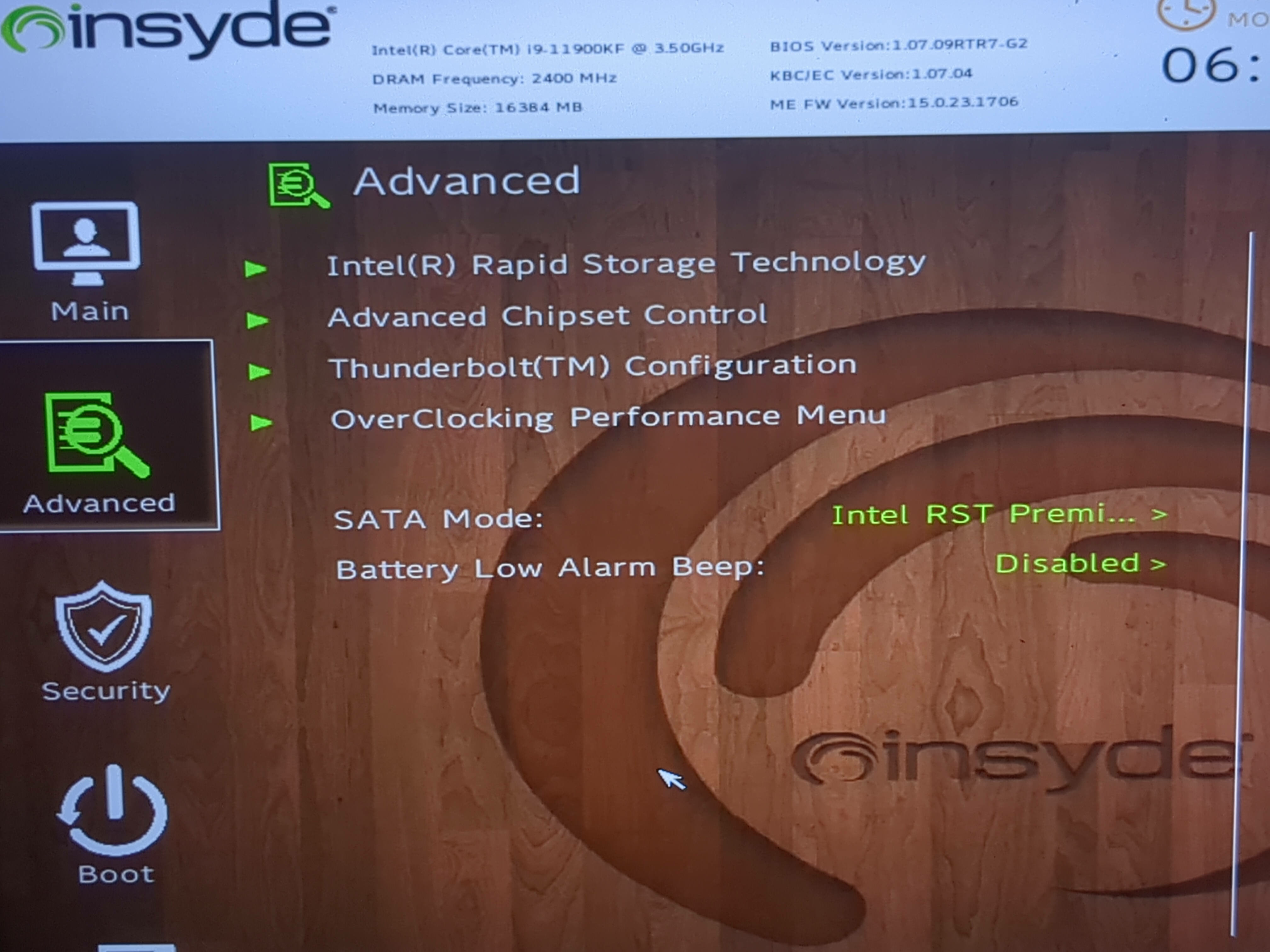
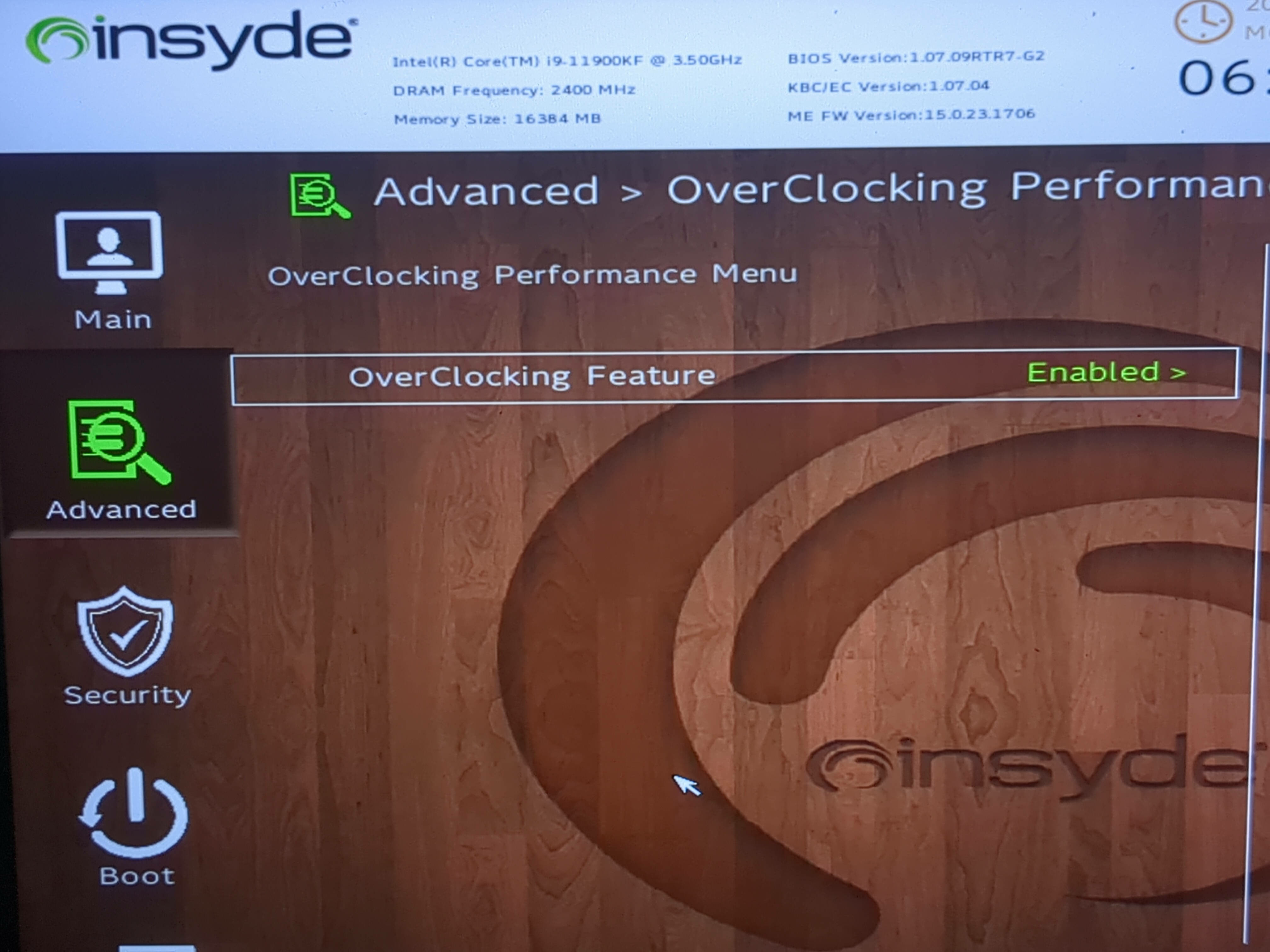
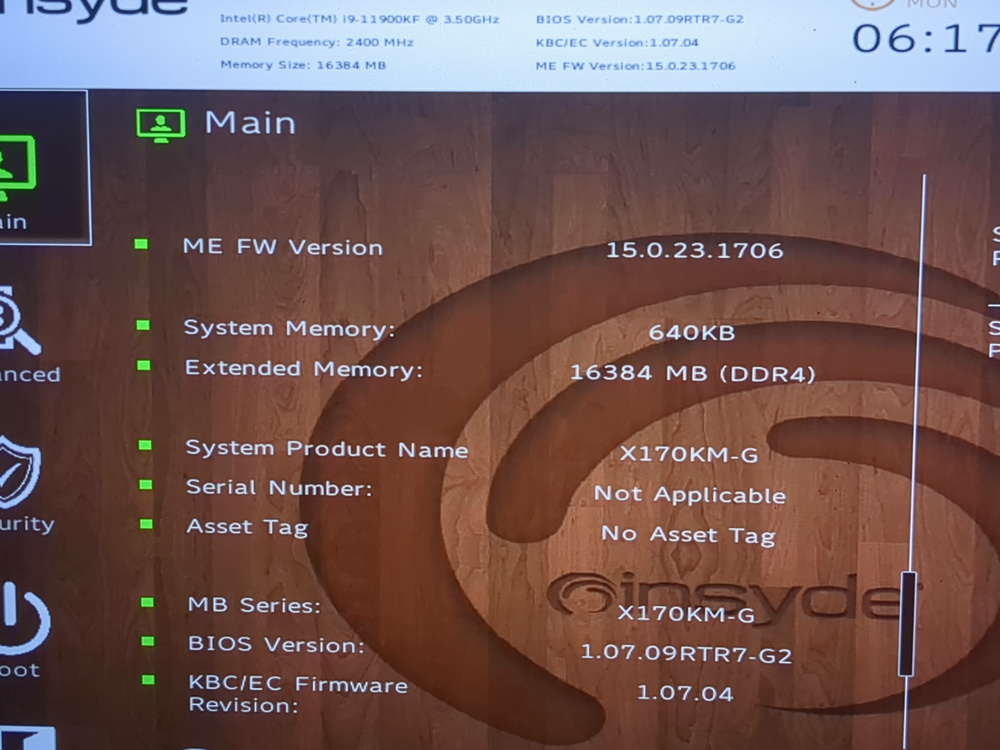
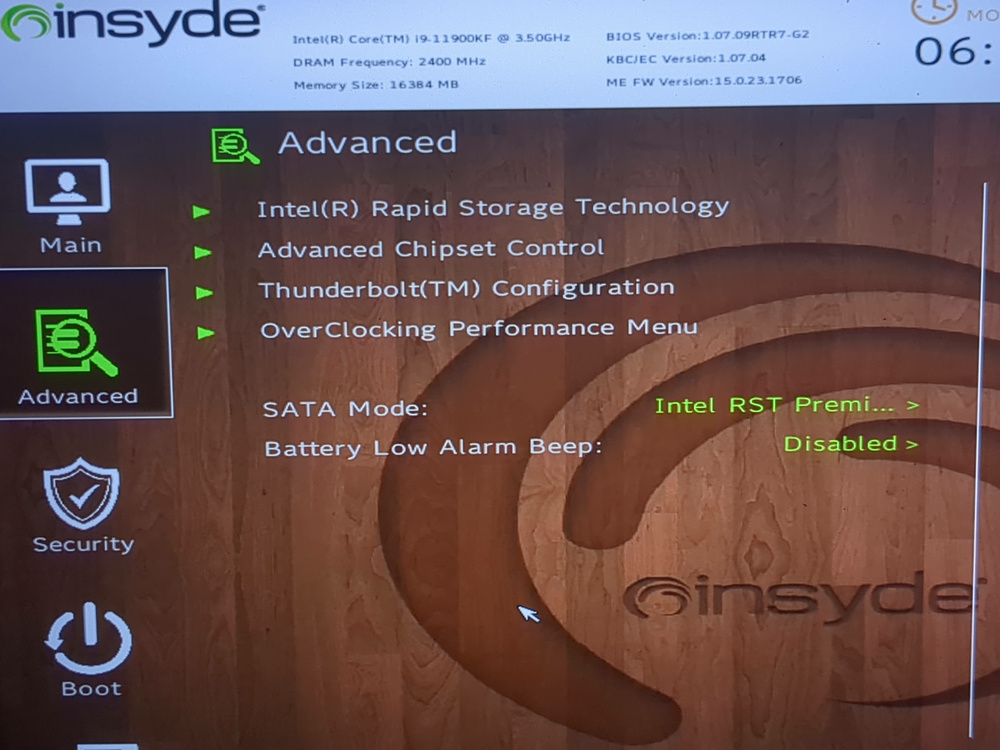
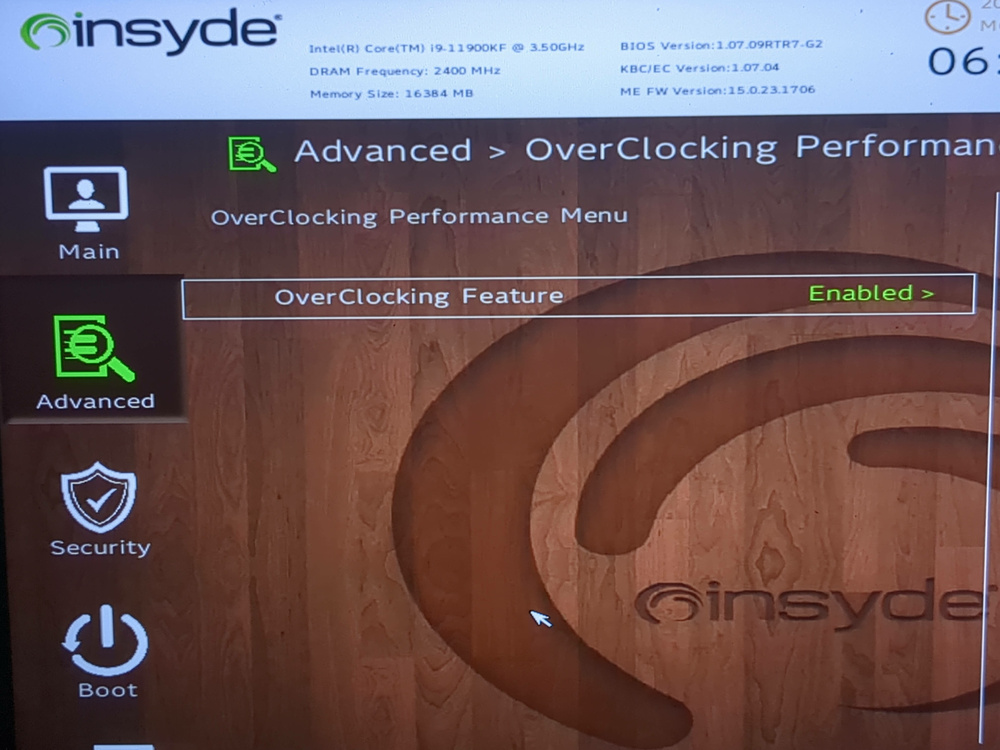
@Teo I installed the 1.07.09RTR6 bios and the system remained stable. However, it could only use 1 stick of RAM in slot 3. So as per bios update instructions, I then installed the 1.07.09RTR7-G2 bios and still the same issue of only working with only 1 stick of RAM (16GB) in slot 3. I also noticed that the overclock settings are locked. A previous post did mention that the unlocking mod works for 1.07.08 bioses and below. However, I did notice that from your pictures, you have 1.07.09RTR6 unlocked. How did you unlock it? I am thinking have the memory overclock menu unlocked could give me options to change memory settings so that I can use more than only 1 stick of RAM. EDIT: Btw, to add more information, when I installed 2, 3, or 4 sticks of RAM, the system will turn on, keyboard lights up, fans will spin loudly for a few seconds as usual, but then the screen is never turned on. The system does stay on and at first I thought it was training memory after a new configuration but then it stays in that state and never restarts or proceed to turn on the screen and the rest of the boot process. I don't know if this extra information might be of any use in understanding why more sticks of RAM do not let the system complete the boot process.
-
@Teo I will try the XMG BIOS after I get a programmer. My goal is to have 64GB of RAM (32 at least) because I do run VMs a lot. If RAM wasn't crazy expensive at the moment, I would also look at replacing the sticks I have but I will have to try other solutions first. BTW, that is an impressive amount of copper for your cooler. I will also look into liquid cooling as soon as I get the funds.
-
@strijrator Before I did anything else, I removed the heatsink assembly and reapplied thermal paste to both the CPU and GPU. I have 2 pairs of 16GB sticks to make 64GB total. The system ran fine with 64GB without any issues until the beginning of Decemeber when the freezes started. I forgot the brand of one unlabeled pair but the other pair is Crucial rated for 2400MT/s (CT16G4SFD824A.M16FE). Checking dmidecode shows the Configured Memory Speed is 2400MT/s for the single Crucial stick I have installed. Then I tried various combinations of RAM sticks and slots. I noticed the system was POSTing only with one RAM stick in slot 3, as observed earlier. In any case, I decided to see if the single 16GB stick would result in stable operation. I was able to run Windows and I briefly played a game and I did not notice any issues. Then I switched to Linux, played another and this time the game did push both the CPU and GPU and the cooling was okay. Unfortunately, I did not record actual temperatures but the system was definitely stable. I will use the computer in this state for another day to see if any of the programs I use will cause any issues. As for the BIOS, I was not sure where to get a good BIOS. I did find https://support.originpc.com/hc/en-us/articles/28376120239245-Drivers-Manuals-BIOS-EC-Firmware and I have not yet installed it. Is it a good BIOS or is it better to install one from a different manufacturer?
-
It just freezes and I have to manually shut it down. No, I did not change any hardware. At first I thought my RAM was faulty. I did run multiple RAM tests from a Linux ISO and no RAM issues were found. @strijrator Today I managed to boot into Windows (the Windows reset never actually worked because the system always froze at 48%, presumably before any changes were done to the SSD) and I noticed in CPU-Z that my frequency was constantly high around 5GHz all the time, even when the system was idle. Changing the Windows perfomance mode to Balanced gave the expected normal idle frequency. I then tried a few programs that would previously cause a freeze and the system did not freeze. I will note that I was only able to boot with only one 16GB RAM stick in slot 3. I will try to incrementally add the other 3 sticks to see if it is indeed a RAM issue. I doubt it is a Windows Power Management from the OS itself because I have experienced the same freezes from my Linux installation on the same system.
-
@Teo In early December my system would randomly get freezes and then the problem stopped until yesterday when my system suddenly froze when I was not running anything heavy on the CPU. I have a i9-11900KF and I have been searching online if the processor has unstability issues and I have not found anything so far. My SSD is not running hot but the CPU (or maybe GPU?) certainly is getting hot. I cannot get actual temperature values since the system locks up everything just before the any CPU monitor software shows the temperature change. While trying to do the offline Windows reset, the system freezes at exactly 48% and then the fans start spinning faster and louder. The system does not restart - it just remains frozen while the CPU gets hotter and fans get louder. My BIOS is unlocked but I have not yet tweaked anything for both the CPU and memory, so all settings should be the defaults. I unlocked the BIOS hoping to test integrated graphics on a non-F processor at some point in the future, but I have not yet found a processor to test with. Do you know of any possible solutions to keep the CPU from getting hot? My system is Origin X170KM-G i9-11900KF RAM: 64GB DRAM Freq.: 2400MHz GPU: RTX 3060 BIOS: 1.07.07TOPC EC: 1.07.04
-
Hi everyone, a few months ago I installed Linux on my Origin EON17-X and all works well except for the fingerprint sensor. I do understand that the sensor drivers will likely never be available for Linux and that's okay with me. My issue is that my touchpad (by looking at mouse pointer) now randomly freezes while I am using it. The way I can get the pointer to move again is by running my finger across the fingerprint sensor repeatedly, until the point moves. I have to do this every 20-30 minutes. I have thought of disabling the finger print sensor but all instructions/guides I can find online have commands that are not working on my system. In any case, I figured that someone here might have a better solution to this issue. If anyone here knows of a solution, where you know some kind of driver that works or a way to turn off the fingerprint sensor altogether, please let me know. Any help would be greatly appreciated.