e_mc_square
-
Posts
1 -
Joined
-
Last visited
e_mc_square's Achievements


-
AW 18 with QUADRO RTX 3000 - TDP 40W problem
e_mc_square replied to sliderfra's topic in Alienware 18 and M18x
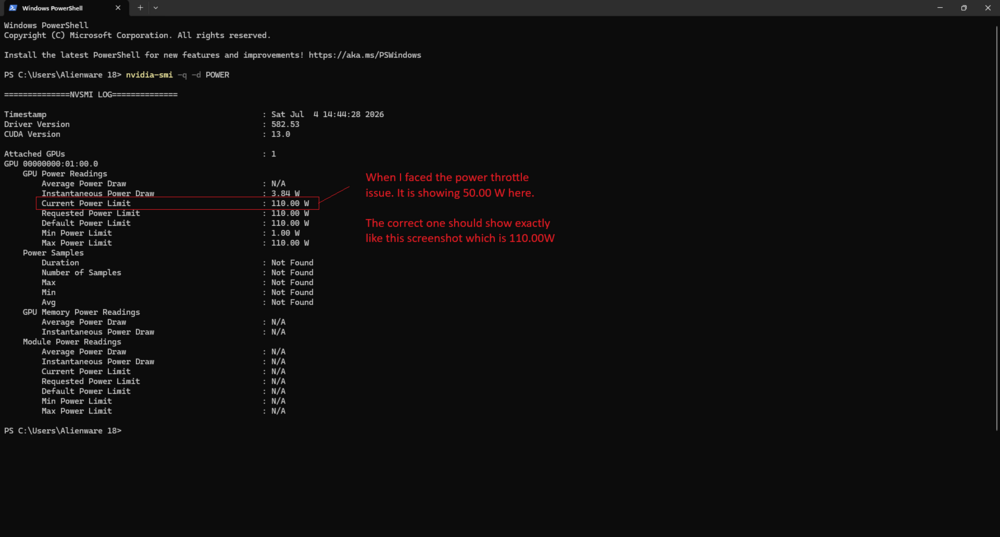
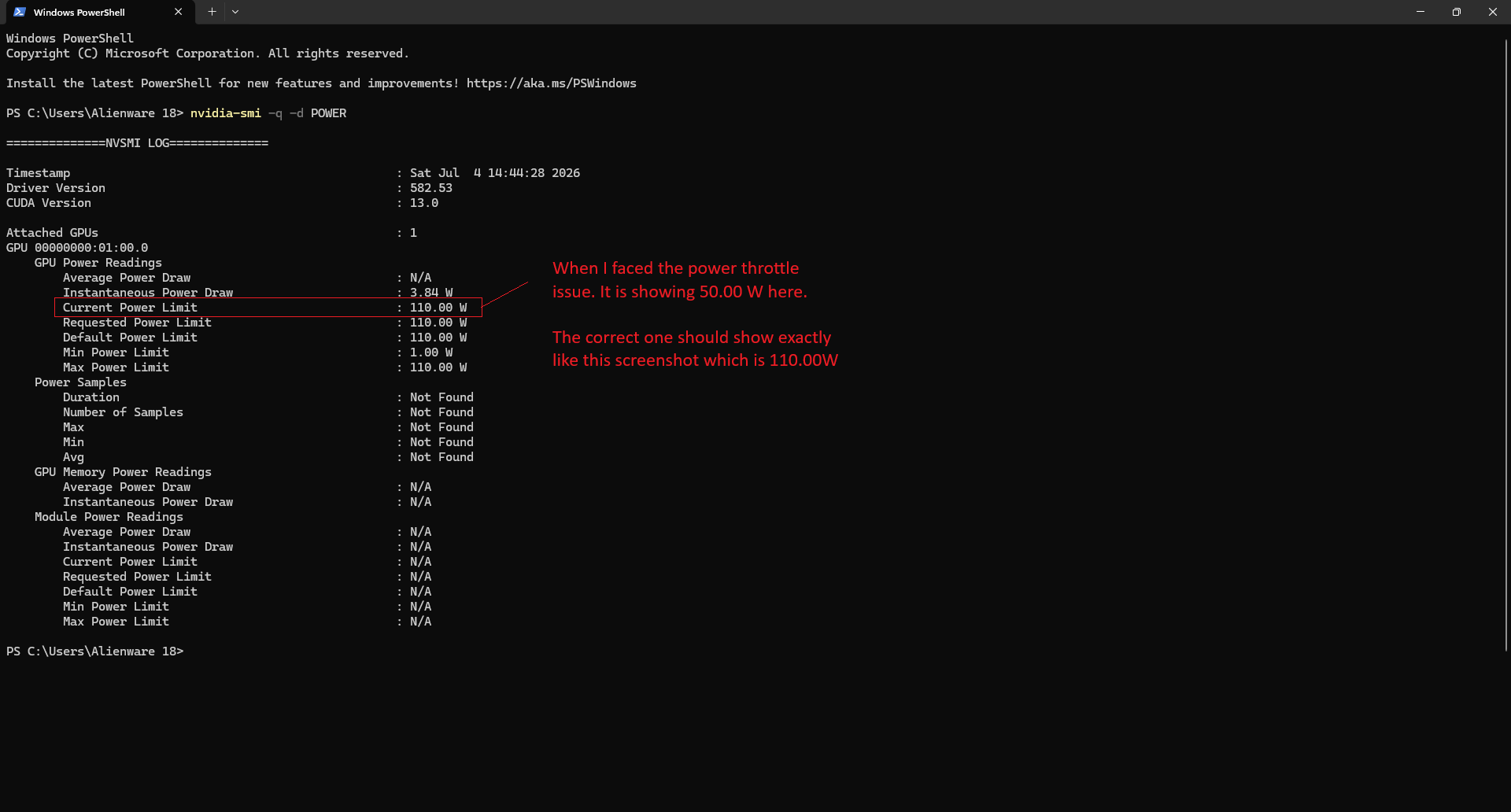
Hi everyone, hopefully I'm not too late to contribute to this discussion. It's been quite a while since I installed the P4200 in my Alienware 18. Recently, out of curiosity, I decided to try something different by modifying the INF file and installing the GeForce driver instead of the Quadro driver. After doing that, I noticed my laptop started behaving strangely. The GPU was no longer performing as well as it used to, so I began investigating the issue. Eventually, I came across this thread and realized I was experiencing the exact same problem. My GPU was being power-throttled at 50W. However, I'm certain my P4200 never had this 50W power limit before. Here's what I did to restore normal performance: Used DDU in Safe Mode to completely uninstall both the Intel and NVIDIA drivers. Rebooted and disabled Driver Signature Enforcement. Installed the GPU driver first (I used an INF-modded version: 582.53 Quadro RTX Desktop/Notebook DCH WHQL). Without rebooting, installed the Intel graphics driver (win64_15.40.5171.exe). Rebooted the system. After following these steps, my laptop returned to normal and the GPU was no longer stuck at the 50W power limit. One small trick I still have to use is manually setting the fans to 100% using HWiNFO. Otherwise, the GPU will still power-throttle, even when the temperature is only around 60°C. I suspect this may be due to the VRMs overheating rather than the GPU core itself. I hope this information isn't too late and helps anyone else who runs into the same issue. Attachment is to show the GPU Power Limit and your motherboard/ec power limit.