
Durabat
-
Posts
32 -
Joined
-
Last visited


Durabat's Achievements






-
I saw you had a 4090 in your 17, how it is performing? I assume Xvsion? I've focused on other hobbies but still like the idea and cramming one into one of mine.
-
@ssj92, you're a legend, brother! I'll get this bios on my R3 the next time I dust it off. I really appreciate you guys still tinkering with these old rigs. They aren't nearly as powerful as modern hardware, but they're a ton of fun.
-
 https://www.ebay.com/itm/254297767533 I'm not sure if it's against policy, but here's the x bracket I used. It worked fine for me.
 -
I think I ordered my x bracket off ebay. I needed one with just the "X", the factory one has an extra piece that will hit components in the card. I didn't touch the vbios, just used nvcleanstall to modify the latest driver at the time and it works perfect. I don't notice any throttling, though I don't gsme on it all that much either. Just for the fun of it.
-
Looking forward to hearing how it goes. I took got the RTX 3080 from them and yes, weird purchase process but I did it through PayPal. Got my heatsink off ebay and it actually went very smoothly. Quick modded driver and it's been running for months with not a single issue yet. I wish the 4080 and 4090 weren't so expensive, I have more M18x's laying around aswell as a M17x R4 with 120hz screen waiting for a gpu upgrade. I can't justify the cost for them right now though.
-
Alienware M17x R4, Struggling to get 3D Working
Durabat replied to Durabat's topic in Alienware 17 and M17x
Honestly I never got a game actually running. My 3d glasses died, and I haven't been able to try them out since. I got the slide show it has during the setup wizard and it was neat, but that's as far as I got. -
Alienware M17x R4, Struggling to get 3D Working
Durabat replied to Durabat's topic in Alienware 17 and M17x
At this point I've gotten tired of fighting with the software side of things. If that's even what it is. The R3 will run 3D fine, I've gotten it to work a few times but the batteries just died in the glasses and I'll have to fix them(batteries ordered and on the way). It's been a long process and not worth the effort haha. So I've taken a break from working on them. Also just picked up a 3rd M18x R2, I may have a problem haha. My thoughts are, as of now to let the R3 be the 3D rig(I have a spare desktop I can throw a 2080 Ti in if I get more interested in 3D) and upgrading the R4's to more modern GPU's(maybe 1070m in one and something better in the other) just to utilize the 120hz screens and forget about 3D in them, and put the 680M's in one of the M18x's in SLI. It'd be neat to see how it handles some older titles in an original configuration compared to the one with the 3080m. Maybe even the 3rd with 980m sli just for fun. -
Alienware M17x R4, Struggling to get 3D Working
Durabat replied to Durabat's topic in Alienware 17 and M17x
Good to know, thanks. I'll look for a 580M then. Anything will be better than a 460M lol -
Alienware M17x R4, Struggling to get 3D Working
Durabat replied to Durabat's topic in Alienware 17 and M17x
Never got the R4's to work with 3D. I'll figure it out at some point. Windows 10 seemed to be more promising than Windows 11, but the R3 is running in 3D currently on Windows 11 so I'll just leave it at that for now. I'll throw an 880M in it and see what it can do. -
WTB Alienware M18X and M17X R4 Microfiber Sleeves(Preferably Nebula Red)
Durabat replied to Durabat's topic in Want to Buy
Ok, yeah. Definitely would be interested in that. Sent you a PM. -
WTB Alienware M18X and M17X R4 Microfiber Sleeves(Preferably Nebula Red)
Durabat replied to Durabat's topic in Want to Buy
Which size? -
Alienware M17x R4, Struggling to get 3D Working
Durabat replied to Durabat's topic in Alienware 17 and M17x
Nope, running stock files. I was running unlocked A15, but downgraded to A11 through Dell's site. I went with A11 only because that's the other option listed in your thread for the unlocked bios. After that I had to reinstall the driver for the 680M, but tried stock Nvidia driver and it worked. Prior it would fail, saying incompatible. I should've just read the README file sooner. That would've saved me a ton of work. Tearing these screens apart sucks. I'm still having issues getting 3D to actually work, however it is definitely software related now, not hardware. Setup Wizard starts but fails with message stating "Failed to create D3D Device1". I'm getting close, I think. -
Alienware M17x R4, Struggling to get 3D Working
Durabat replied to Durabat's topic in Alienware 17 and M17x
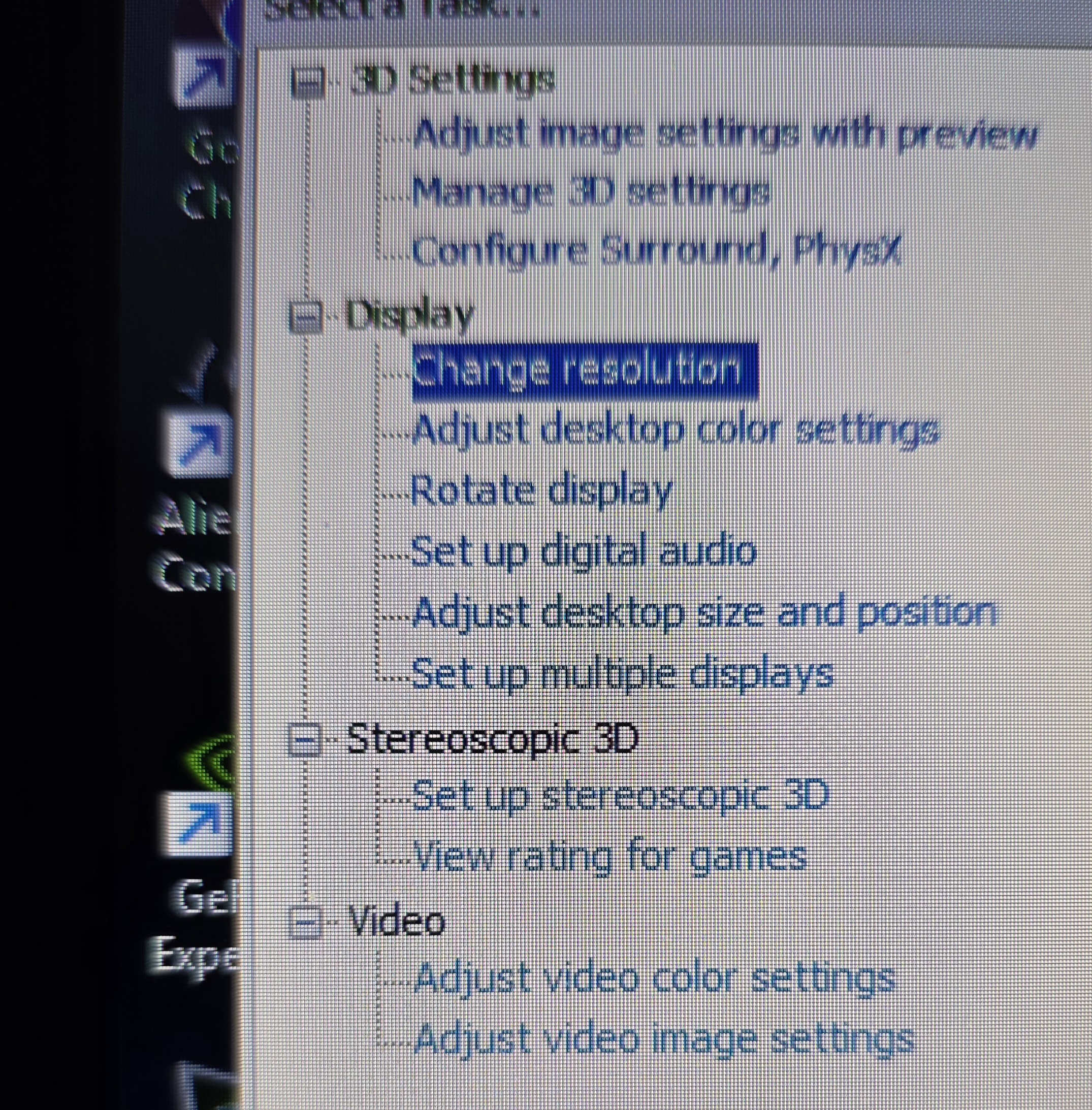
Finally... holy crap. So long story short, unlocked bios A15+ causes 3D compatability issues. Maybe its known, but I read the README text file and saw they changed the device id so that 780m-980m work natively or something, that's why Nvidia drivers wouldn't download straight from their site for this 680M. Even though its the factory card. What a pain, I've been fighting with this for days for that haha. But hey, figured it out. 3D is working and I have a 2nd 3D 120hz screen for my son's laptop.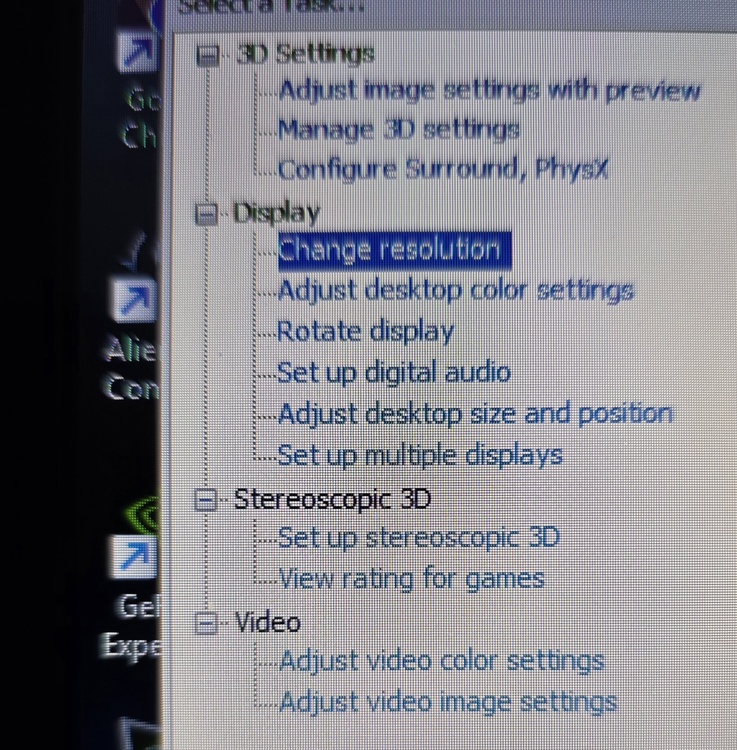
-
Alienware M17x R4, Struggling to get 3D Working
Durabat replied to Durabat's topic in Alienware 17 and M17x
New screen installed, Stereoscopic settings still aren't showing up in Nvidia Control Panel, even after fresh install in drivers. Not sure what's going on now. Just for the heck of it I plugged in a USB emitter and that shows up in 3D Fix Manager but it still shows screen isn't 3D compatible. Yet I ordered the exact part number for the 3D screen for the R4. The R3 is a LG model, while the R4 is a Samsung from what I've read. So that is correct. 120Hz working perfectly fine, just no 3D. -
Alienware M17x R4, Struggling to get 3D Working
Durabat replied to Durabat's topic in Alienware 17 and M17x
Yep, 3d emitter plugged in, both motherboard and emitter in the lid. Which oddly enough looks to be the same part number for both. Hopefully the new screen will solve it.