Yaheo R.
-
Posts
16 -
Joined
-
Last visited
Content Type
Profiles
Forums
Events
Everything posted by Yaheo R.
-
@SuperMG Many many thanks 🙏 🌺 I'll postpone the GPU upgrade process at the moment and when the time comes I know just where to go.. Thanks again
-
@SuperMG What specific GPU we are talking about, is it a 3060? And are there any more affordable options? As for shipping I may arrange an UK West Midlands shipping address..
-
@SuperMG What's the model and compatibility? And if it's in my budget range, I could easily complete the payment and provide you with US Florida shipping address that I'm using for shopping and shipping from US to IQ
-
@SuperMG Hello friend Where I could get my hands on a Turing or ADA GPUs like your magnificent setup
-
@Aaron44126 Sheeesh, so much informative yet above my current experience, I think I should totally give up on it 🥲🥲
-
@Aaron44126 I give up on it, until I noticed the GPU is n17e-G1-a1 which is the GeForce GTX 1060 not the n17e-Q1-A1 which the P3000 😅😅😅😅 So a fast recap: - I got the GPU, black screen ACPI boot loop. - Flashed the ES vbios of P3000 as provided above using programmer, it displays now and boot to windows but can't install drivers. I hope this finding will help us reach a solution Master🙏
-
@Aaron44126 You offered a lot already master thanks a lot all of you.. But I wonder if you can help me with the drivers side please I've flashed vbios using CH341a, it went smoothly booting into windows, the GPU shows under the ID: 1C20 But whatever I try with drivers like modifying inf manually or using the nvcleaninstall I still end up with code 43.. Any tips
-
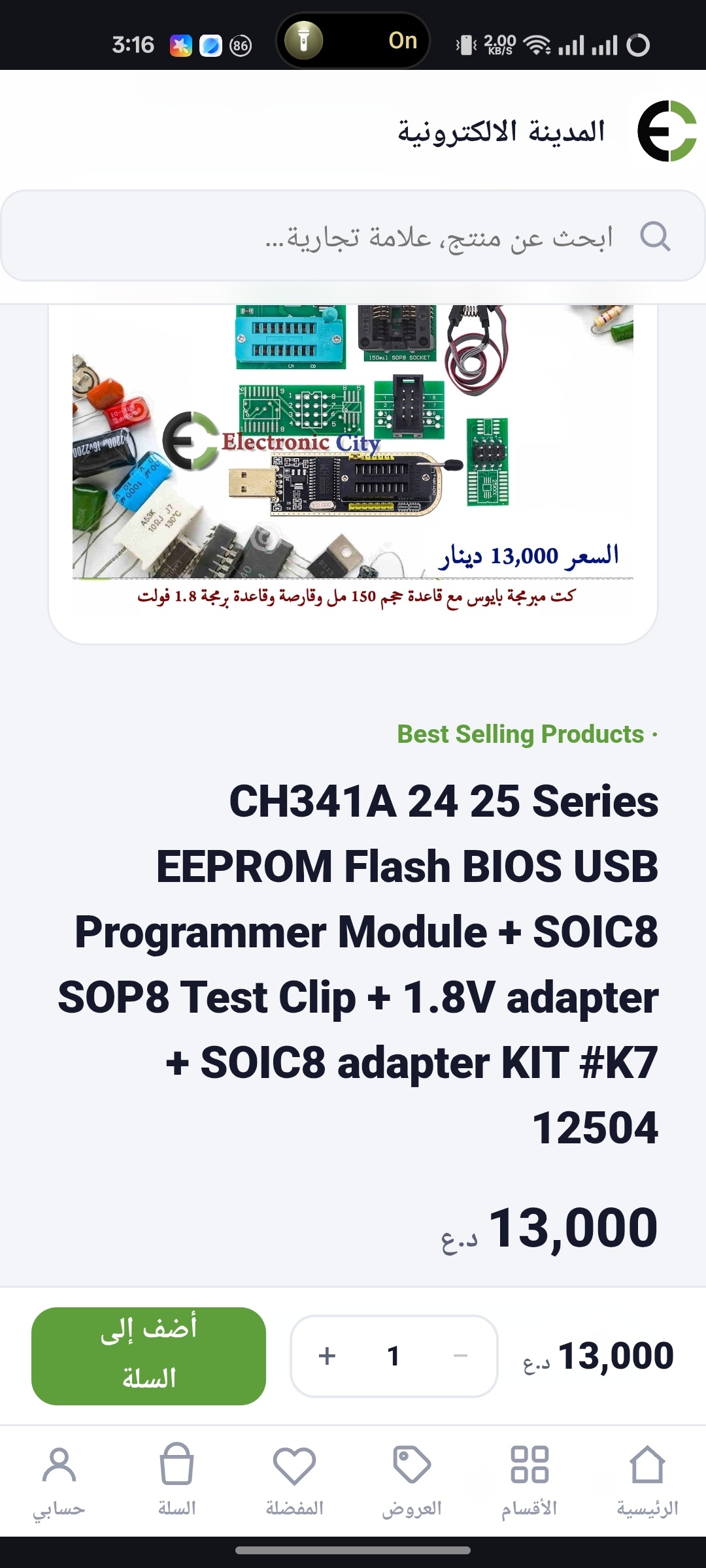
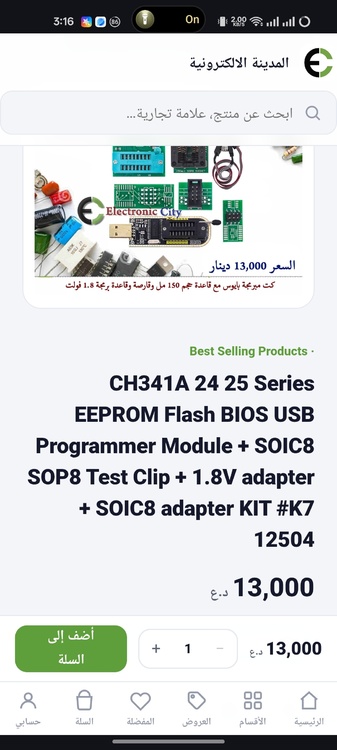
@SuperMG I'm from Iraq. And is this what I need my friend?
-
@SuperMG Cheeers friend🙏 It's really hard to get any kind of mxm gpu in my country, so I really hope a champ here would find a solution.. As for programing I have zero experience with it🥲
-
@SuperMG I can't inject the vbios, whenever I try to boot into freeDos USB with ES files a black screen after dell logo appears 🥲🥲 It's eDP
-
@Aaron44126 It's been a while, I've a successful Upgrade to the S7100X, happy with it but a few months the drivers felt old. I got the Quadro P3000 finally, quite recent drivers updates, everything went good until I've stuck at boot logo thing upon trying to boot into freeDos to flash the es vbios🥲🥲🥲🥲🥲🥲 Please any help will be appreciated Master of the GPUs 🙏
-
Hello there Are there any compatibility issues e.g. (Vbios, physical compatibility) with the RX 580M 8GB @120W? As it is the cheapest and most recent option I had in local stores. Thanks
-
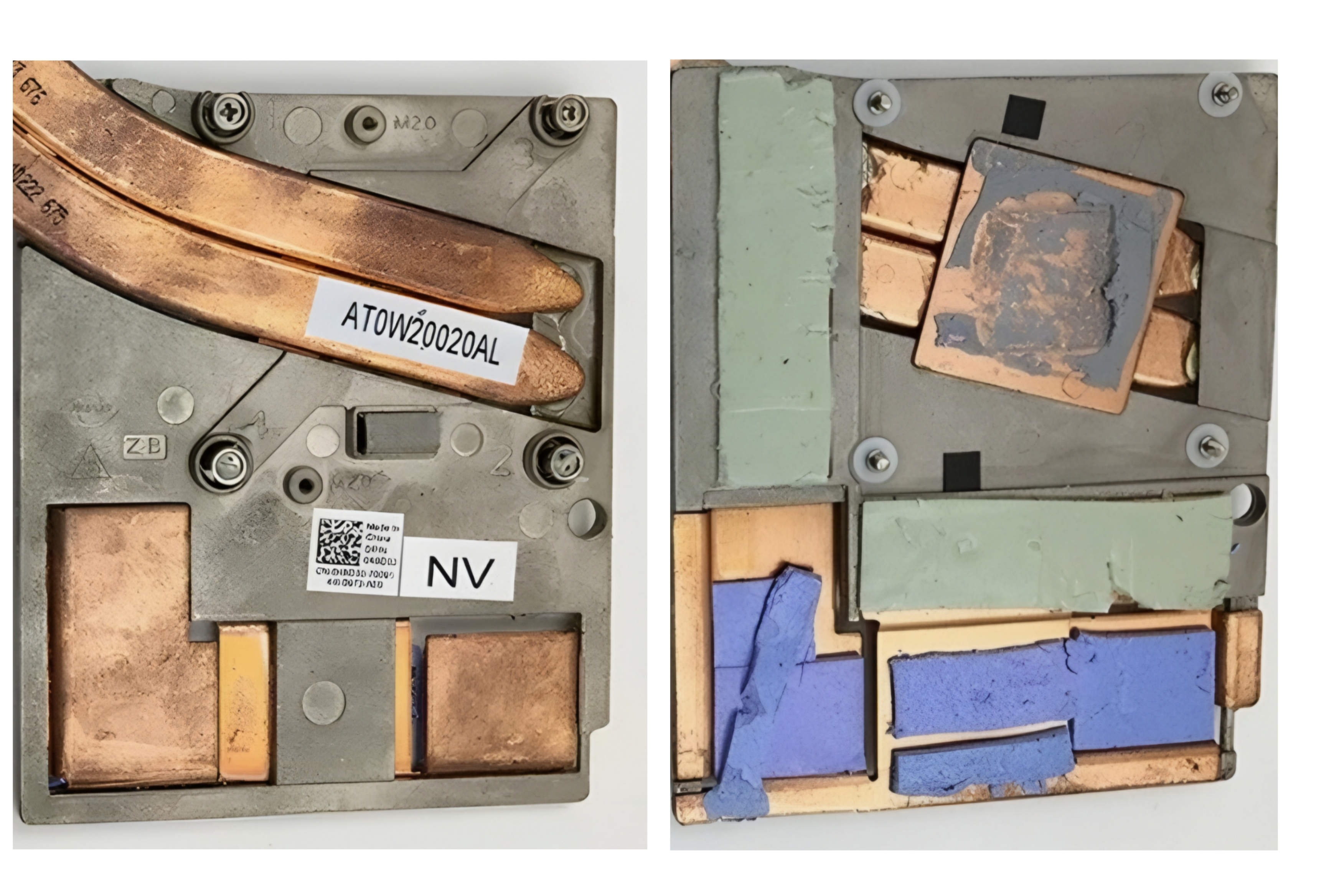
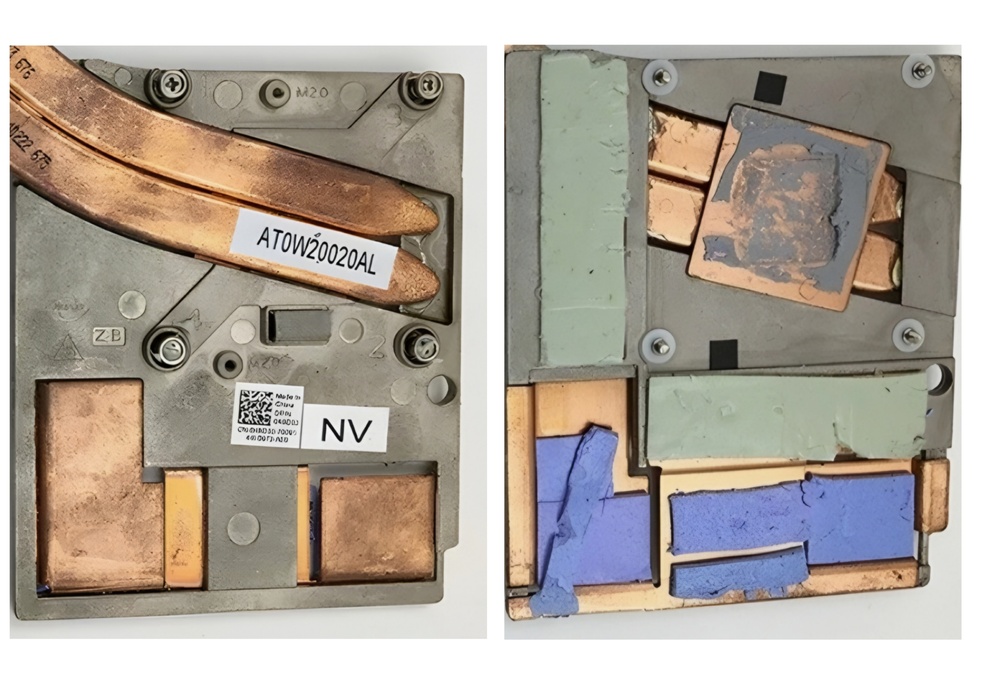
@Aaron44126 I've examined the heatsink, it require precision tools for cutting the bump. Going for an AMD heatsink replacement had the easiest modifications right? Thank you
-
@Aaron44126 Here's good images for both sides of Nvidia heatsink I'm hoping to get a pinpoint to the area to be cut. Excuse my English, please as it isn't my first language.
-
@Aaron44126 That's more like the best roadmap for the upgrade, thanks a lot❤️ Though I have one question, for Nvidia heatsink what part exactly I need to perform a cut on?
-
Good morning/ evening I have a Dell M6800 with i7-4910MQ, Quadro K5100m, FHD Panel hopefully eDP. Due to DX12 limitations I'm considering upgrading to Quadro P3000. I have heard it's a quite complex upgrade needing ES vbios and some sort of heatsink modifications. I'll be really grateful if someone provided me with the needed vbios along with the roadmap of upgrade. Thanks