Selim1905
-
Posts
30 -
Joined
-
Last visited
Selim1905's Achievements






-
Everyone knows that; the point here isn't just about having a new and better PC. Modifying these old machines is a passion. In today's devices, everything is soldered onto the motherboard. It’s like the passion for a classic car sitting in the garage.
-
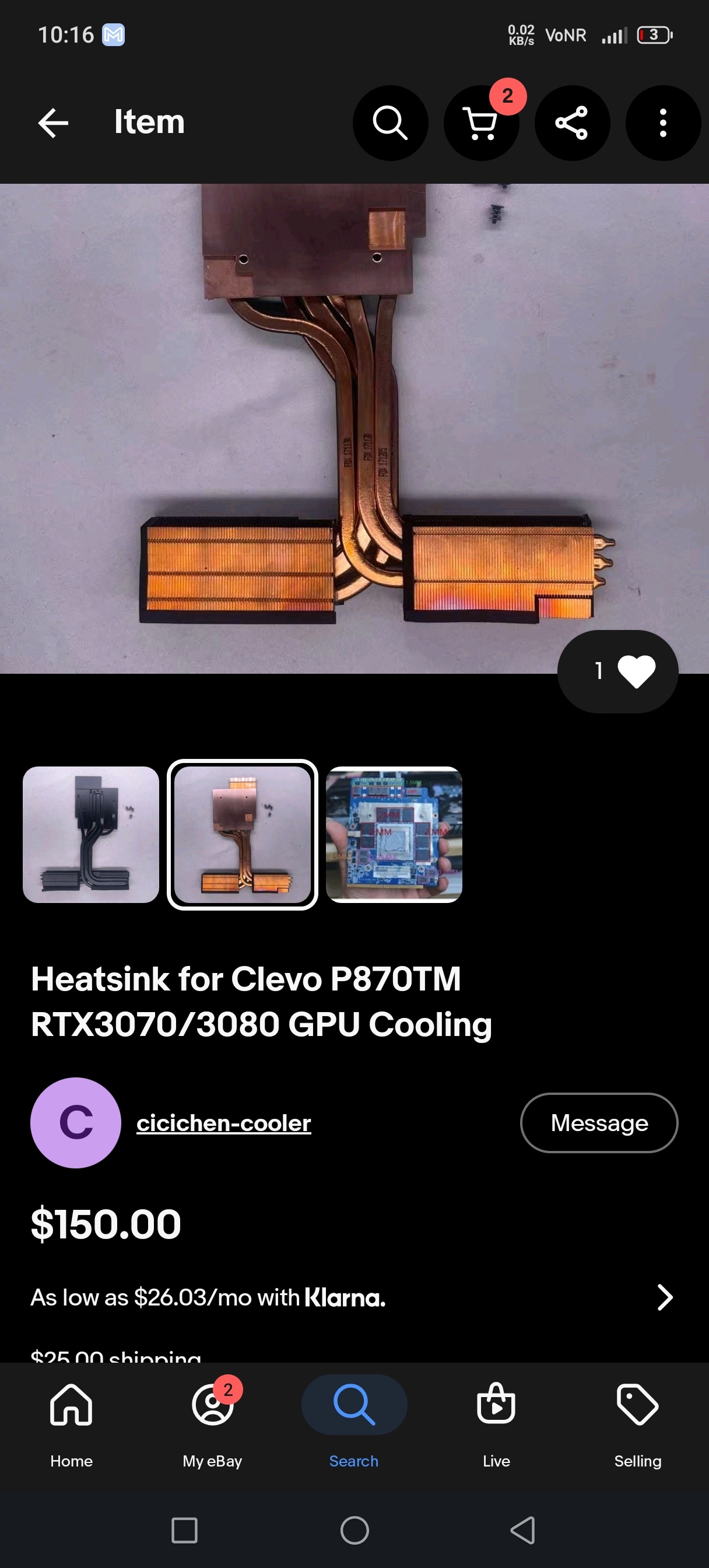
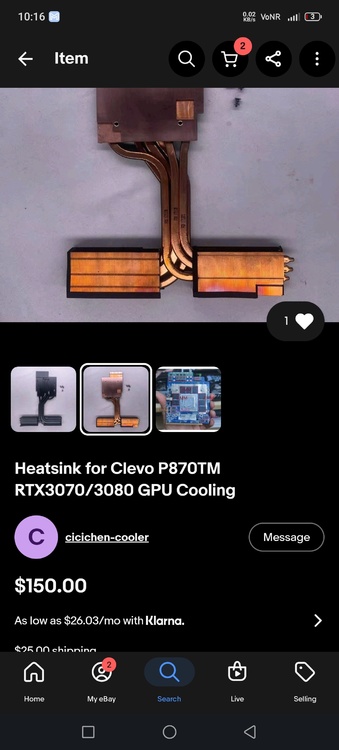
He is again active on eBay
-
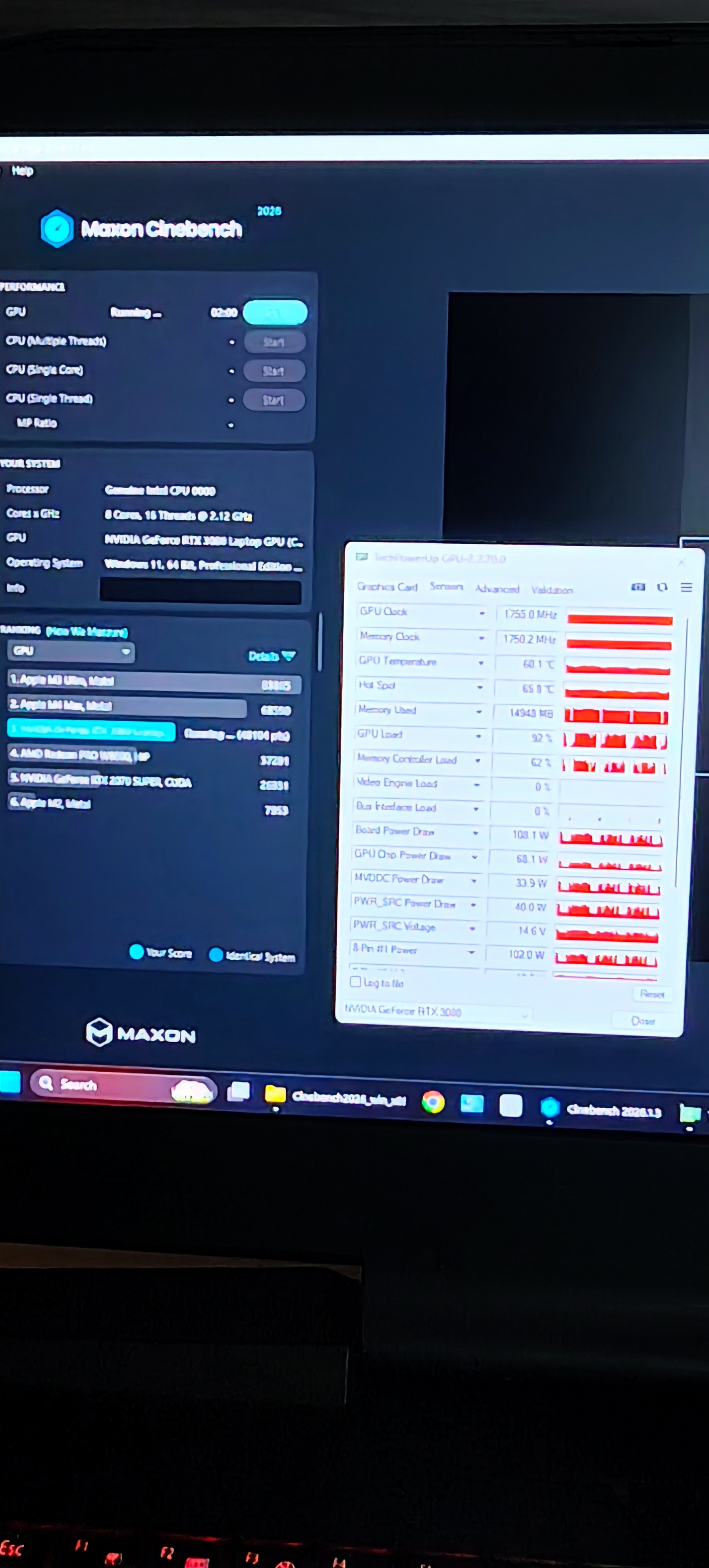
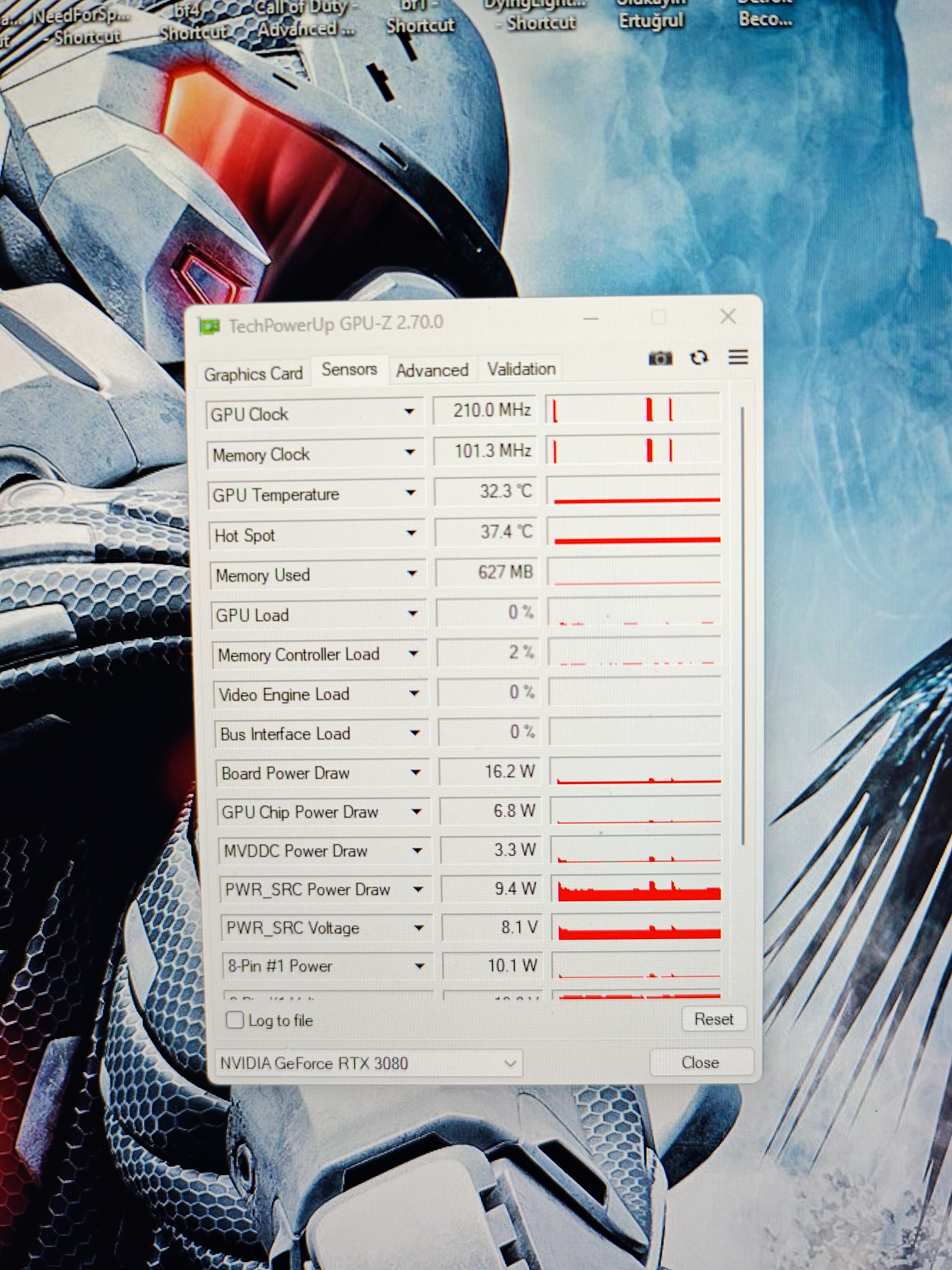
In my opinion, it offers excellent value for money. As I mentioned, the thermal pads are basic; I estimate that with a high-quality thermal pad and the fan at maximum speed, temperatures would stay around 65–72°C.
-
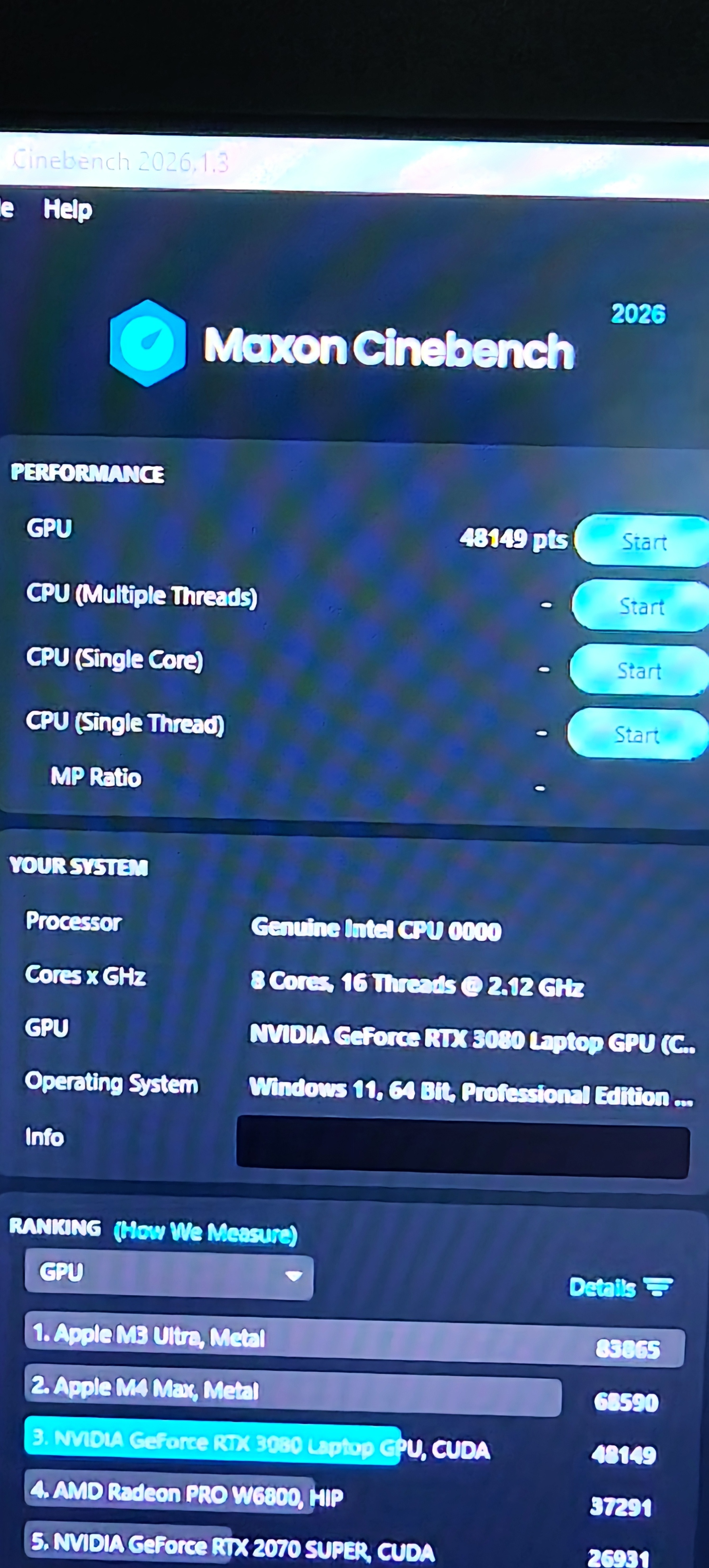
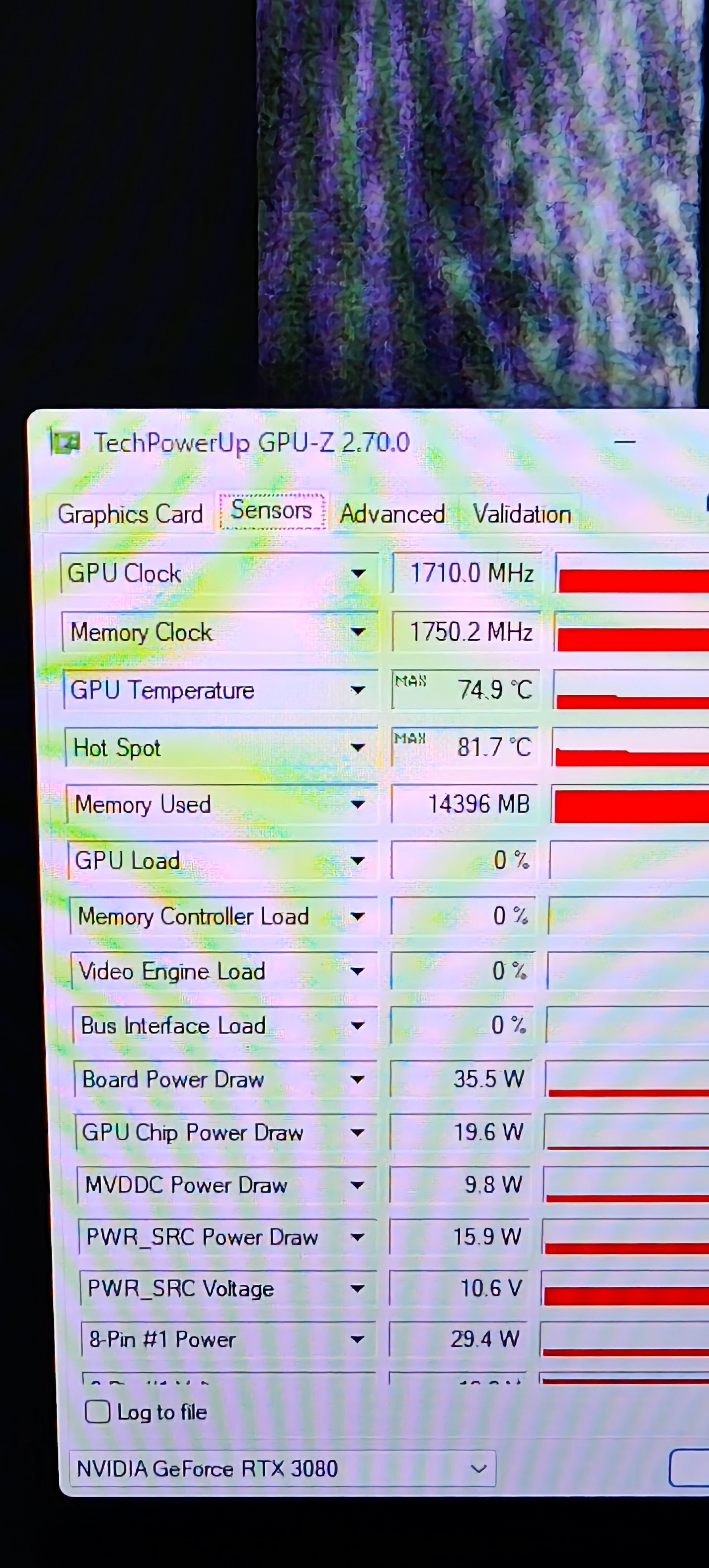
These are the test results. The maximum values recorded here were obtained with the fans running in automatic mode; with the fans set manually to maximum speed, the temperature did not exceed 72°C. The thermal pads I used aren't top-tier; I used mid-quality pads I had on hand for testing purposes. Temperatures could be improved further with better thermal pads and the necessary software fine-tuning. In my opinion, the cooler performs very well.
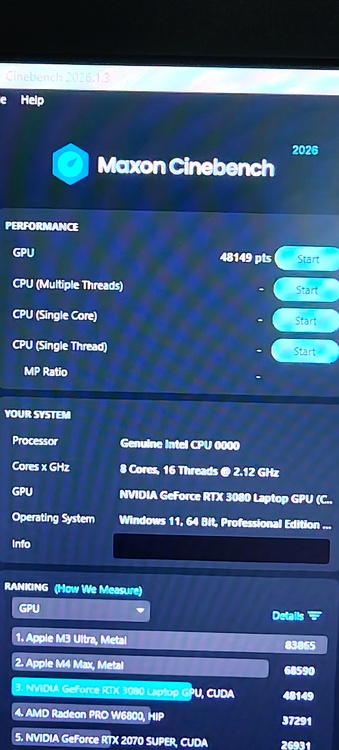
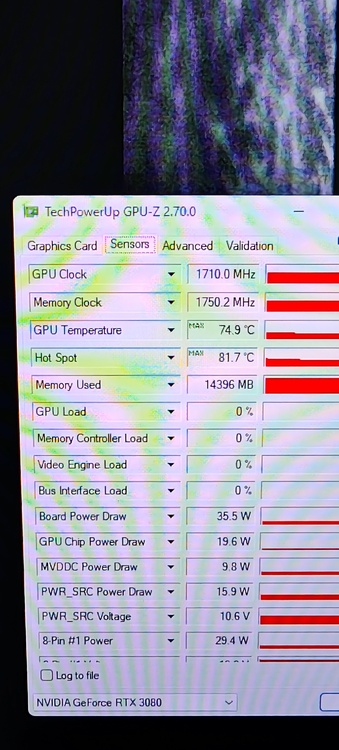
-
These are the average values with the fans at maximum speed. When the fans were on automatic and not running at full speed, I saw peaks around 81–85.
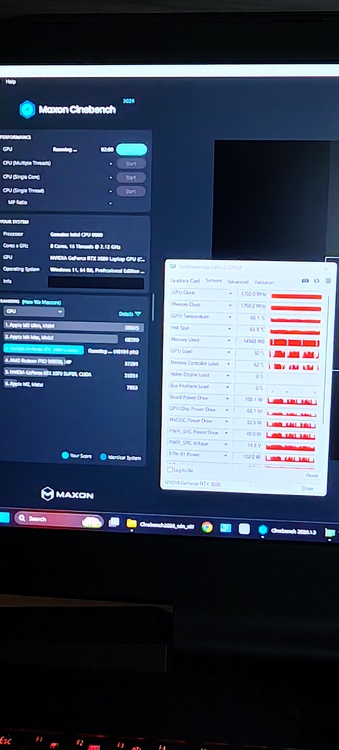
-
Today I try the heatsink it's work very good. I don't have time for detailing test.
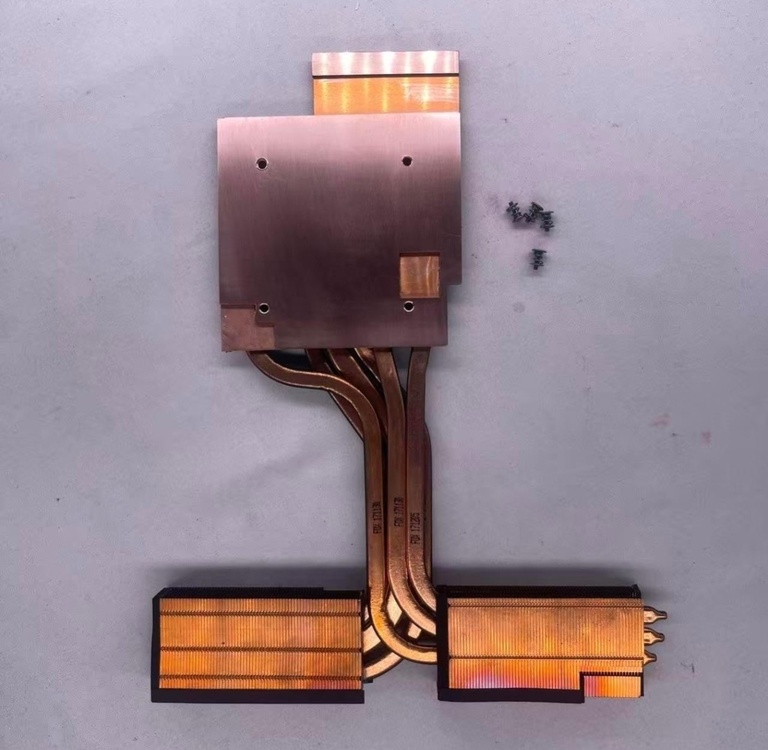
-
eBay chat is working no problem.I was talk on eBay
-
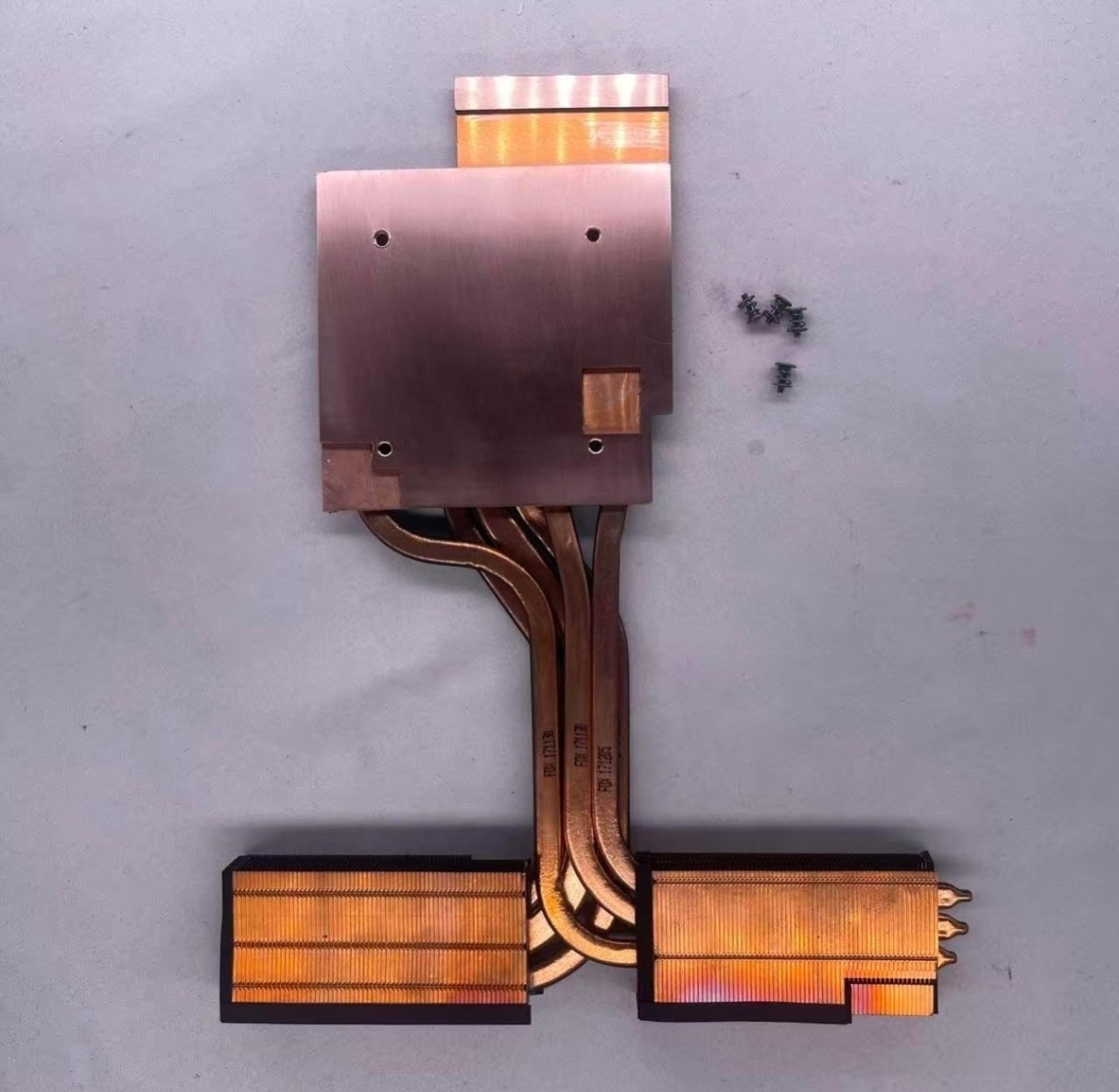
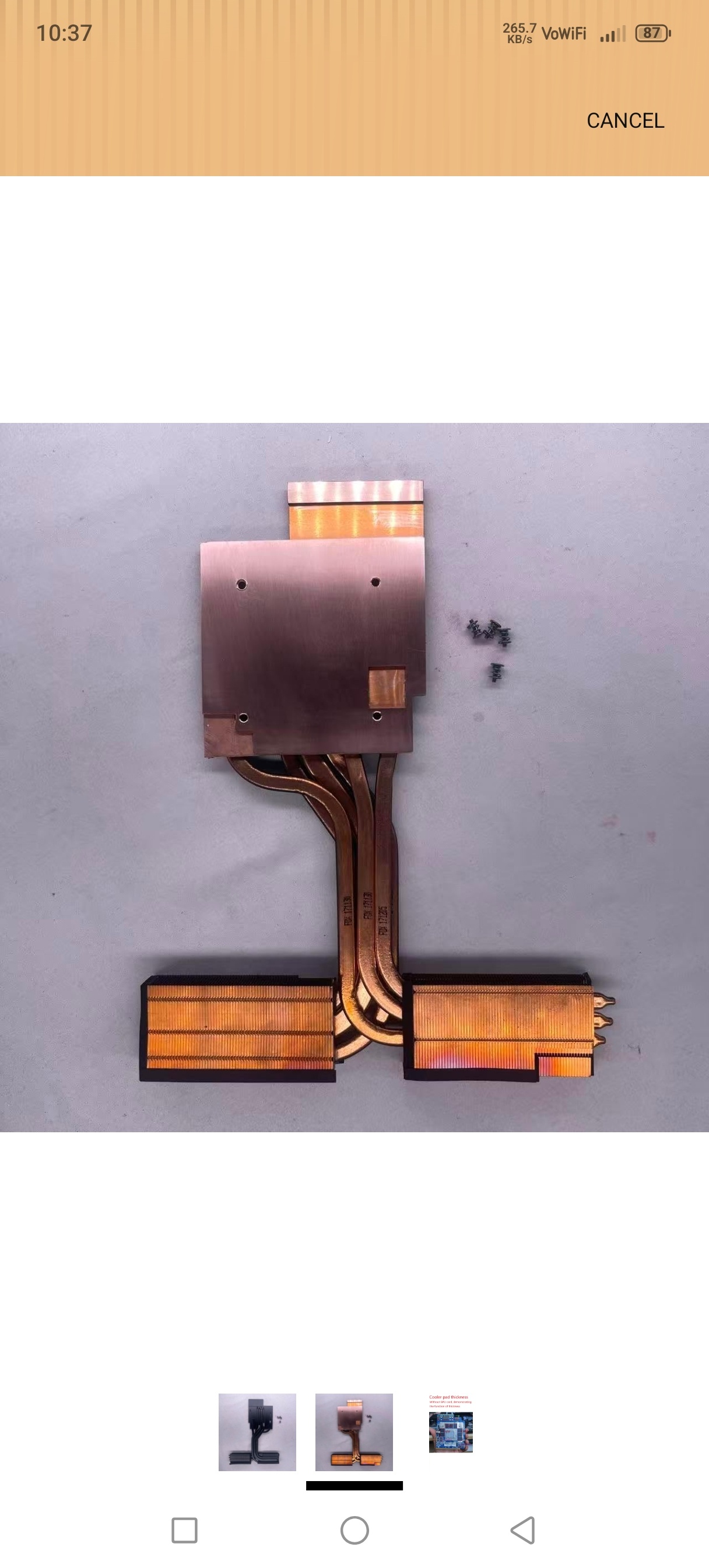
I don't know the reason why product availability was limited on eBay; he told me he would open an Amazon account, and that is exactly what he did. So, I placed my order through amazon.us. At my request, he manufactured five units of the RTX 3080 cooler for the P870TM.
-
They opened an account on Amazon because of an issue with their eBay account, and I bought the product from there. They are a trustworthy person and a long-time eBay seller.
-
Developer79
-
If you are looking for a better and more professional product, definitely contact the developer.
-
I had that Chinese contact build a heatsink for the Alienware m18x and the P870TM. You can reach out to them via eBay messages. There is already an RTX 3080 heatsink available on Amazon for the P870TM; they manufactured five units based on my request. My order is currently on its way, and I will test it once it arrives.
-
I know someone who can do this.Bana