kela-slk
-
Posts
136 -
Joined
-
Last visited
Content Type
Profiles
Forums
Events
Everything posted by kela-slk
-
This card will works with M2010 in DVI output. You can use Universal scaler to convert DVI signal to LVDS 8 bit 2 channel.
-
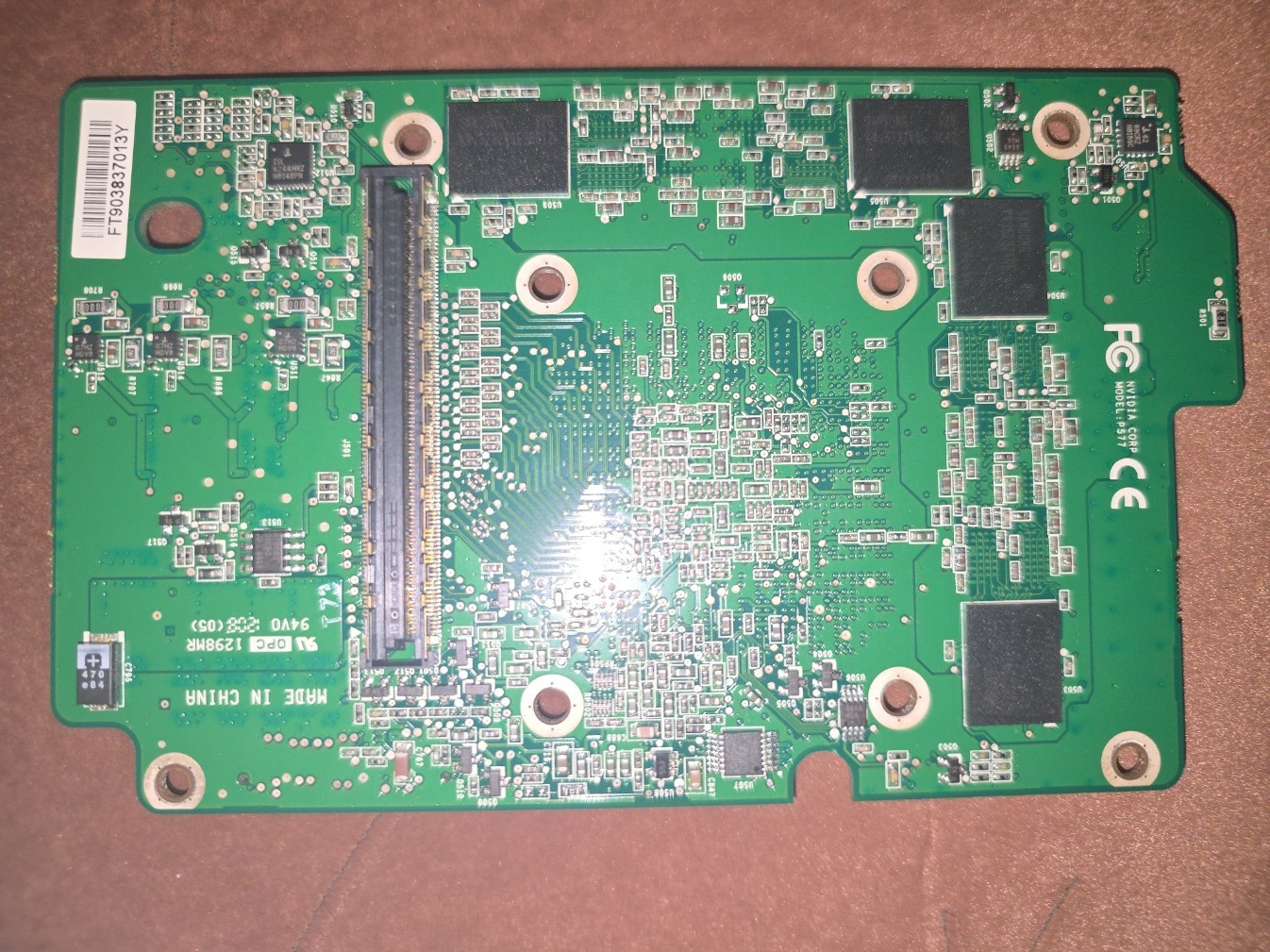
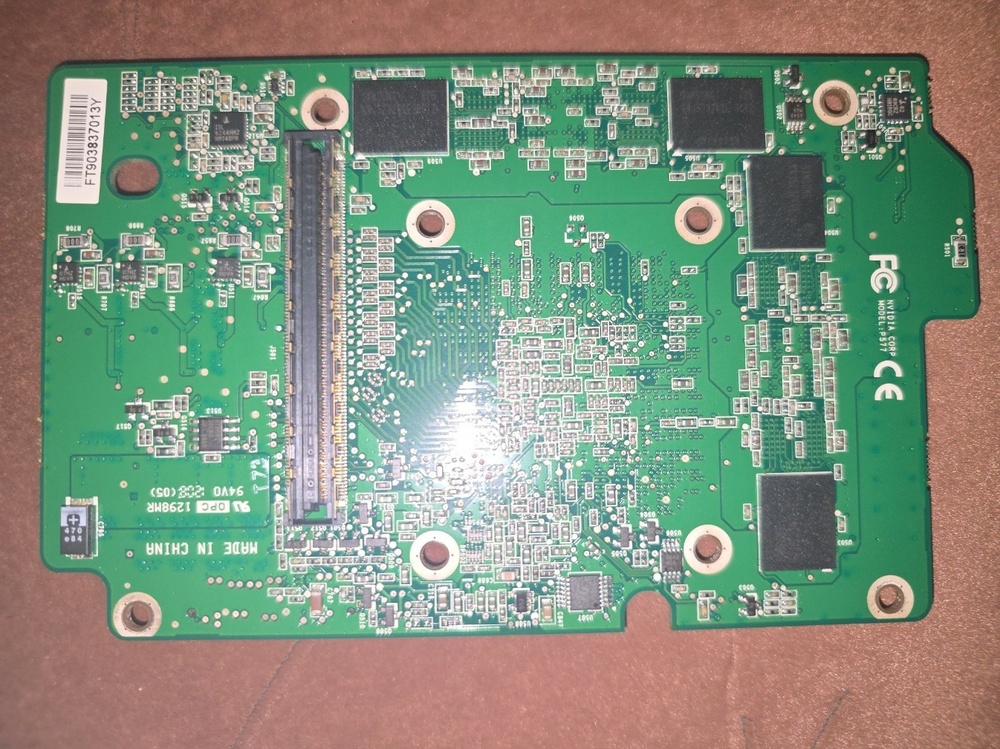
Back side
-
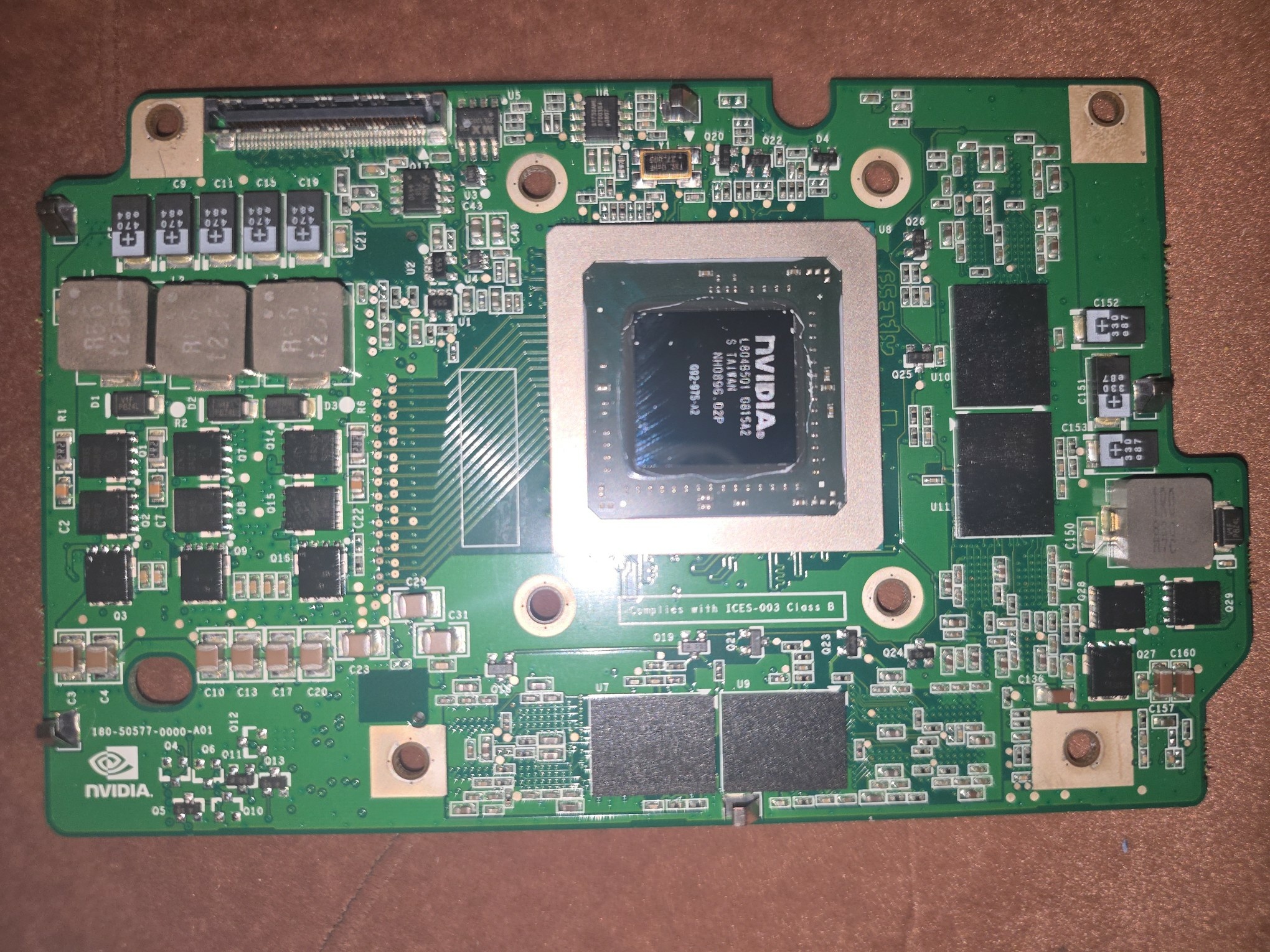
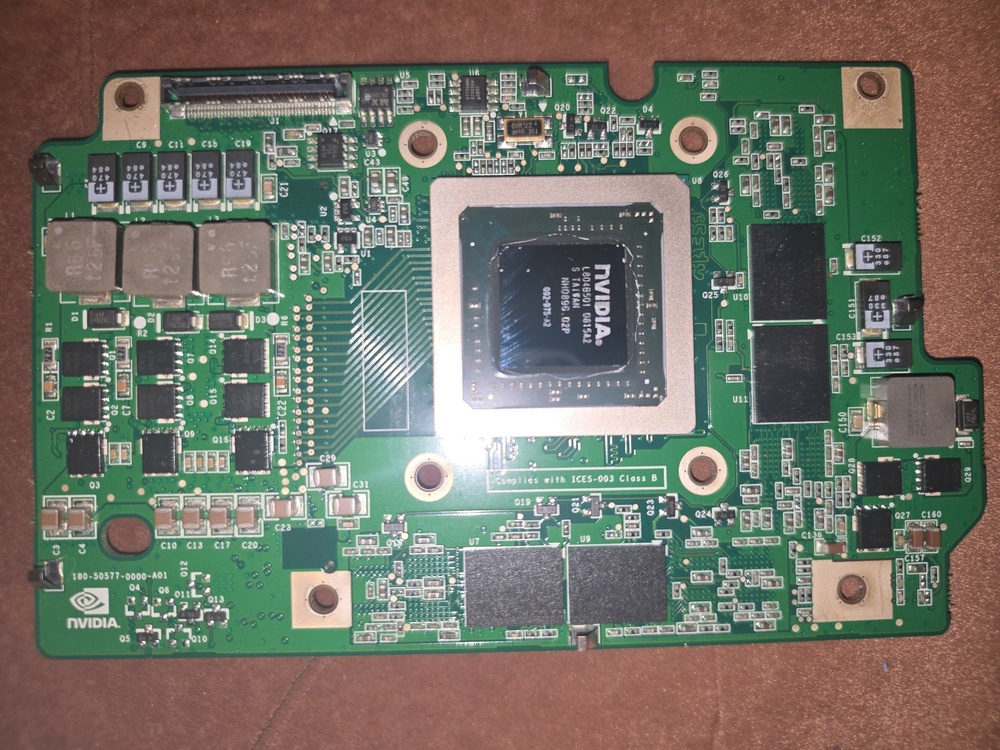
Not much owners for this amazing DTR. Loading some photos, what you never see in internet if search Dell Quadro FX3600M 512MB video card from dell Precision M6300.
-
Clevo P570WM i7 3820\8G\256\Dual ATI 7970M NOT 3D
kela-slk replied to kela-slk's topic in Notebooks and Desktops
400 -
For sale some Nvidia Tesla P6 server card from HP HPE. Powerful video card but with some restricts - as with Tesla M6 - will not working any video outputs, like EDP, LVDS, DP, HDMI etc. this card can be used only with intel graphics in optimus mode. but unlike Tesla M6 needs editing register for setup drivers property and manual driver insalling. Working Vbios already flashed. you needs only software editing and of course if needs modify heatsink. Nvidia Tesla P6 16gb GDDR5 MXM 3.0 (similar to Nvidia Quadro P5000, +\- same score in 3dmark) Price - 130$ Location - UKRAINE Shipping - buyer costs + fees and taxex in your country. ALSO have RTX4000 hp MXM, RTX 2070 super / rtx2080 for clevo P750dm3/tm p775DM3\TM p870DM3/km/tm X170SM price 230$ 180$ 250$
-
Price 440 $ In sale P570wm in working condition i7 3820 8gb ram 256 ssd Dual Crossfire ati mobility radeon 7970m 2gb 17.3 60 hz Full hd glossy ac charger 330w LVDS\not 3D Location - UKRAINE Shipping - buyer costs + fees and taxex in your coutry
-
Is this the incorrect 980m card for my M17xR4?
kela-slk replied to JJ90's topic in Alienware 17 and M17x
or flash unlocked bios and setup Vigeo graphics in SG mode, because if you use factory bios, first will be PEG mode and without correct Vbios laptop would give 8 beeps -
Is this the incorrect 980m card for my M17xR4?
kela-slk replied to JJ90's topic in Alienware 17 and M17x
Try flash Dell VBIOS -
You're a bit misunderstanding the point. In the Dell 2010, the video BIOS is located on the graphics card board, not in the main laptop BIOS like in SOME HPs. I tried different versions to overclock the graphics card, but the chip and memory are very unstable. I also considered upgrading the memory to 512 MB instead of 256, but I never did. The laptop's BIOS itself doesn't support the MXM structure, and you won't be able to add it because the BIOS memory itself may not be large enough. and another side, mxm cards doesnt have LVDS outputs on board. needs take out pins on the adapter "dell-mxm"
-
I was thinking about it. Dell-MXM adapter, but the main reason is that video cards don't have an MXM structure and can't work with Dell laptop motherboards with removable cards, as the BIOS doesn't have the MXM instruction set. Operation there is similar to a desktop card. I also have an idea to make a dell - PCI-E 4x adapter to use a desktop video card low profile.
-
'm glad that people who used a M2010 can post in this thread. There are very few of these "laptops" left, and I'd like to create a community around common problems and solutions. Thanks again to everyone who supports the M2010 and communicates here. Yes, the video card is the weakest point, but I'll say that killing motherboard is practically impossible. I personally don't use a DVD-ROM drive at all, so my mechanism is as good as new. I use RARE cpu T7600G overclocked to 3.06 ghz 1.45v and its much faster than T7600 2.33 ghz. Maybe whos know how overclock clock generator. i try find any info and scheme - but no sucess any info about overclocking. i try find similar clock gen on pinouts which has overclocing mode, but all is not compatibility with CK410M/ CK505 (SLG84450VTR 72QFN). PIN mod (Cpu frequency select table) doesnt work if 166mhz switch to 200mhz FSB. Turn up 166mhz not allowed.
-
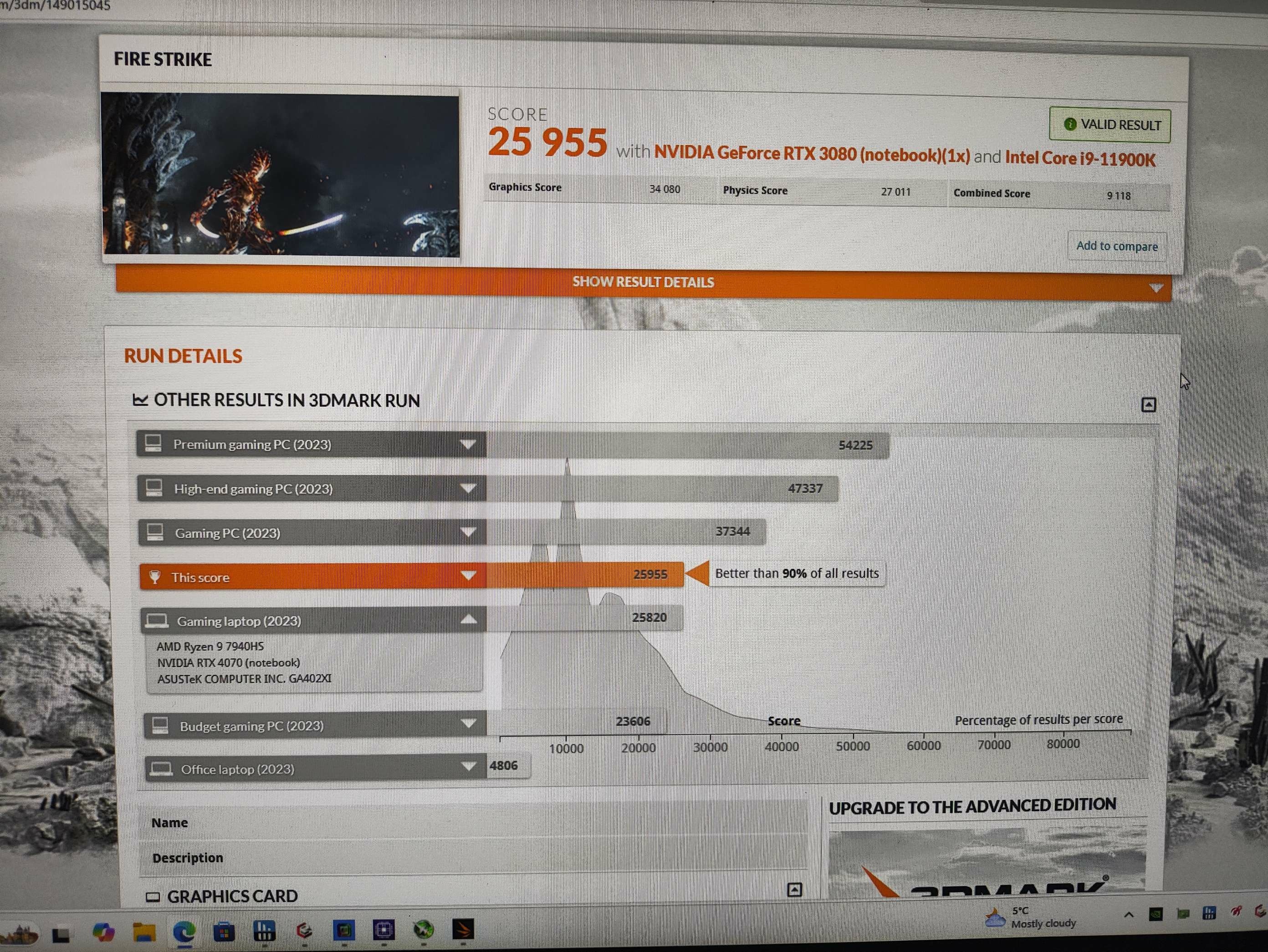
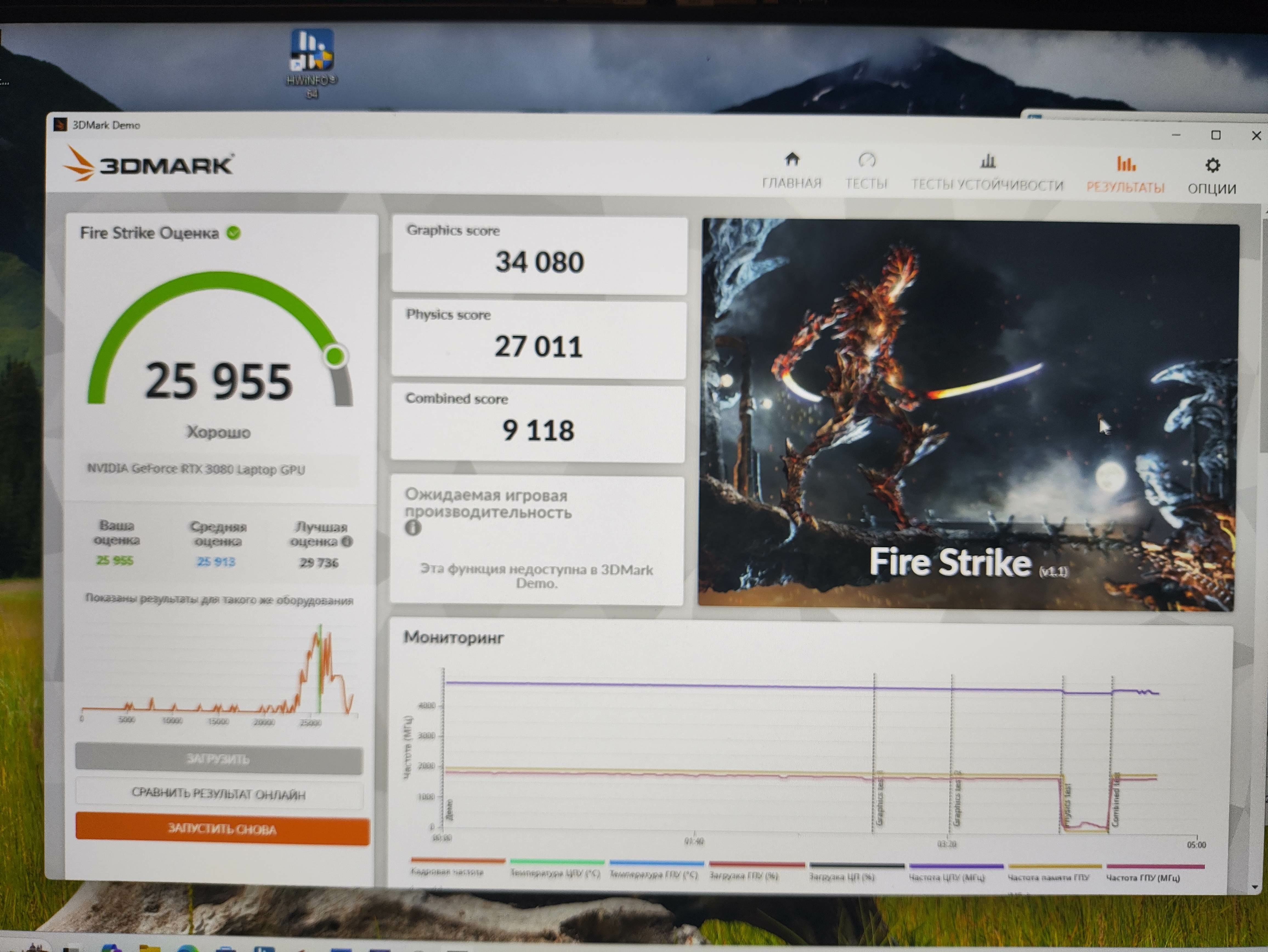
Please, download some benchmark score screenshots, GPU-z, CPU-z and general photo with working P570wm lcd and GPU. thanks
-
thanks for answers, price on New\Used motherboards on ebay is very expensive, its higher than my laptop buying price. lcd 120hz and cable much cheaper than mobo. on Ebay in Canada i saw P570wm 120hz complete for 500 usd, but i feel sorry to throw away my laptop... and shipping to my country its very expensive price. and i try find a solution about mod my board, but i see its not easy (like on my AW M17X r4 edp and LVDS outputs soldered on mobo and both working factory 🙂 )
-
Hi. Can anyone help - i have P570wm with LVDS board (lcd is b173HW01 v4 its lvds 60hz) I'm not want disassemble this laptop before will be find answer about - can i soldering edp connector on motherboard, will be its working if i bought LCD edp and LCD cable edp. Anyone do this mod to change lvds →EDP without changing motherboard?
-
Try disable and test again. Performance mode in ccc or entertainment. Bios setup default.
-
check in Bios settings Overclocking features enable or disable
-
disable in BIOS overclocking features. will be full power and 6500 points in CPU-Z benchmark
-
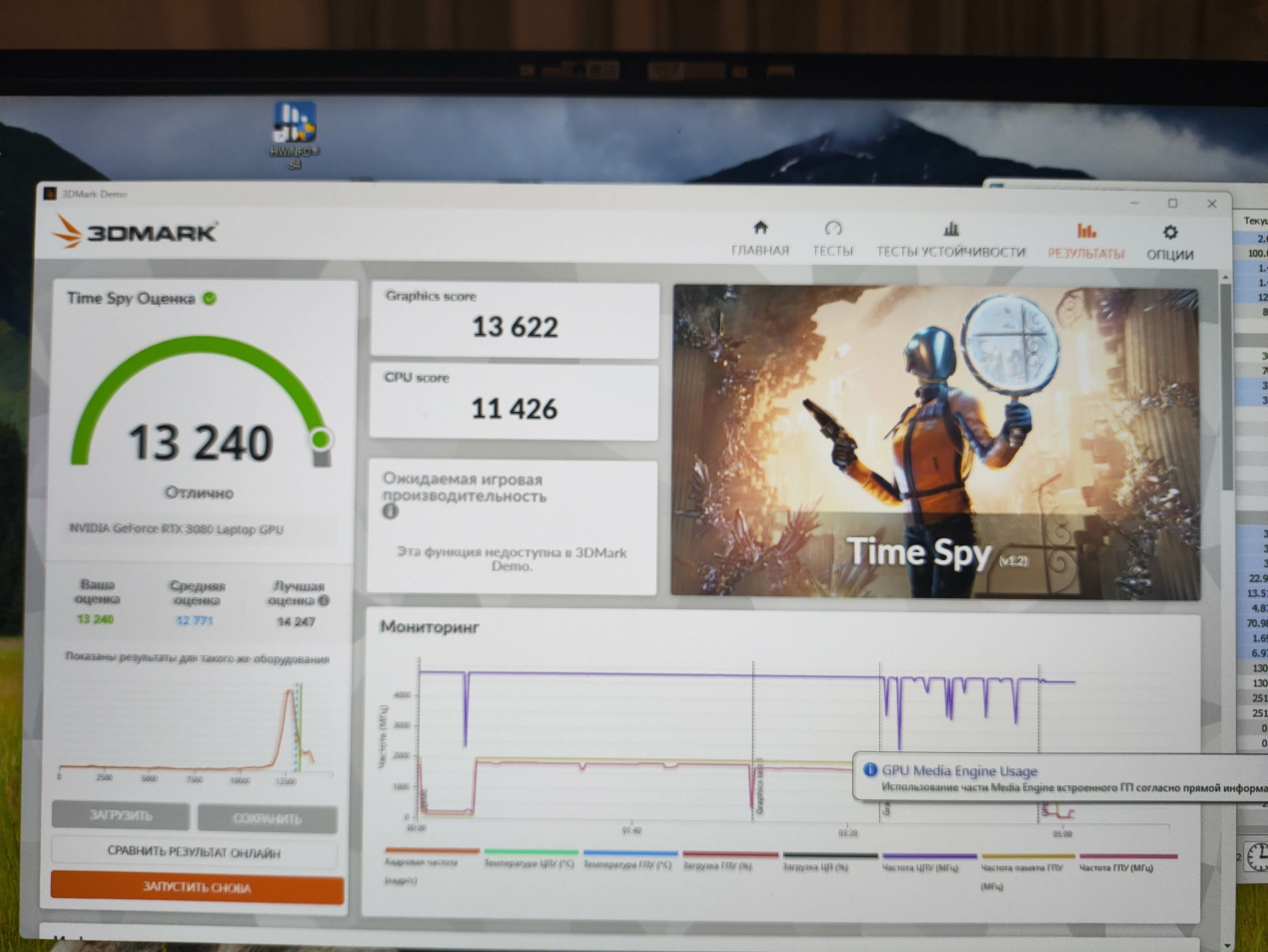
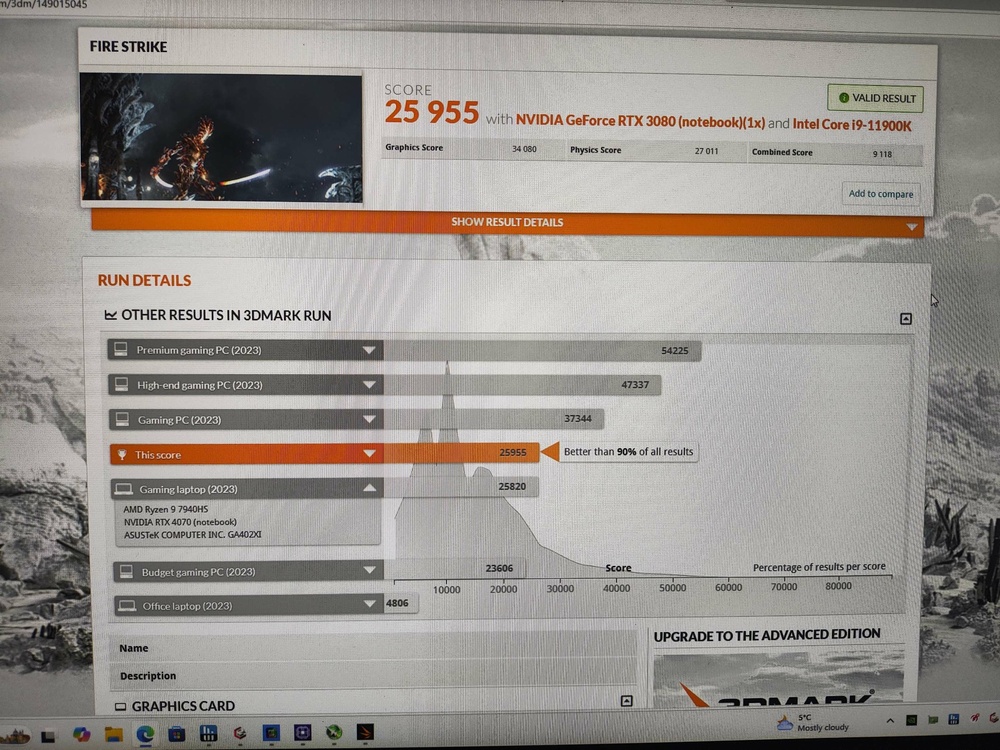
Some benchmark results Cpu not OC, video - core +150, memory+250.
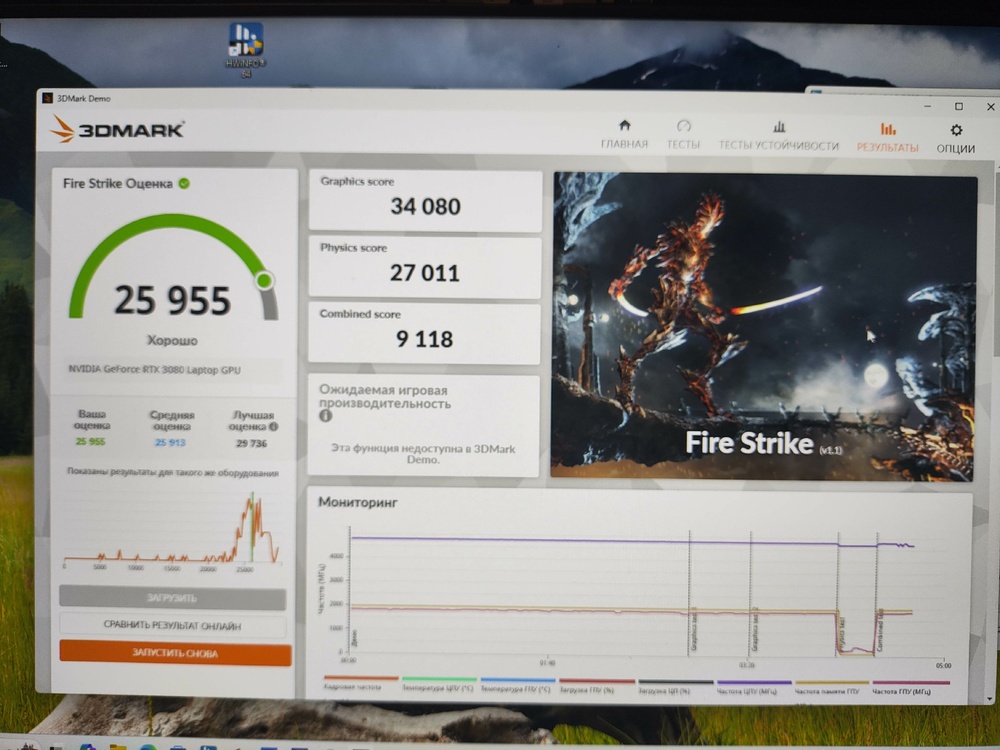
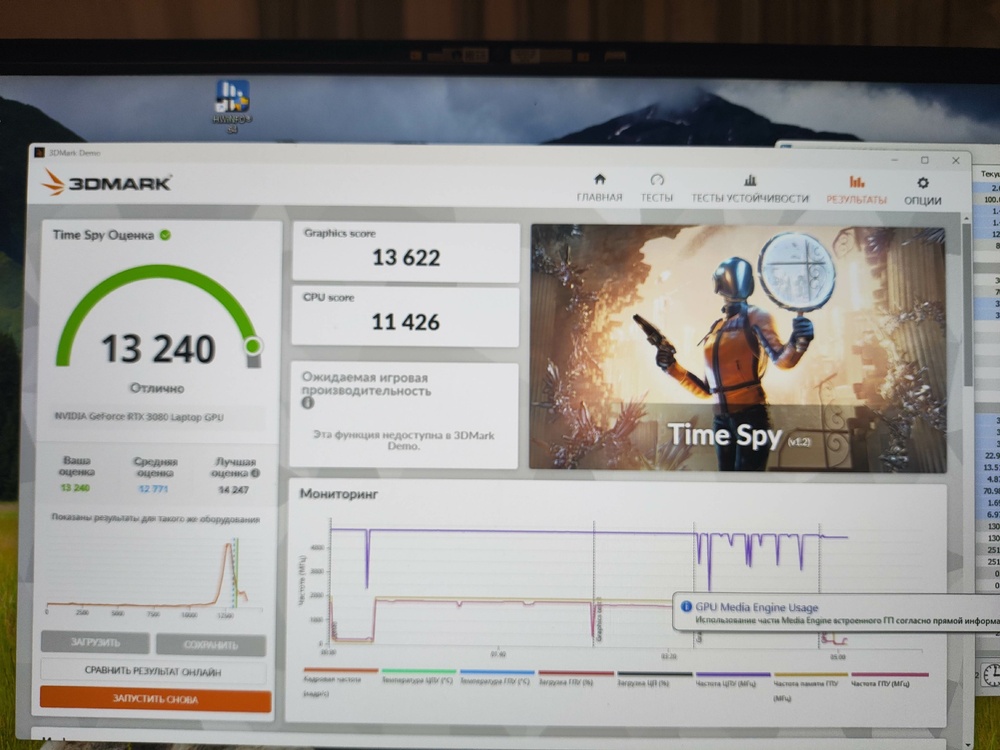
-
its BIOS for X370 laptop, doesnt fit to X170KM
-
i use 2xddr4 2666mhz, after disable overclocking features, one mounth no issues with powering off with installed Control center. and best for me mode is quiet - heating about 80C cpu and 70 video but its so nice ))))
-
- Yes, same BIOS, same EC - Yes - no manualy change fan profile. default - usually entertaiment, but often silent (because i dont want hear this noise ))) ) - win 11
-
on LVDS screen with activated SG mode for GPUs you can use any MXM videocards, even Tesla M6\P6, RTX3080 etc
-
yes, control center installed and working well, no issues fith fan speed. Try disable Overclocking and test it.
-
i have same laptop and same problems with random swith off laptop. in some cases need reload battery, in same just press key On. and i saw a strange dependence - i have origin bios 08 series (last), and when i activated menu "enable overclockin feauters" my cpu run max 4.3 Ghz (11900k, max TDP PL1 160w, PL2-130) and Fan on Perfomance mode are crazy loud and laptop randomly turns off. (CPU-z benchmark score is 5900), but if Overclocking is Disabled in Bios - laptop working in Full power, max power CPU 200W, (CPU-z score is 6500), temp are high than Overclockin in Enabled mode but laptop not randomly turns off. i think voltage settings in bios are wrong and these cause to periodical shuts off. i early flashed XMG bios and laptop some times turns off but mutch less often.
-
Раньше работали 4 SSD? SSD pci ex v4 или v3? i use 3 SSDs in 170km but only in place where 3 slots (1tb +256+500g). working without issues