DylSki
-
Posts
36 -
Joined
-
Last visited
Content Type
Profiles
Forums
Events
Everything posted by DylSki
-
Hi, just bought a very clean example that’s fully working for a really solid price. what components can be upgraded in these? will carry out any services to ensure longevity of all the current parts. seems to be fully working running XP currently.
-
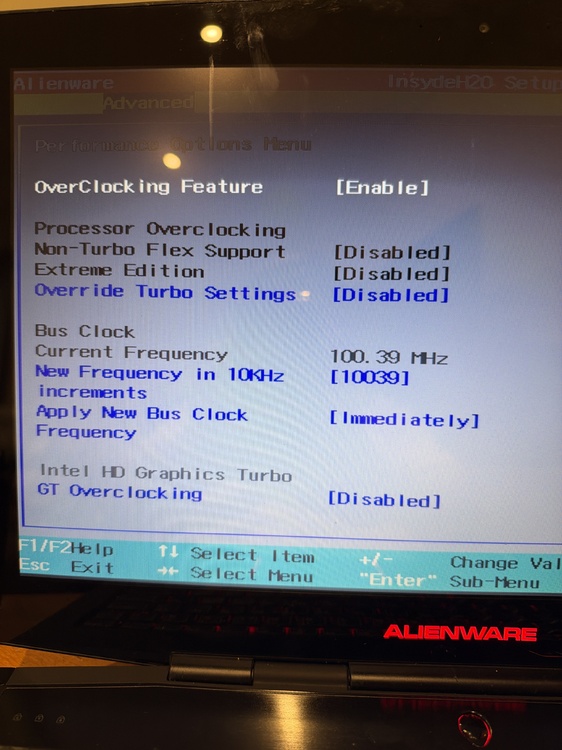
Hi, forgot to reply back to this post. this was the absolute highest I was able to get, posted in windows and detecting a clock of 100.25 in cpuz.
-
Hi, awesome mod! thinking about trying this on my M17X R2. Ive got a i7 940xm in mine and I can’t get close to the overclock results i had with this same cpu when installed in my M15X. temps being far hotter in the 17R2 cant even run my 970m in this thing unless i want 100% fan speeds at all times due to having a 560m installed in the main slot so the 970m works during gaming. both machines I used genuine PTM 7950 with fans being clean too. what cpu does your friend have in this machine? would be nice to have better temps, fans are always ramping up during simple tasks. Where as my M15X isn’t near as bad. I guess it’s just down to the small heatsink setup on the 17.
-
Hi, after a battery for one of these, dead or working. I’ve been looking for some time now and there is genuinely nothing available online 🫤 its bugging my OCD not having one in my system. based in the UK. Any leads to a battery which is in stock and isn’t £1200 would be a mega bonus. Thanks for reading.
-
Also, would a 1680 x 1050 panel work? 6 bit colour same specs as my 1440 x 900 without the need of the upgraded cable that the RGB 1920 x 1200 display. Requires? I was thinking of buying one of those opposed to the RGB panels as it’s probably going to take a while to find the cable.
-
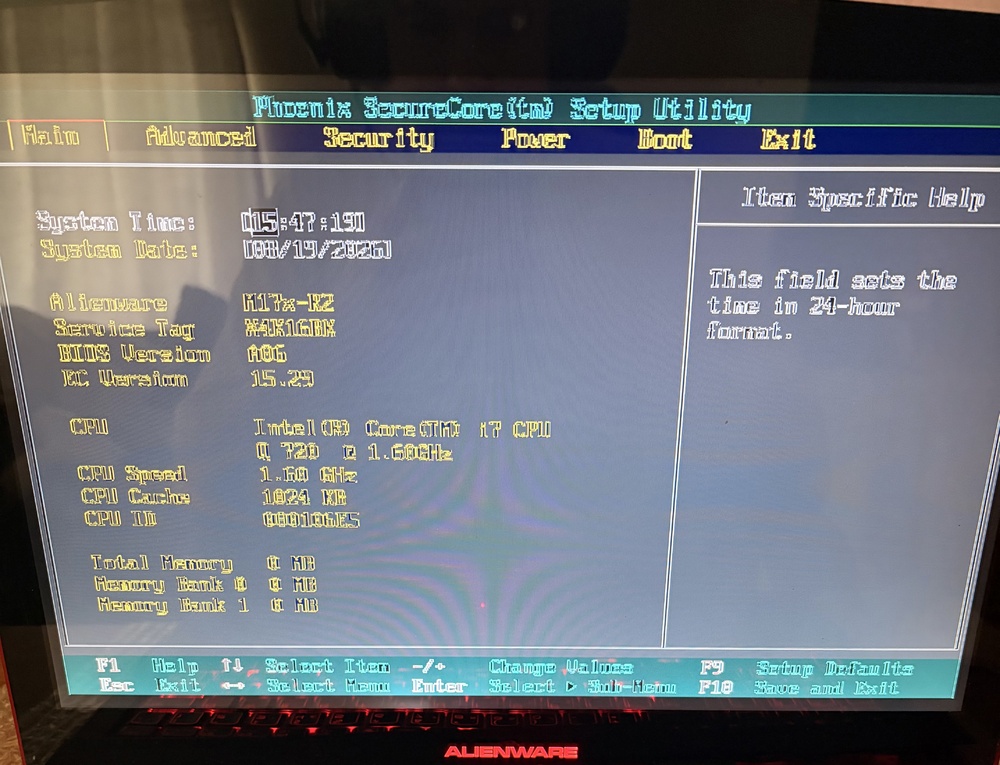
Hey! Sorry just seen. panel on mine is 1440 x 900 Samsung LTN170BT10-001 just installed the dell 970M appears to have some weird artefacts
-
Hi I see in your computer list you have a M17X R2 with a newer quadro card. will a dell 970M card work in a M17X R2?
-
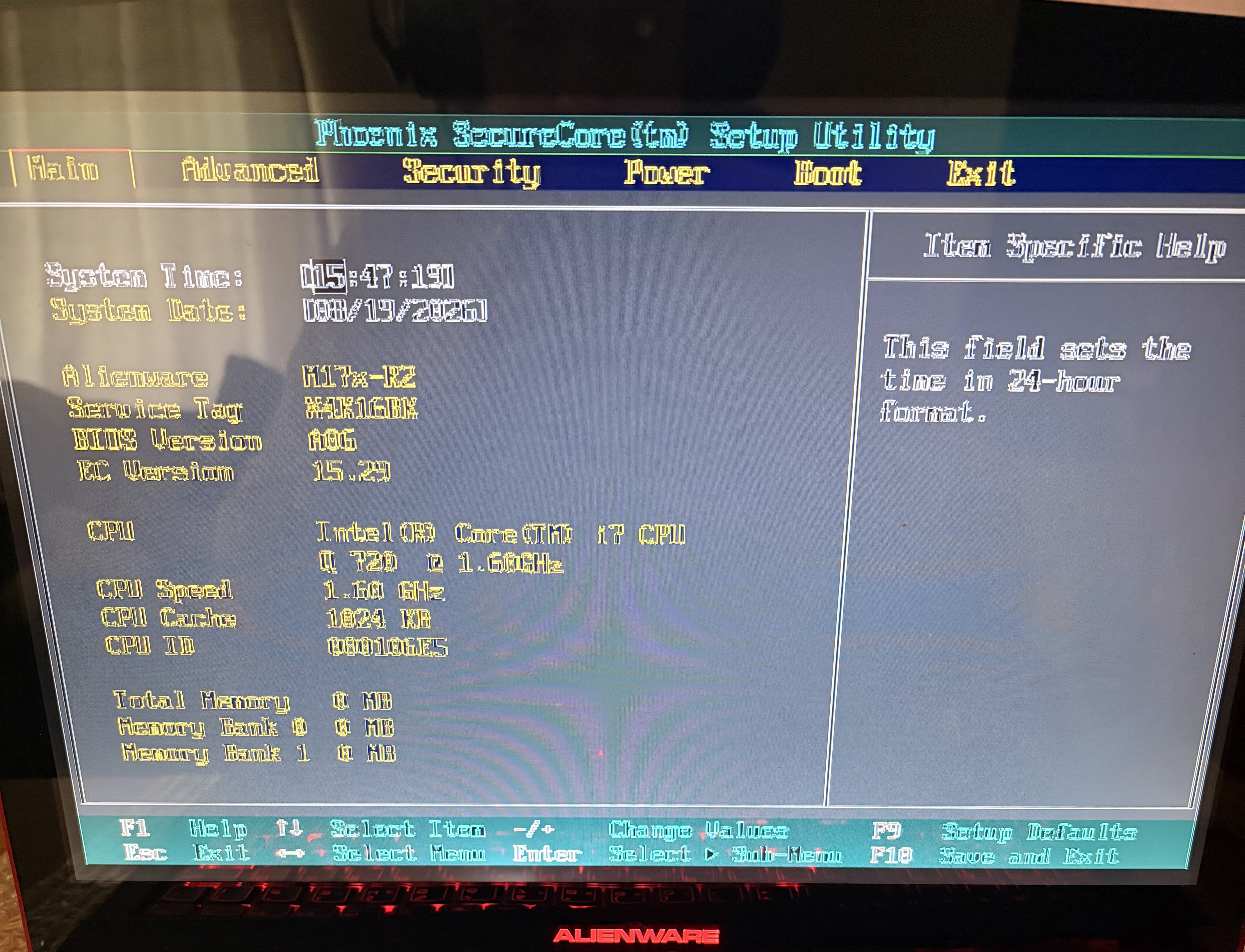
Hi, Purchased a sweet nebula red unit to go alongside my other red M15X I'm planning on swapping over the i7 940XM & GTX 970M (6GB) into this M17X R2, then eventually buy the same parts again to go back into the M15X. BIOS: Currently on version A6. Would i be able to update the bios without the battery? Using my genuine 240W dell charger. I would like to use an unlocked bios as my intention with this machine is to do some cpu overclocking. I was heavily limited to just turbo boost multiplier adjustments on my M15X. GPU: Do these M17's accept newer mxm cards like this Dell 970M i have? Down the line if possible it would be cool to throw dual 980M's inside this thing. Display: Sadly this ones a 1440 x 900 panel. Can i simply install a new WUXGA LCD providing its the same pin layouts / matching specs of a standard WUXGA these shipped with new? Battery: As expected, the battery is not present. Where could i find a half decent aftermarket one to? Bottom cover rubber feet: Some of rubbers have gone missing, Is there a decent alternative i could use? Any help / info would be greatly appreciated. Thank you.
-
Edit: please disregard. just bought a nebular red for £180 only downside being 1440 x 900 No Battery will rectify with upgraded display + battery.
-
Hi, UK Based After a Alienware M17X R2 almost had the chance to buy one via eBay but unfortunately a reseller bought them and re listed at 3x the price. typical… if anyone could potentially hook me up that would be awesome. thank you.
-
Via china I can get the following new, just not the red bottom assembly in red. new nebula red lcd lid - $7.50 new palm rest - $8 new bottom access cover - $4.80 so overall very cheap, will be a little more after the agent purchases each item then shipping out via china. I’ll keep an eye on that display listing for the time being and see about getting it as it will definitely make a huge difference.
-
Nice, the 1600 x 900 display is awful with really poor viewing angles. ive got a bunch of new outer casing parts lined up, just struggling to find the nebula red frame. there is a full 120hz assembly for sale at around £120+
-
Just a normal Alienware 17? Not a M17X R3?
-
Yeah they are sata 3. I made a post in the m17 forum about alternative displays, as I can’t seem to find the 3D panel / all the parts needed to convert to EDP online. was hoping to fit a 1080p LVDS display even if it’s not the 3D stuff.
-
That’s good to know! I was planning on filling the second bay (one I moved the ssd out of) with another drive for games. I’m guessing that one would run sata 2 mode in that case? EDIT: the ssd I’m currently using is just a cheapo crucial BX400 drive for the time being.
-
Hi, I’ve been looking around for the 120hz 3d panels as an entire unit to replace my awful 1600 x 900 display. Seems to be quite hard to find and pricy. I did make an attempt to try and find all the parts individually but that also yielded no results. i was wondering if anyone has tried any other 1080p panels, even if I can give it a custom resolution utility oc to 80hz I’ll be happy. I’m guessing it would need to be LVDS too. I do have a GTX 970m 6GB if that helps regarding compatibility if was able to find a cheap 120hz display. any help would be appreciated, as this current display looks awful.
-
I ended up just reseating the ssd into the 2nd drive bay & since then I’ve had no problems.
-
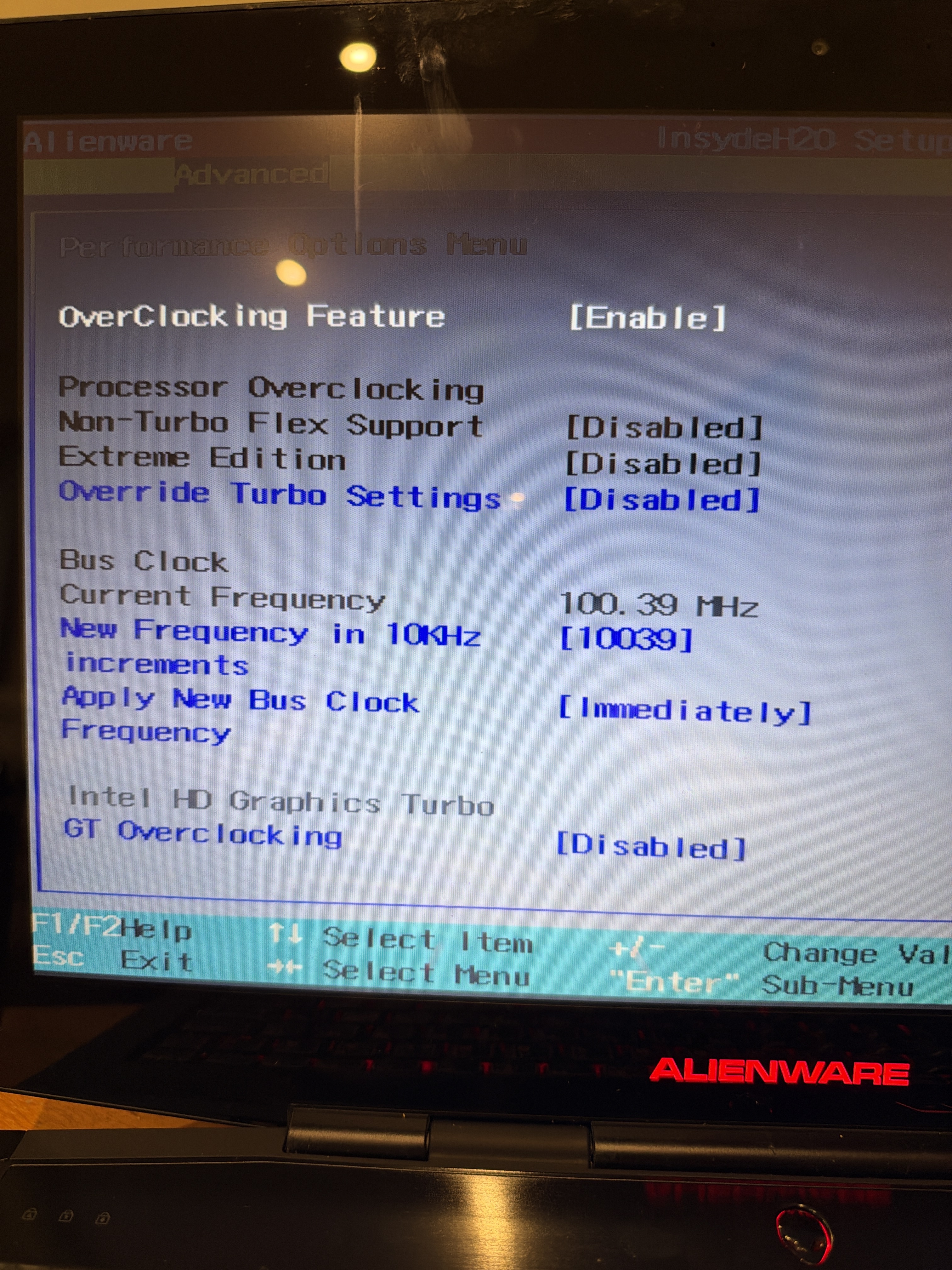
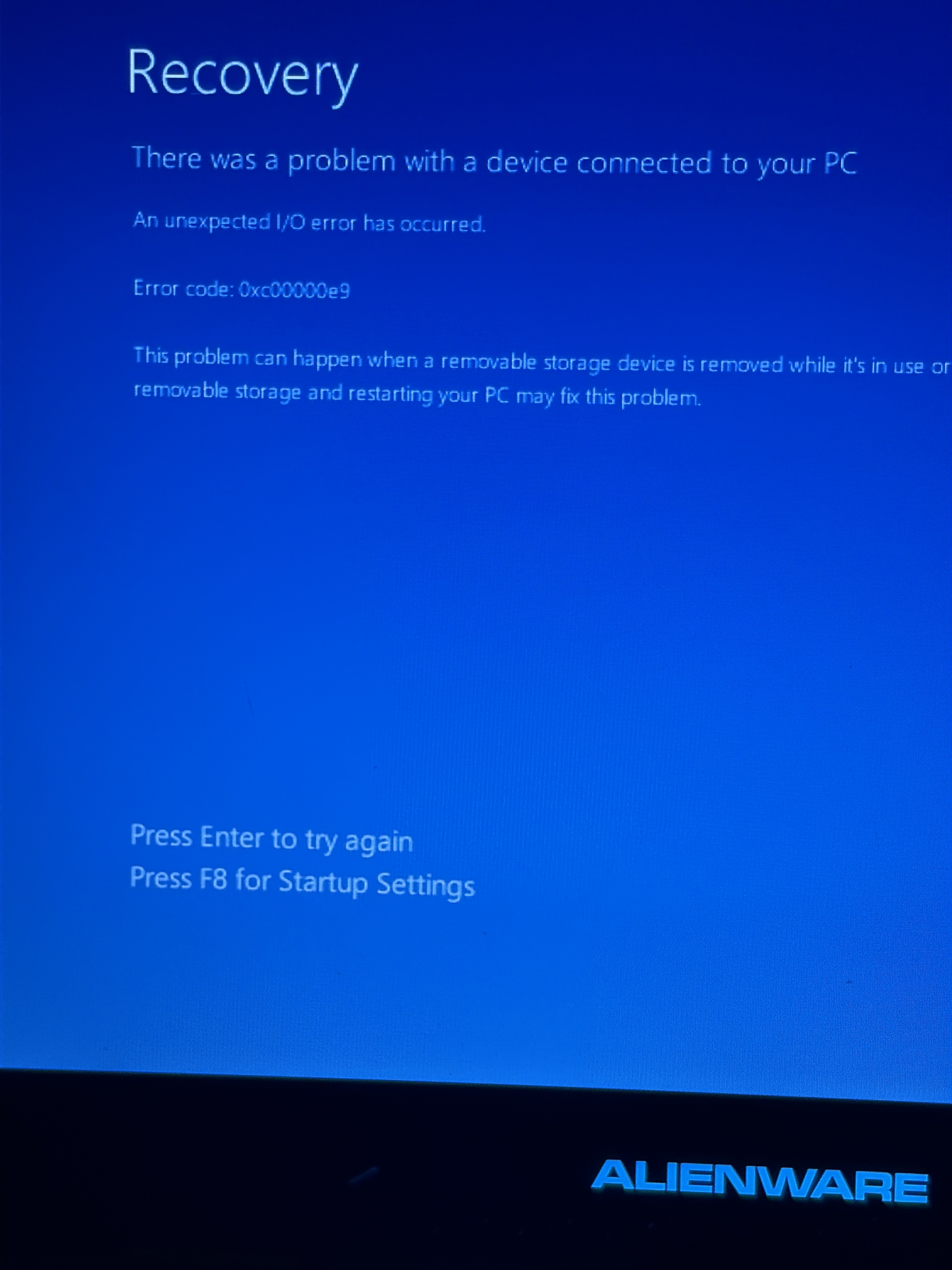
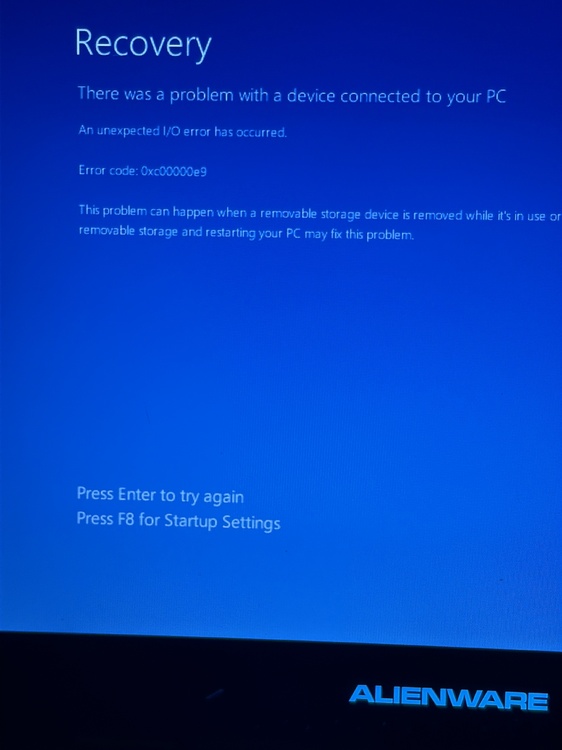
Since installing the bios when trying to boot I seem to get this. Normally a reboot sorts it. could it be something to do with the new bios, as prior to installing I wasn’t having this issue.
-
Thank you for releasing this! just installed on my X R3 after receiving today. tons of new options to play around with. this bios is going to be incredibly helpful for overclocking when I purchase an extreme cpu soon, alongside when I get bored of the 970m 6GB I’m about to install which was from my M15X
-
Just picked up a M17X R3 for £66 - Best upgrades that can be done?
DylSki replied to DylSki's topic in Alienware 17 and M17x
Update: looks like the spare interposer was in the unused hdd caddy inside a rubber box, smart way to store it but only found it when preparing the caddy for tomorrow. either way the £16 interposer coming tomorrow will be used for my 2nd drive I plan on fitting soon, so not a total loss. going to install windows, update bios, fit my 970m & the remaining ram. -
Just picked up a M17X R3 for £66 - Best upgrades that can be done?
DylSki replied to DylSki's topic in Alienware 17 and M17x
Display info (image isn’t showing for me so will put the info here just incase) AU B173RW01 V2 P/N N04GM battery info (yet to do a full charge cycle , may improve over time) wear level 77.7% full charge capacity 20040 mWh -
Just picked up a M17X R3 for £66 - Best upgrades that can be done?
DylSki replied to DylSki's topic in Alienware 17 and M17x
Oh here’s a photo btw. I don’t think this one has a nvme slot on the board either unfortunately. Would have been killer to have one.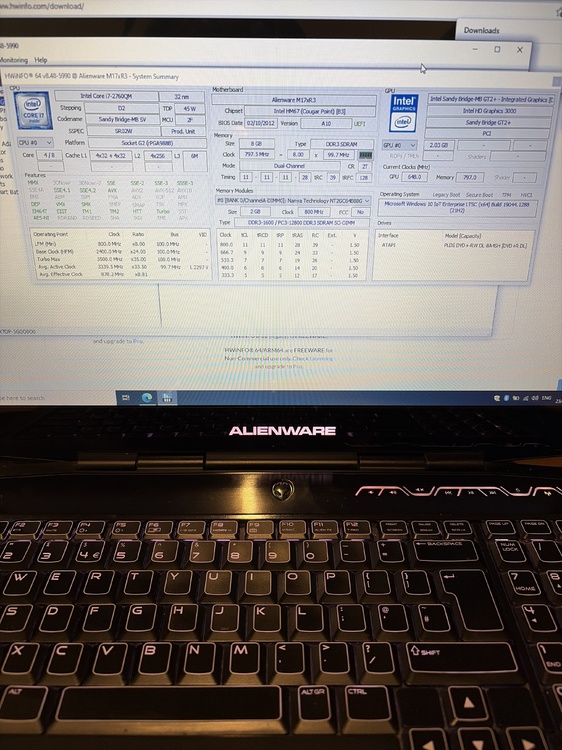
-
Just picked up a M17X R3 for £66 - Best upgrades that can be done?
DylSki replied to DylSki's topic in Alienware 17 and M17x
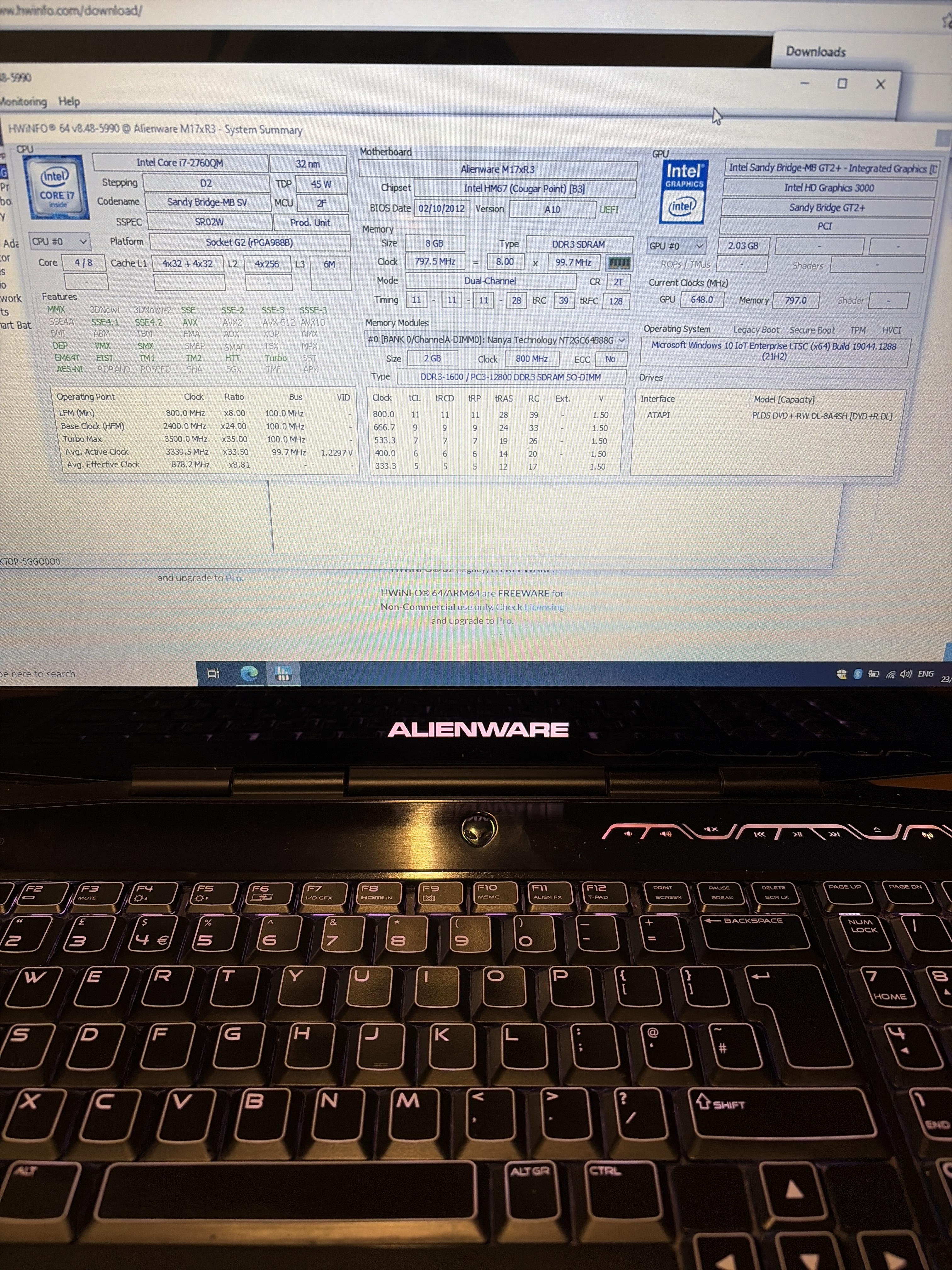
Machine arrived. removed palm rest coating. thankfully it has the GPU fan & heat sink, even the gpu is there, GTX 560M sadly a 1600 x 900 display, it’s absolutely mint which is the only plus lol. battery working but I suspect it has hardly any capacity being the original. windows doesn’t detect the 560m nor does bios. Going to test with some working cards. the previous owner took one of the hdd caddy’s and both interposers so I had to pay £16 for a interposer including next day special delivery so I can actually boot from a ssd. currently booted windows 10 ltsc with a usb 3 drive lol. going to continue with testing and throw some ram in it, next week I’ll be buying some parts. -
Just picked up a M17X R3 for £66 - Best upgrades that can be done?
DylSki replied to DylSki's topic in Alienware 17 and M17x
Ah okay no worries, was hoping to maybe get the heatsink and fan of you. Thank you anyway. -
Just picked up a M17X R3 for £66 - Best upgrades that can be done?
DylSki replied to DylSki's topic in Alienware 17 and M17x
Awesome, do you have a link so I can check out the display please? Thank you