
Durabat
-
Posts
32 -
Joined
-
Last visited
Content Type
Profiles
Forums
Events
Everything posted by Durabat
-
I saw you had a 4090 in your 17, how it is performing? I assume Xvsion? I've focused on other hobbies but still like the idea and cramming one into one of mine.
-
@ssj92, you're a legend, brother! I'll get this bios on my R3 the next time I dust it off. I really appreciate you guys still tinkering with these old rigs. They aren't nearly as powerful as modern hardware, but they're a ton of fun.
-
 https://www.ebay.com/itm/254297767533 I'm not sure if it's against policy, but here's the x bracket I used. It worked fine for me.
 -
I think I ordered my x bracket off ebay. I needed one with just the "X", the factory one has an extra piece that will hit components in the card. I didn't touch the vbios, just used nvcleanstall to modify the latest driver at the time and it works perfect. I don't notice any throttling, though I don't gsme on it all that much either. Just for the fun of it.
-
Looking forward to hearing how it goes. I took got the RTX 3080 from them and yes, weird purchase process but I did it through PayPal. Got my heatsink off ebay and it actually went very smoothly. Quick modded driver and it's been running for months with not a single issue yet. I wish the 4080 and 4090 weren't so expensive, I have more M18x's laying around aswell as a M17x R4 with 120hz screen waiting for a gpu upgrade. I can't justify the cost for them right now though.
-
Alienware M17x R4, Struggling to get 3D Working
Durabat replied to Durabat's topic in Alienware 17 and M17x
Honestly I never got a game actually running. My 3d glasses died, and I haven't been able to try them out since. I got the slide show it has during the setup wizard and it was neat, but that's as far as I got. -
Alienware M17x R4, Struggling to get 3D Working
Durabat replied to Durabat's topic in Alienware 17 and M17x
At this point I've gotten tired of fighting with the software side of things. If that's even what it is. The R3 will run 3D fine, I've gotten it to work a few times but the batteries just died in the glasses and I'll have to fix them(batteries ordered and on the way). It's been a long process and not worth the effort haha. So I've taken a break from working on them. Also just picked up a 3rd M18x R2, I may have a problem haha. My thoughts are, as of now to let the R3 be the 3D rig(I have a spare desktop I can throw a 2080 Ti in if I get more interested in 3D) and upgrading the R4's to more modern GPU's(maybe 1070m in one and something better in the other) just to utilize the 120hz screens and forget about 3D in them, and put the 680M's in one of the M18x's in SLI. It'd be neat to see how it handles some older titles in an original configuration compared to the one with the 3080m. Maybe even the 3rd with 980m sli just for fun. -
Alienware M17x R4, Struggling to get 3D Working
Durabat replied to Durabat's topic in Alienware 17 and M17x
Good to know, thanks. I'll look for a 580M then. Anything will be better than a 460M lol -
Alienware M17x R4, Struggling to get 3D Working
Durabat replied to Durabat's topic in Alienware 17 and M17x
Never got the R4's to work with 3D. I'll figure it out at some point. Windows 10 seemed to be more promising than Windows 11, but the R3 is running in 3D currently on Windows 11 so I'll just leave it at that for now. I'll throw an 880M in it and see what it can do. -
WTB Alienware M18X and M17X R4 Microfiber Sleeves(Preferably Nebula Red)
Durabat replied to Durabat's topic in Want to Buy
Ok, yeah. Definitely would be interested in that. Sent you a PM. -
WTB Alienware M18X and M17X R4 Microfiber Sleeves(Preferably Nebula Red)
Durabat replied to Durabat's topic in Want to Buy
Which size? -
Alienware M17x R4, Struggling to get 3D Working
Durabat replied to Durabat's topic in Alienware 17 and M17x
Nope, running stock files. I was running unlocked A15, but downgraded to A11 through Dell's site. I went with A11 only because that's the other option listed in your thread for the unlocked bios. After that I had to reinstall the driver for the 680M, but tried stock Nvidia driver and it worked. Prior it would fail, saying incompatible. I should've just read the README file sooner. That would've saved me a ton of work. Tearing these screens apart sucks. I'm still having issues getting 3D to actually work, however it is definitely software related now, not hardware. Setup Wizard starts but fails with message stating "Failed to create D3D Device1". I'm getting close, I think. -
Alienware M17x R4, Struggling to get 3D Working
Durabat replied to Durabat's topic in Alienware 17 and M17x
Finally... holy crap. So long story short, unlocked bios A15+ causes 3D compatability issues. Maybe its known, but I read the README text file and saw they changed the device id so that 780m-980m work natively or something, that's why Nvidia drivers wouldn't download straight from their site for this 680M. Even though its the factory card. What a pain, I've been fighting with this for days for that haha. But hey, figured it out. 3D is working and I have a 2nd 3D 120hz screen for my son's laptop.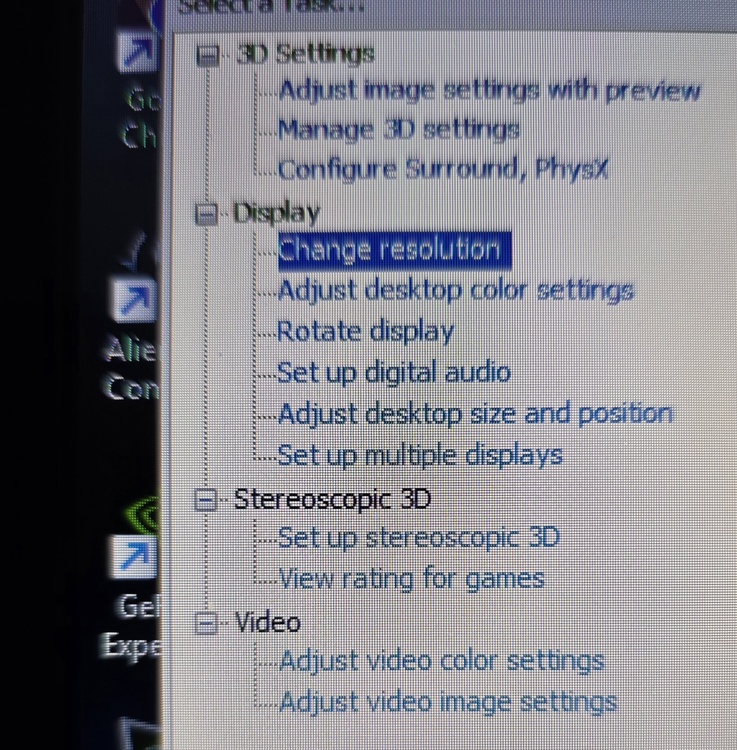
-
Alienware M17x R4, Struggling to get 3D Working
Durabat replied to Durabat's topic in Alienware 17 and M17x
New screen installed, Stereoscopic settings still aren't showing up in Nvidia Control Panel, even after fresh install in drivers. Not sure what's going on now. Just for the heck of it I plugged in a USB emitter and that shows up in 3D Fix Manager but it still shows screen isn't 3D compatible. Yet I ordered the exact part number for the 3D screen for the R4. The R3 is a LG model, while the R4 is a Samsung from what I've read. So that is correct. 120Hz working perfectly fine, just no 3D. -
Alienware M17x R4, Struggling to get 3D Working
Durabat replied to Durabat's topic in Alienware 17 and M17x
Yep, 3d emitter plugged in, both motherboard and emitter in the lid. Which oddly enough looks to be the same part number for both. Hopefully the new screen will solve it. -
Alienware M17x R4, Struggling to get 3D Working
Durabat replied to Durabat's topic in Alienware 17 and M17x
I didn't think about it, but I guess it makes sense where the Alienware logo isn't lit up. If it's controlled by the AlienFX chip just like the emitter and all that, something just doesn't jive right with the R4 AlienFX chip. Maybe if I flashed it with the R3 chip info or something, but I'm not going through all that. Hopefully I have the fix, using the correct screen and everything will work shortly. -
Alienware M17x R4, Struggling to get 3D Working
Durabat replied to Durabat's topic in Alienware 17 and M17x
Interesting, I didn't pay attention to that but you are correct, "Alienware" below screen is not illuminated. I ordered the correct screen by part number off ebay. I'll install it once it gets here. Looks like I'll upgrade my son's R4 with this panel so he has 120hz and throw a newer card in it eventually. I never experienced 3D gaming(though I'mone of the few that really like active 3D tv's years ago and still have one), so I've been trying to get this up and running. I plan to do an older desktop build with a supported hardware if I enjoy it. Crazy the panel works great, 120hz works flawlessly yet no 3D. I've spent hours taking it apart, putting it back together, reseating everything and doing modded drivers and clean installs of Windows. Only to see the most logical thing was something isn't compatible haha. But that's the fun in working on these old rigs. Hard to beat the esthetics of these, especially in Nebula Red though, and the ability to tinker and upgrade everything. -
Alienware M17x R4, Struggling to get 3D Working
Durabat replied to Durabat's topic in Alienware 17 and M17x
I did just read in an old thread from Tech inferno that the R3 screen is not compatible with R4 for 3D. If that's true, that's unfortunate, but explains everything. -
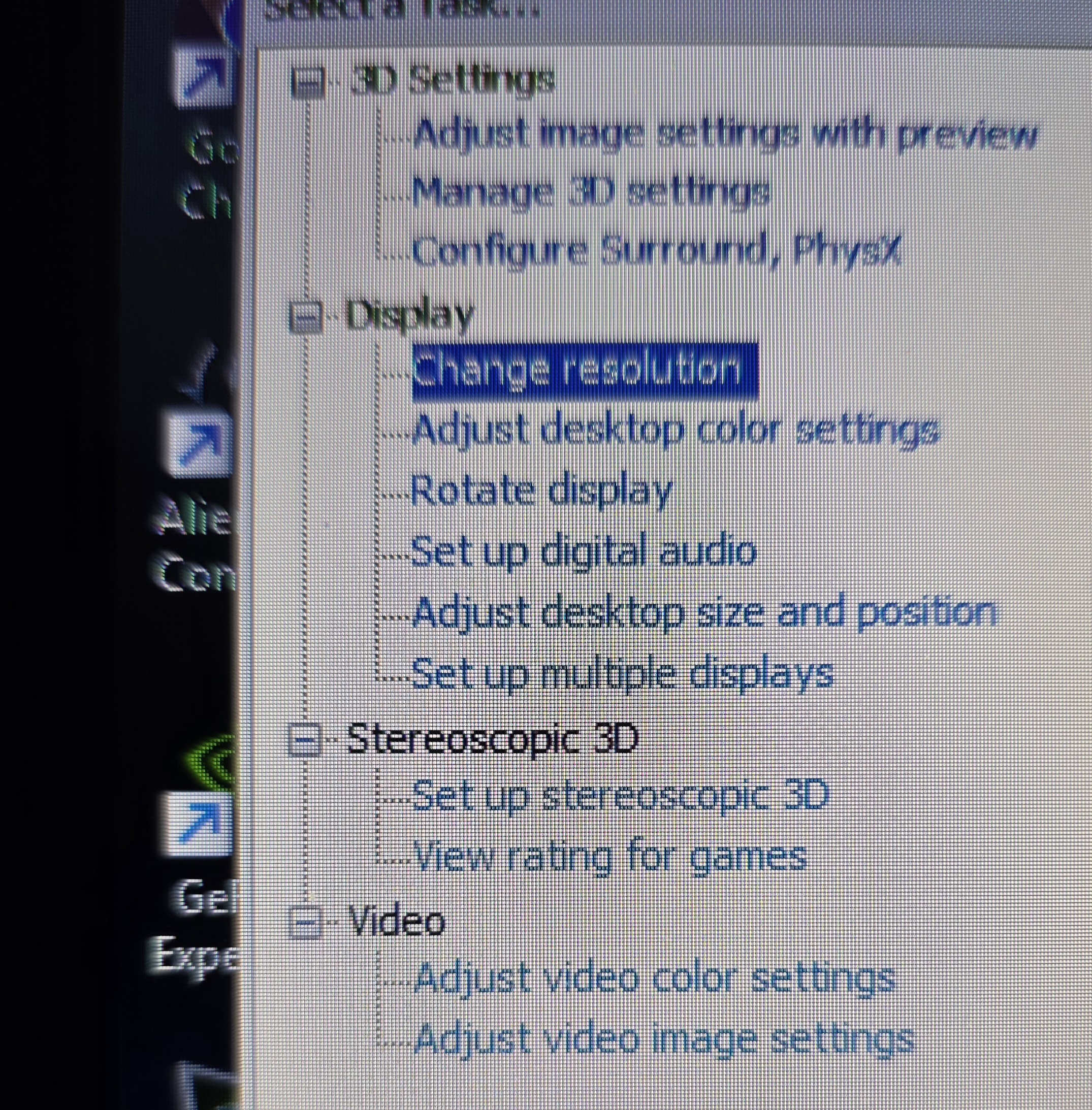
I have a R4 with the 120hz 3d screen, but the emitter isn't picking up or something. I'm sure I'm missing something, hopefully just software related but I've hit a wall and can't figure it out. I tested the screen on the R3 before moving it over to the R4, it worked fine. The screen itself is working fine, I have it set to PEG in the bios and it's running at 120hz currently. However, Stereoscopic settings are not showing up in the control panel and I even tried 3D Fix Manager but it shows emitter not detected and also says panel doesn't support 3D, when it just did fine prior to swapping it over. The R3 was on Windows 11 at the time, just like the R4 is. It shows up in device manager as Nvidia 3D Controller, I assume all is good there, and it shows working fine. I'm on the lastest driver that supported 3D vision, 425.31 or whatever it is. Still nothing. I don't have the integrated graphics driver installed so it only runs on the 680M. I've reseated everything multiple times, just to be sure but still... no 3D. I do have a 2nd 680m in another R4, I'll try swapping it in just to see what happens. I will say, for some reason I had to do modified drivers even on the 680m because the Nvidia installer said it couldn't find compatible hardware. Maybe something is wrong with this 680m, idk. Any thoughts or ideas are much appreciated.
-
I have a handful of these laptops that are projects laying around and would love to have the original sleeves that came with them. I have 2 black ones for the M17X's, but none for my M18Xs. I would love to find red one's of both, but I'll take either color. Let me know if you have some and are willing to part with them.
-
Ah! Gotcha. Thanks for explaining that for me!
-
Forgive my ignorance haha, are you saying your flex cable helps solve the issue with the mux switch so we could use the dp out? If so, I'd gladly purchase a few of them to help fund the project. You guys are like wizards and I'm just here with my screw driver waiting for a break through haha. I do plan to order a 4090 from X Vision in the near future. It'd be killer to run that card(and the 3080 i currently have) directly to a display, not through the igpu, even if it's bottlenecked from the old 3920xm. If the flex cable doesn't address that issue, again sorry. I get lost with all the back and forth.
-
Thanks for explaining everything. I'm catching up haha. I might have to get a M6700 to play around with too.
-
I thought that might be the case when I couldn't get it to work. I was hoping for a workaround though. Oh well.
-
The heatsink I have for the 3080 might work pretty well. It's far more beefy than the stock one, even the 100w variant. As far as the eDP goes, is that why it uses Intel Graphics for display, even when I plug an external display up to it? I was hoping to be able to hook it up to a better display at times, but display adapter is Intel and resolution options maxed out at 1080p@60hz. I thought about attempting a custom resolution and seeing if itd work but haven't had the cance. I figured over displayport it'd do 1440p, but we'll see.