Tetsu
-
Posts
89 -
Joined
-
Last visited
Tetsu's Achievements






-
No, I haven't done it yet.
-
Additionally, the update procedure for the modified BIOS is likely almost the same. After the update, a "1394 GUID error" will likely occur, so a fix will be required.
-
When I installed the Prema Mod, I used Rufus to create a bootable USB drive (formatted as MS-DOS) and simply copied the BIOS data onto it. Then, I plugged the USB drive into a USB 2.0 port, set the boot order to prioritize that drive, and—after booting up—typed "update" to run the batch file. After that, I simply followed the on-screen instructions. If you have the Prema mod, a readme file is included, so it is a good idea to check it. It contains the update instructions.
-
Thank you for your reply. I checked the files using MMTool and compared the 64GB-compatible BIOS with Prema Mod v5; I found no differences in the source code or GUIDs for the "IvtQpiandMrcInit" project. Could it be that I am checking the wrong area? In the screenshot, the 64GB-compatible BIOS is on the left, and Prema Mod v5 is on the right.
.thumb.png.0cb0f9dbc8acae351b5fbe495cd2bb7d.png)
-
Thank you for your reply. I have received the BIOS that supports 64GB of RAM. Could you please confirm if the update procedure for this BIOS is the same as that for Prema Mod? Also, could you please explain how to modify the 1394 ID? Will using this BIOS enable support for 64GB of RAM? Additionally, which memory modules should I use?
-
Thank you for your inquiry. I have received the BIOS that supports 64GB of RAM. Could you please confirm if the update procedure for this BIOS is the same as that for Prema Mod? Also, could you please explain how to modify the 1394 ID? Will using this BIOS enable support for 64GB of RAM? Additionally, which memory modules should I use?
-
I'm installing it exactly according to the instruction manual, though...
-
?
-
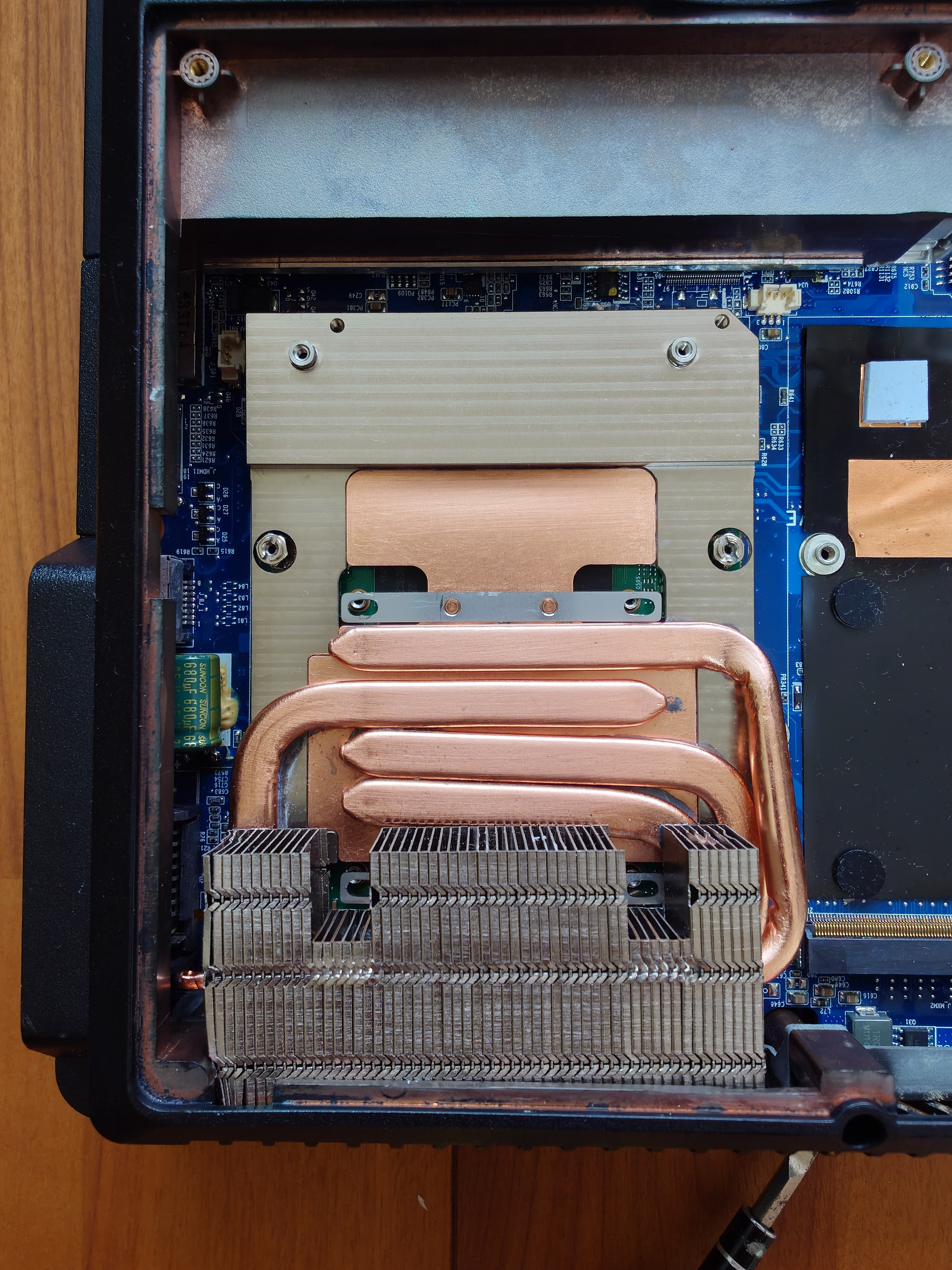
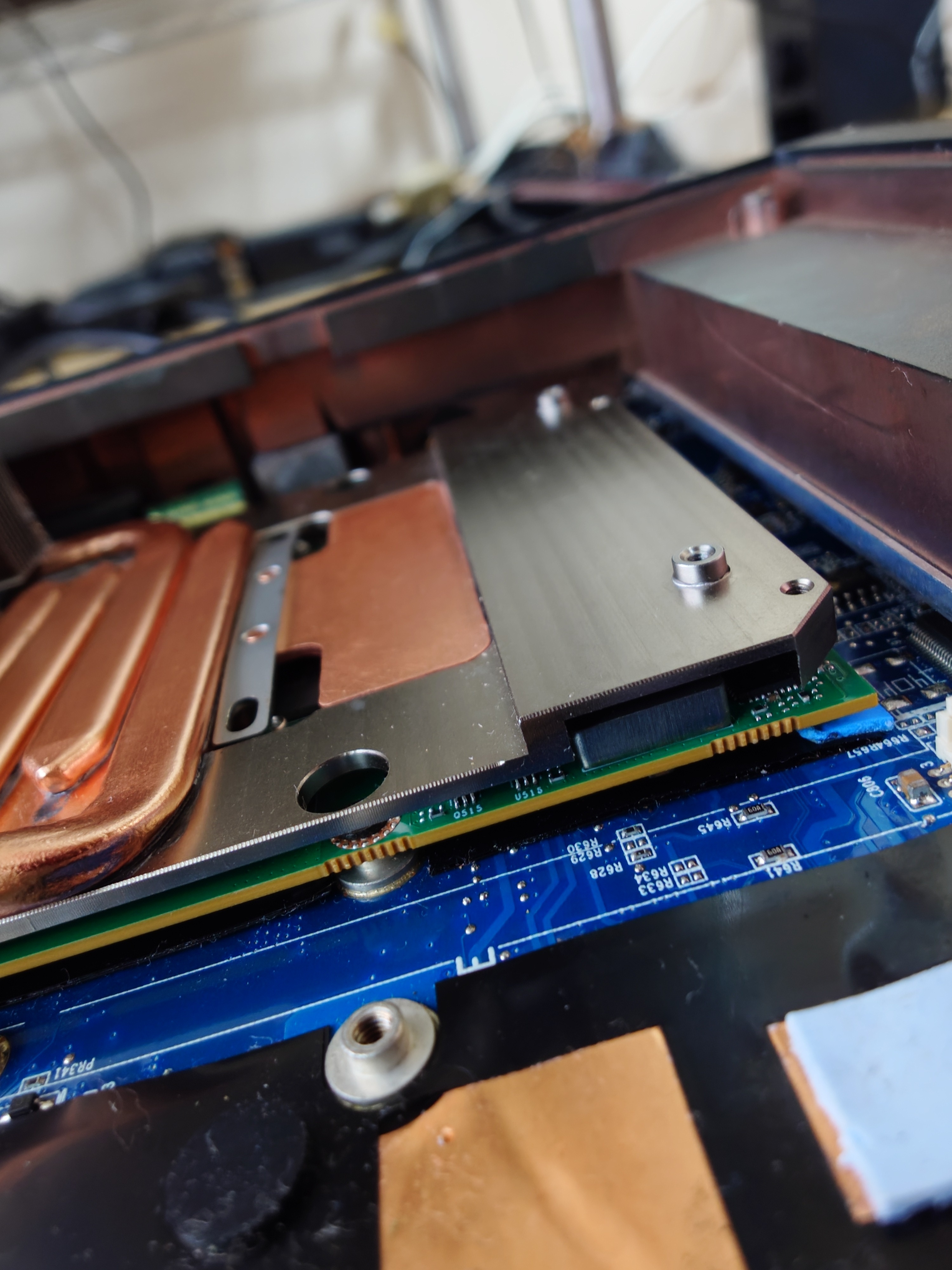
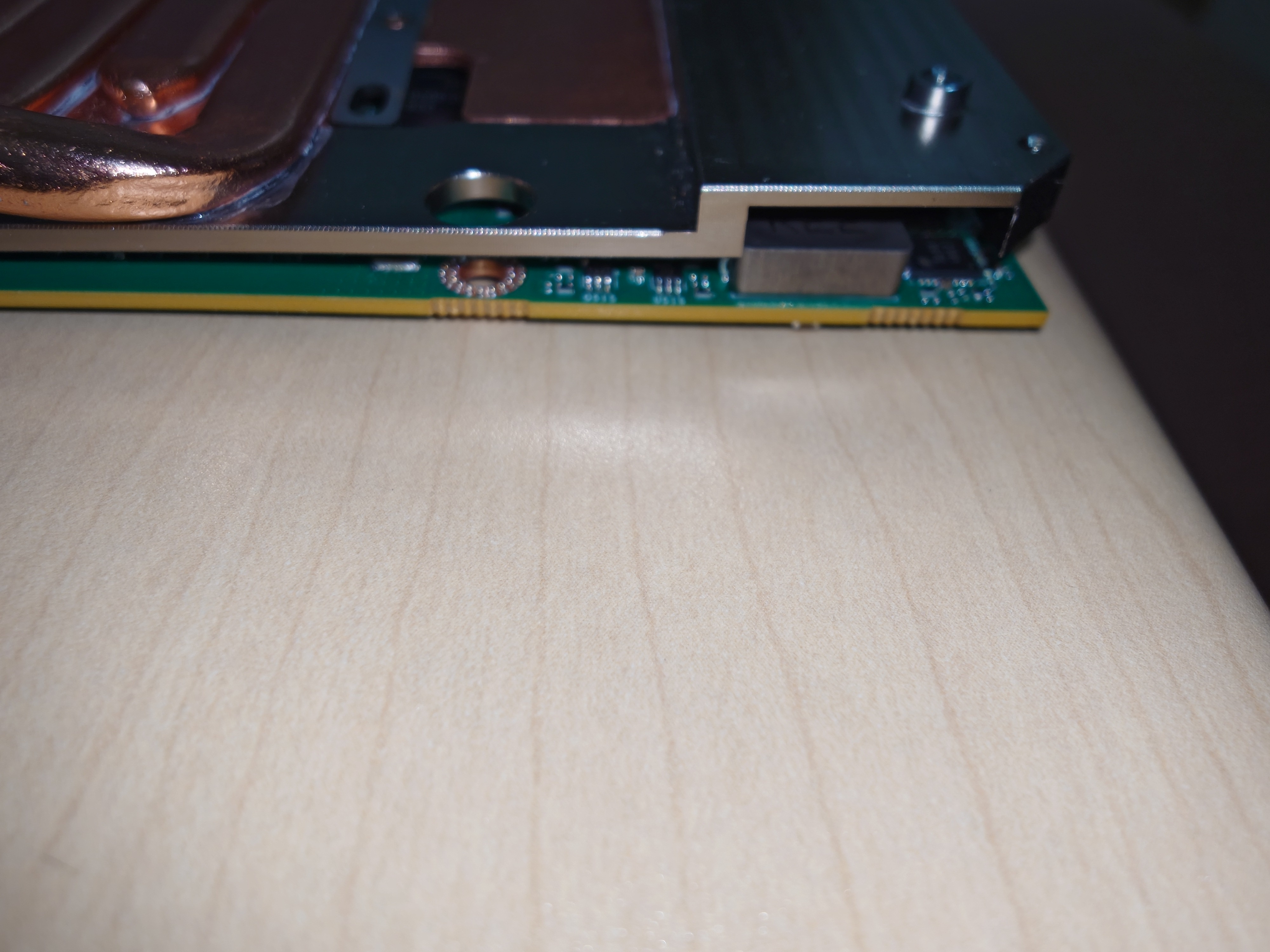
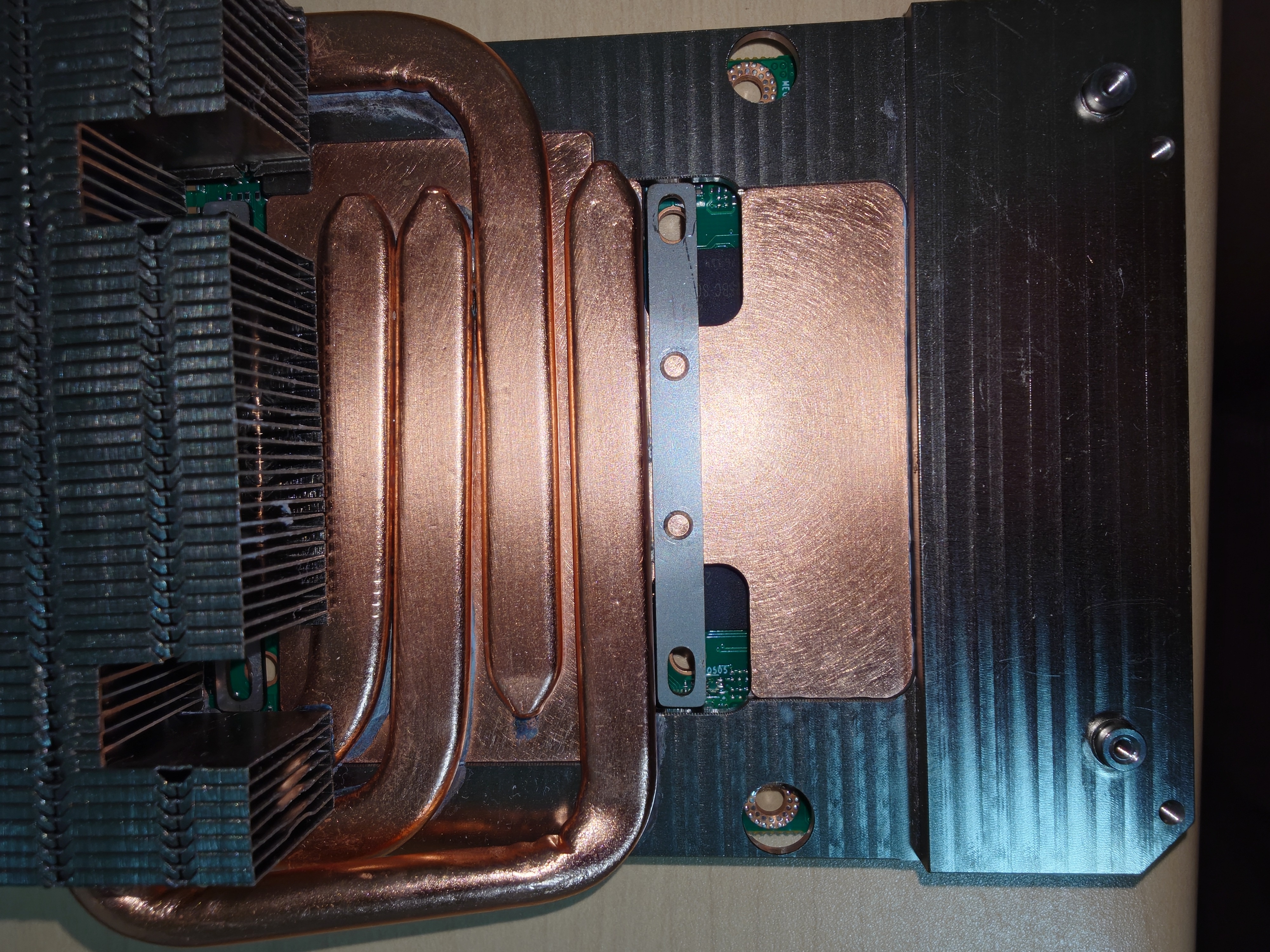
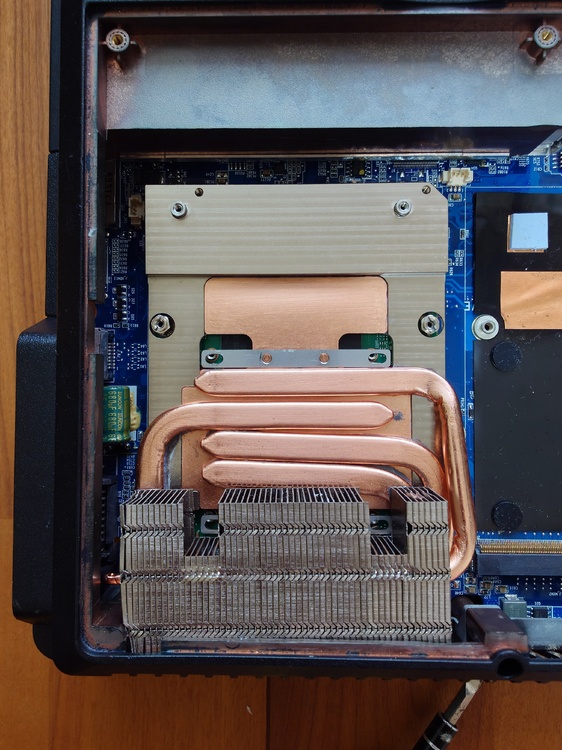
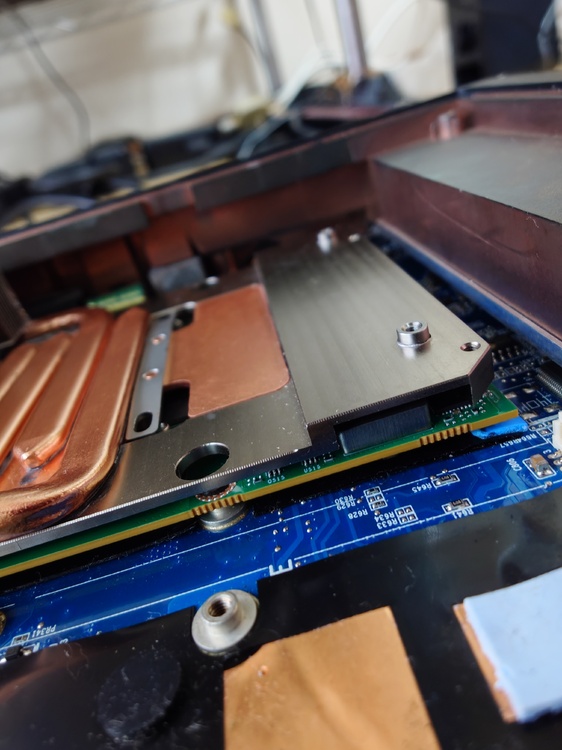
As expected, the heatsink and the card did not fit together when mounted on the main unit; I need to shave down part of the heatsink. Also, I connected the FPC cable, but the screen did not display anything. I likely installed the FPC cable in the wrong position. The screen wasn't displaying anything, but I heard the Windows startup sound, so I think it will work if the FPC cable is repositioned.
-
Modifying the standard fan for the P570WM is a hassle. It would be a great help if you could sell me one. Of course, I will pay.
-
That looks like a good fit. It's 9:30 PM Japan time and getting late, so I'll try installing it in the P570WM tomorrow. Thank you for providing the photos.
-
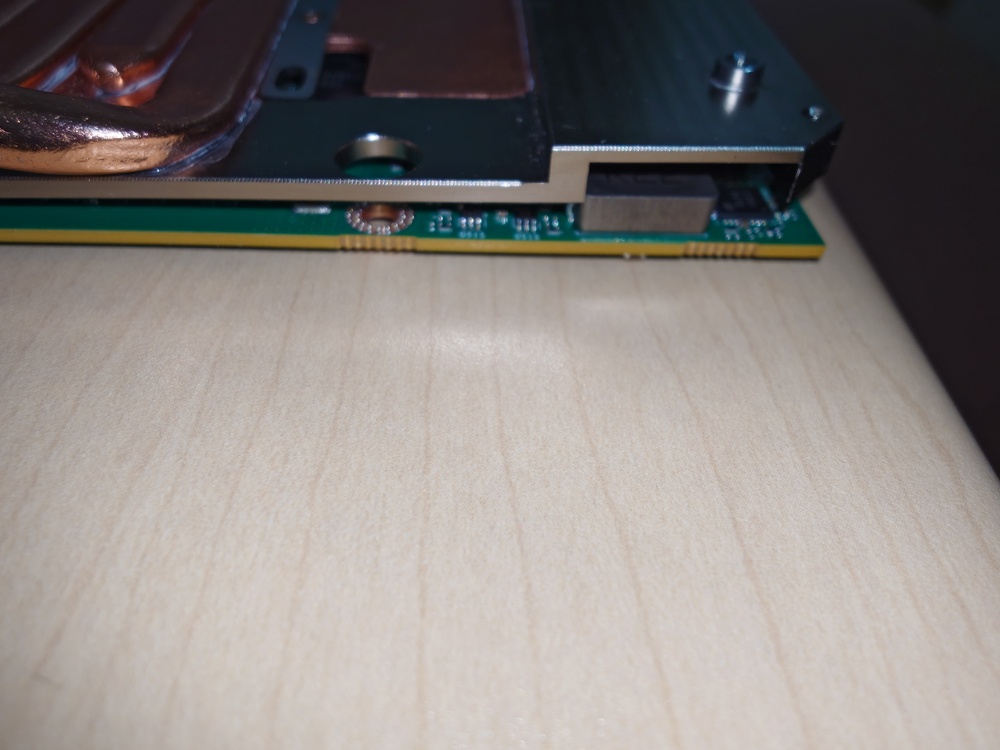
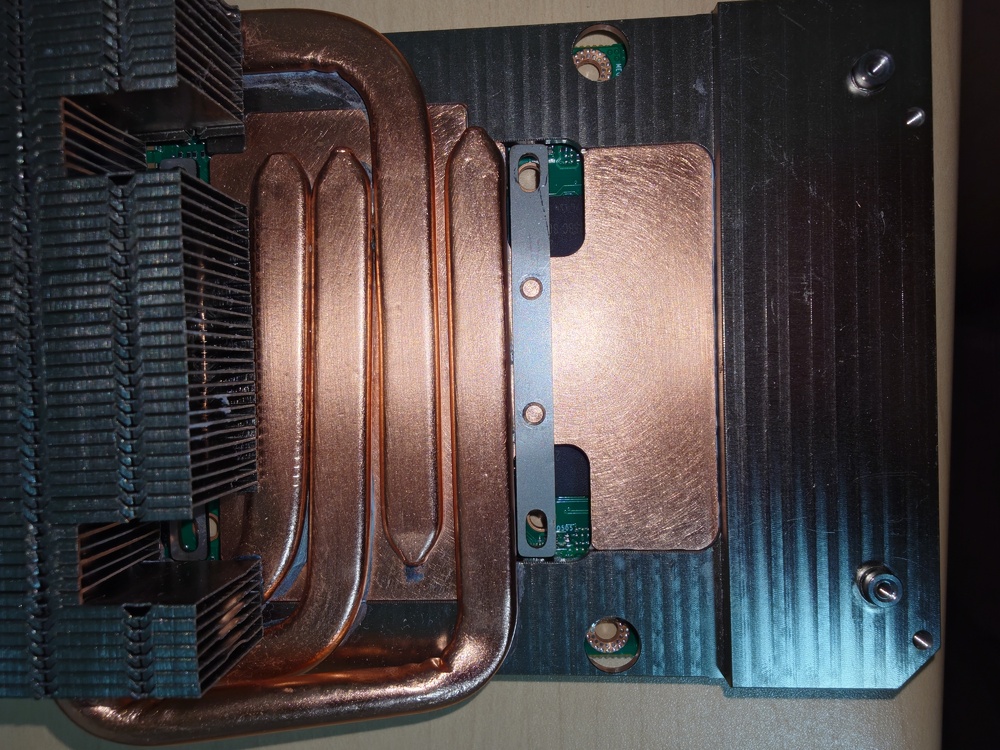
Given that there are no complaints from others, I simply ended up with a defective unit. The factory likely didn't test-fit the part against the actual card—instead manufacturing it based on SuperMG's blueprints—and I just happened to receive a unit with a slight misalignment. Since there are no companies in Japan that will modify metal parts owned by private individuals, I plan to file it down myself. It’s only off by about a millimeter, so I think I can manage it. I do regret not buying the Heatsink V2.
-
I haven't tested these while installed in the P570WM. Mounting them in the unit might solve the issue, though...
-
-
.png.88714f8e09cae43c0862e29711ff0993.png)