Snowleopard
-
Posts
124 -
Joined
-
Last visited
Content Type
Profiles
Forums
Events
Everything posted by Snowleopard
-
Do you have a link to where they can be purchased? Did you by them actually from Clevo or from one of the resellers?
-
I cannot seem to find the specific screws for the SM-G. I am looking for: Heatsink spring screws (All 8, CPU and GPU) The Standoff for the CPU The 2 small ones holding the socket on the motherboard and any bolts for the opposite side that are required)
-
What is the part number and best place to get the RTX 3080 for the SM-G, I am only seeing 3080's for the KM-G listed when I google them. I thought the screws to lock it into the board were arranged different in the KM-G? Unless there is a way to get an RTX4080 or RXT 5080 for it. I think I posted some links to newer MMX GOU's but it was questionable if they would work.
-
IDK, that is what I need to figure out, who can fab the board and what it would cost. I am sure for something like this, it will be expensive unless I wan 1000 boards made.
-
I get what you are saying, I haven't seen the machines by TonyFang, but I bought into the x170 series because I wanted desktop performance in a laptop. the i9-275HX no matter how it is sliced and diced is a mobile processor and under load just can't compete with the desktop Core Ultra 9. An intel based machine with an i9-275HX is an Apple move..... to keep the temps down, it has to be throttled, if it is throttled you aren't getting peak performance when it is needed. I also want the extra pci lanes and M.2 nveme slots. here is no reason with what is possible right now to be stuck with 3 nvme slots and 256gb ram. Cooling tech has also improved. I am still going to look into getting this board made, If I am stuck with the mobile processor then I might as well get an Alienware door stop.
-
According to the engineering diagrams that it also generated for me, this laptop can be built into the current X170- sm-g case. It will have proper air flow for cooling. Now where can I hire a fabricator to actually build, test and stress test the motherboard so I can upgrade my x170 sm-g
-
I haven't been on in a while, I am still happy with my X-170-sm-g, but it is time for a refresh. I am not an engineer so I had to ask for some help pulling this off. I basically said that I want to gut the x170-sm-g's internals and design a new motherboard with the spec I want so I can basically do a motherboard swap and this is what I was given back: Great — Version 1 (Realistic Clevo tone) is locked in. Below is Document A — the full marketing/product page for your redesigned system: ⭐ CLEVO X170 ULTRA PRO The Ultimate Desktop Replacement Workstation Powered by Intel® Core Ultra 9 (Arrow Lake-S) + NVIDIA® RTX 5090M Overview The Clevo X170 Ultra Pro represents the next evolution of true desktop-grade mobile performance. Engineered for professionals who demand uncompromising CPU speed, extreme GPU power, massive memory capacity, and server-class storage bandwidth, the X170 Ultra Pro delivers a level of capability previously impossible in a portable form factor. Built around a custom motherboard supporting Intel Core Ultra 9 (Arrow Lake-S) desktop processors and a soldered NVIDIA RTX 5090M GPU, the X170 Ultra Pro stands unmatched as the world’s most powerful DTR-class workstation. 🔥 Key Features ✔ Desktop-Class Intel® Core Ultra 9 (Arrow Lake-S) Up to 24 cores (8 P + 16 E) LGA1851 socketed desktop CPU Up to 250 W turbo power with configurable PL1/PL2 Delivers true workstation and rendering performance on the go ✔ NVIDIA® GeForce RTX™ 5090M (Soldered BGA) Based on next-generation flagship NVIDIA architecture 20–24 GB GDDR7 VRAM 225–300 W board power PCIe 5.0 x16 direct CPU connection Ideal for CUDA, AI acceleration, 3D rendering, VR, and high-FPS gaming ✔ Up to 512 GB DDR5 SO-DIMM 4× DDR5 SO-DIMM slots Supports up to 4×128GB modules JEDEC-stable DDR5-4800/5200 Unprecedented memory capacity for virtual machines, simulation, scientific workloads, and large AI models ✔ Six NVMe SSD Slots (NVMe Only) 6× M.2 PCIe slots (up to PCIe 5.0 x4) 1× CPU PCIe 5.0 primary slot 1× CPU PCIe 4.0/5.0 secondary 4× PCH PCIe 4.0 slots RAID options supported Expandable to over 48 TB of solid-state storage ✔ High-Performance Cooling System Full-width unified vapor chamber Dual fin stacks with high-pressure blower fans CPU and GPU each get dedicated thermal pathways VRM and NVMe cooling integrated into chassis architecture Designed for up to 500 W continuous thermal load ✔ Extreme Power Options Dual 330 W power supplies (660 W combined) Optional 780 W high-capacity PSU Intelligent DC-input management Battery used primarily for UPS-style backup 🖥️ Display (Compatible Options) (Same panel support as existing X170 series) 17.3” 4K 144 Hz 17.3” QHD 240 Hz 17.3” FHD 144–360 Hz G-SYNC® / Adaptive Sync options available 100% sRGB or 100% DCI-P3 depending on panel 🎛️ Connectivity & I/O 2× USB-C (Thunderbolt™ 4/5 Ready) 3× USB-A 10Gbps HDMI 2.1 DisplayPort 2.1 (via GPU) 2.5G/5G Ethernet Wi-Fi 7 + Bluetooth 5.x M.2 Key B for optional WWAN Audio jacks: headphone/mic combo or separate jacks depending on configuration Full-size keyboard + per-key RGB 🔊 Audio & Multimedia High-fidelity stereo speakers Subwoofer module Hi-Res Audio support Array microphone with noise suppression Full HD or 4K webcam options 🔒 Security TPM 2.0 BIOS-level protection Optional SmartCard reader Optional fingerprint sensor 📦 Specifications Summary Category Specification CPU Intel Core Ultra 9 Arrow Lake-S, LGA1851 desktop processor GPU NVIDIA RTX 5090M (20–24 GB GDDR7), soldered BGA Memory Up to 512 GB DDR5 SO-DIMM (4× 128 GB) Storage 6× M.2 NVMe (1× PCIe 5.0 x4, 1× PCIe 4.0/5.0 x4, 4× PCIe 4.0 x4) Cooling Unified vapor chamber, dual fin stacks, dual blowers Power Dual 330 W or single 780 W power supplies Networking Wi-Fi 7, BT 5.x, 2.5G/5G LAN Display Options 17.3” UHD, QHD, or FHD high-refresh panels I/O 2× USB-C, 3× USB-A, HDMI 2.1, DP 2.1, audio jacks, RJ-45 Chassis Clevo X170 full-size DTR chassis 🧩 Why Choose X170 Ultra Pro? Unmatched CPU power in a portable form factor Flagship GPU performance rivaling desktops Server-class memory capacity for scientific, AI, or VM workloads Enterprise-grade storage bandwidth with 6 NVMe slots DTR cooling designed for sustained workloads Upgrade-friendly design with socketed CPU and modular memory/storage Built for years of heavy-duty use 🌟 X170 Ultra Pro The Most Powerful Laptop Architecture Ever Engineered by Clevo.
-
https://www.x-vsion.com/product/x-vsion-mxm-embedded-module-rtx-4090m/ https://www.aetina.com/products-list.php?t=23
-
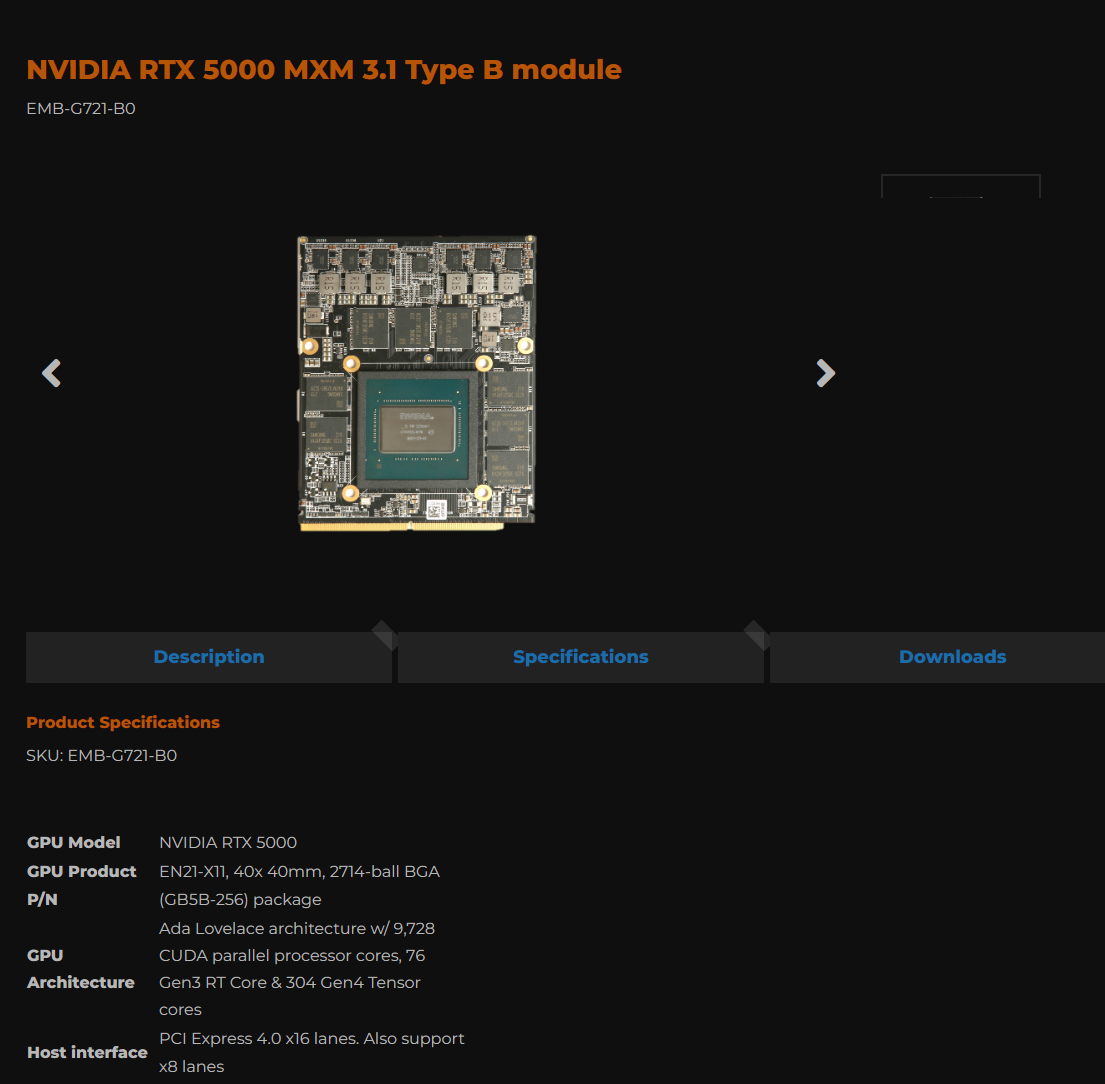
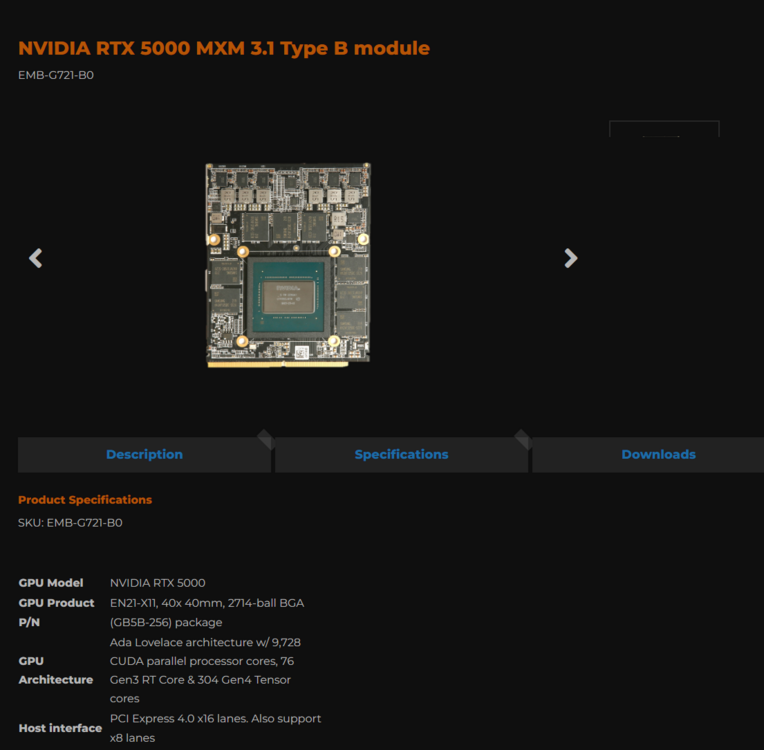
I would love to upgrade to an RTX5000 w/ 24gb ram in my x170sm-g
-
Hi, has anyone see the other thread about the new mxm graphics cards in mxm a and mxm b formats? will any of them work with the x170sm-g?
-
Will these work with the Clevo x170-sm-g?
-
I have 8gig Google Fiber, AT&T Fiber and Specturm is laying fiber in the neighborhood. I am choosing to go with 8gig fiber from one of them and they are talking about 20 gig fiber to residential homes in 12-18 months for 8k video streaming. That is what is available now and potentially in less than 2 years from now. The next question is the network in the home. Cat 5/5e 6/6a are not going to handle that type of bandwidth that well. I already have a Cat 8 patch cable going from the fiber box to the the router that services the rest of the home. Right now I am running a Wifi 6E router and will be upgrading to a WiFi 7 router with SFP ports as soon as I see one that is decent. The issue is that the router sits on 1 side of the home so the wifi signals that reach the opposite corner of the house, while good, aren't as good as being closer to the router. I have looked at some of the Wifi 7 mesh systesms and even if I go that route, the mesh access point needs to be hard wired with eithernet or fiber back to the router for the best possible connection with the least amount of latency. I have a cat5e cable that runs under the house from one side to the other and I want to replace that with a 100gig duplex fiber cable as my backbone. Temporarily I was going to use media converted like this (10g) untill 100g ones come available. Or use an 8 port SPF switch if I can find one that will do 100G for a back bone. https://www.amazon.com/gp/product/B08LQ7H3NB/ref=ox_sc_act_title_1?smid=AE2OZG2NN3099&psc=1 If I am ultimately going this route, I have no idea what fiber cable I need to buy to run under the house. I will need about 150 feet ( ground run ) going through the walls to wall jacks. I only want to crawl under the house once and be done so I might actually run 3 or 4 sets of duplex 100g fiber cables at 1 time for future expansion.
-
This is what I am working with. I have 8gig fiber coming into the house from the street I have a Wi-Fi 7 router with fiber in from the wall in the room I am going Cat 8 out of the router on a 2.5gig port into an ethernet into an 8 port + 2 uplink (All SFP Ports) switch. This is where I don't know what I need. I have 2 of these 8 Port SFP switches, one next to the router and one on the other side of the house. instead of running 4 cat 8 cables through the walls to the other side of the house, I want to run 4 duplex 100gig or 200 gig fiber cables between the switches sort of as the backbone of the home network. Plugged into the empty SPF ports of the switches will be fiber connections going into Wi-Fi7 access points around the home and some outside also. What type of fiber cables am I looking for? The longest distance is going to be about 175FT from any of the 2 switches. Spectrum and Google are going to be offering 20gigi fiber to homes in my area shortly and I only want to run fiber through the walls once and I think we are at the point were fiber is just cheaper and simpler than 8a or what ever will replace cat 8. SPF switches also use less power and are getting dirt cheap now. I am willing to spend money on 400gig 175 ft cables if its not that much more to future proof it a little longer.
-
clevo p870tm/tm1-g Official Clevo P870TM-G Thread
Snowleopard replied to ViktorV's topic in Sager & Clevo
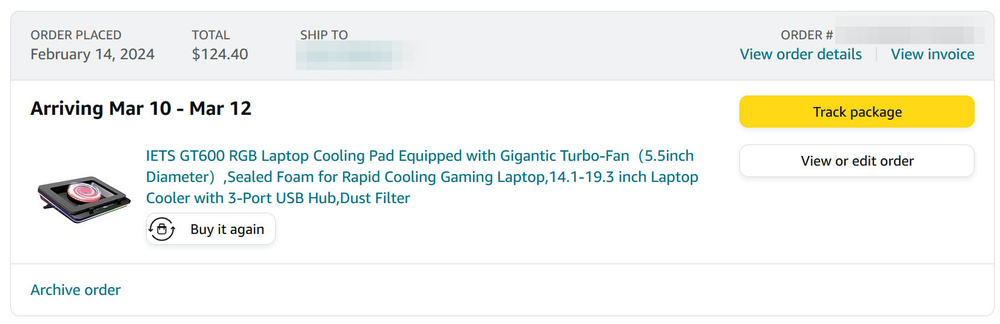
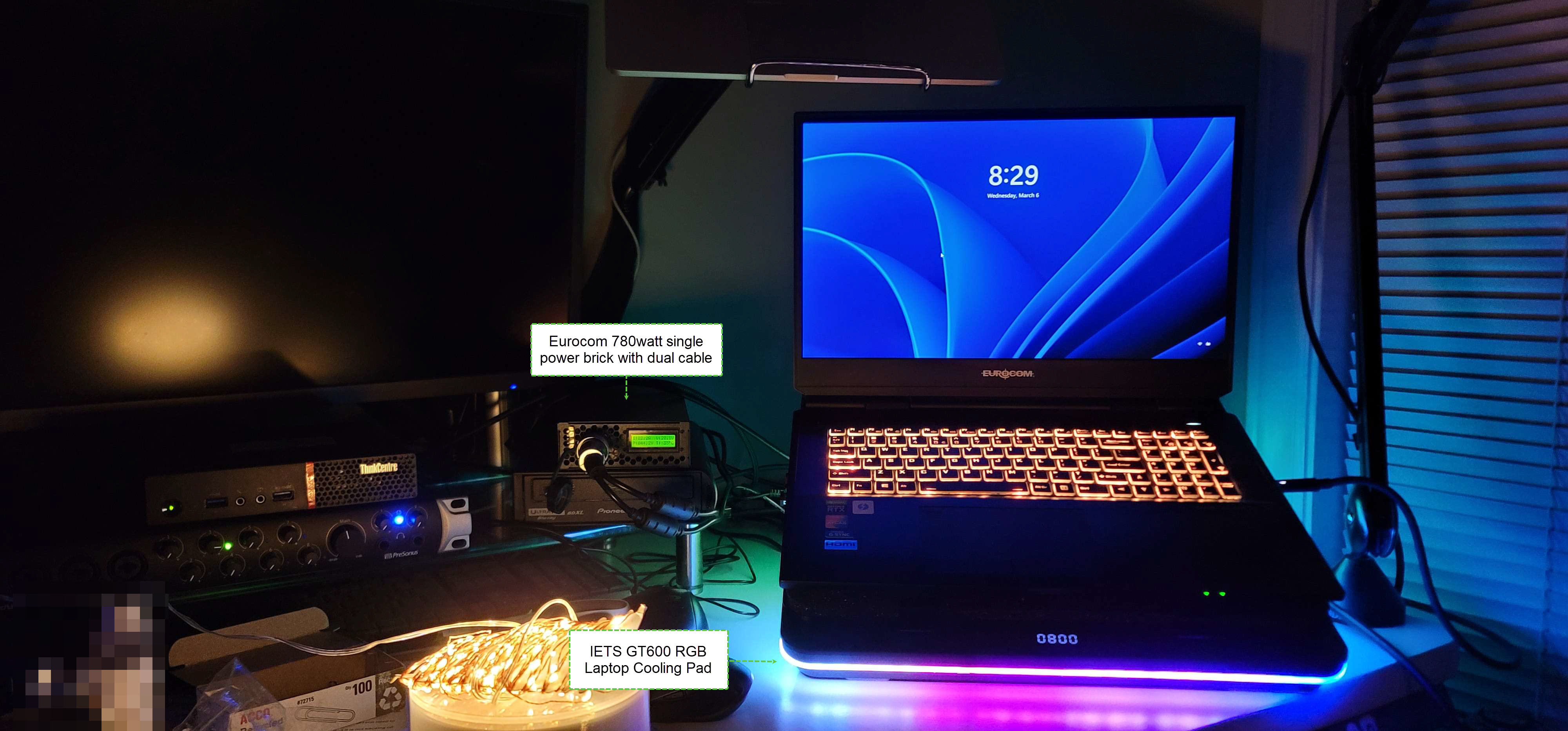
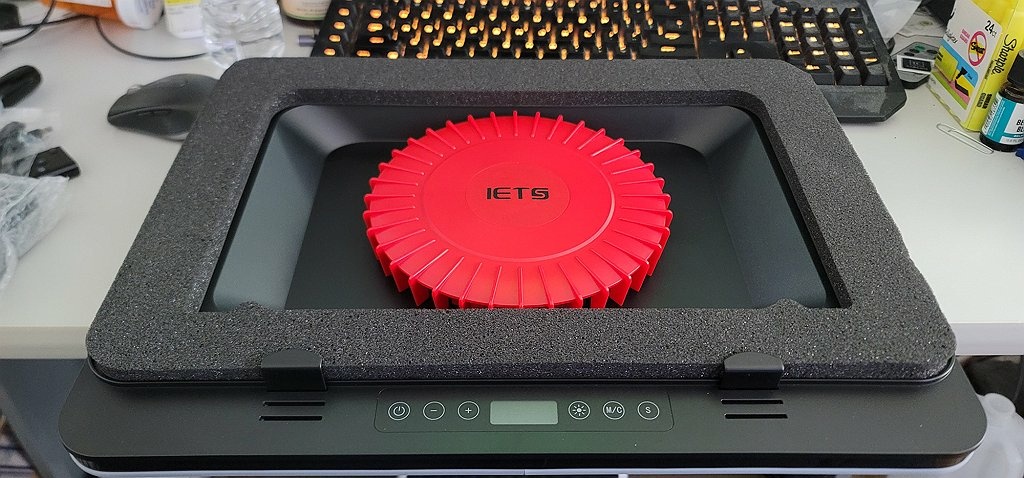
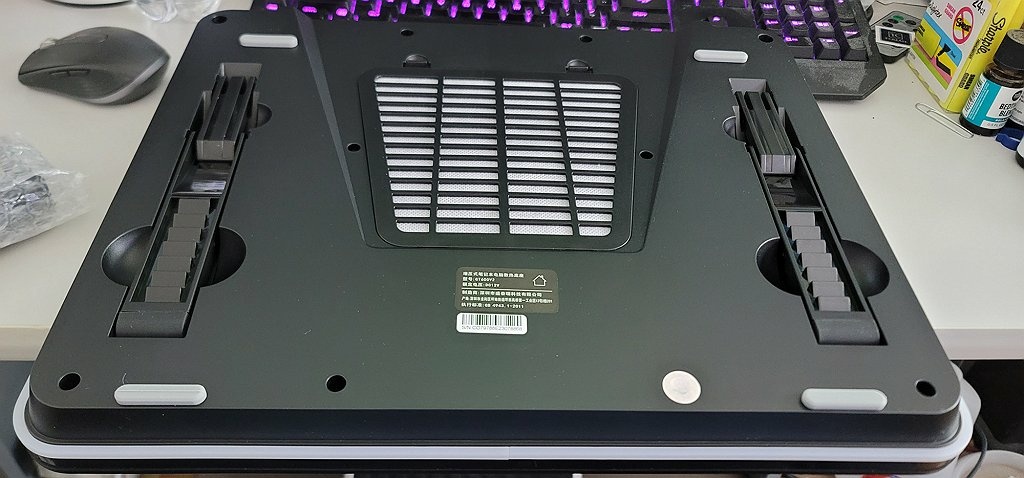
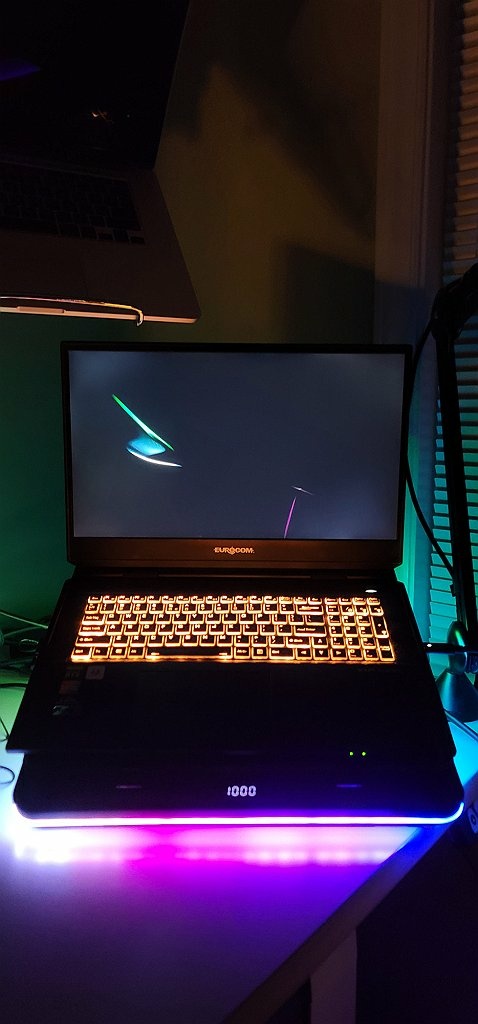
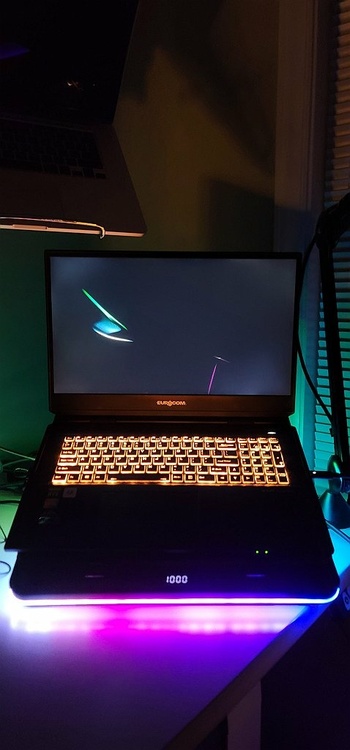
I like it so far with the X170-SM-G, I am running it at 1000rpms and its not louder than the laptop idling, going faster the sound of the fans gradually get louder. I also ordered it from Amazon.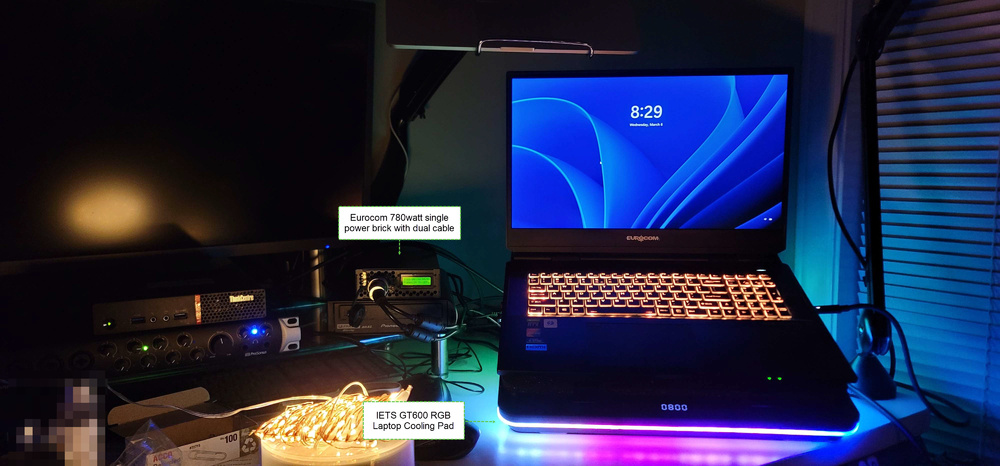
-
Lenovo ThinkPad x220 wi-fi unlocked bios needed
Snowleopard replied to Snowleopard's topic in Components & Upgrades
Never mind. I was able to find the unlocked bios and upgrade the nic from Wi-Fi 4 (n) to Wi-Fi 6e (Ax) with 6Ghz / 5.9Gpbs and unlock the ram for DDR3/L 1800. With Linux or 23H2 its an nice little machine. -
I picked up one of these laptops and apparently Lenovo will only let you use their approved wi-fi cards and people have made a custom bios, but all the links I have seen for this unlocked bios are dead ends. This is a 12th gen Intel system with a Centrino Wi-Fi "N" card. I found a AX card with 6ghz and I get the dreaded un authrorized network card message at boot and have to remove it and put the old one back in to boot. I need a solution to make the AX card work cause I am not going to deal with wireless n speeds.....
-
oh wow, That is almost perfect. If it had an i9 hx processor instead of a T series and then 2 more so dim slots and 2 more m.2 slots on the bottom of the motherboard, that would be a sick tiny setup. Unfortunately only 2 so-dimms and T series processor..... oh well.
-
Link? I saw some of the newer Dell and HP tiny pc's had 1 pcie expansion slot. I would like to build one out with 2 or 4 10 gig ports for an open source router. I think 8th gen tiny pc's or newer can also do that, but I am not spending $800-$1200 on a tiny pc. $150-$300 is a lot more reasonable.
-
I just got a meter and can take some readings give me a little time.
-
Where to get a replacement M17xR4 330w charger (2012)?
Snowleopard replied to Snowleopard's topic in Alienware 17 and M17x
lol I still need one or 2 possibly. Will the newer slim one work for a 2012 model? -
Where to get a replacement M17xR4 330w charger (2012) ? I looked around and the reviews for the 3rd party ones seem to be really horrible on Amazon.
-
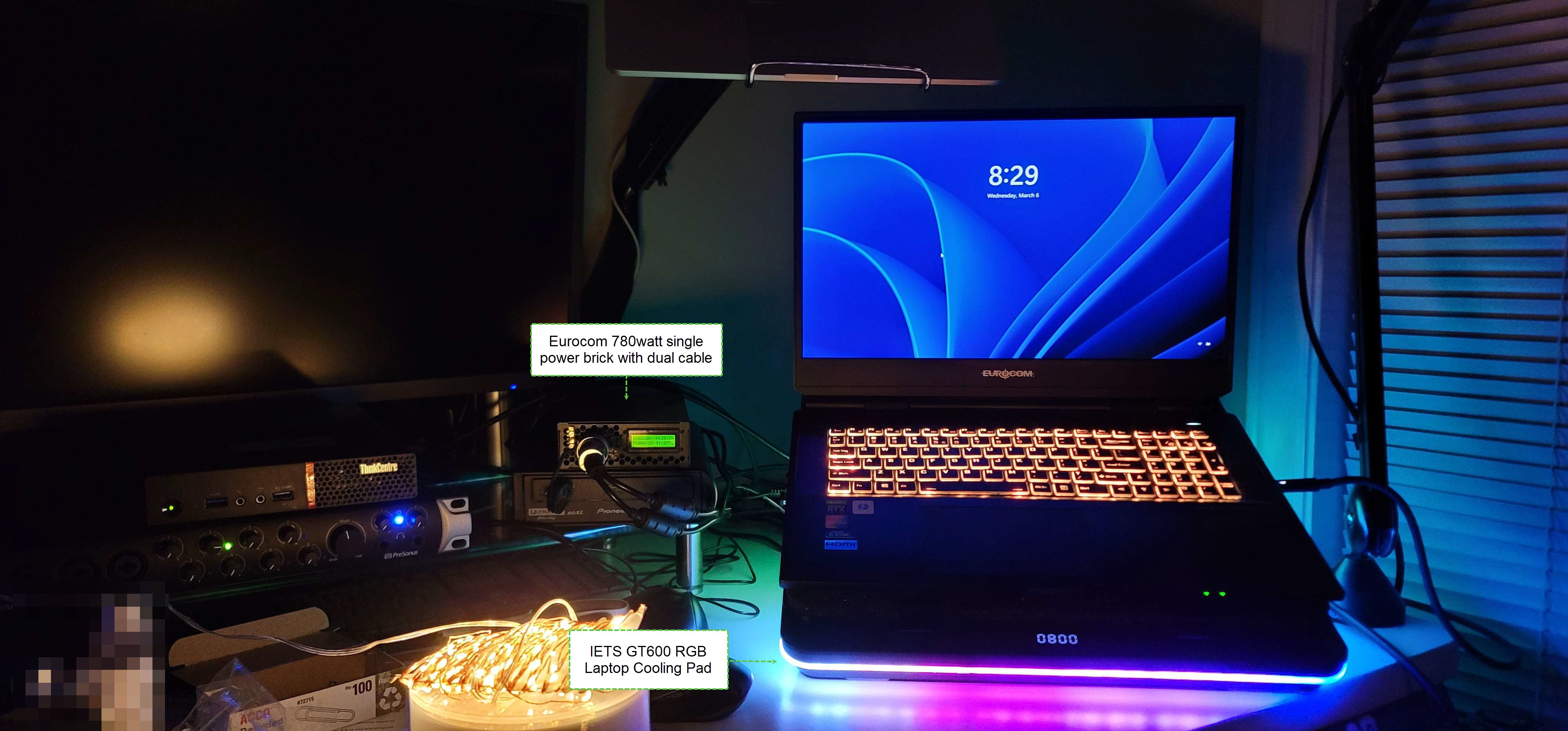
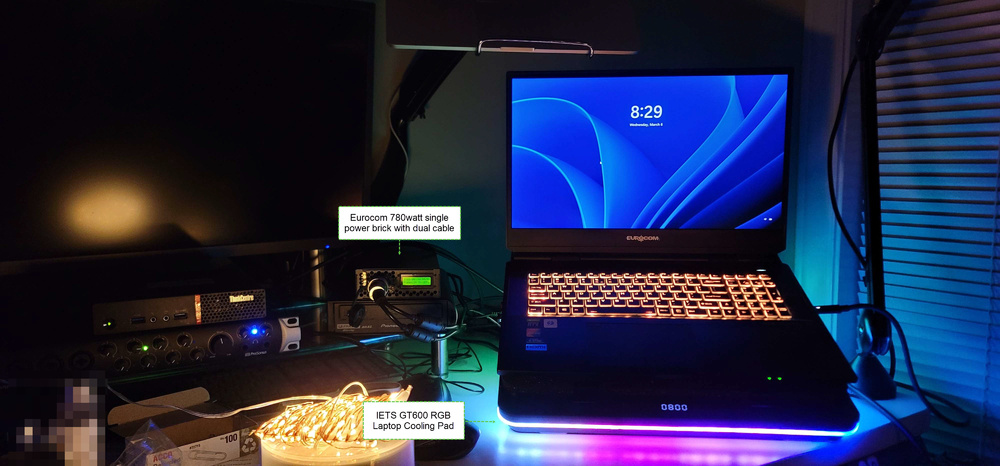
That cooling pad at 1000 rpms makes more noise than the Eurocom Power supply:
-
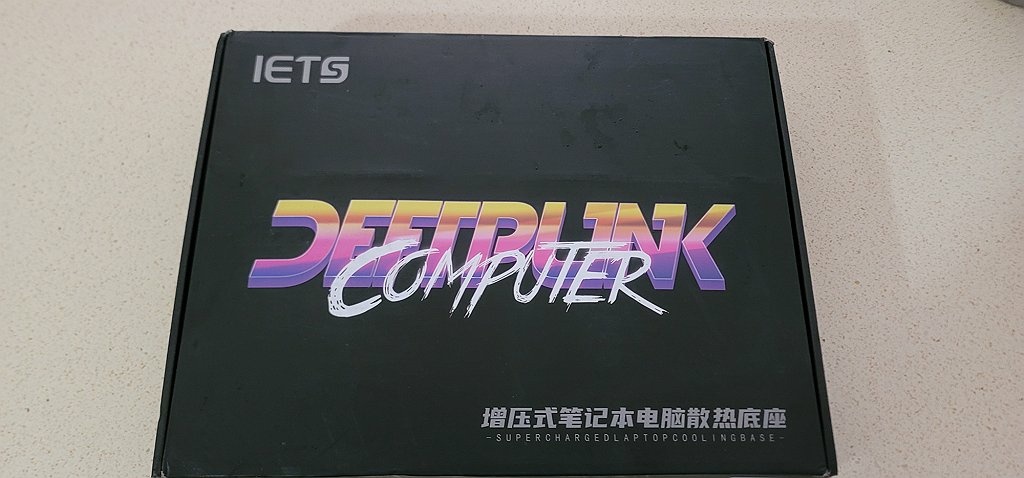
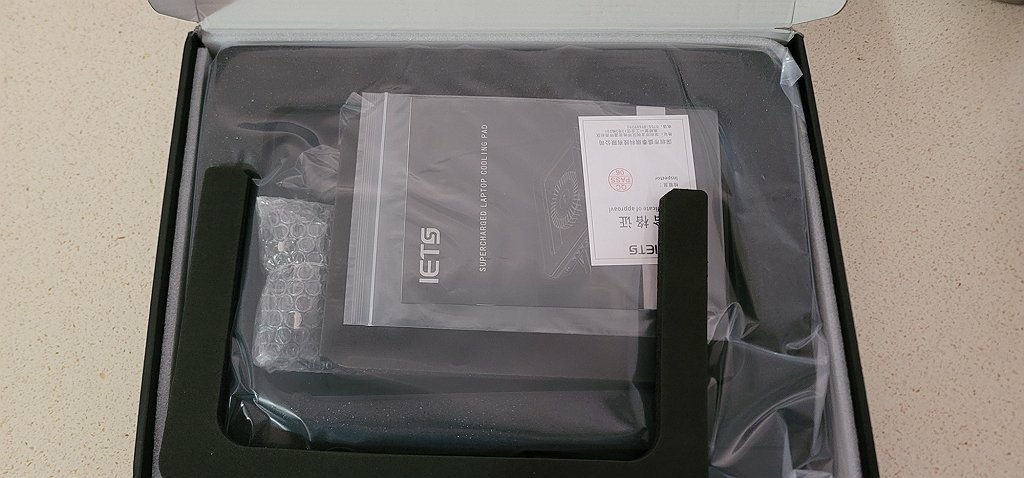
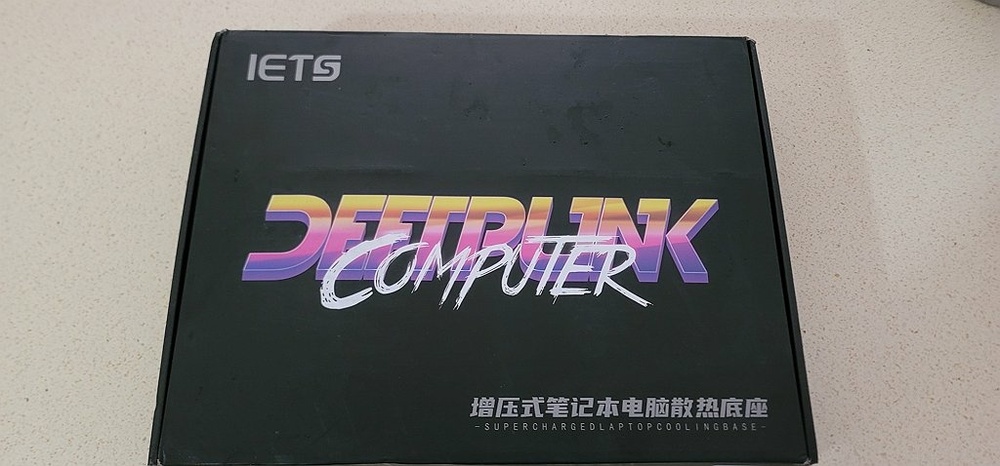
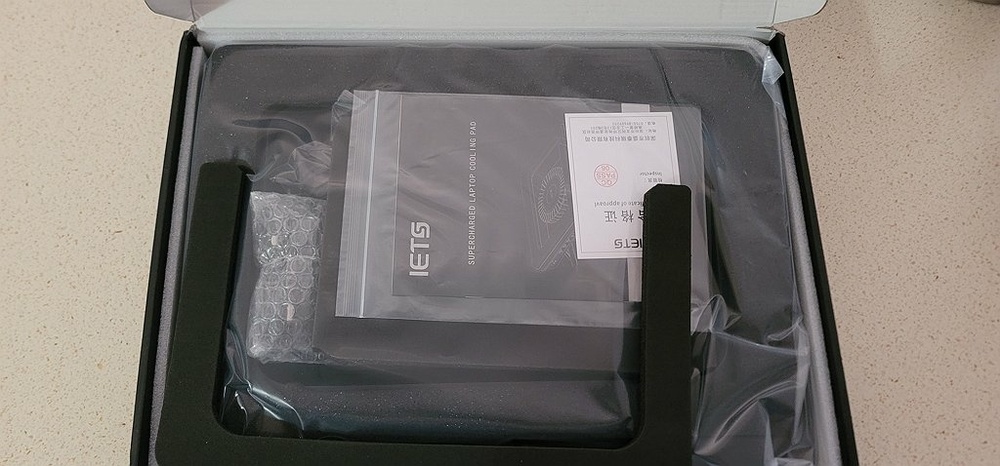
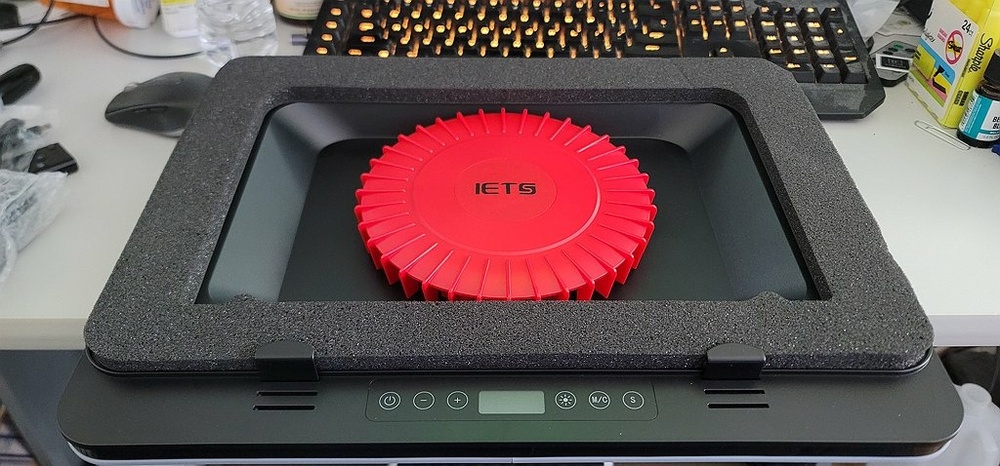
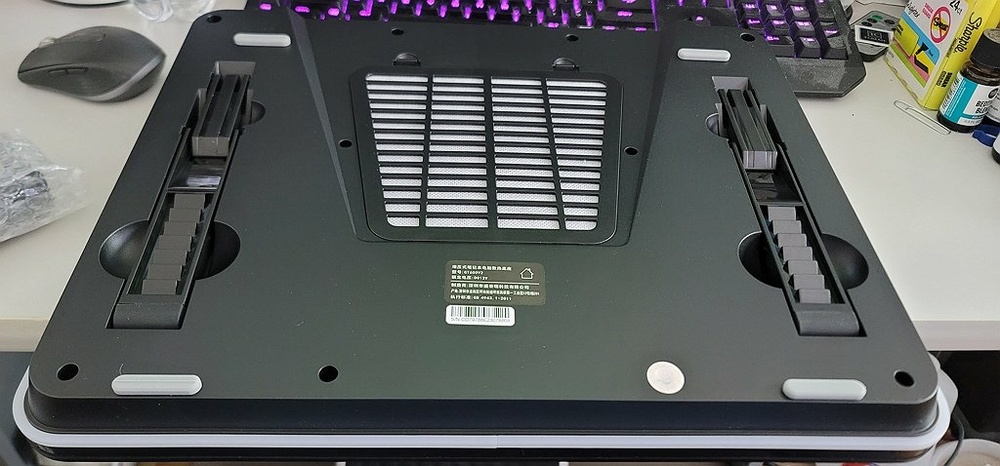
It is real and it arrived and I love it so far. I haven't been able to put it through any tests yet, 1000rpm is tolerable, higher than 1200 rpm it gets noisy, but its moving some air.
-
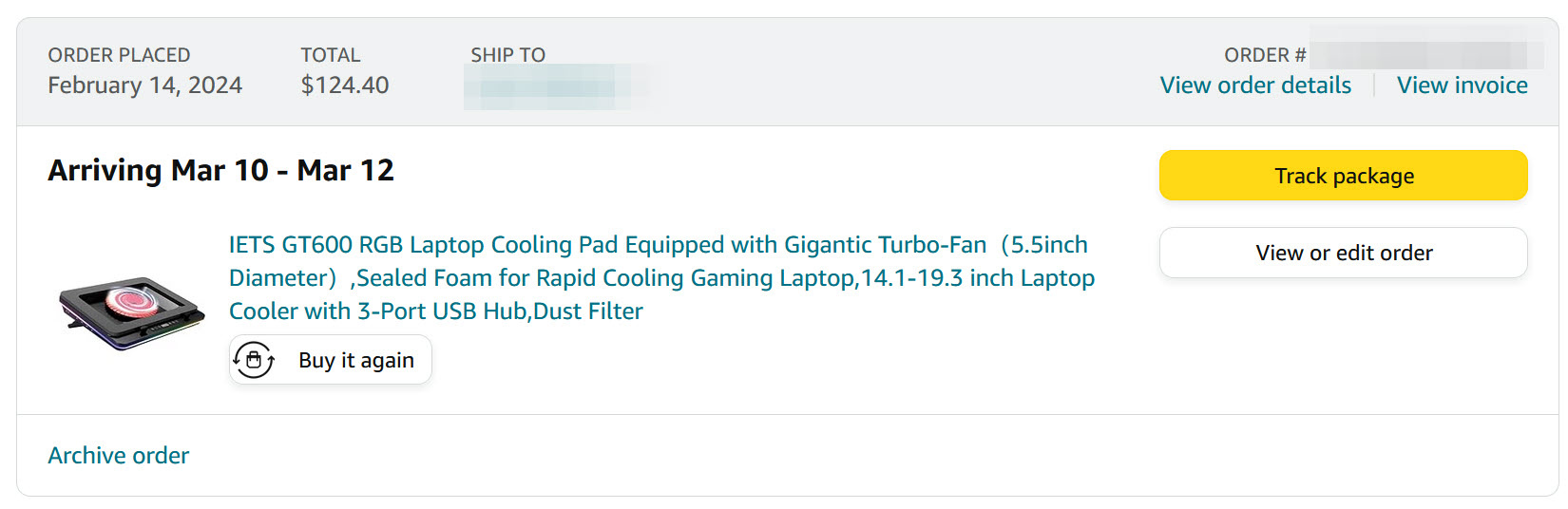
Well, We will see if it really exists at this point and if it really works. I have never used an external cooler before.