

Will
-
Posts
38 -
Joined
-
Last visited
Will's Achievements






-
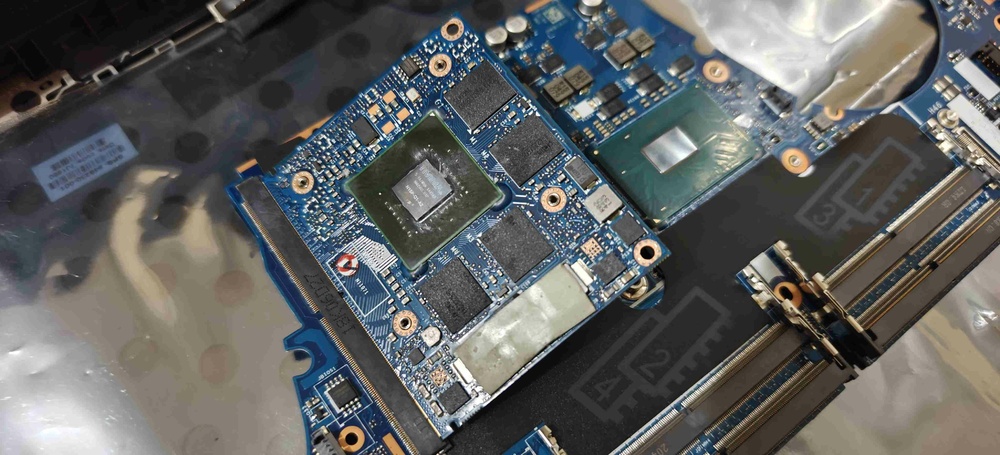
Regarding the GPU, it's known that the ZBook 15/17 from G1 to G3 (and definitely the G4 as well) have eDP on DP_C. Therefore, if a graphics card with eDP on DP_D were installed - let's say an RTX 4050, for example - I wouldn't get a display on the internal monitor if the SBIOS were configured in discrete/dedicated graphics mode, correct? But if the option were changed to hybrid graphics, would I be able to use it normally with the video passing through the iGPU? And another question: if the GPU has standard DP on DP_C and I use the backlight cable mod, I would get a display on the internal monitor and could use it in discrete graphics mode, correct? @JadeRover@SuperMG can you guys give me some insight on this please?
-
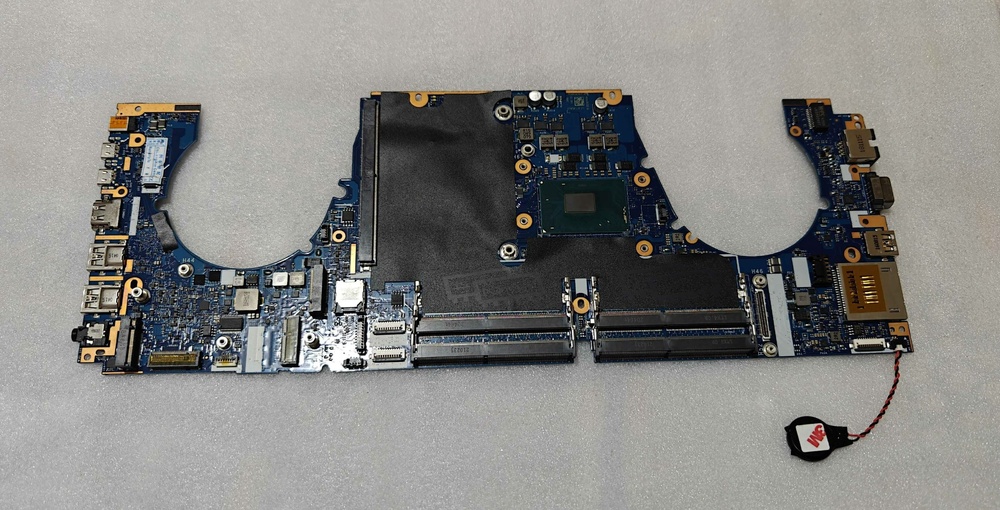
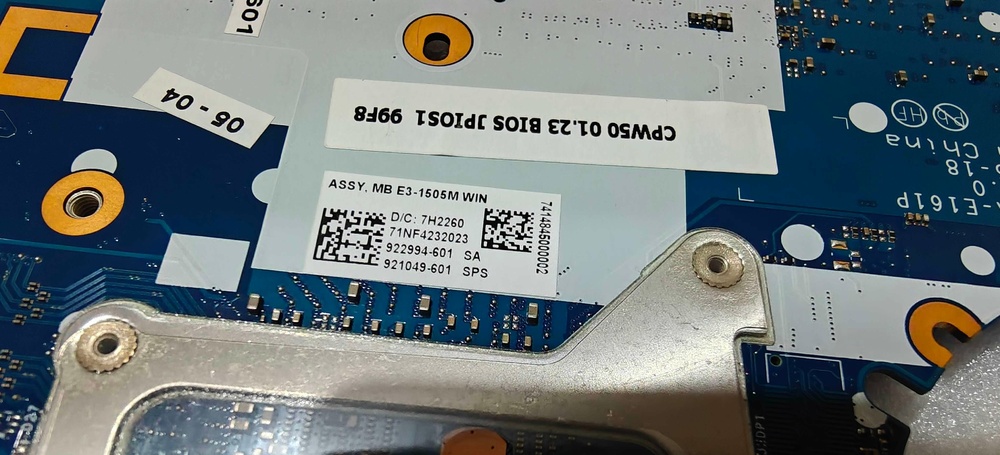
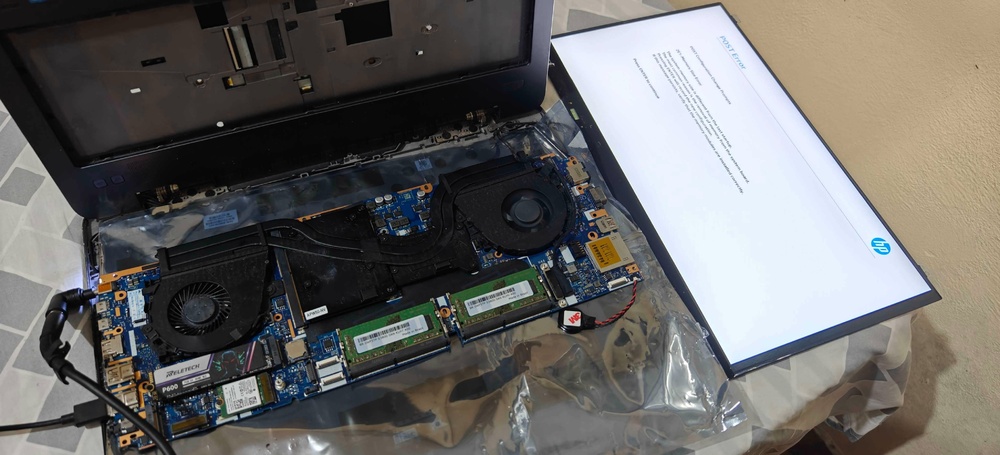
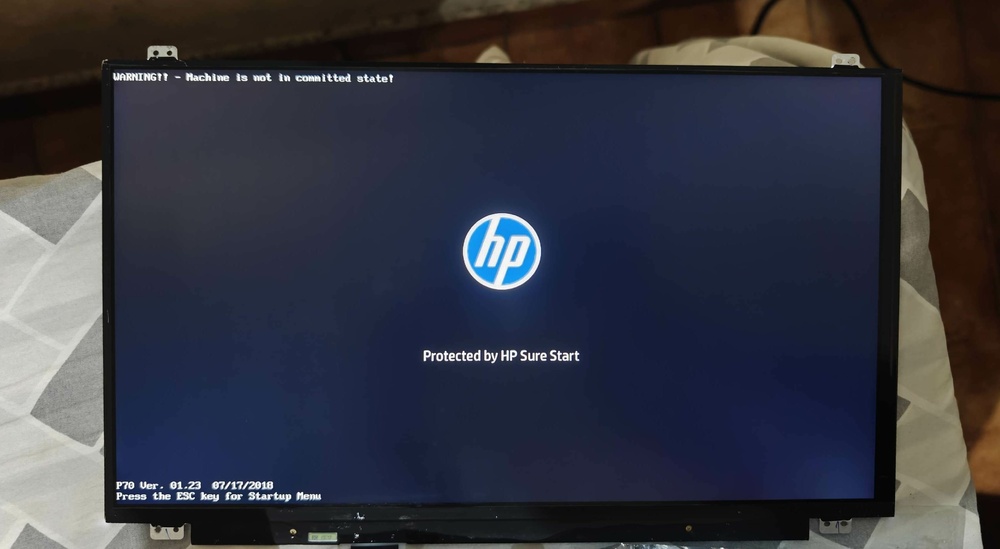
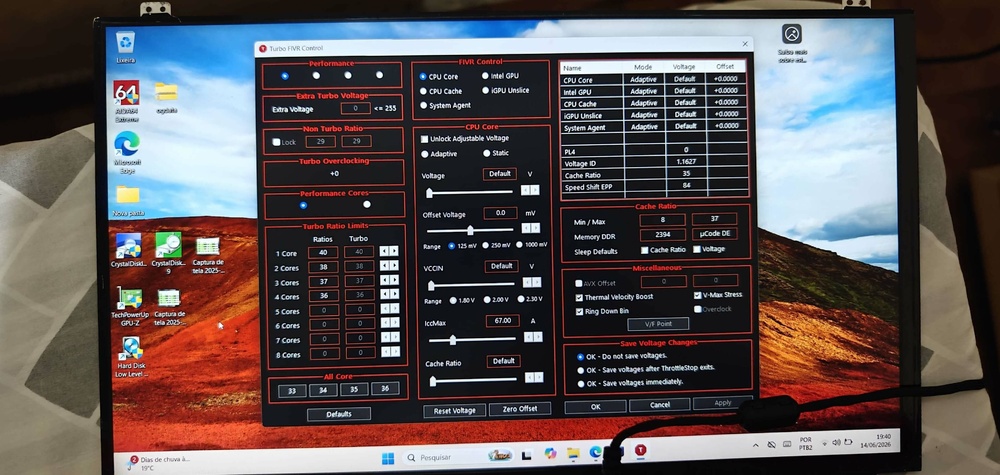
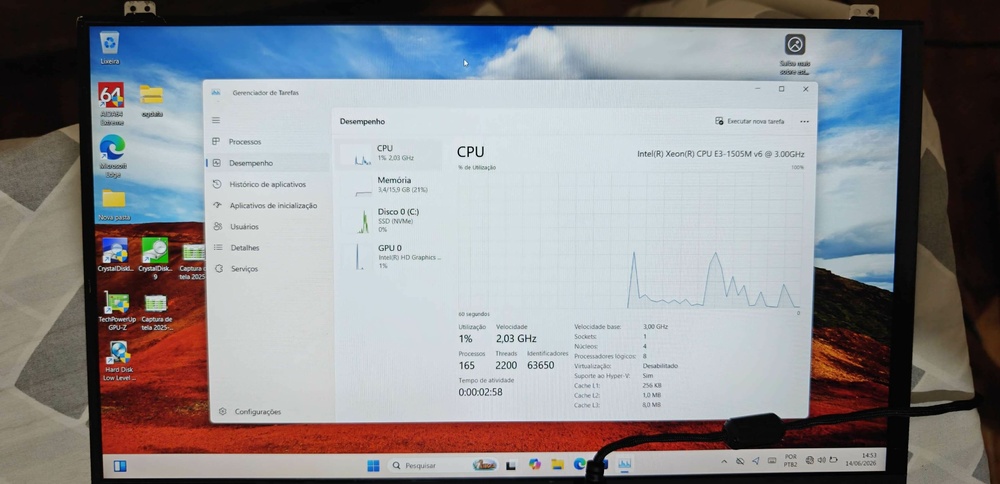
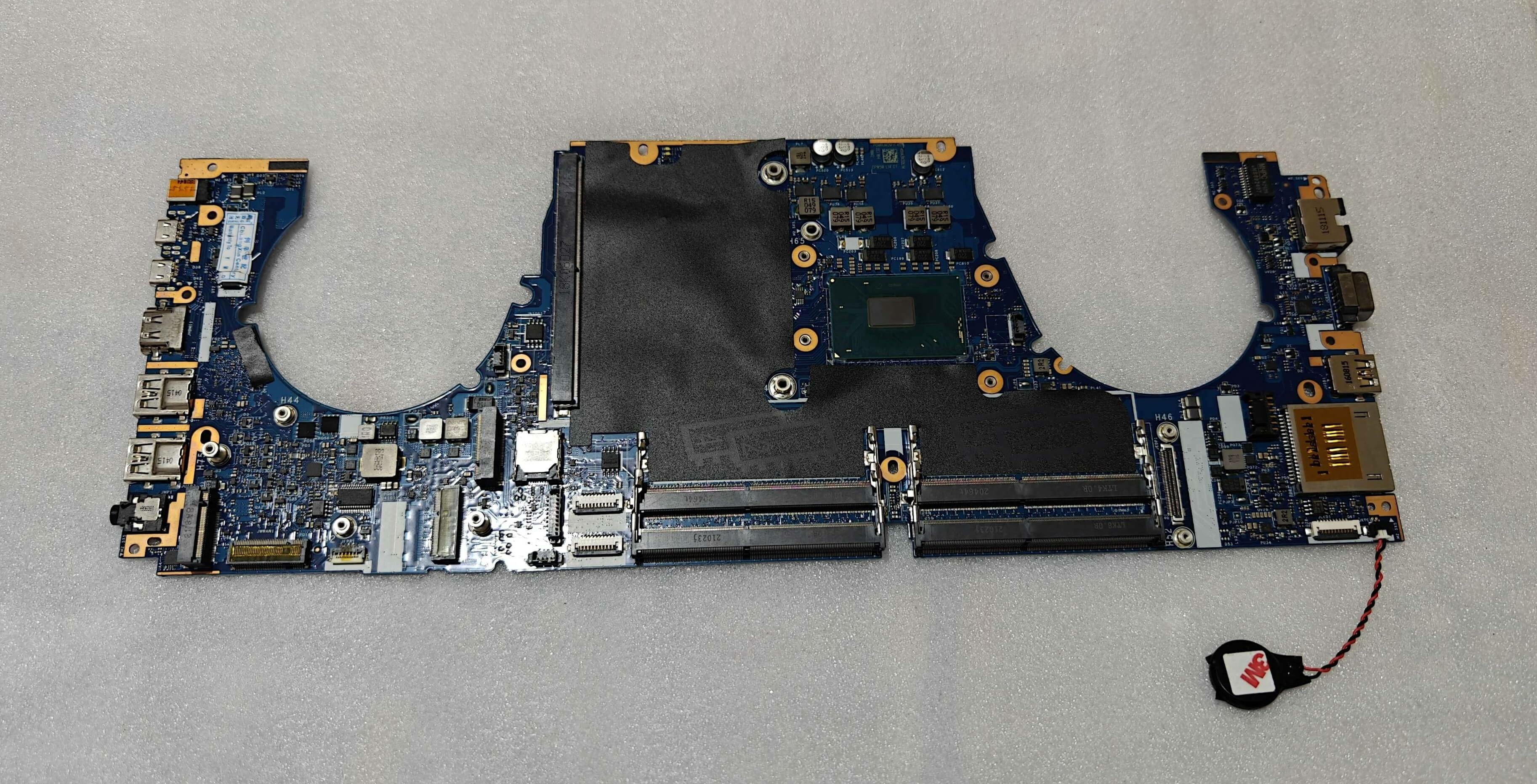
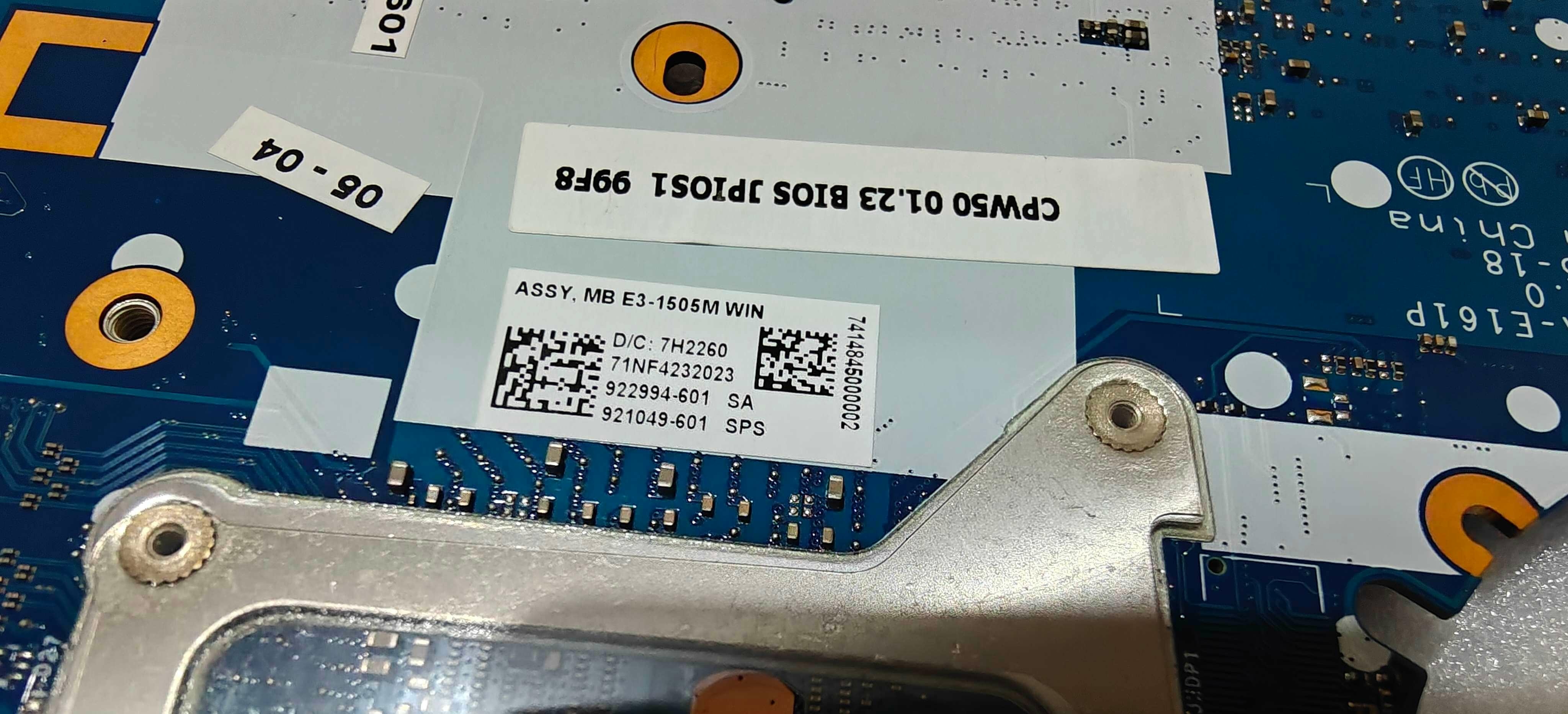
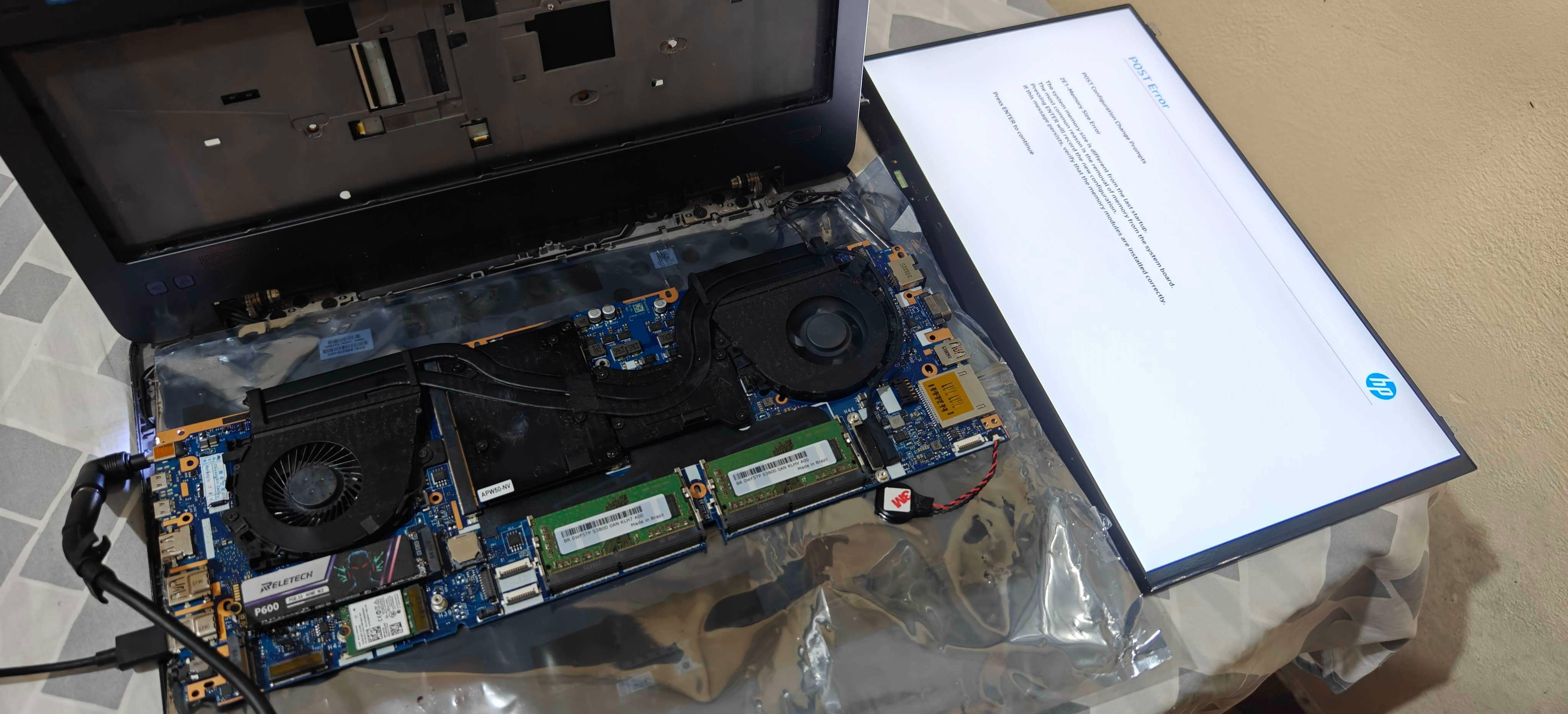
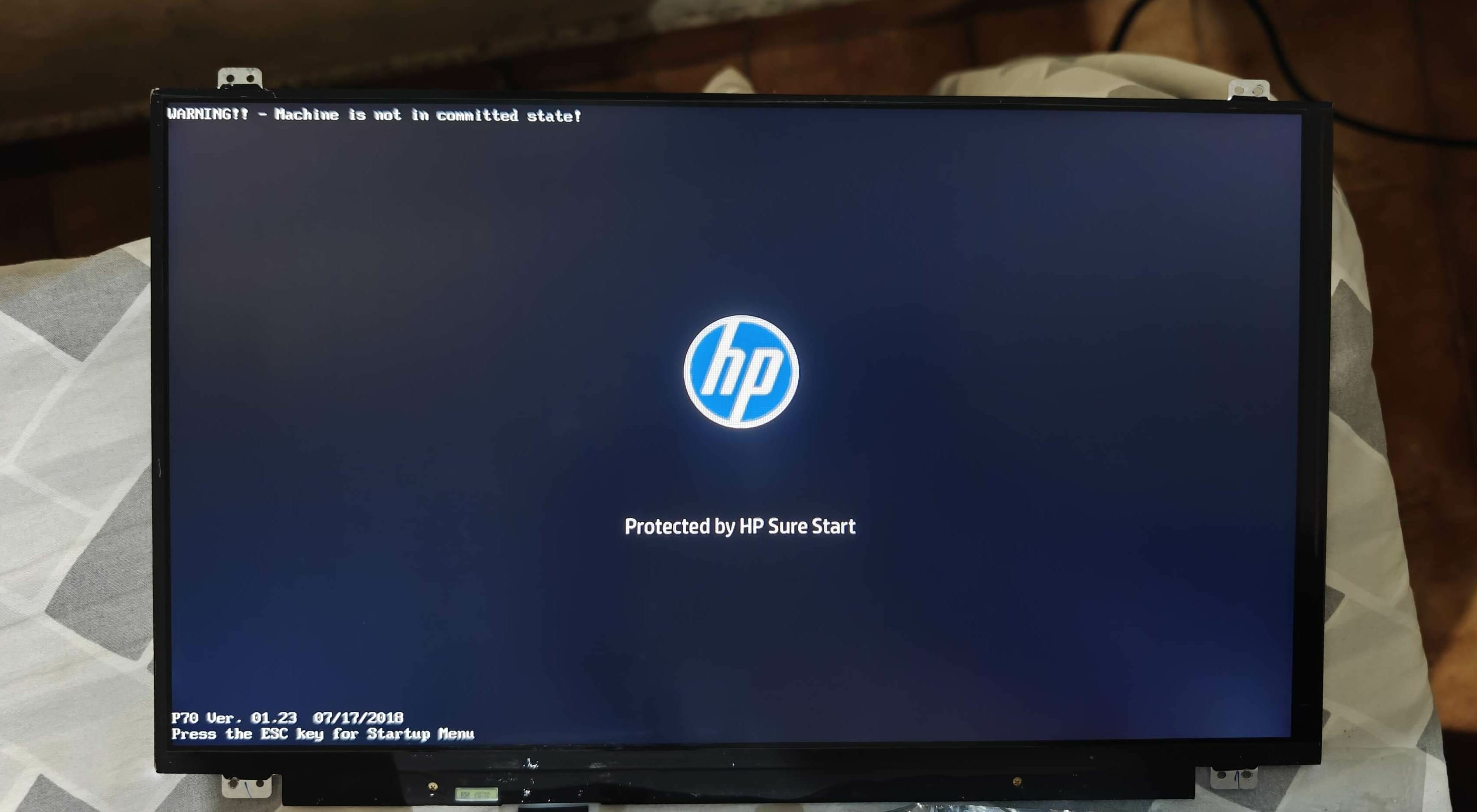
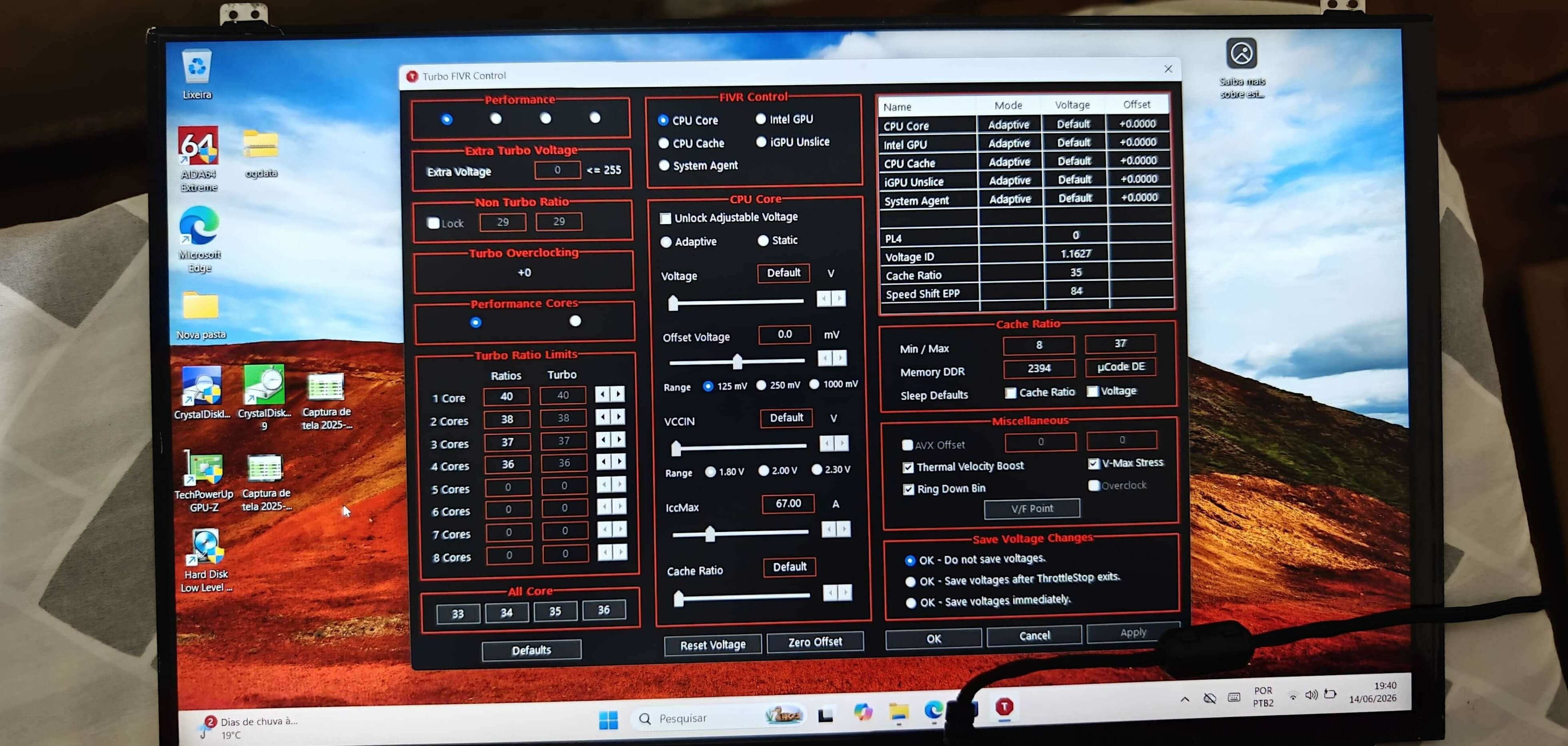
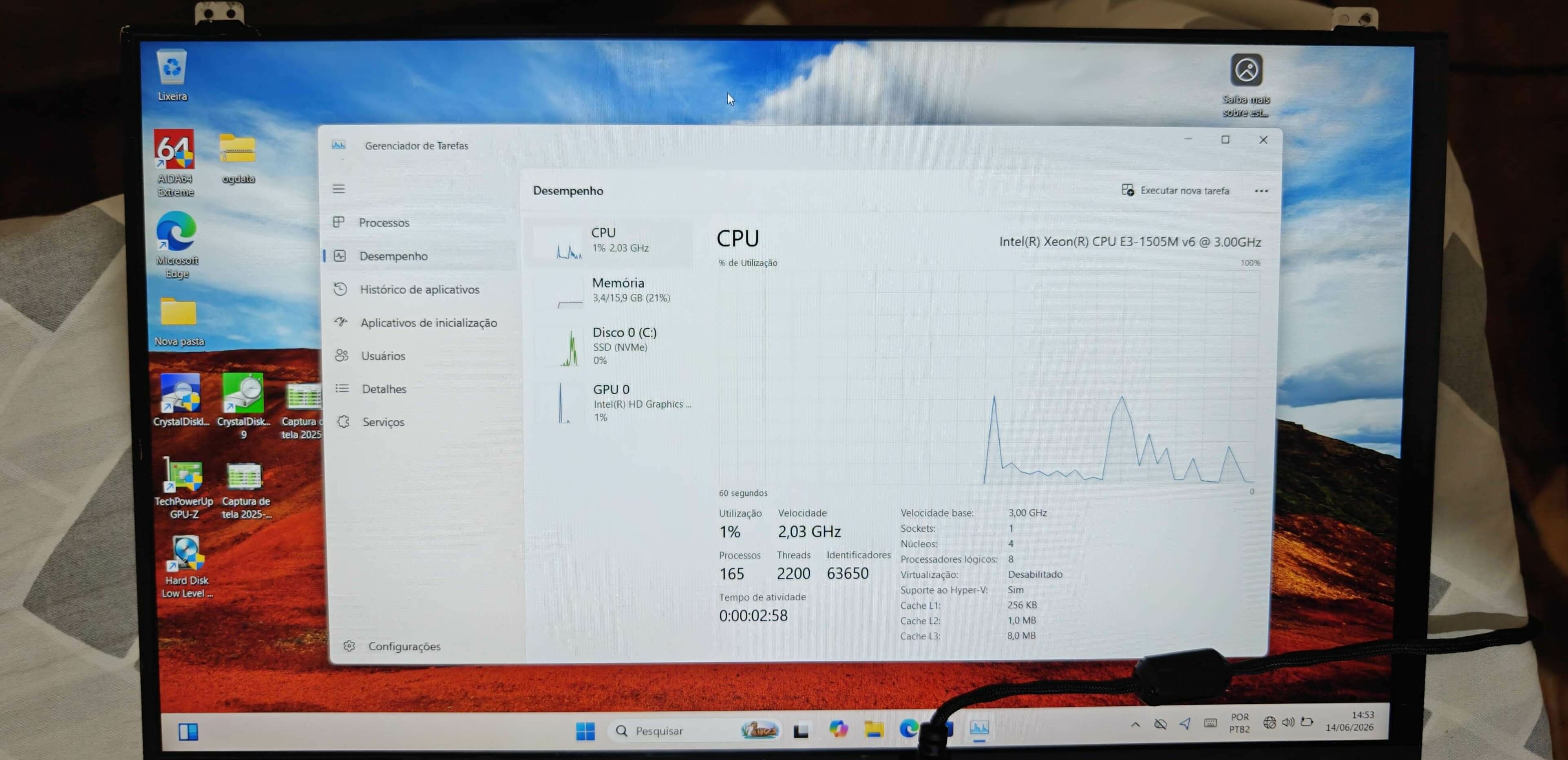
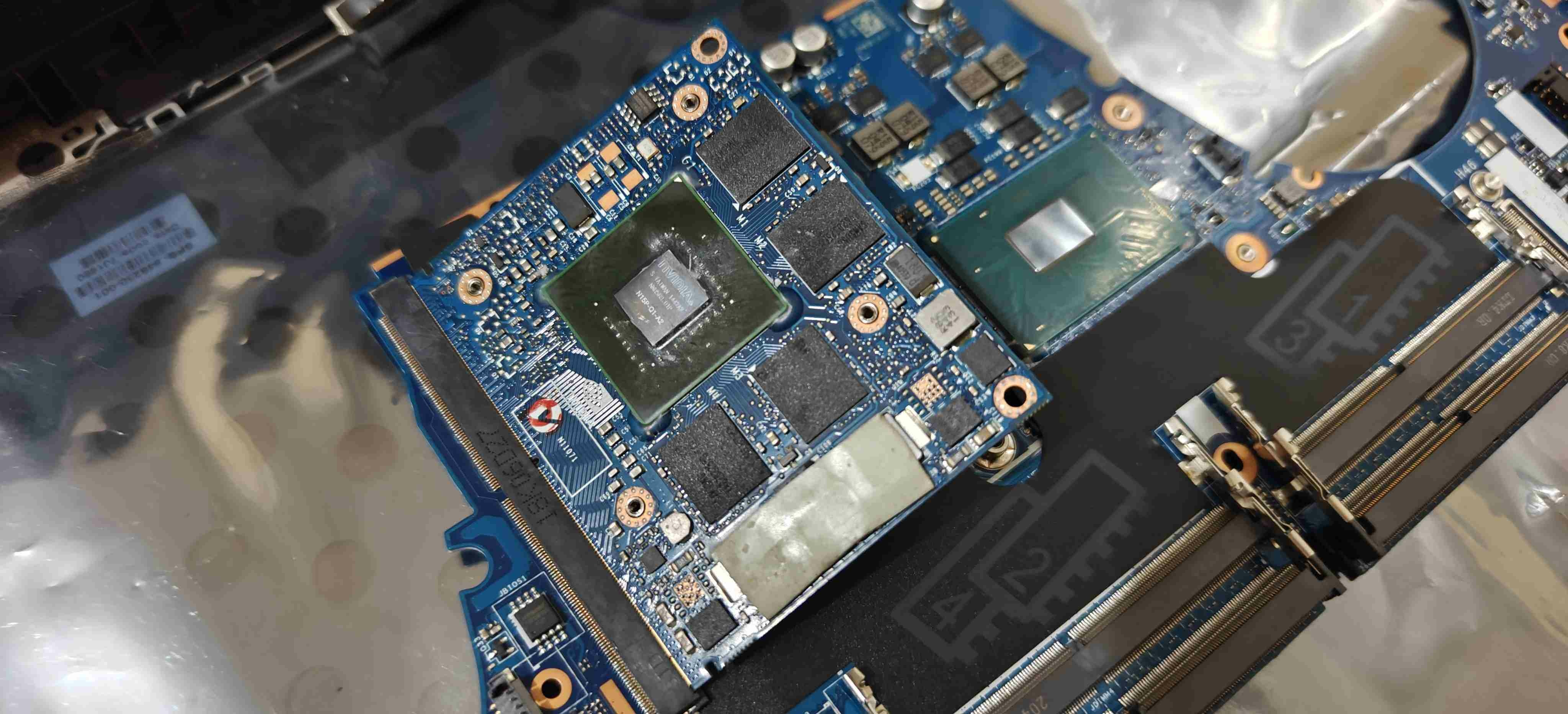
UPDATE #1: The screen was actually working perfectly. I sold it to a friend for pretty much half of what the entire laptop cost me. I also started researching and buying the necessary parts for this project, the first item being a brand new ZBook 15 G4 motherboard with a Xeon E3-1505M v6 (CPW50 LA-E161P 921049-601). Again, I'll be buying most of the parts from China, on sites like Taobao and Xianyu. It was a bit tricky to test the motherboard because I was too lazy to completely disassemble the laptop, and on top of that, I didn't have an AC adapter with the right plug for the ZBook. So, I had to use a 7.4mmx5.0mm to 4.5mmx3.0mm adapter that I got from AliExpress with an HP OMEN AC adapter, but in the end, everything worked out fine. Side note: the screen used for testing was taken from a ZBook 15 G2 that I also acquired. I'll make a separate topic for it in the future. The motherboard is working perfectly and apparently had never been turned on before, according to the "Machine is not in committed state!" message displayed during boot. I still need to do more research on this and how to "fix it", so if anyone knows how and can help me out, I'd appreciate it. During testing, I also took the opportunity to install and test the NVIDIA Quadro K1100M that came in the ZBook 15 G2 I mentioned earlier. The driver installation apparently went fine, but it threw a Code 43 error in Device Manager. I'm not sure if the card itself is faulty or if I messed up the driver modding, since it had been a while since I last used NVCleanstall. Also, during boot, a "cooling fan error" message popped up, and I noticed that the fan behavior was a bit weird, with them revving up and slowing down repeatedly.
-
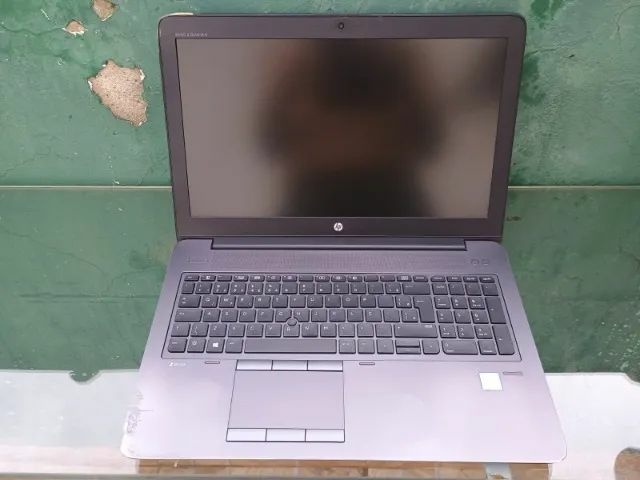
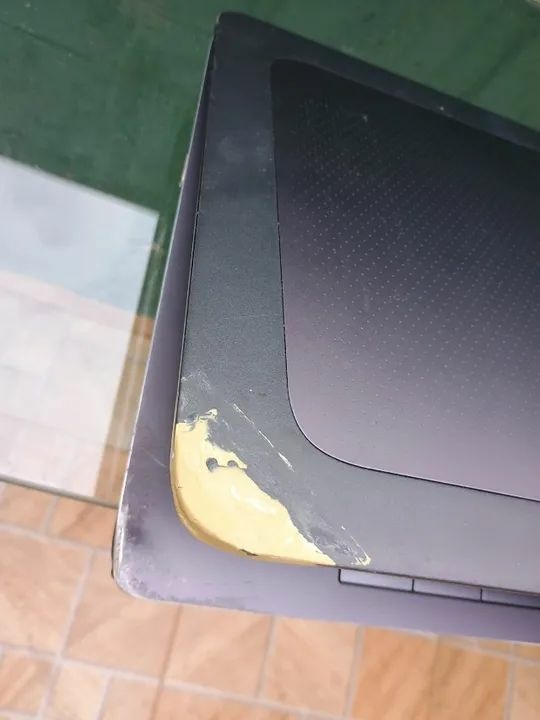
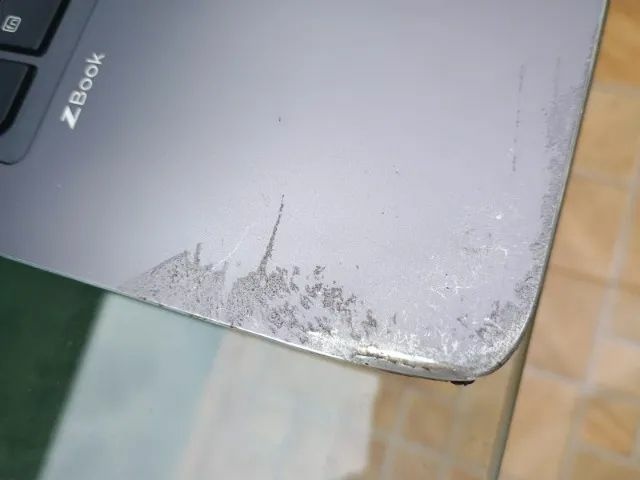
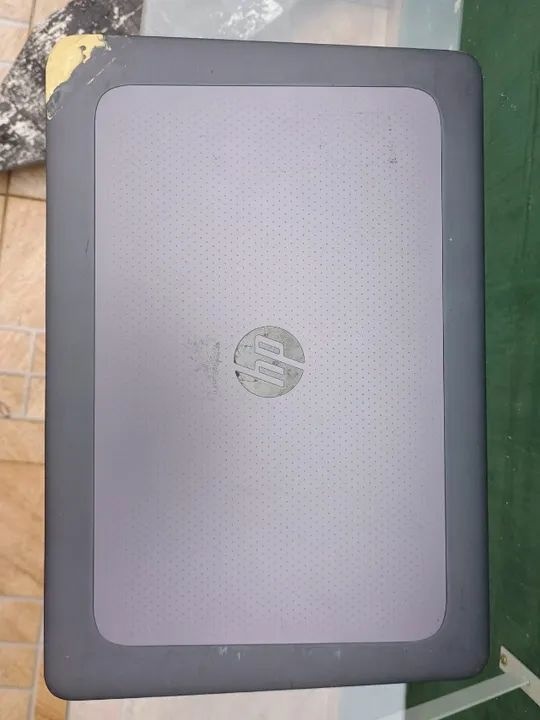
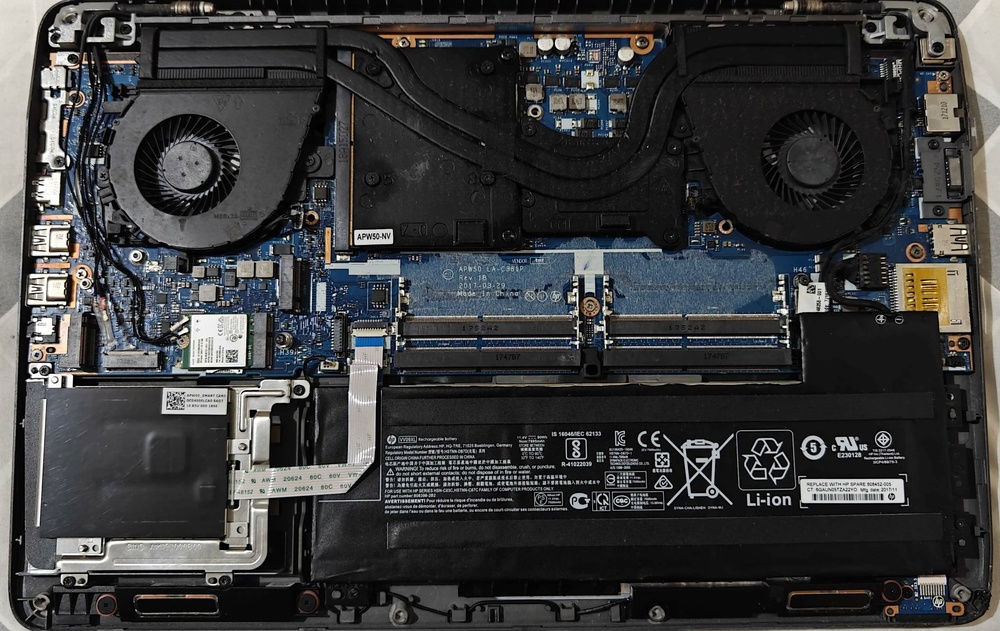
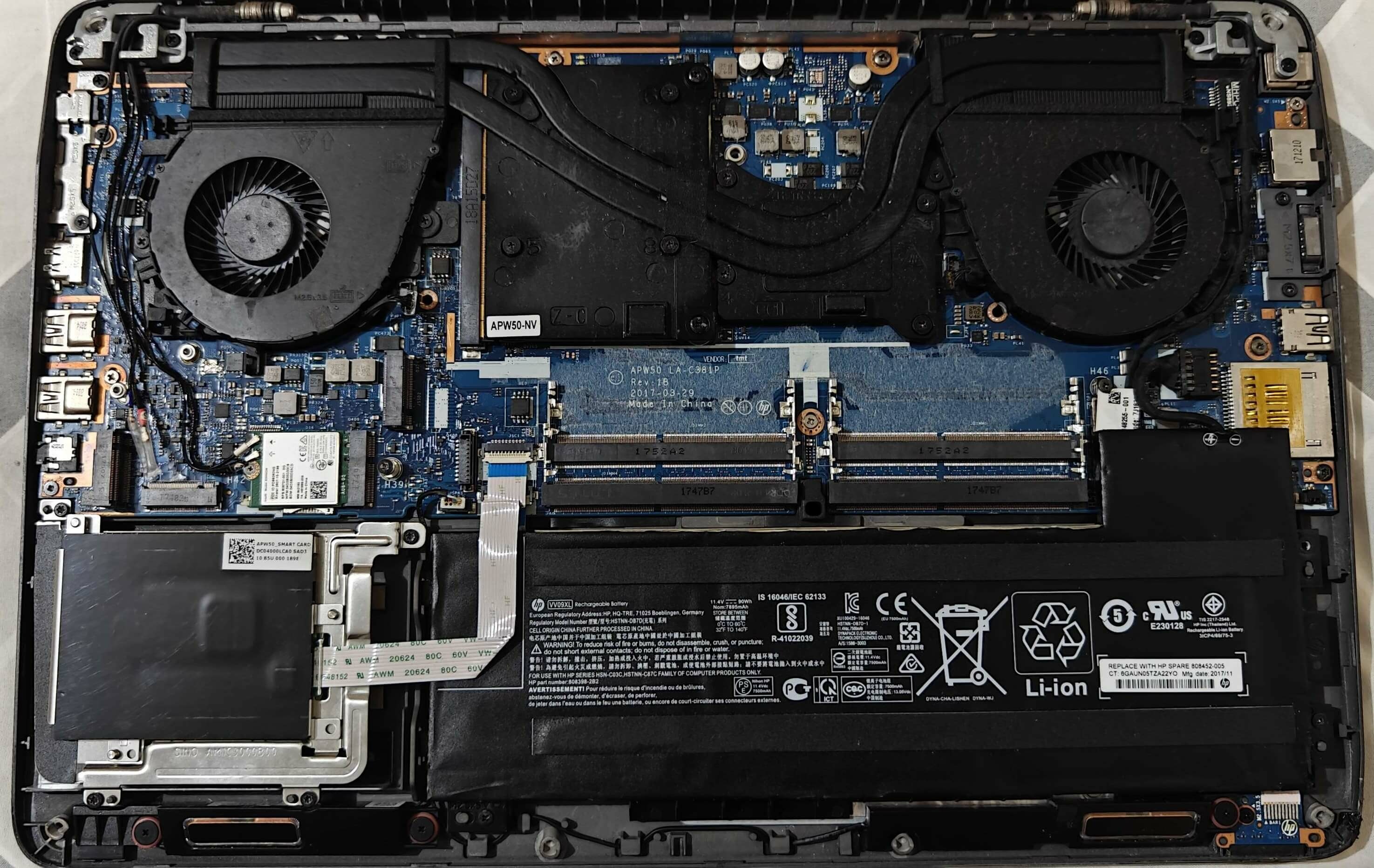
Another one for the collection. Same old story: one day I was mindlessly scrolling through OLX out of boredom and stumbled upon this machine for sale. It was listed as defective and "for parts", not turning on, but the screen, graphics card (NVIDIA Quadro M1000M 2GB), keyboard, and battery (health unknown) had been tested and were working perfectly. Looking at the exterior, the chassis is pretty badly damaged, as you can see in the photos below. Even so, I figured it would be a good deal for the price, whether to restore it or sell off the working parts. I decided to restore and upgrade it, so I'll be posting the progress of this project in this topic. One final note: this laptop is originally a 15 G3 (with an i7-6820HQ), but I'll be turning it into a 15 G4 by swapping out the motherboard. Here are the listing photos taken by the seller: And here’s a photo of the internals: Signs of attempted repair:
.thumb.jpg.81e52fed815028e2502b2b156d15c0a1.jpg)
-
Precision 7510/7520 Owners Thread
Will replied to M4980's topic in Pro Max & Precision Mobile Workstation
Thanks for all the info! Do you know if the 240Hz display (NE173QHM-NZ1) would also work? Or is 165Hz the limit for 1440p? Now, regarding the OLED drop-in replacement screen for a 15.6-inch laptop: do you know if there’s a panel with the same specs but a refresh rate higher than 60Hz? Or is the 60Hz screen from the VivoBook 15 actually the only drop-in option? -
Precision 7510/7520 Owners Thread
Will replied to M4980's topic in Pro Max & Precision Mobile Workstation
Please, can you share more details about the display upgrade? I was planning on putting a 1440p display on my 7720 as well. Like, are you using the stock UHD display cable (06GXDN)? What is the 1440p 165hz IPS display model? Also, did you need to reroute the cable internally because of the display connector position? -
Let me ask you: since you're running a M4000M with a custom display cable and an upgraded screen, can you adjust/control the screen brightness normally? If so, are you using the latest NVIDIA drivers or an old version?
-
That's nice. If you really do upgrade them (VRM and SSD heatsinks), please share it with us
-
No problem. Damn... the holes looks really clean, you did a great job
-
Precision M6800 questions and upgrades
Will replied to Jers6410's topic in Pro Max & Precision Mobile Workstation
I meant in chinese yuan (¥), but thank you anyway -
Precision M6800 questions and upgrades
Will replied to Jers6410's topic in Pro Max & Precision Mobile Workstation
Please, can you tell me what's the price of these cards (RTX 3080, RTX 5000)? -
Contact the seller, maybe they also have the specific heatsink for the P5200 in stock. Yes, Goofish is a viable place to acquire parts depending on the seller. To purchase and ship the products to your country, you will need an import agent
-
Take a look: https://www.goofish.com/item?spm=a21ybx.search.searchFeedList.3.516a3654K54ZnP&id=710604466319&categoryId=126856279
-
Do u have any pictures of how the holes looks like?
-
Thermal pads thickness for GTX1070 MXM
Will replied to Sebastian Ramirez's topic in Alienware 18 and M18x
Take a look at this: It might help you, since the card has the same layout. Anyway, I’d go with thermal putty. -
Yeah, I didn't get the "DVD" thing either. He must've mixed it up with the M6800.
.jpg.6a27a37b5005468e44f975d7081bef1d.jpg)
