Kastner
-
Posts
72 -
Joined
-
Last visited
2 Followers


Recent Profile Visitors
4,370 profile views



Kastner's Achievements






-
Intel Core i9 9900KS 5.1GHz or 5.2GHz binned max 1.3V
Kastner replied to SuperMG's topic in Want to Buy
I have no idea I do not have any of them. I think what is more important is the surface size of the radiator. I could not imagine that a laptop heatsink can dissipate that much heat. -
Intel Core i9 9900KS 5.1GHz or 5.2GHz binned max 1.3V
Kastner replied to SuperMG's topic in Want to Buy
Hello, That is an excellent result! I assume -3 is the offset for AVX. Z370 is the one which your clevo has or the result is from a PC? If the result is from a PC I think it is important how much was the power combsution and what temp? -
Intel Core i9 9900KS 5.1GHz or 5.2GHz binned max 1.3V
Kastner replied to SuperMG's topic in Want to Buy
Hi, I have a 9900KS that may be of interest. On an ASUS Maximus XI Formula with a custom water loop it does 5.1 GHz all-core, AVX offset 0, 4.6 GHz ring/cache at 1.31 V manual BIOS voltage with LLC6. It passed OCCT AVX2 Extreme for 10 minutes with 0 errors and 0 WHEA errors. At 1.30 V BIOS voltage I did get a WHEA error, so I would not honestly advertise it as fully AVX2-stable at 1.30 V. I also tested 5.2 GHz, but it was not OCCT AVX2 Extreme stable in the 1.34–1.37 V BIOS range. 5.3 GHz completed lighter SSE/Time Spy testing at 1.38 V, but I have not validated 5.3 as fully daily stable. One important point: these results were obtained on a desktop Maximus XI Formula with custom water cooling. If you intend to use the CPU in a laptop/Clevo system, the required BIOS voltage may be different because of VRM behavior, LLC/Vdroop, BIOS implementation and cooling. The same silicon can therefore show different set-voltage requirements on another platform. If your 1.29–1.30 V requirement refers to actual load voltage rather than BIOS-set voltage, let me know, because that is also important when comparing results. -
Hi, I am not planning to sell separately the components, sorry.
-
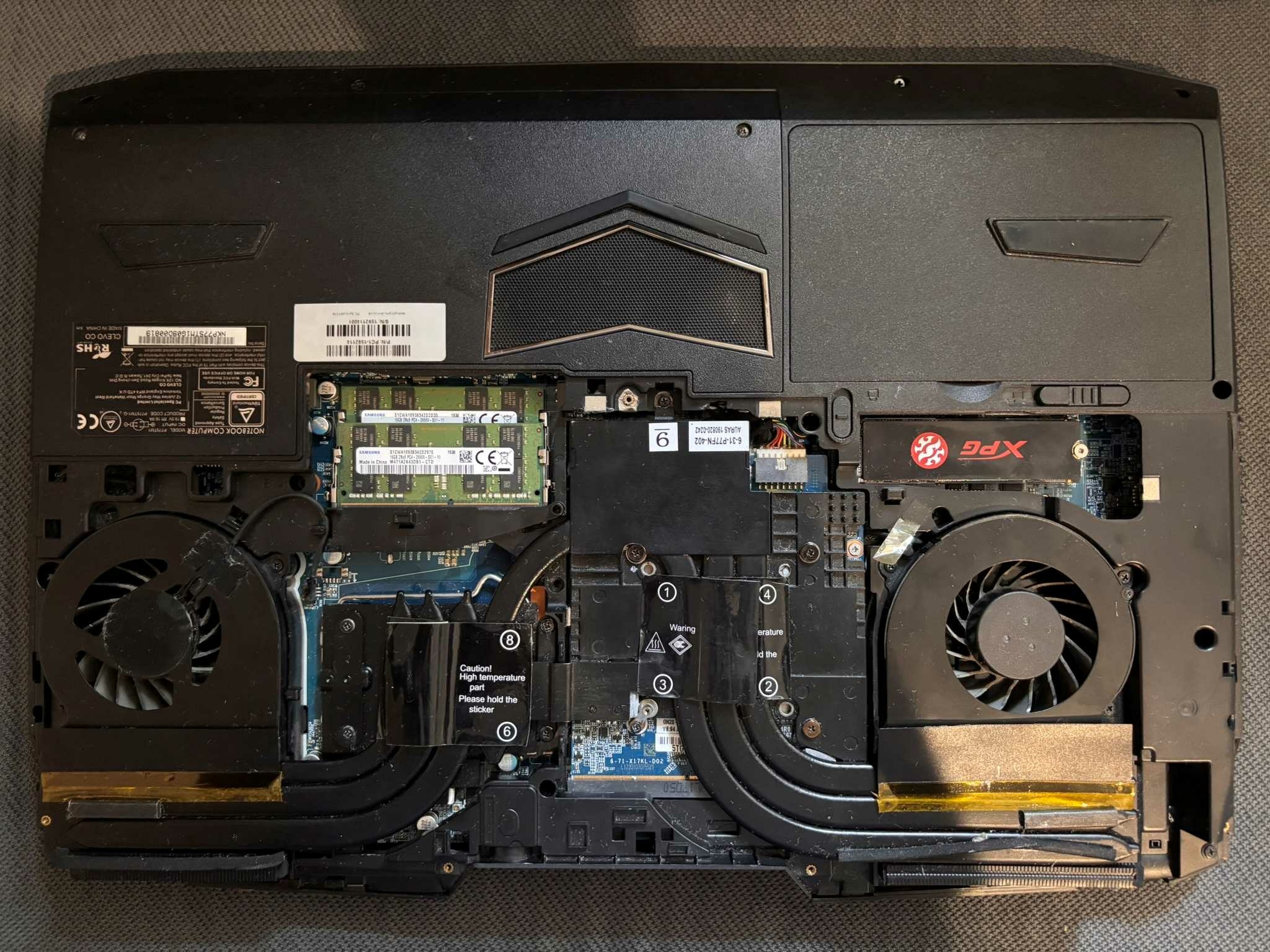
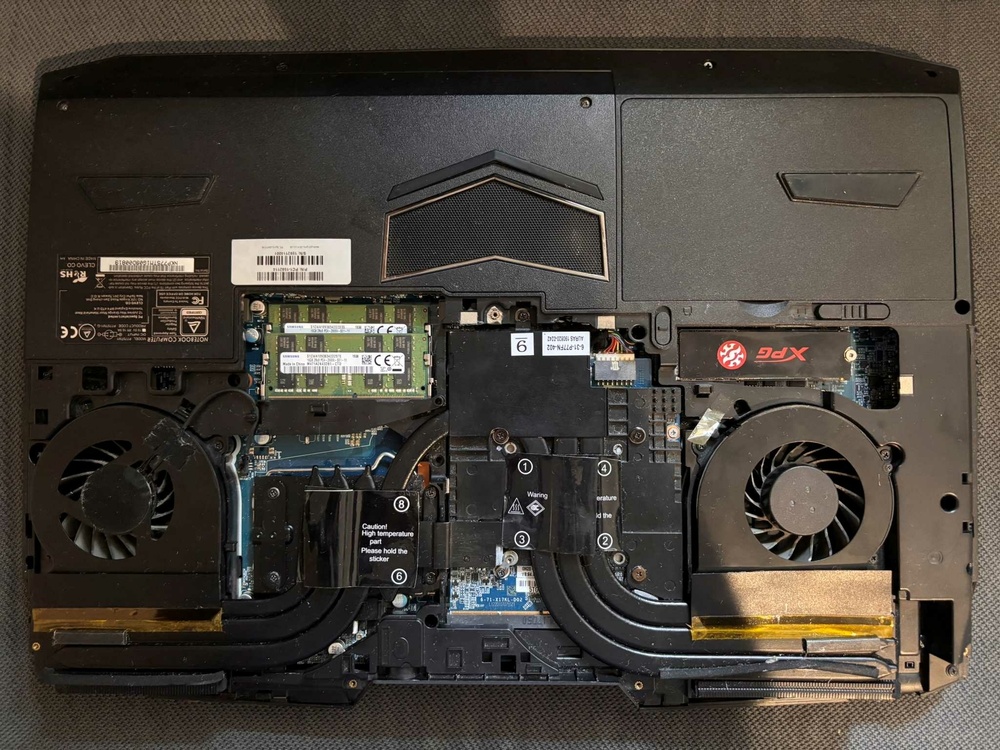
Price: 50 Euro Condition: Used, Very good condition as you can see on the pics. Warranty: No warranty Reason for sale: Do not need. Payment: Paypal, Revolut or bank transfer Item location: Hungary, EU Shipping: Only EU International shipping: Only EU Handling time: 1 week Feedback:https://www.ebay.com/usr/kalmankz?_tab=feedback Specification: 6-31-P775N-2A2 For sale is an original Clevo P775DM3 cooling system / heatsink assembly. Compatible with NVIDIA GTX 10-series GPUs and Clevo P775TM1 / P775DM-series laptops.
.thumb.jpg.e18e629b3015fc8d47c3fb71123c0511.jpg)
.thumb.jpg.fddf0188772dbd721c8eb9bc146f86e9.jpg)
.thumb.jpg.4a37766c29edc8c82b300071d5e20f07.jpg)
-
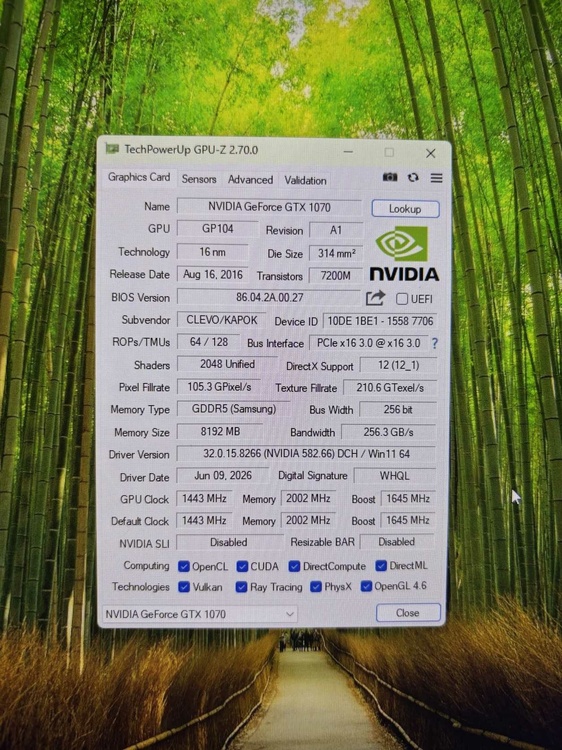
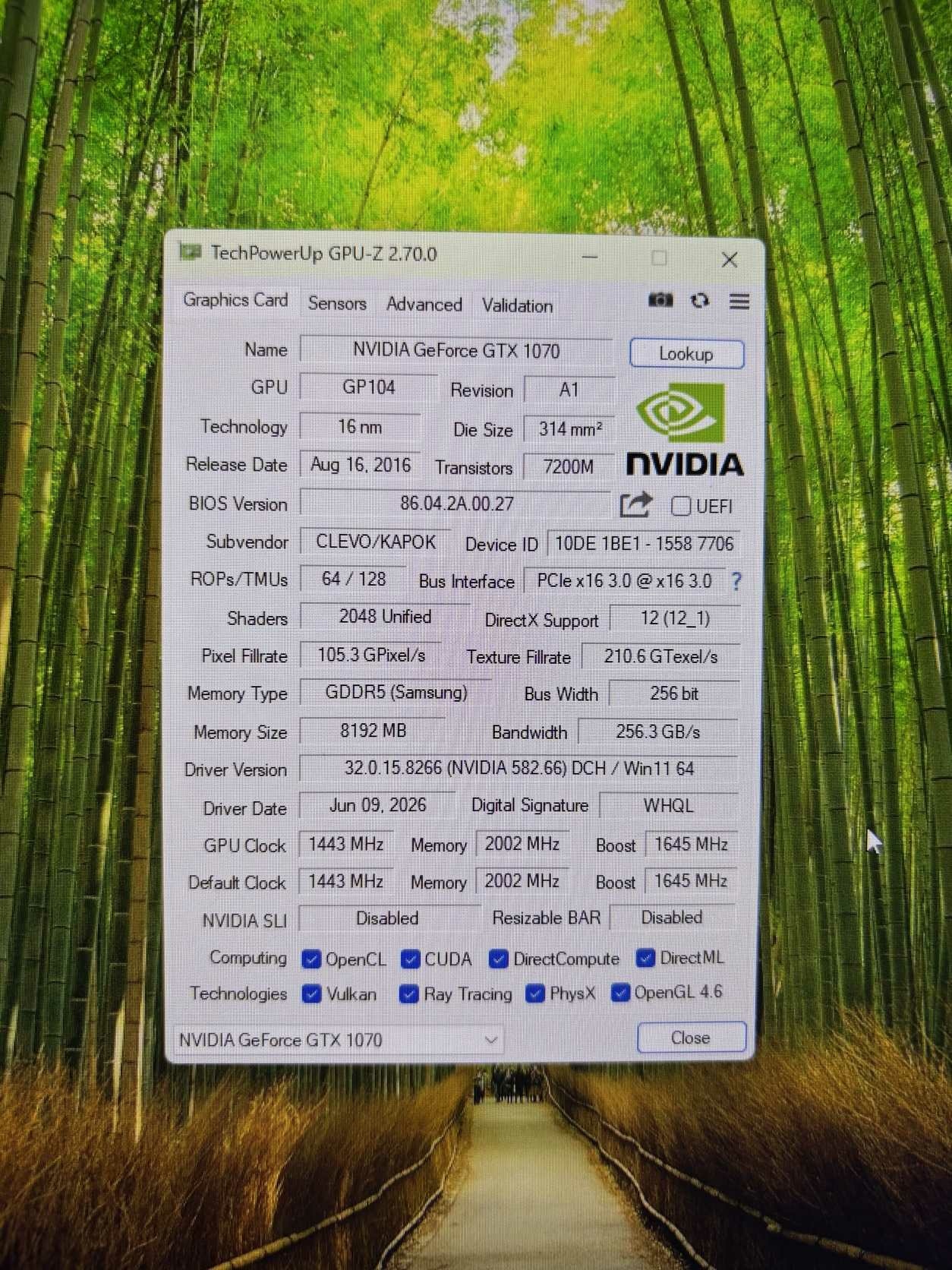
Price: 100 Euro Condition: Used, Very good condition as you can see on the pics. Warranty: No warranty Reason for sale: Do not need. Payment: Paypal, Revolut or bank transfer Item location: Hungary, EU Shipping: Only EU International shipping: Only EU Handling time: 1 week Feedback:https://www.ebay.com/usr/kalmankz?_tab=feedback Specification: NVIDIA GeForce GTX 1070 8GB GDDR5 2048 CUDA N17E-G2 MXM 3.0 Multi-Projection, VR Ready, G-SYNC, Vulkan, Multi Monitor For sale is an MXM NVIDIA GeForce GTX 1070 8GB GDDR5 laptop graphics card. The power cable and laptop-side thermal pads are included. The card is fully functional and works perfectly.
.thumb.jpg.b11f3fb6d4795d66c402bc20b9e04257.jpg)
.thumb.jpg.ff6f403eeb89ca0783592999308157d0.jpg)
-
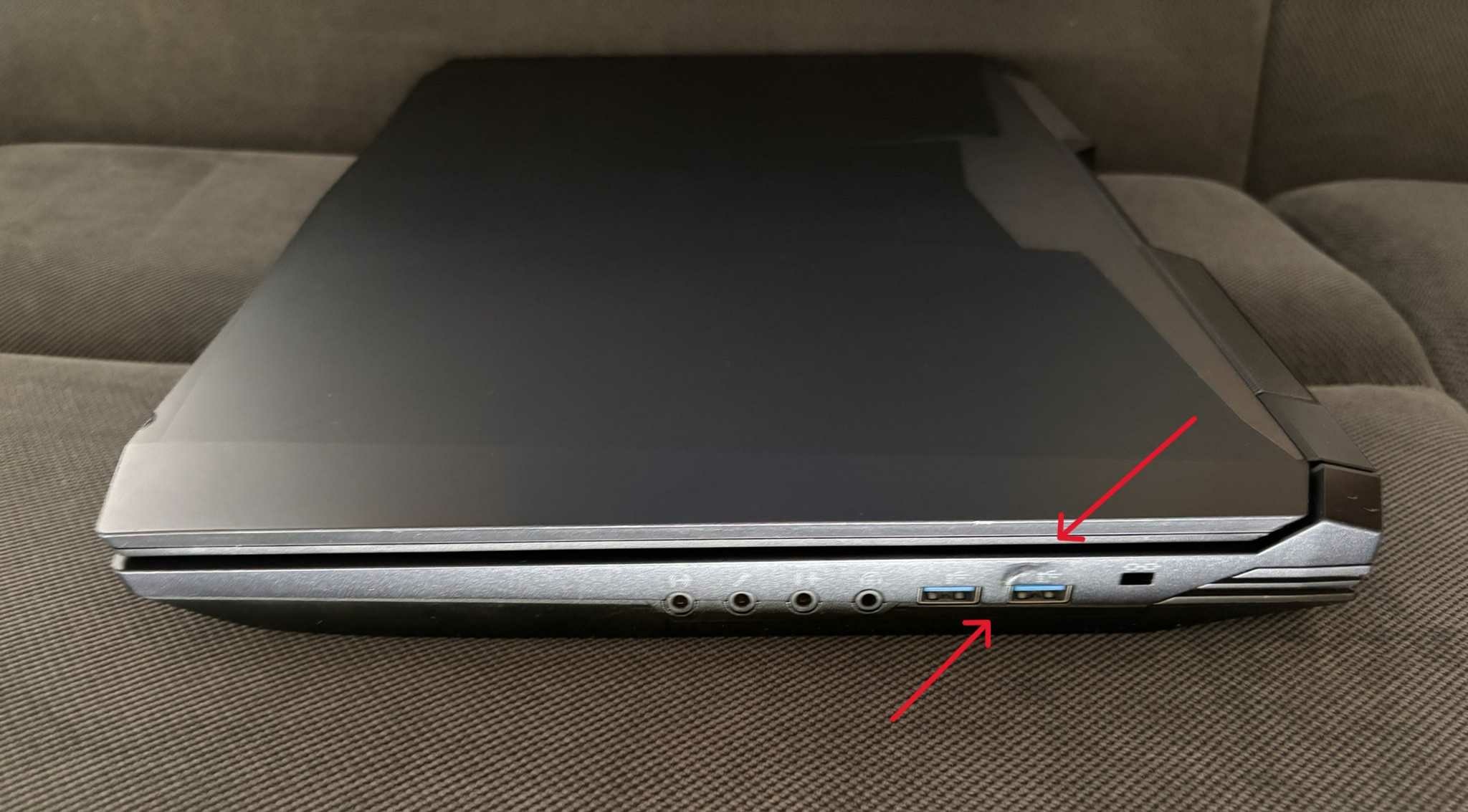
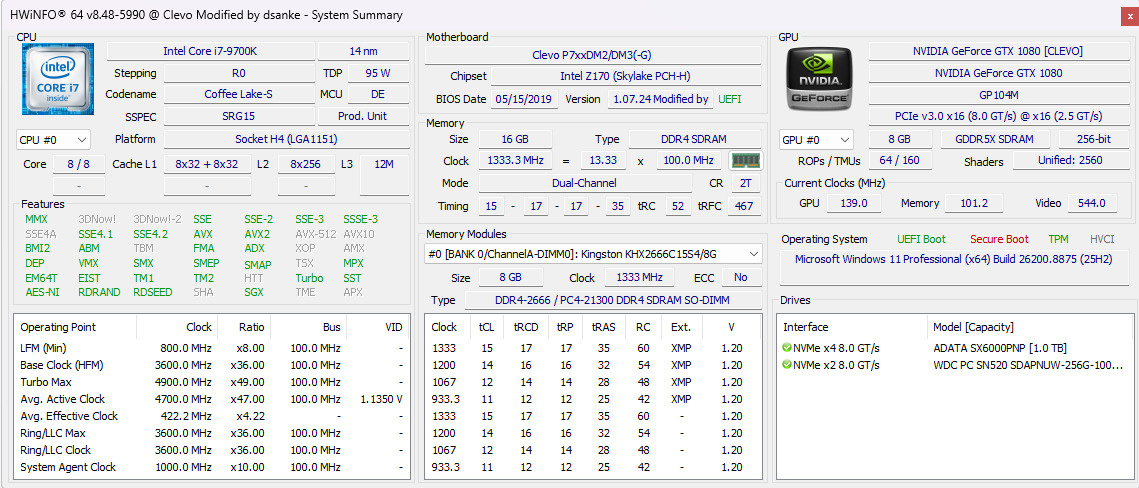
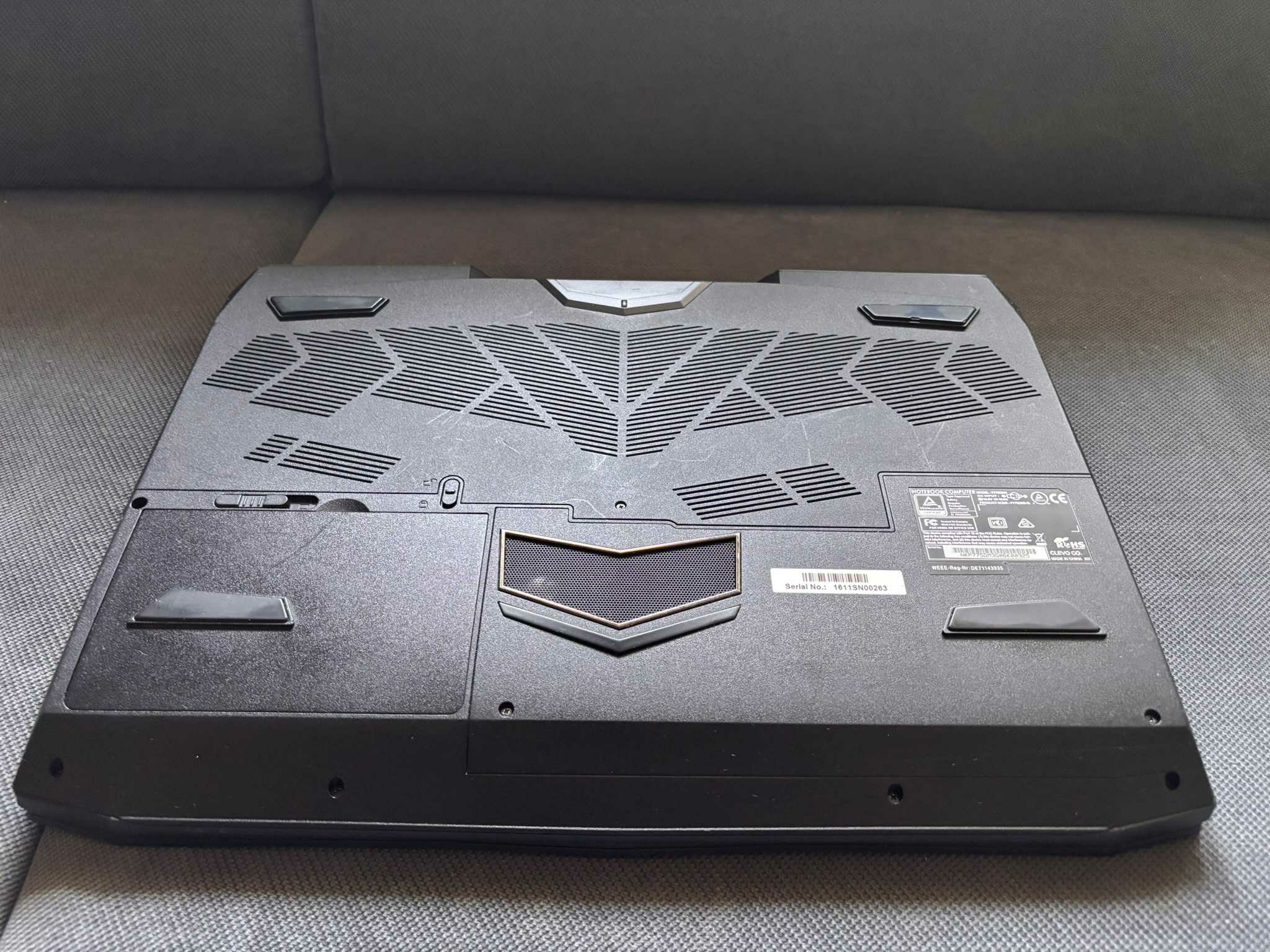
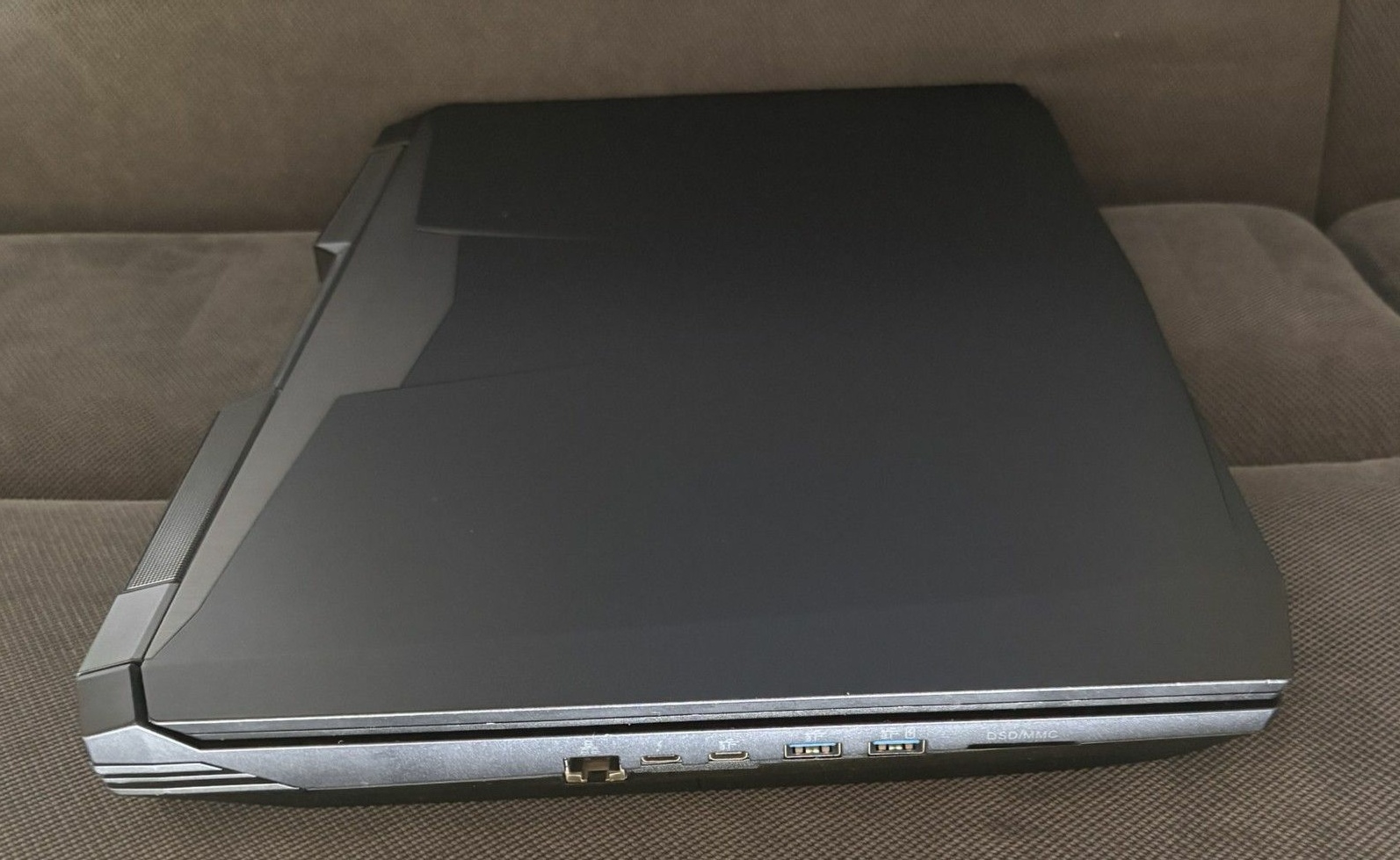
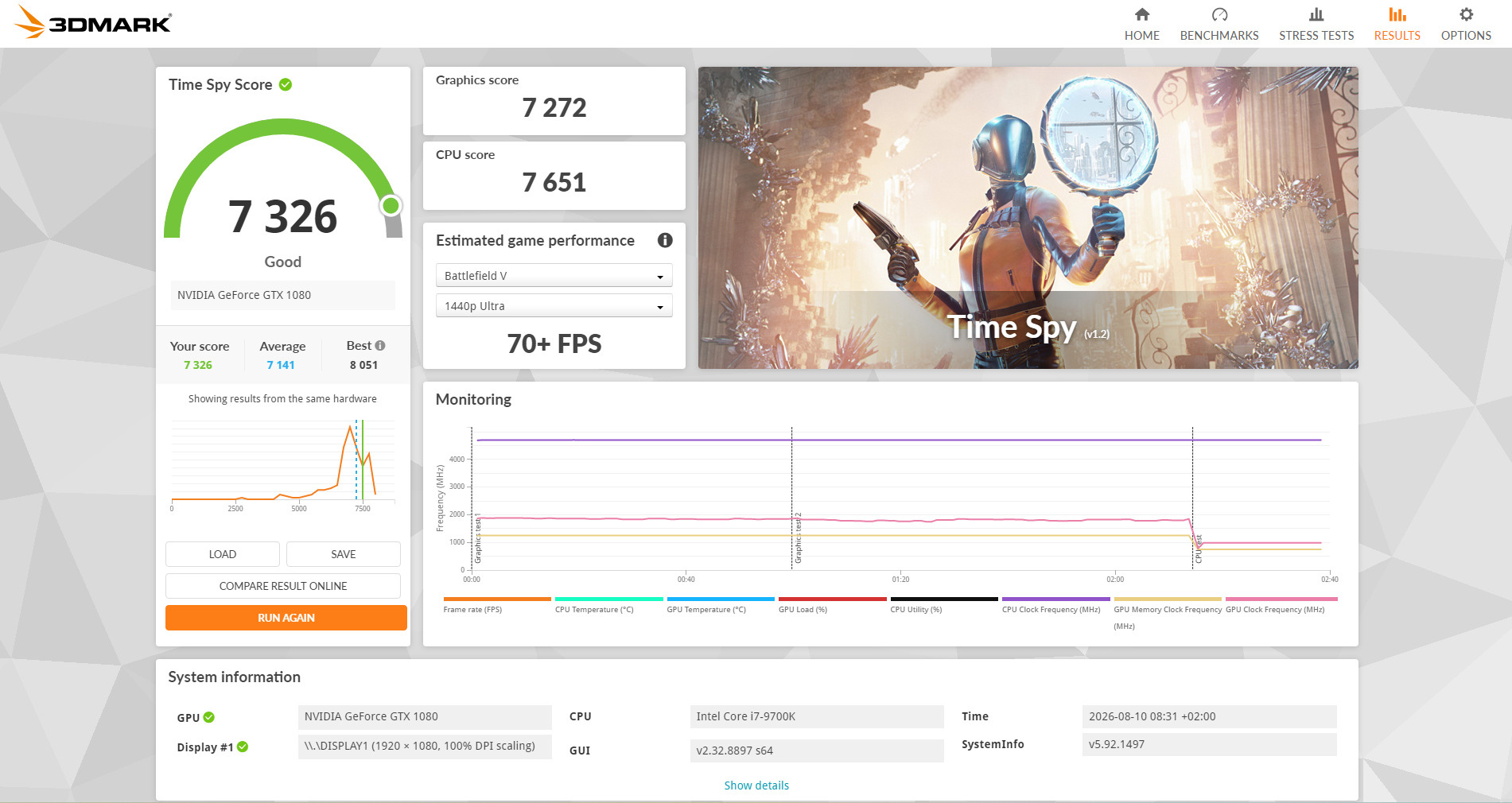
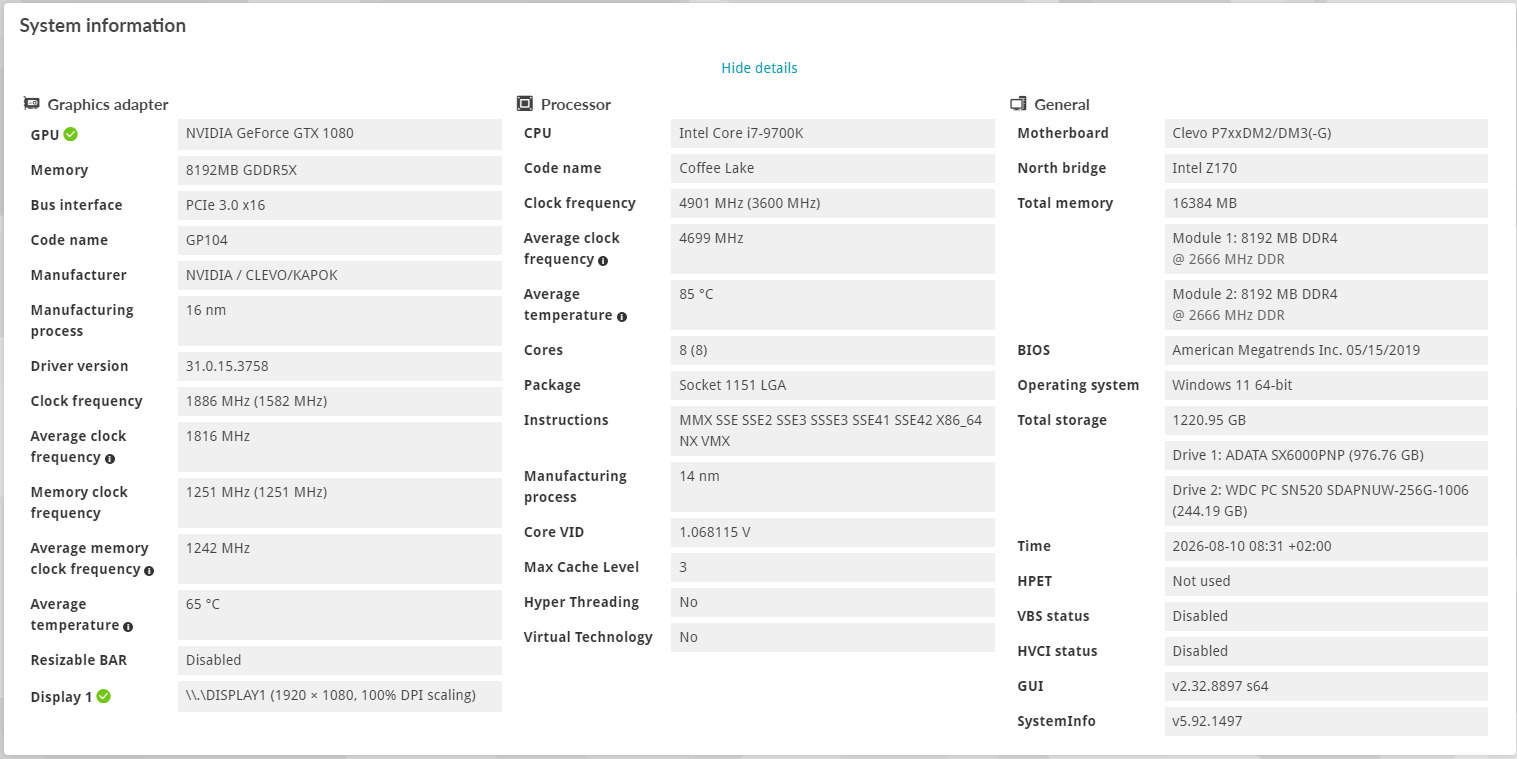
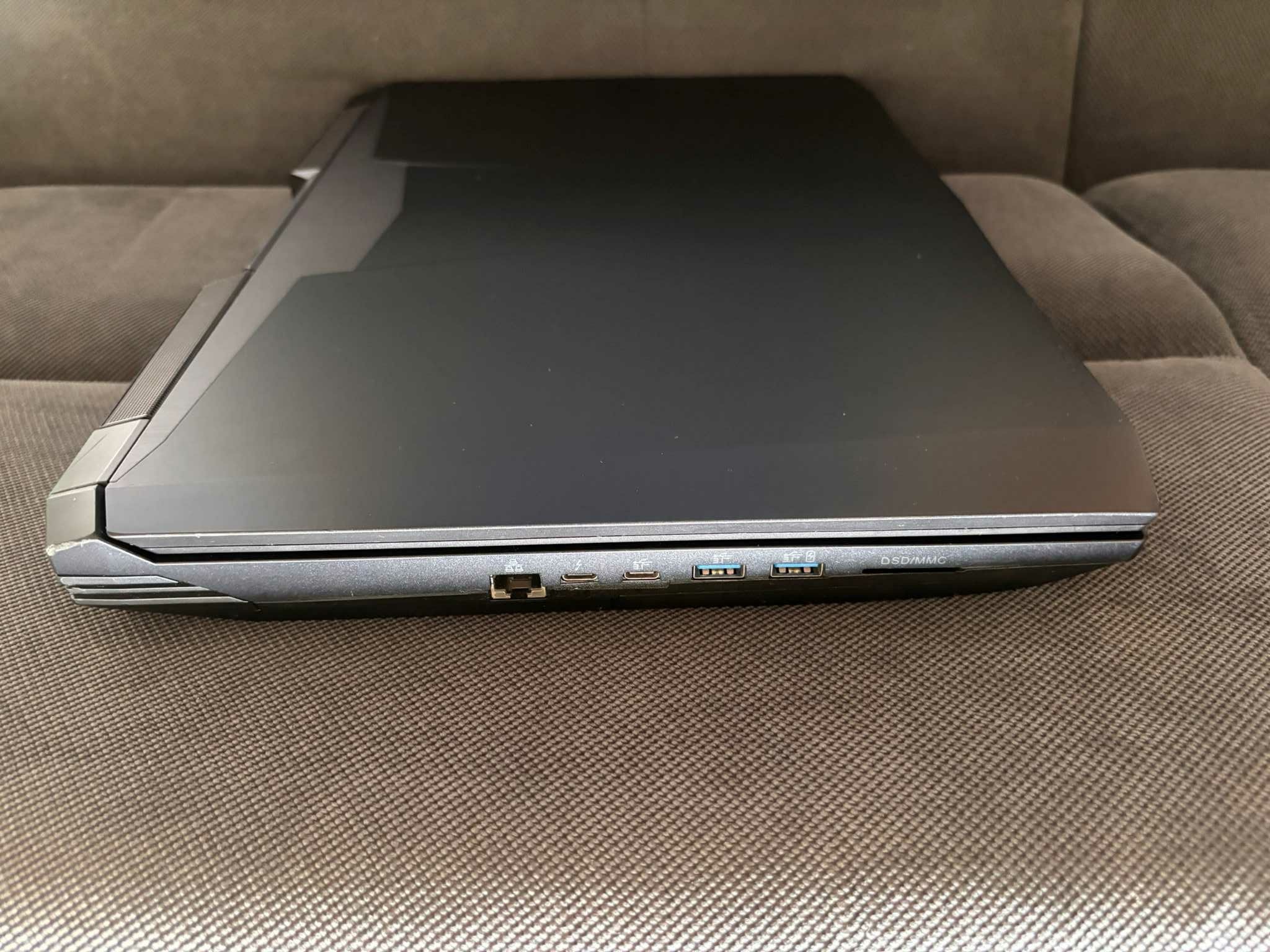
Price: 500 Euro Condition: Used, Good condition as you can see on the pics, with some minor scratches and the outtake air grill is broken. Warranty: No warranty Reason for sale: I have a P870 project ongoing I will keep that beast. ❤️ Payment: Paypal, Revolut or bank transfer Item location: Hungary, EU Shipping: Only EU International shipping: Only EU Handling time: 1 week Feedback:https://www.ebay.com/usr/kalmankz?_tab=feedback Specification: Display: 17.3in; FHD 60Hz; MATTE; eDP 30pin; LP173WF4 SPD5 CPU:Intel® Core™ i7-9700K Processor 12M Cache up to 4.90 GHz, ASZTALI CPU LGA1151, DELID with Thermal Grizzly Conductonaut Extreme GPU: NVIDIA GeForce GTX 1080 8GB GDDR5X; 2560 CUDA; N17E-G3; MXM 3.1, 180W TDP RAM: Kingston Fury Impact 16GB(2x8GB) DDR4 2666MHz CL15, KHX2666C15S4/8G, 2 empty slot free. SSD: NVMe, WDC PC SN520 SDAPNUW-256G-1006 , 256GB, 97%, one more NVMe and two more 2,5” M2 slot free. KEY: RGB Backlit; GERMAN; QWERTY, Colour Blue is not working properly. PSU: 330W AC Adapter; 100-240V; 50-60Hz; DC 19.5V @ 16.9A; 4pin round plug, 1.274 kg OS: Win 11 pro Weight: 4.22 kg For sale is my CLEVO P775DM3 Desktop Replacement Laptop. It is in good overall condition, with some minor scratches, but nothing serious. This model was not originally manufactured with a 9th Gen Intel CPU, so it is running a DSANKE modified BIOS to support the upgraded processor. The MXM GPU is replaceable and can be upgraded up to an RTX 4090 MXM, although further modification or a different heatsink/cooling solution would be required for such an upgrade. If you have any questions, feel free to contact me. I am also happy to provide additional tests, benchmarks, screenshots or photos upon request.
.thumb.jpg.6859671387fd3b0d2b5fa76959d401fe.jpg)
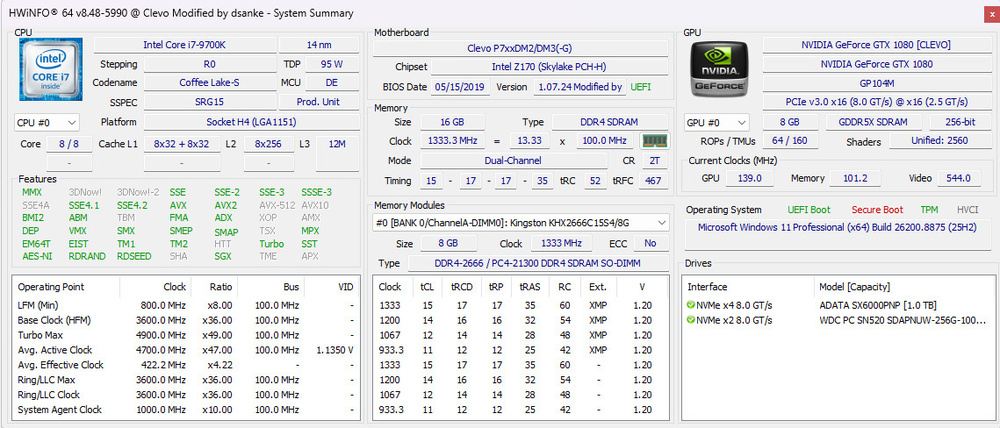
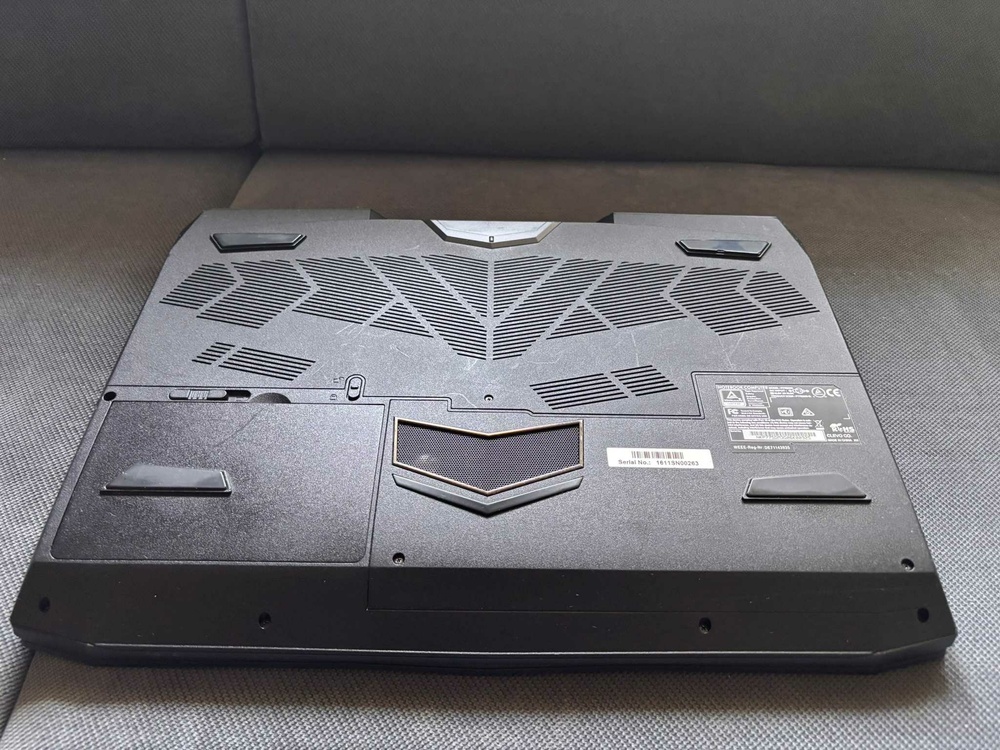
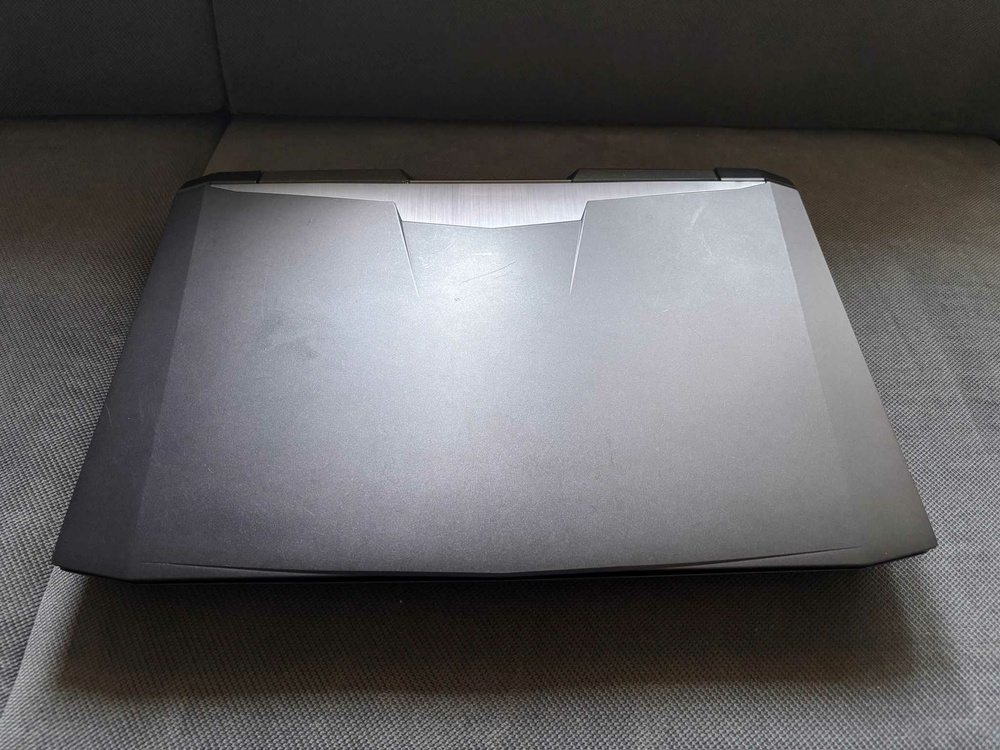
.thumb.jpg.75a3c197b62cef9cc1c47a55e06a498d.jpg)
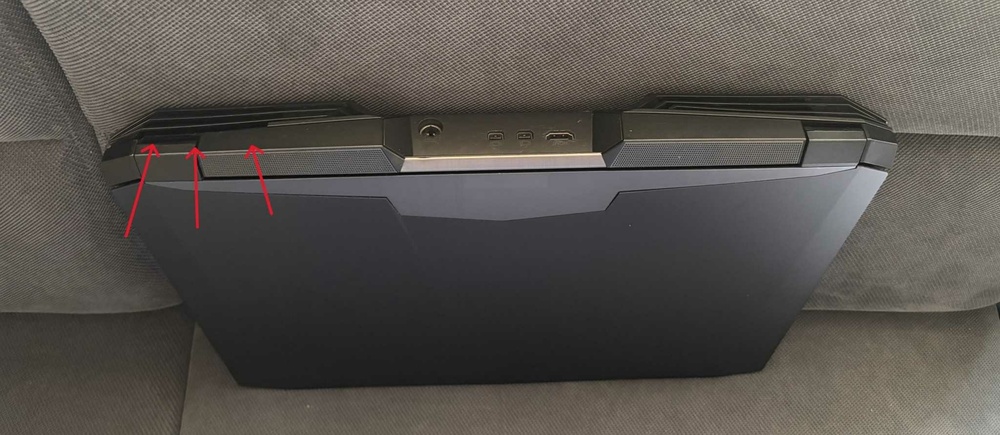
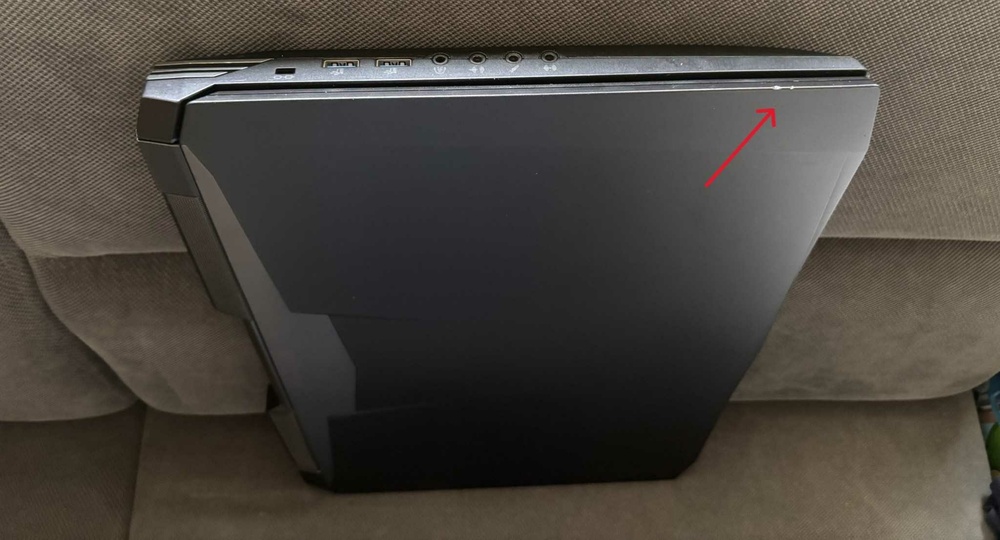
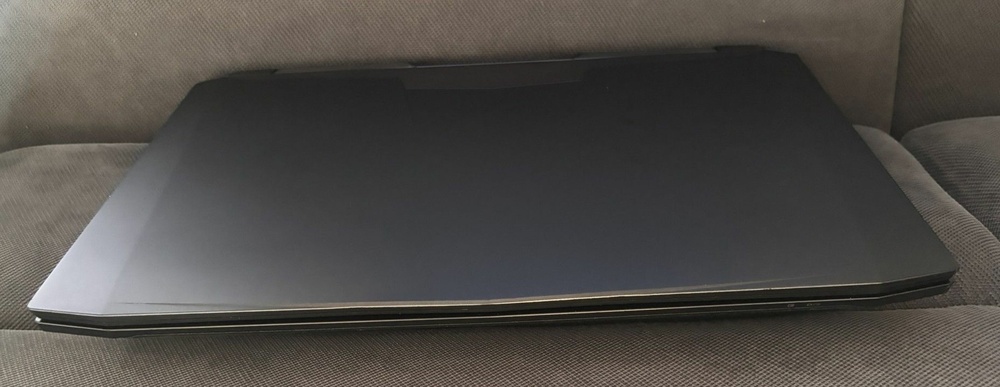
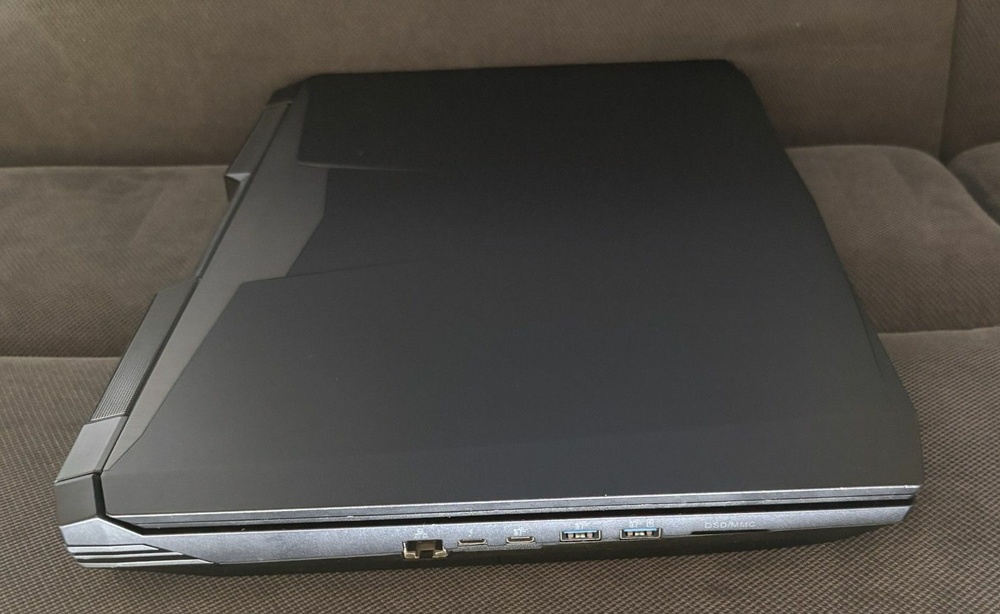
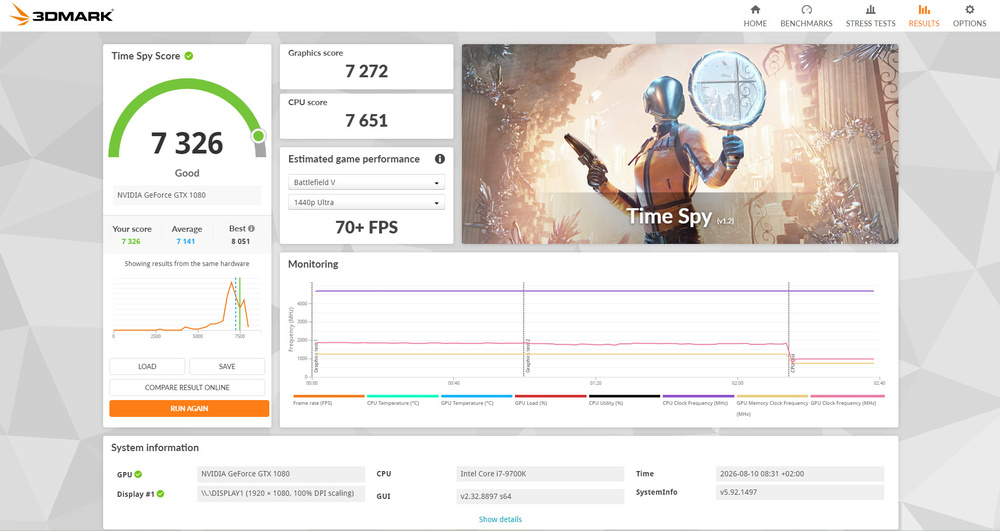
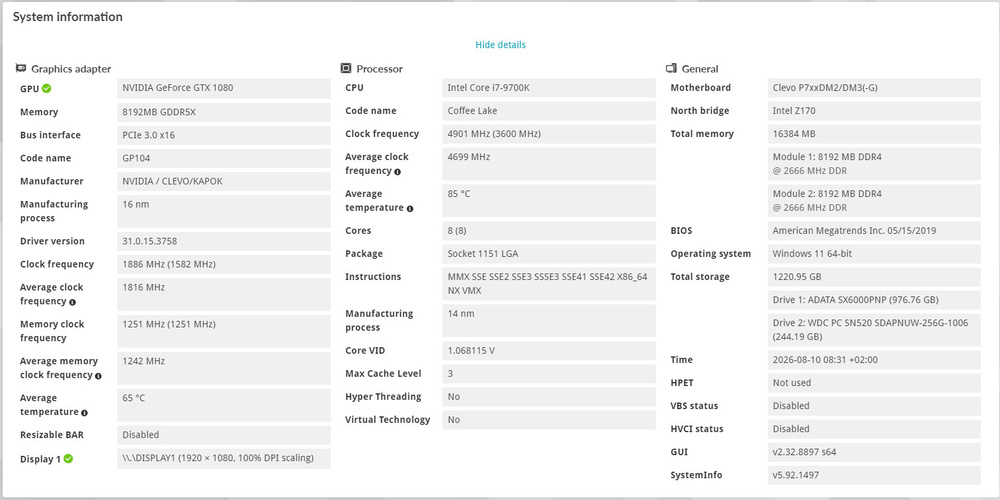
-
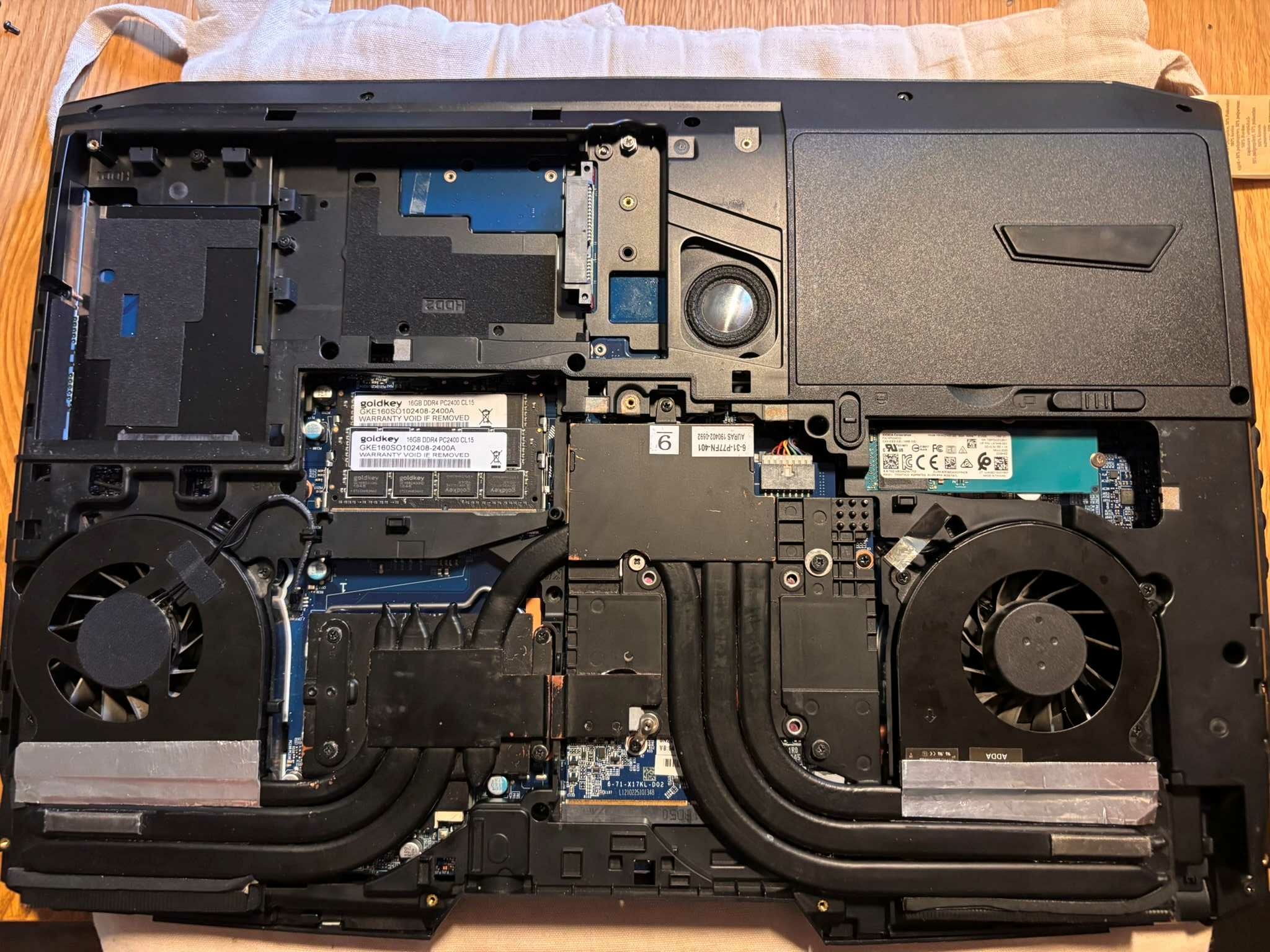
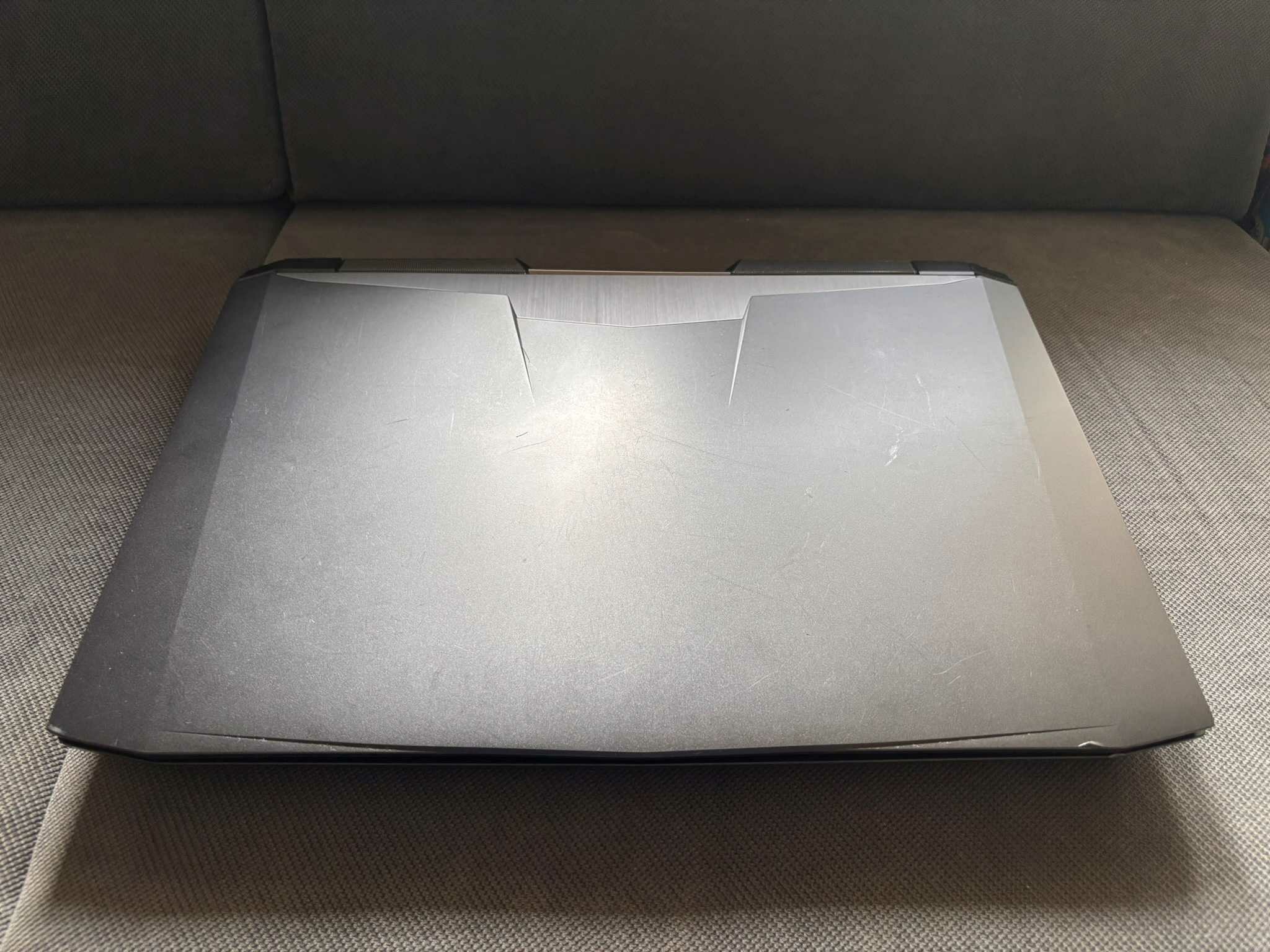
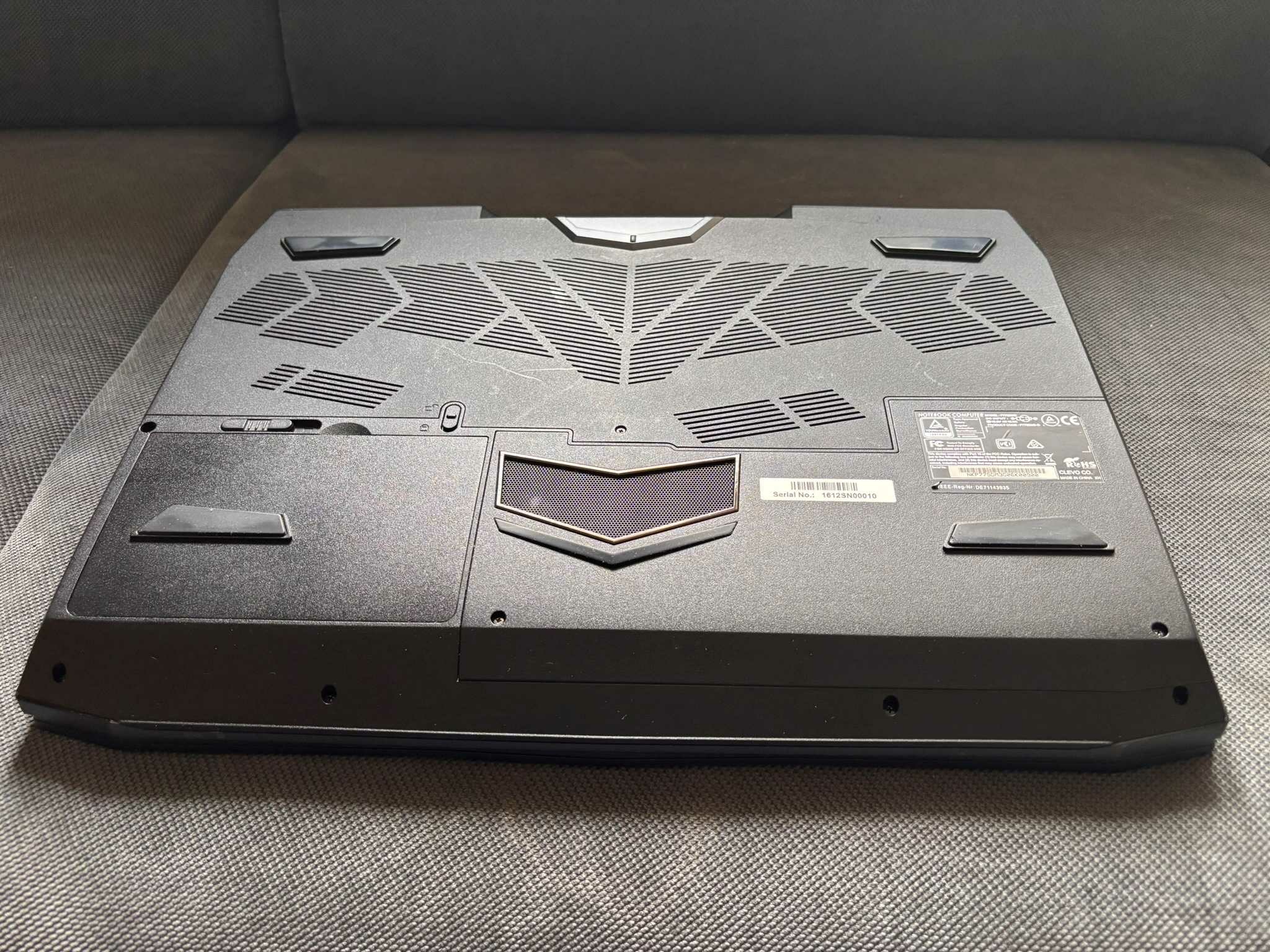
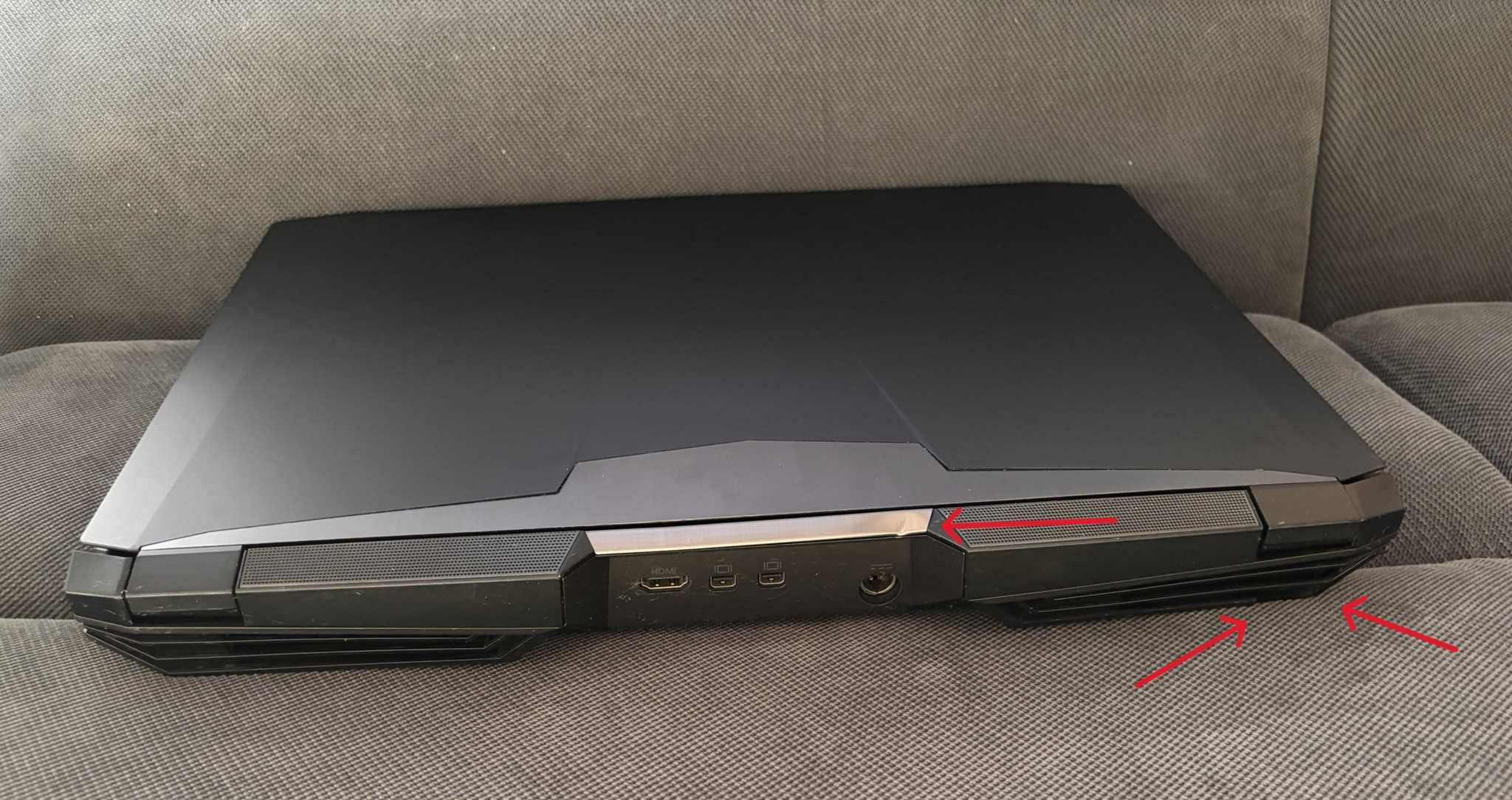
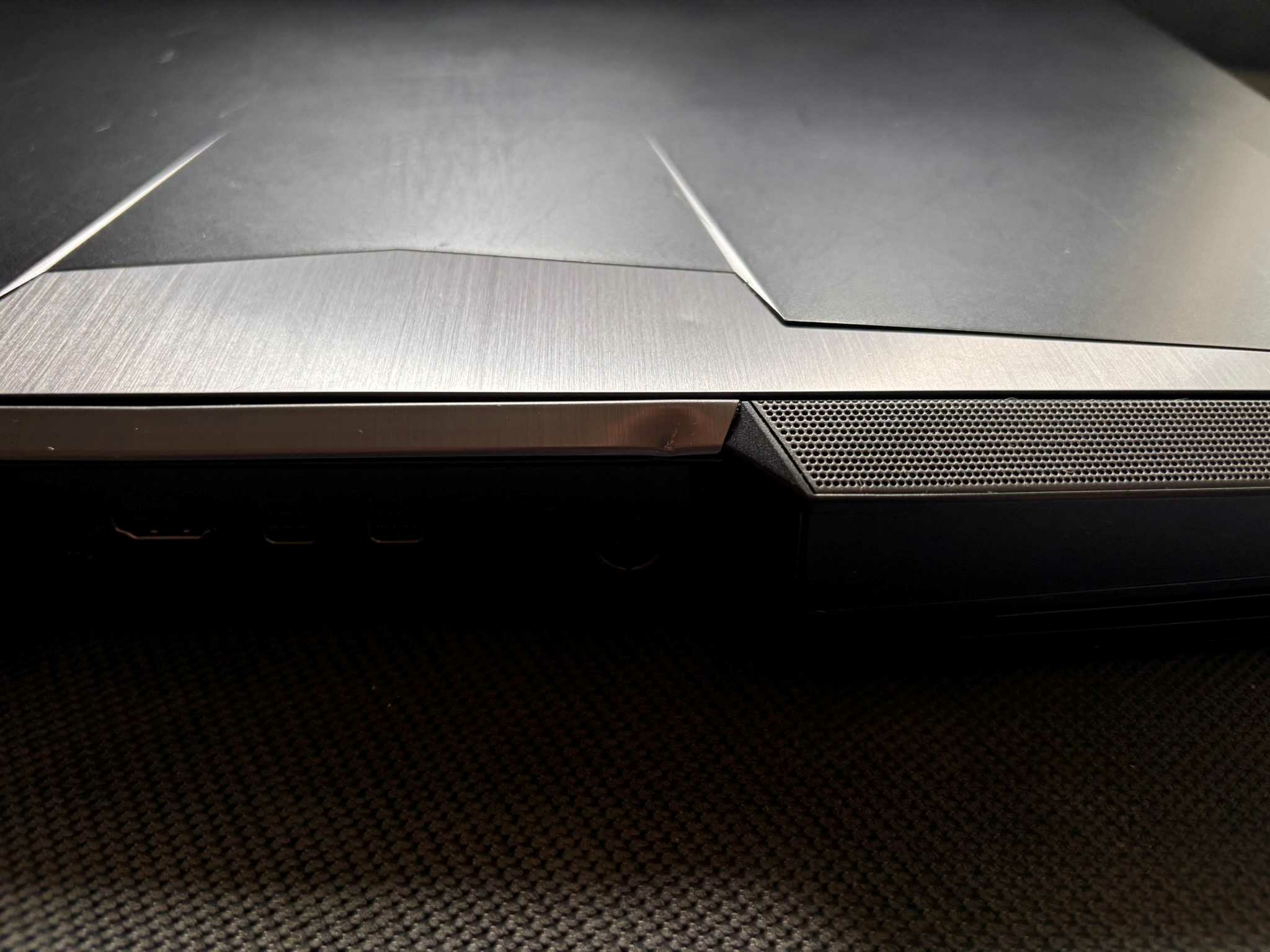
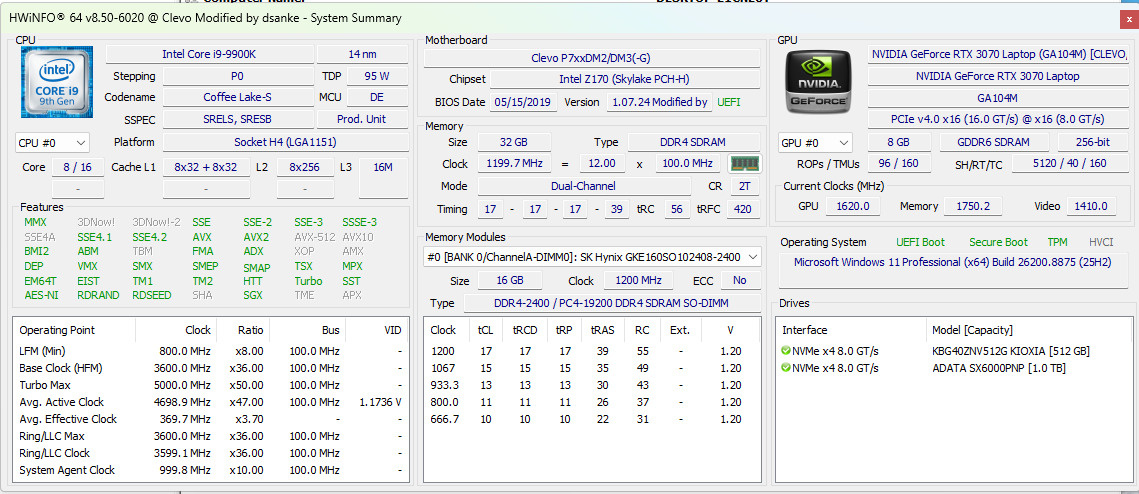
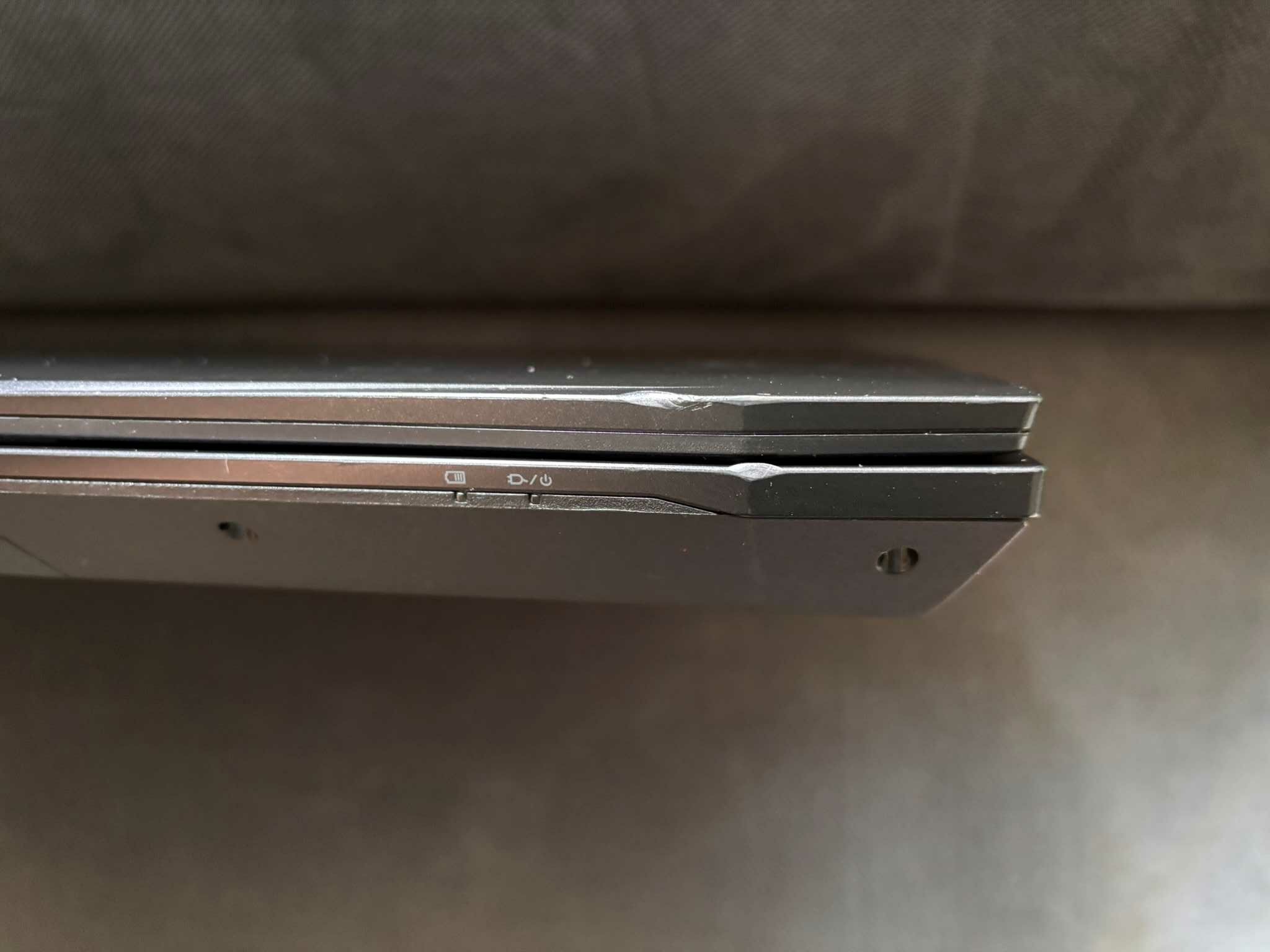
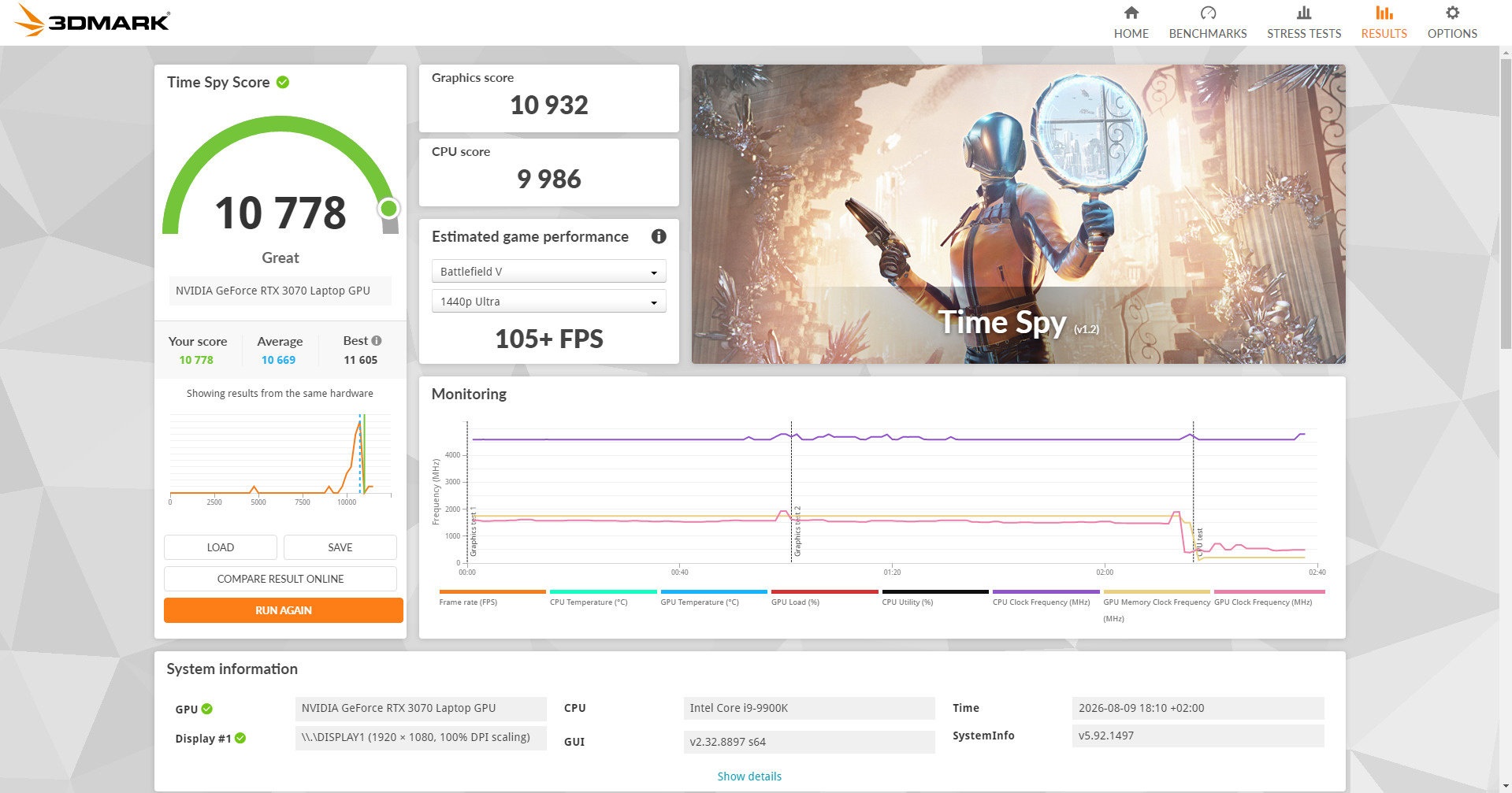
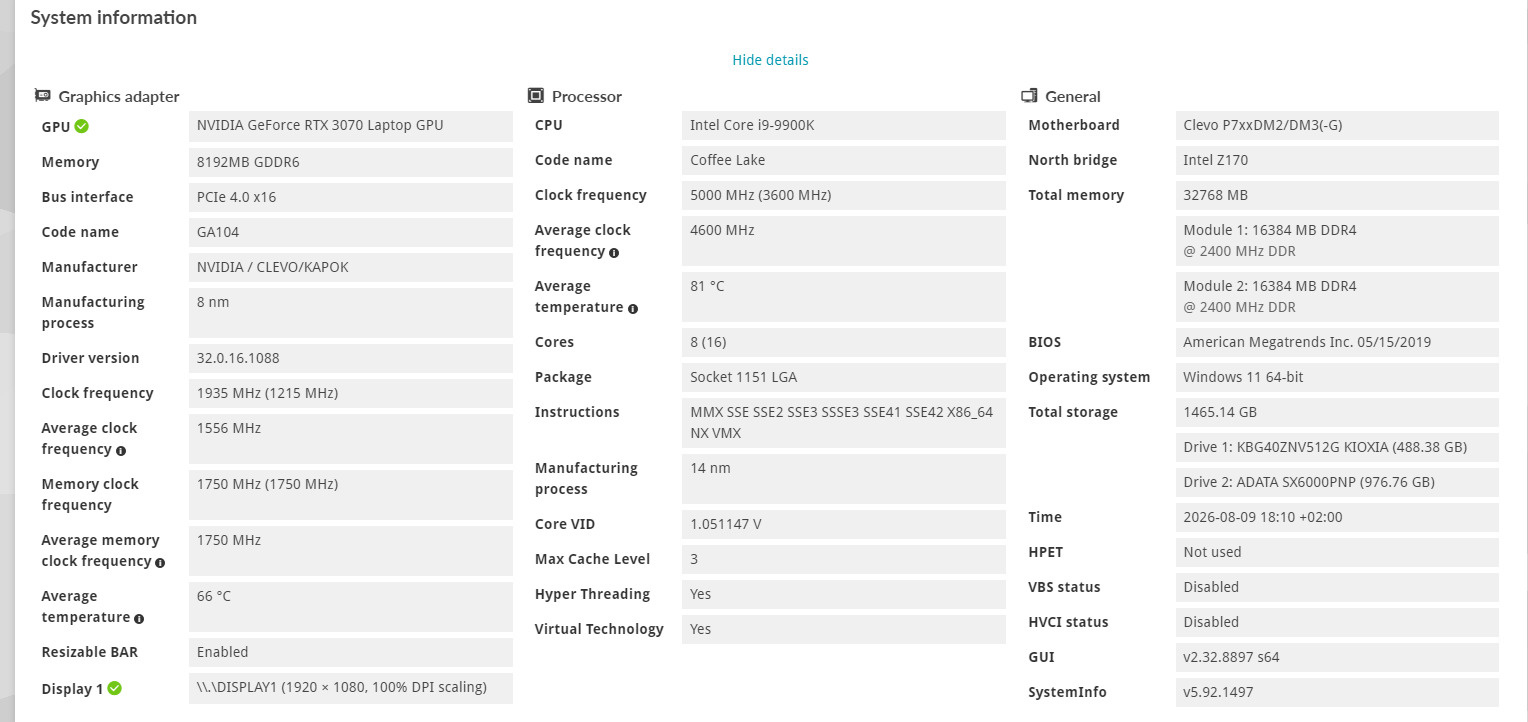
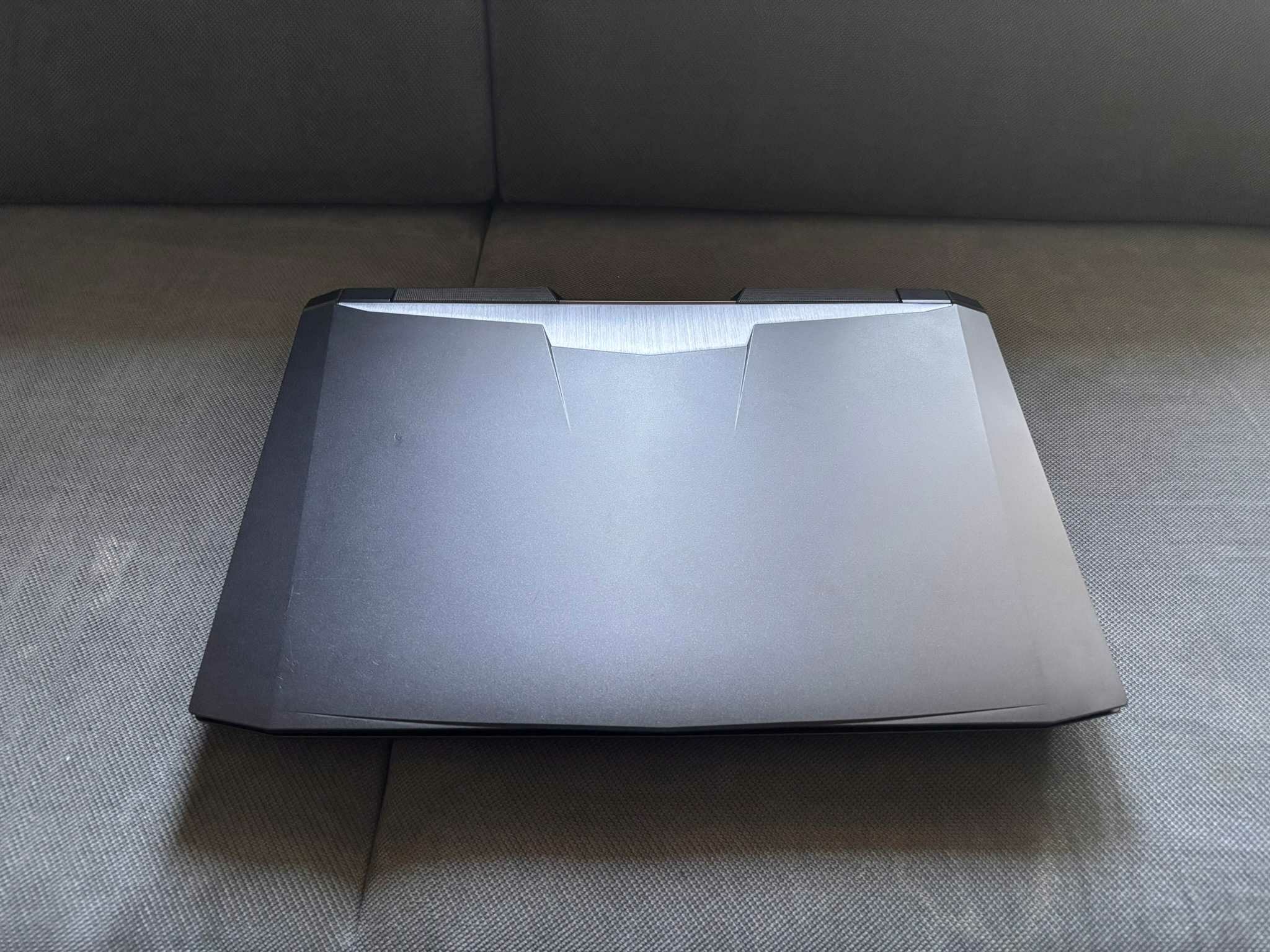
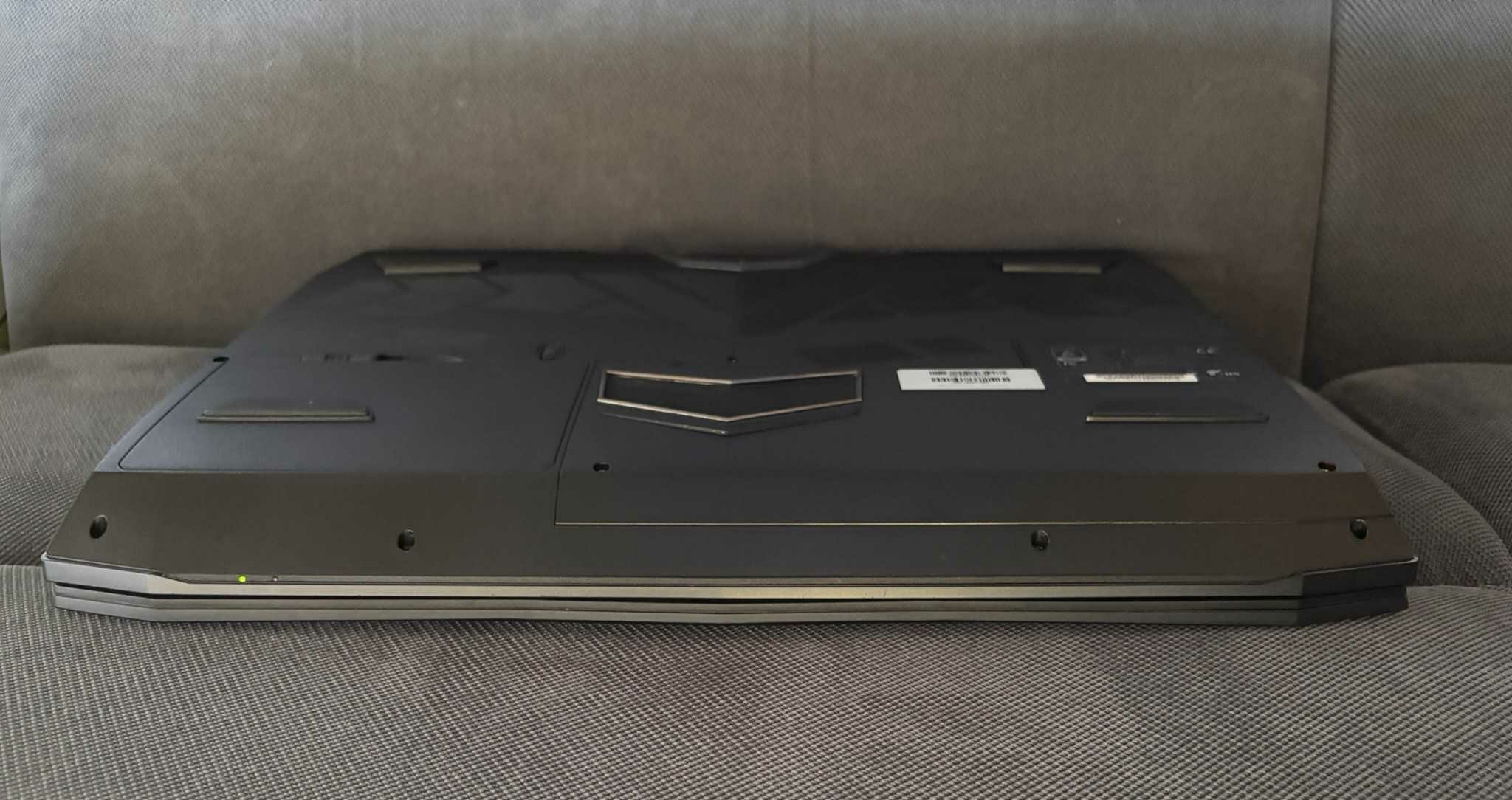
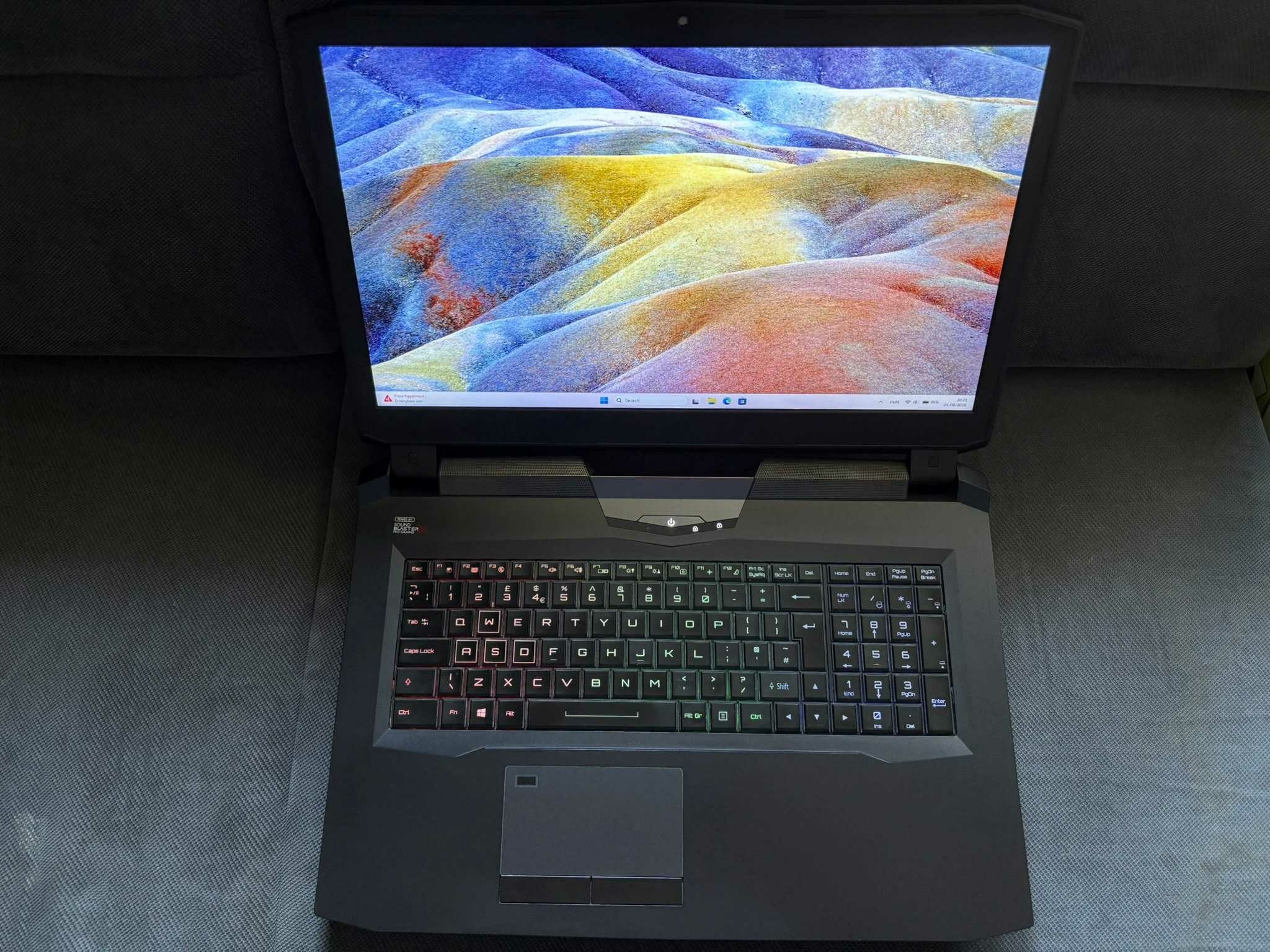
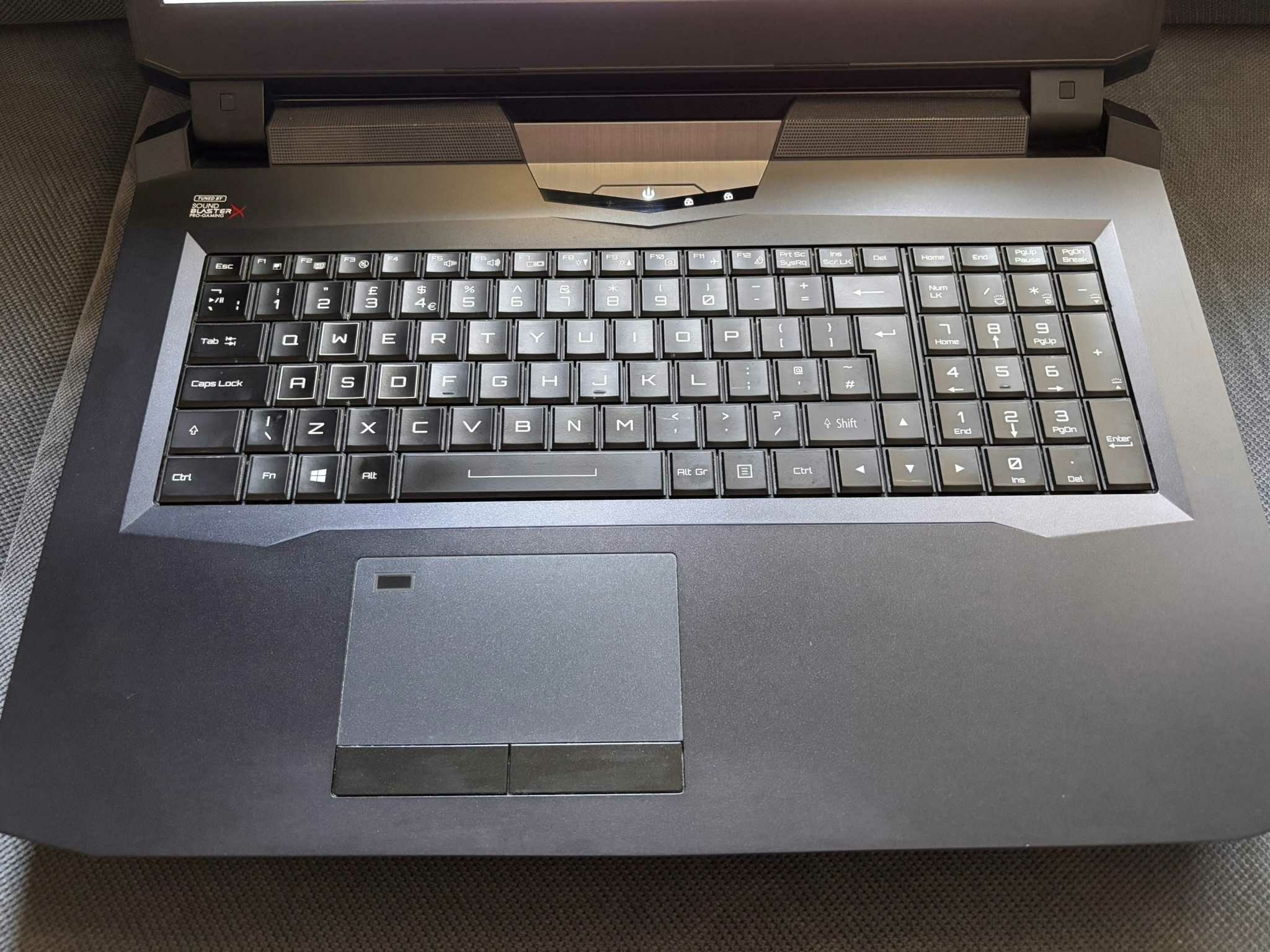
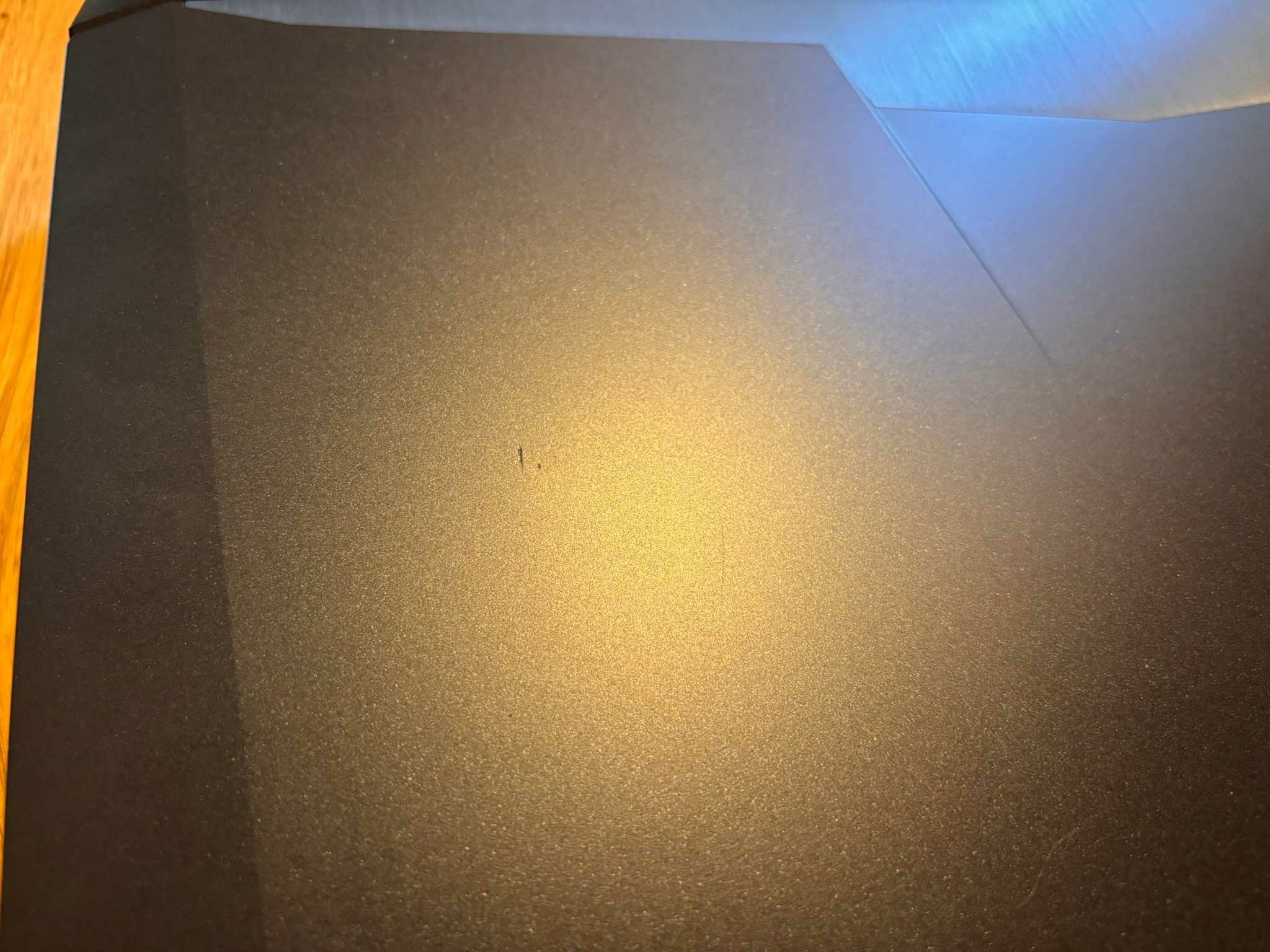
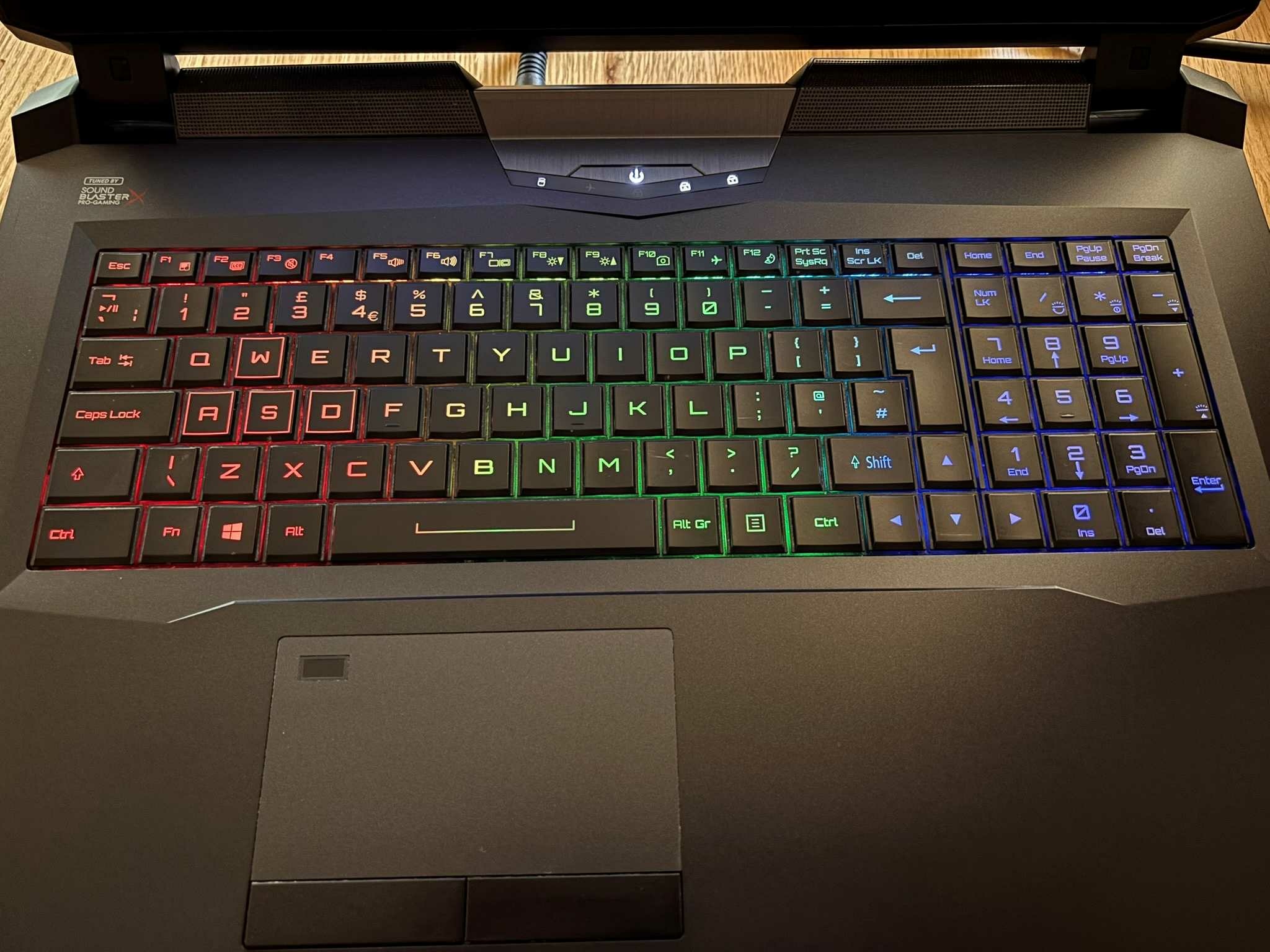
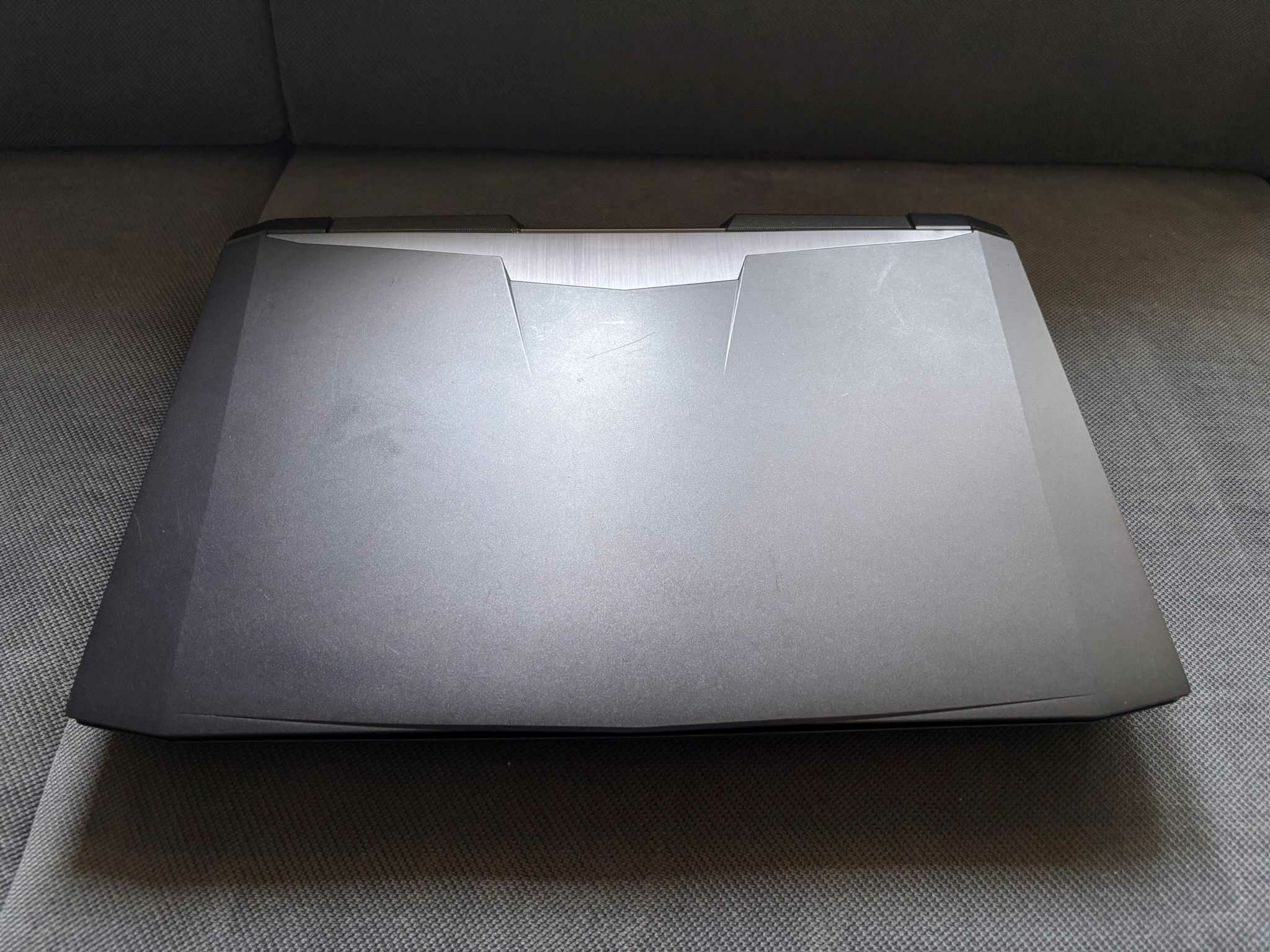
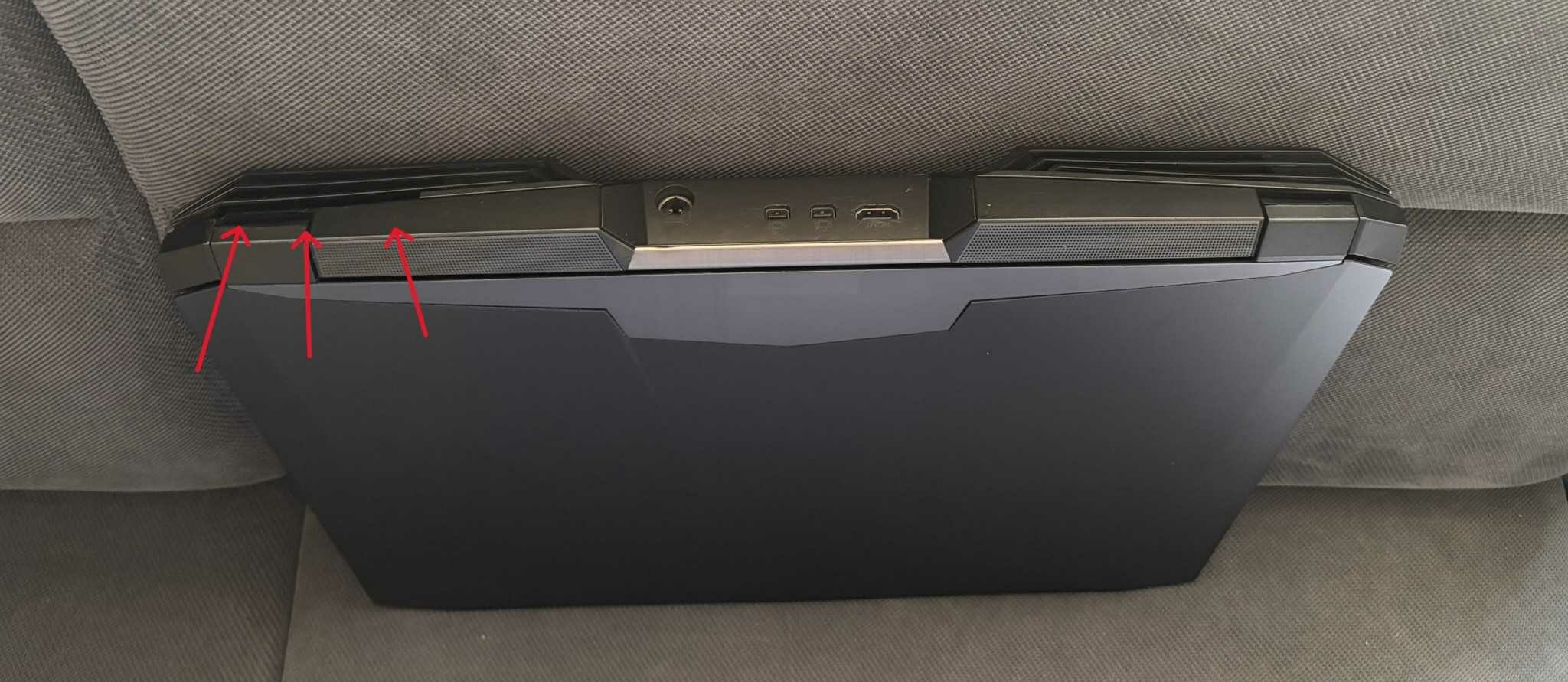
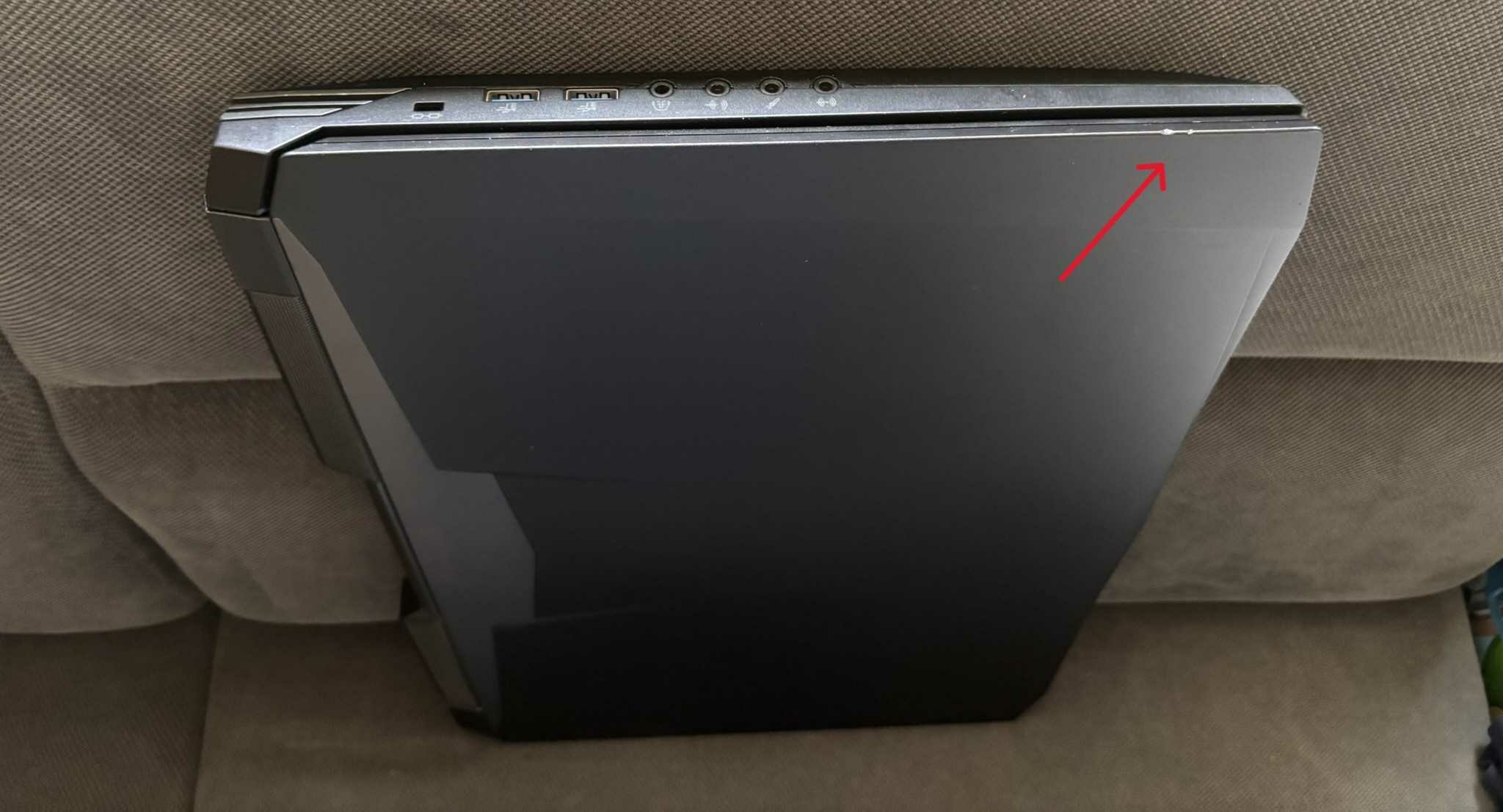
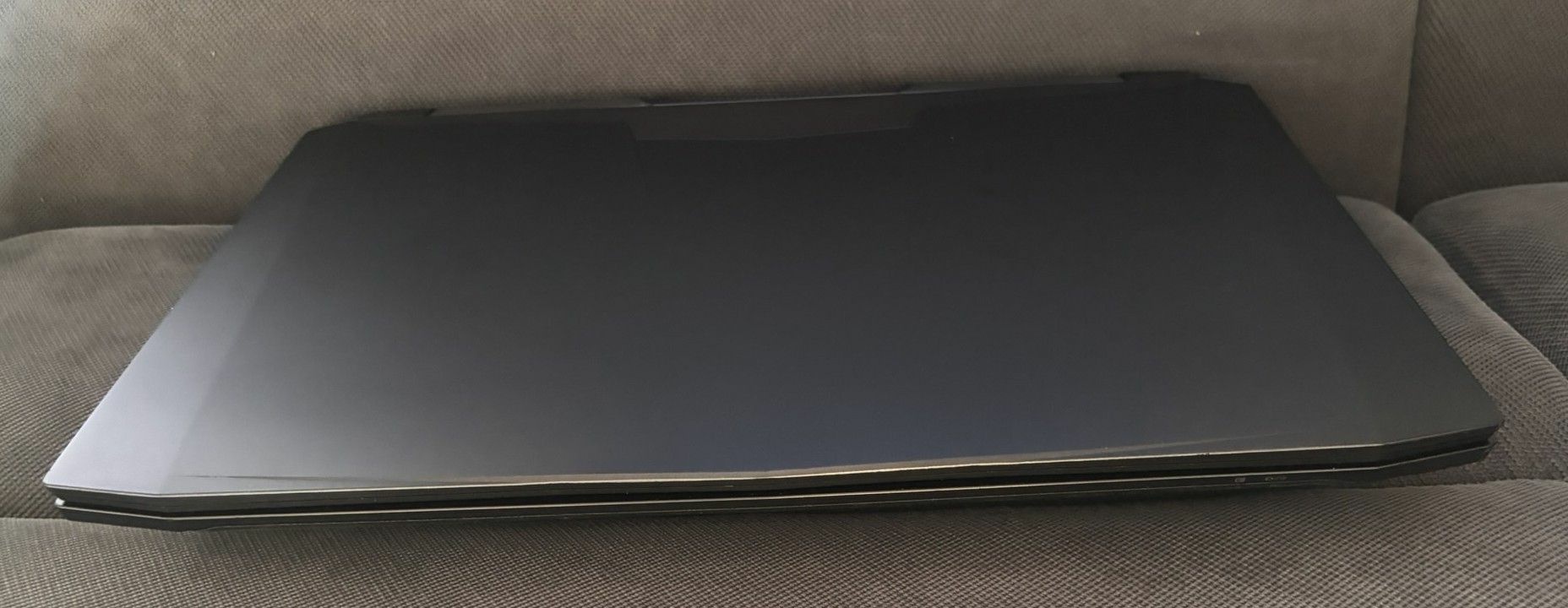
Price: 750 Euro (or make an offer) Condition: Used, Overall good condition as you can see on the pics, but there are some scratches and a bend on back of the top, one on the corner and the air outtake grill is broken. Warranty: No warranty Reason for sale: I have a P870 project ongoing I will keep that beast. ❤️ Payment: Paypal, Revolut or bank transfer Item location: Hungary, EU Shipping: Only EU International shipping: Only EU Handling time: 1 week Feedback:https://www.ebay.com/usr/kalmankz?_tab=feedback Specification: Display: 17.3in; FHD 60Hz; MATTE; eDP 30pin; LP173WF4 SPD5 CPU: Intel® Core™ i9-9900K Processor16M Cache, up to 5.00 GHz, ASZTALI CPU LGA1151, DELID with Thermal Grizzly Conductonaut Extreme GPU: NVIDIA RTX 3070; GN20-E5-A1; 8 GB VRAM, 140W TDP ( including 15 W Dynamic Boost) 125W TDP, GDDR6, no Optimus, VRAMs and Rail padded with Thermal Grizzly Putty PRO. RAM: SK Hynix 32GB(2x16GB) 2400MHz, CL 17, GKE160SO102408-2400 , 2 empty slot free. SSD: NVMe, KBG40ZNV512G KIOXIA, 512GB, 97%, one more NVMe and two more 2,5” M2 slot free. KEY: RGB Backlit; GERMAN; QWERTY PSU: 330W AC Adapter; 100-240V; 50-60Hz; DC 19.5V @ 16.9A; 4pin round plug, 1.274 kg OS: Win 11 pro Weight: 4.22 kg For sale is my CLEVO P775DM3 custom-built Desktop Replacement Laptop. It is in good overall condition, with some minor scratches and a few small marks/dents, but nothing serious. This model was never originally manufactured with an RTX 3070 GPU, so the cooling system has been modified to accommodate it. The GPU is upgradeable up to an RTX 4090 MXM, although further modification or a different heatsink/cooling solution would be required. Due to the non-factory CPU/GPU/display configuration, G-SYNC is not functional. The GPU's 15 W Dynamic Boost is also not available, as mentioned in the specifications. The laptop uses a DSANKE-based modified BIOS, which allows the NVIDIA driver to be installed normally without any issues or the need for a modified driver. This also makes it possible to enable Windows Secure Boot, which is required by some newer games (for example, Battlefield 6). If you have any questions, feel free to contact me. I am also happy to provide additional tests, benchmarks, screenshots or photos upon request.
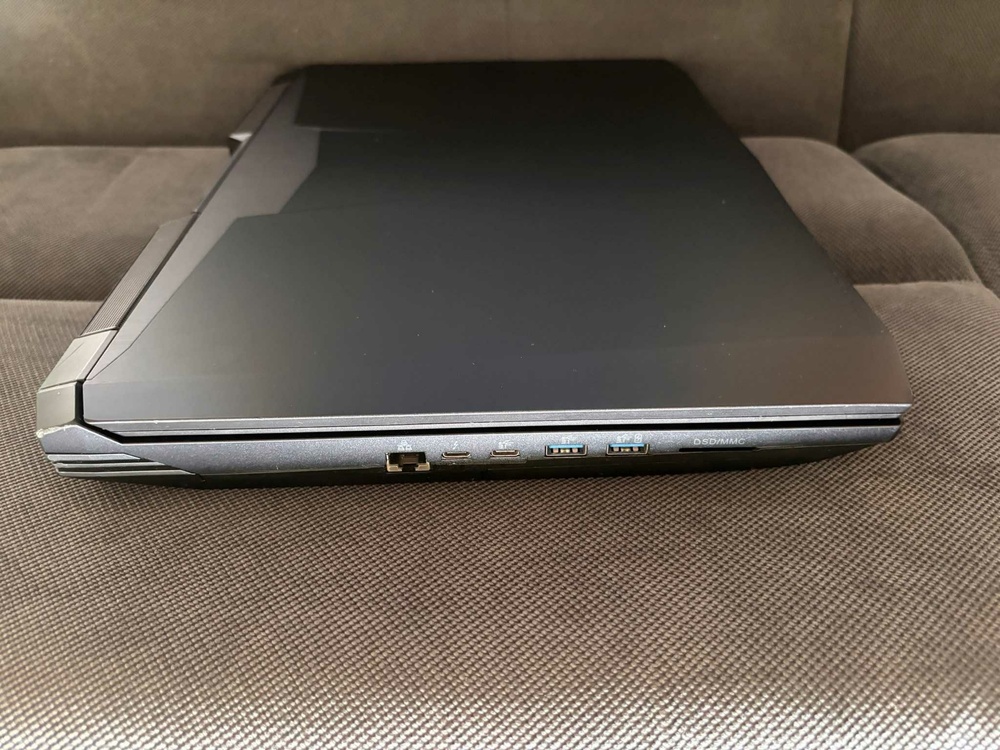
.thumb.jpg.90323570c1f8171ae320518d86e5be6c.jpg)
.thumb.jpg.c003cc0a879a17c387cd6dbeefa9d13f.jpg)
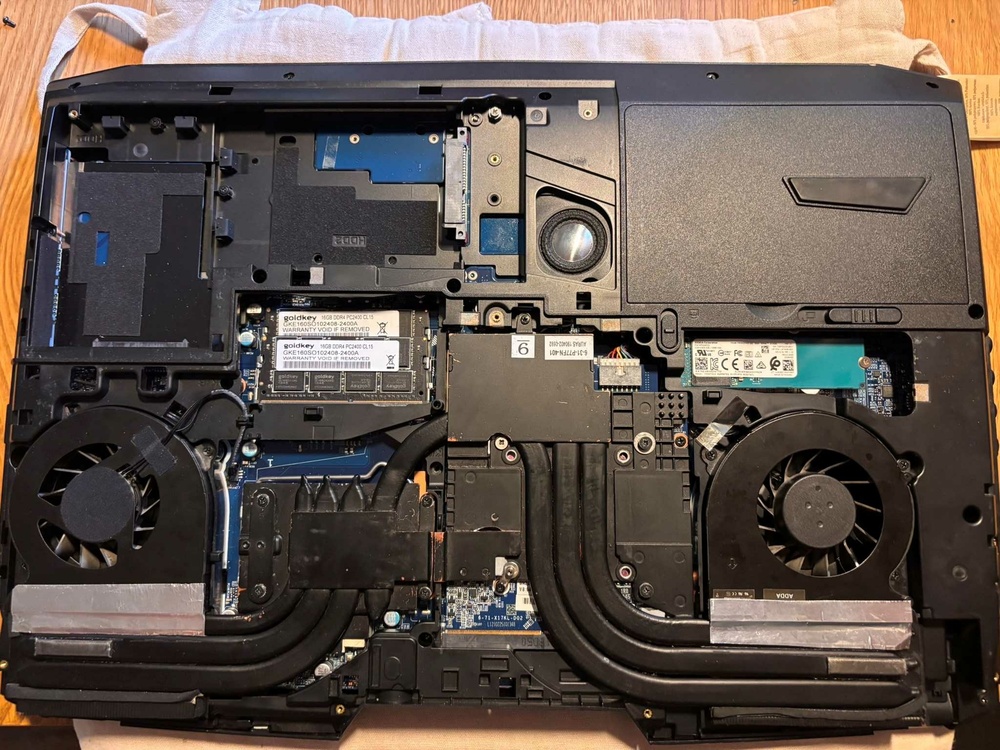
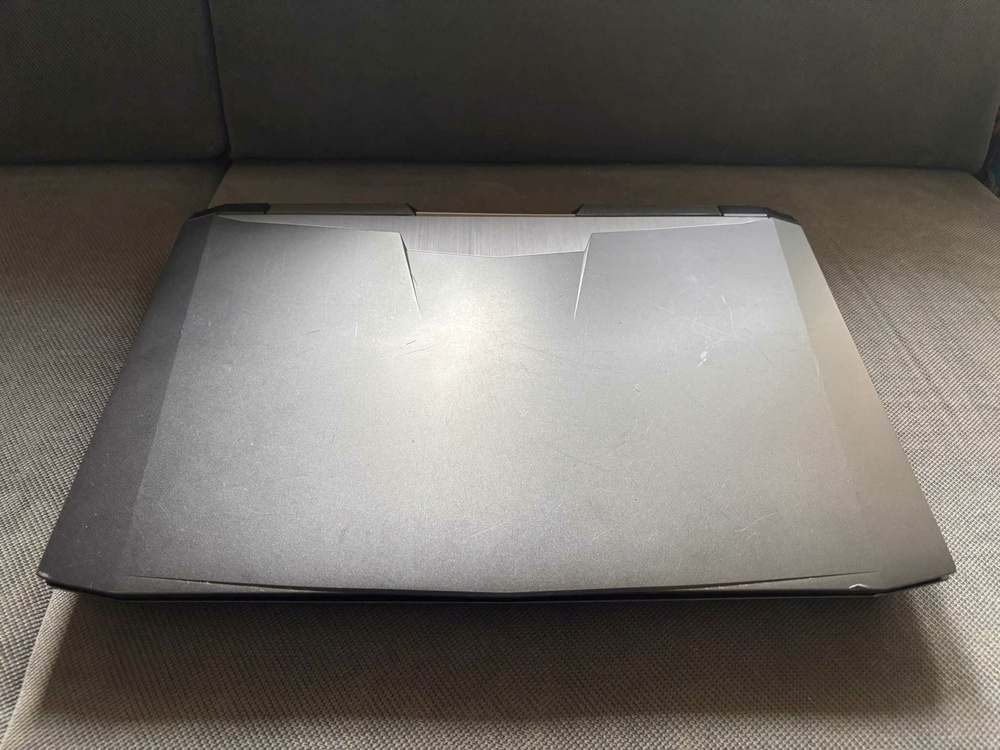
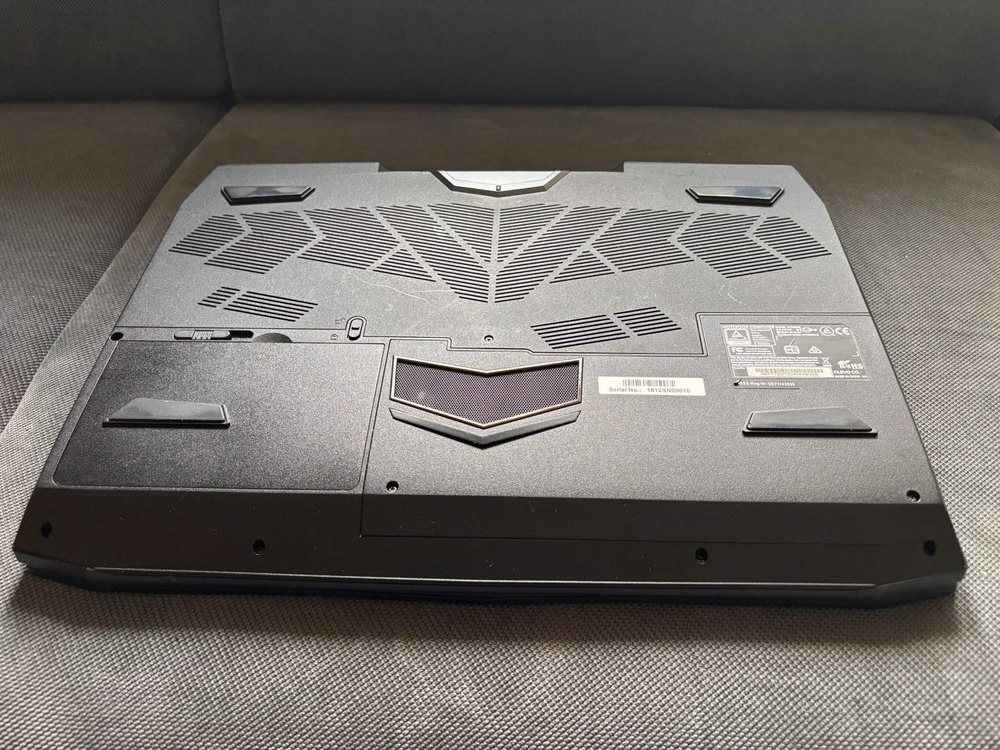
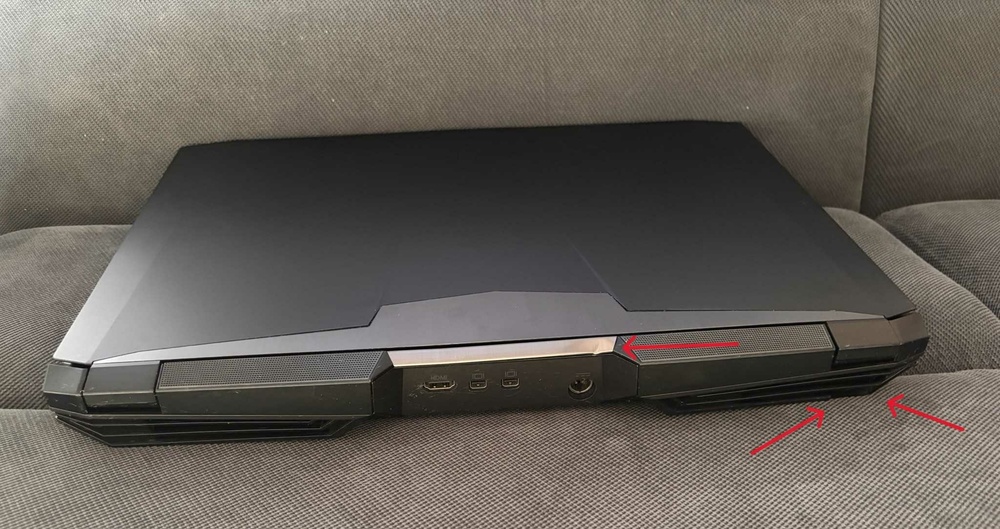
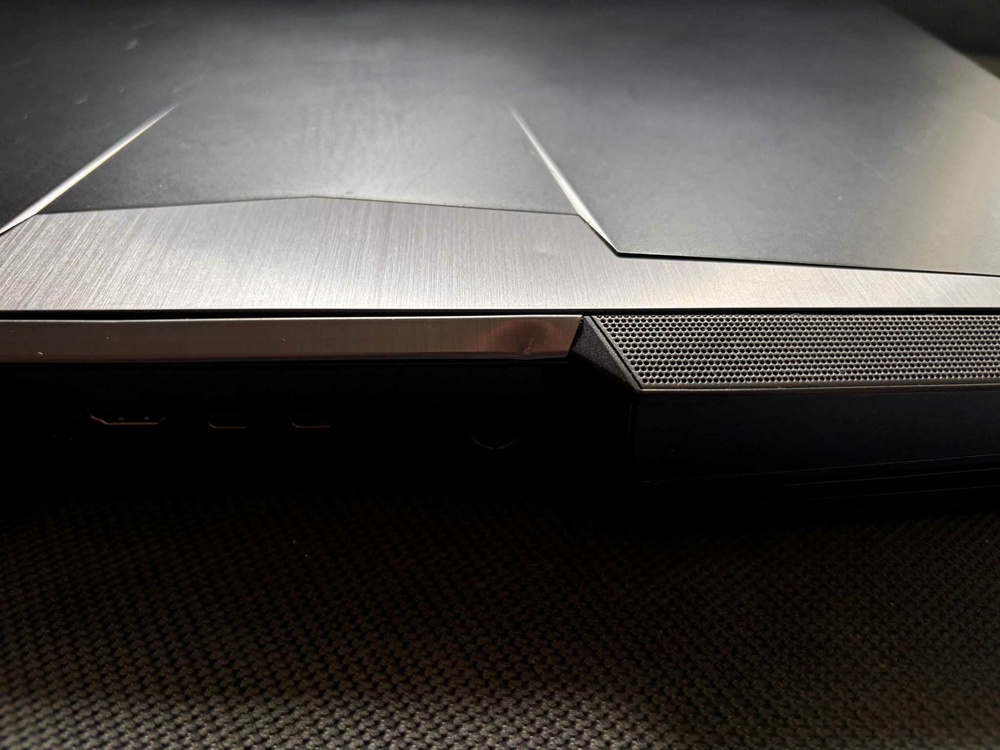
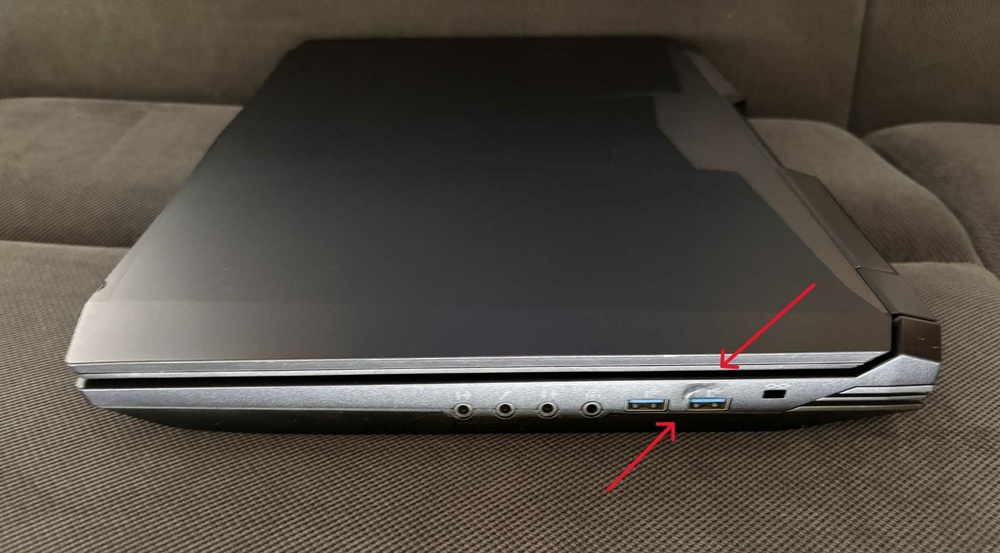
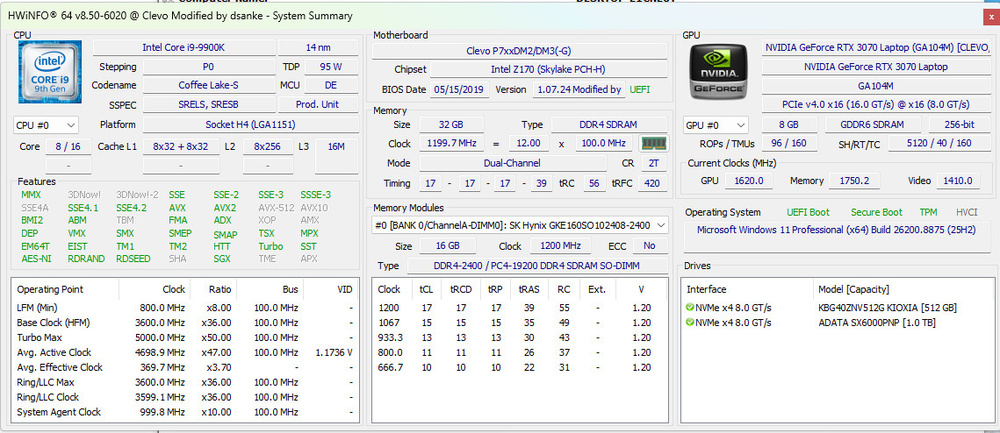
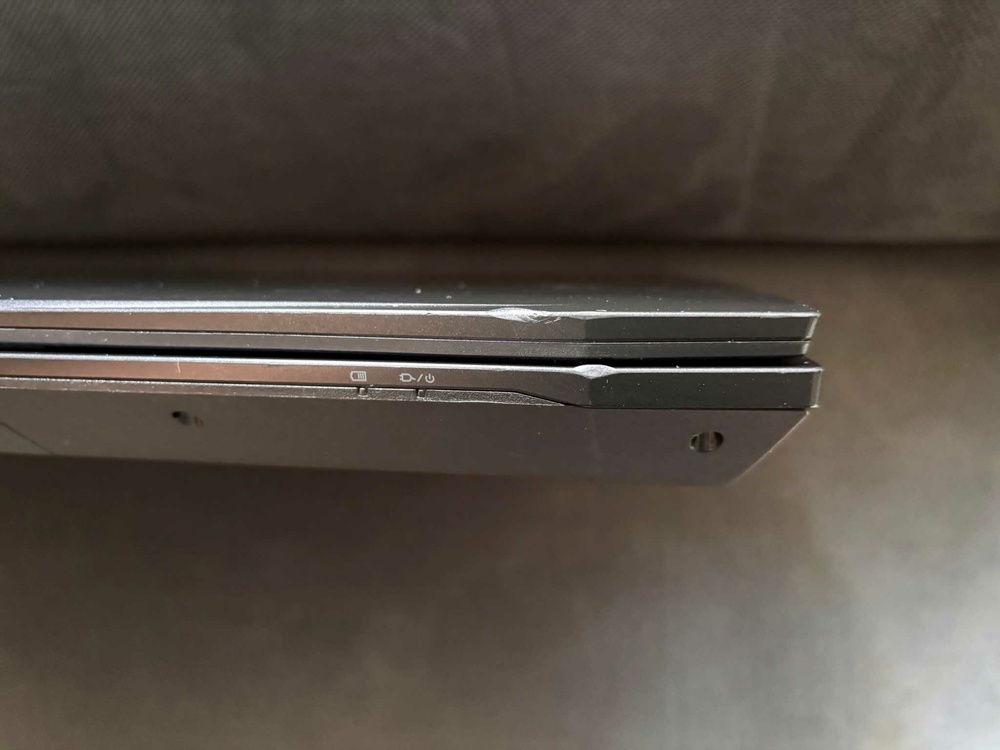
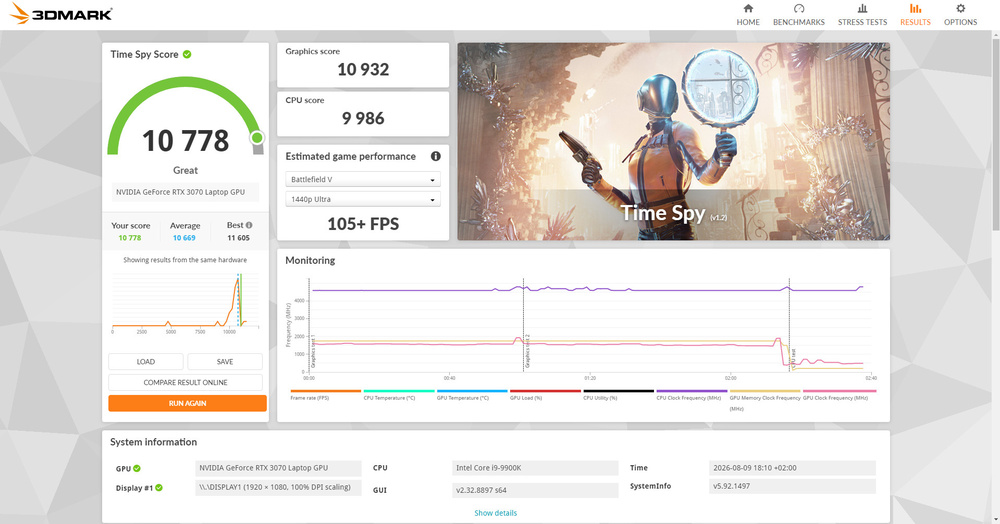
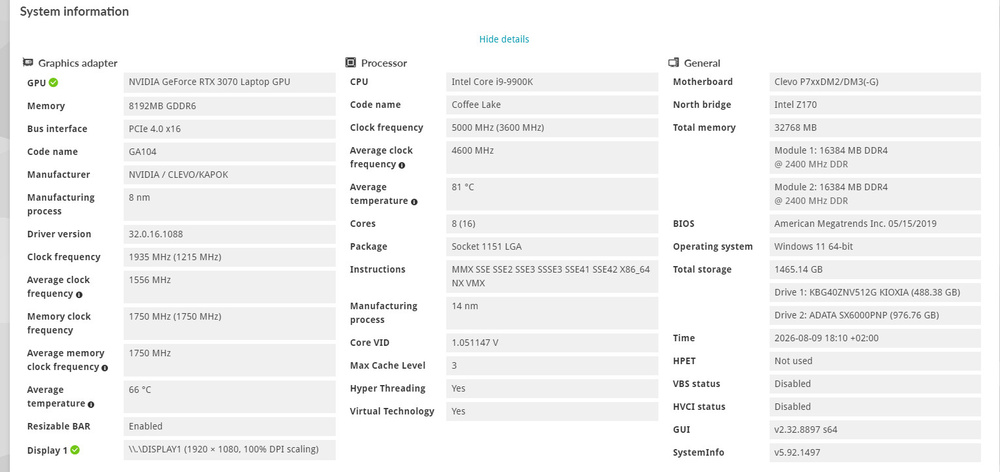
-
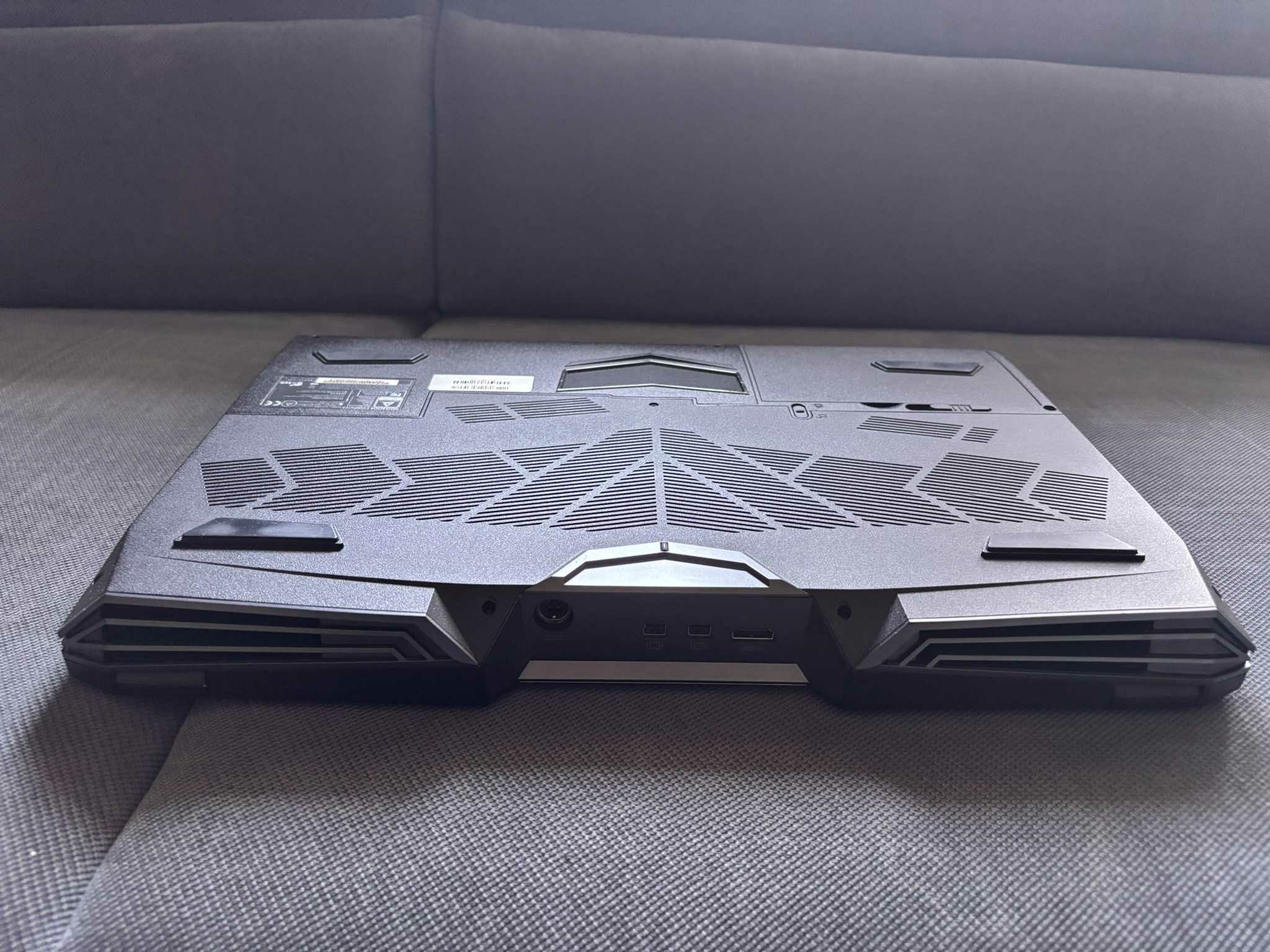
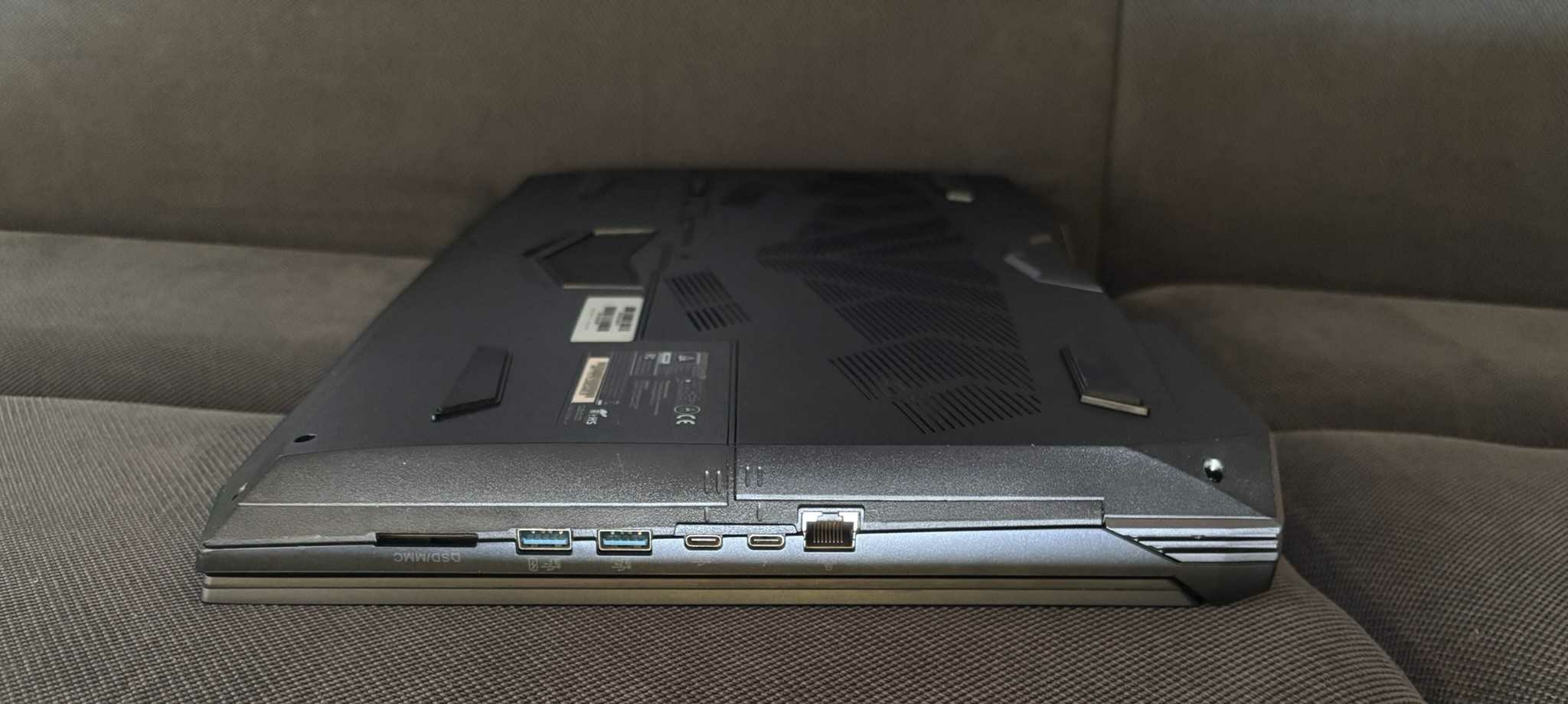
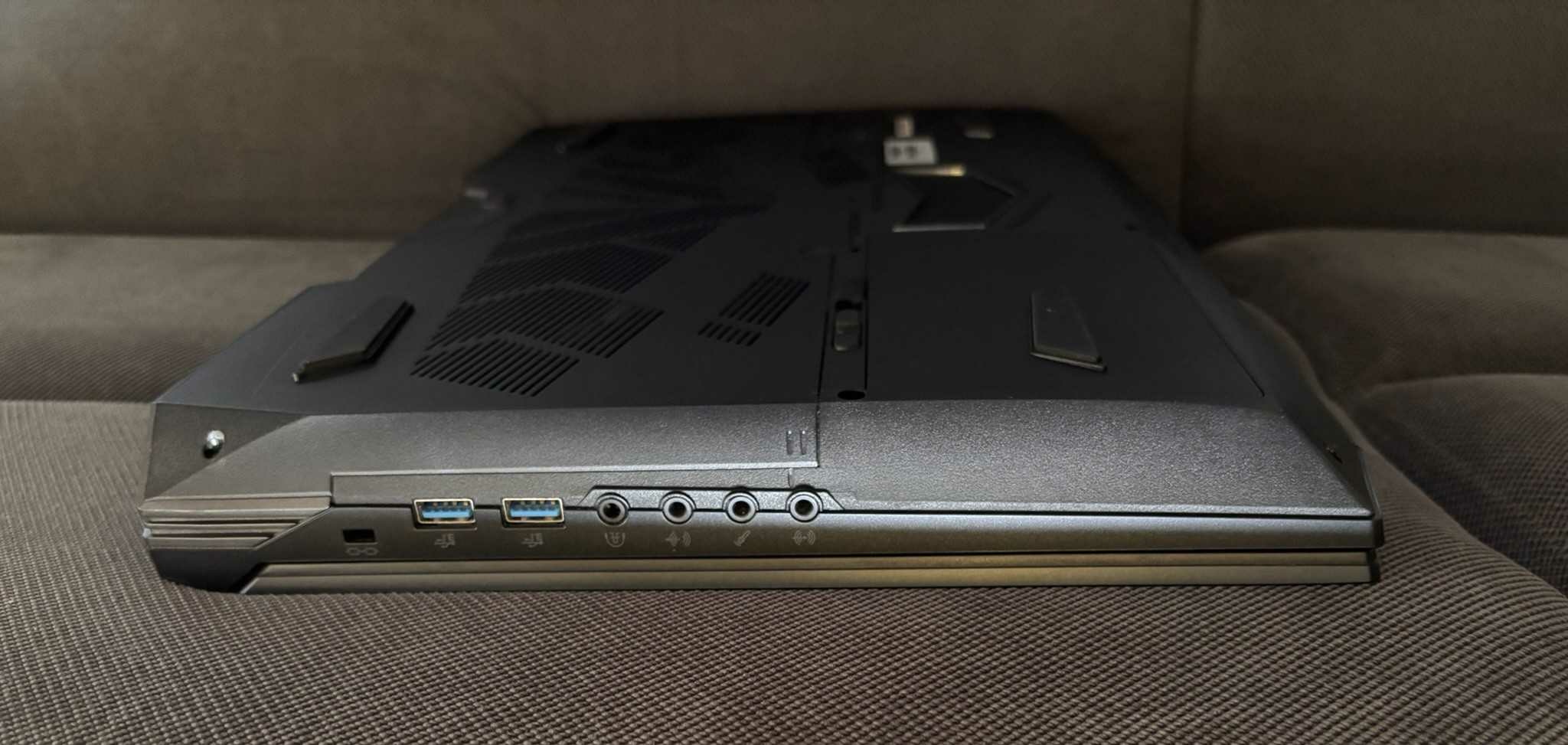
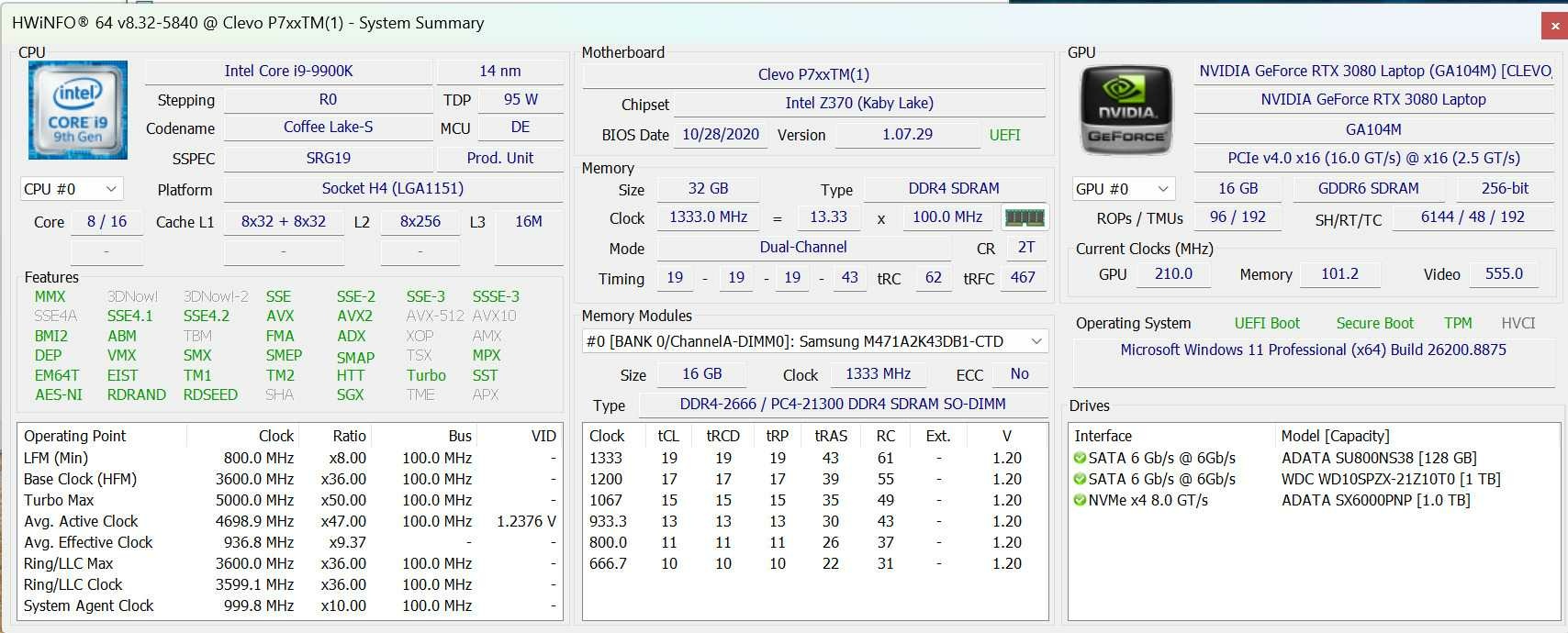
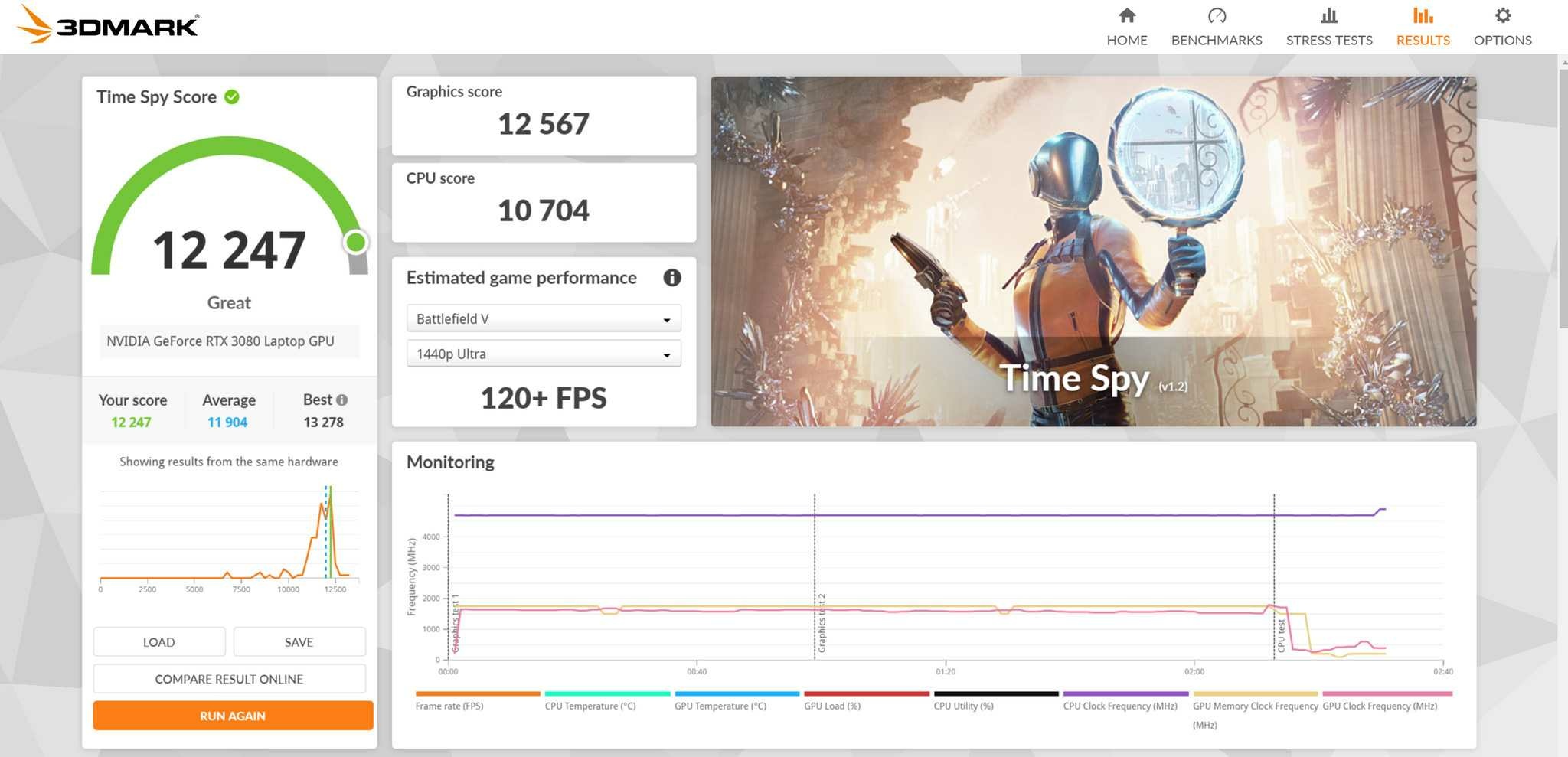
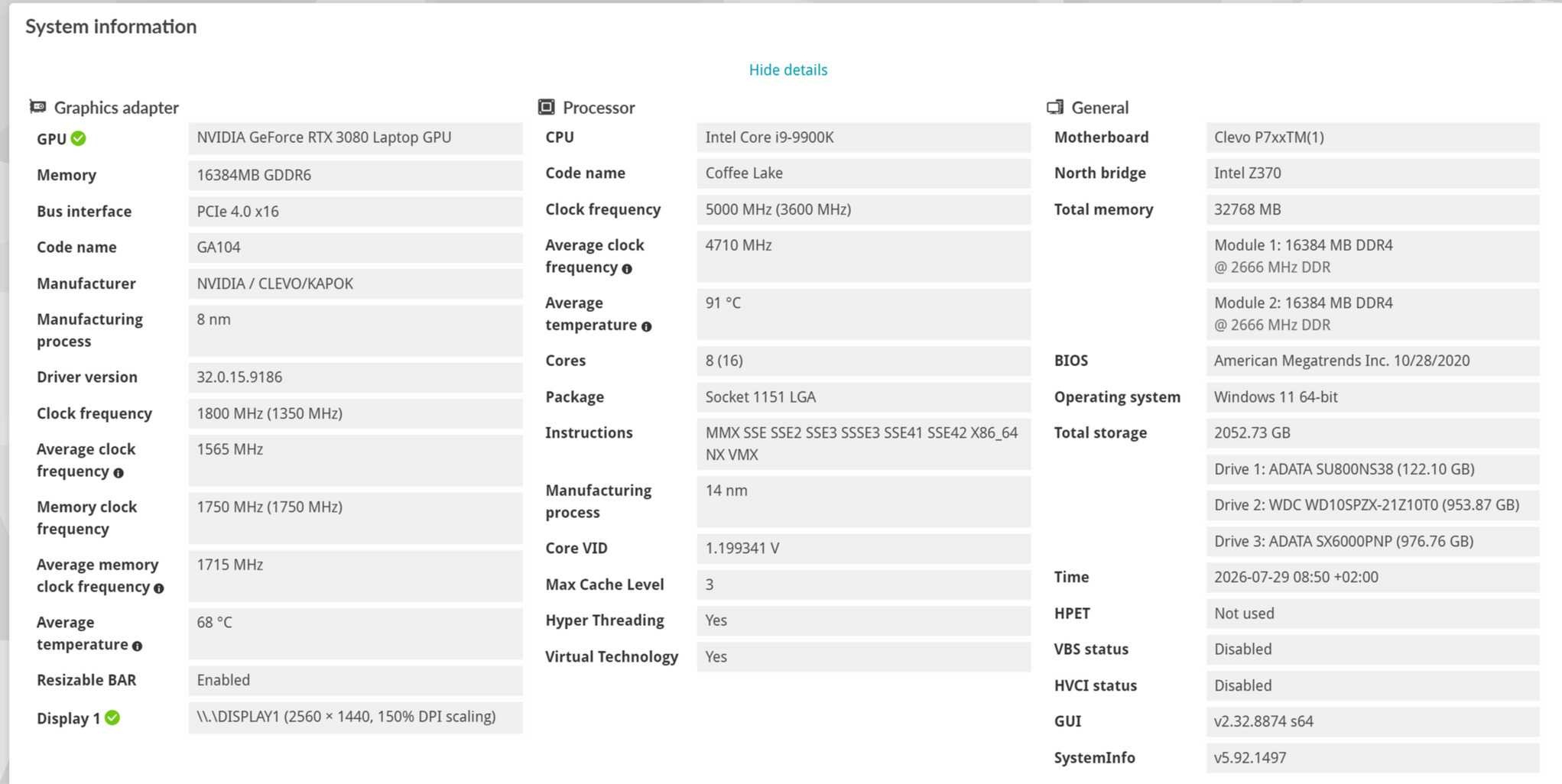
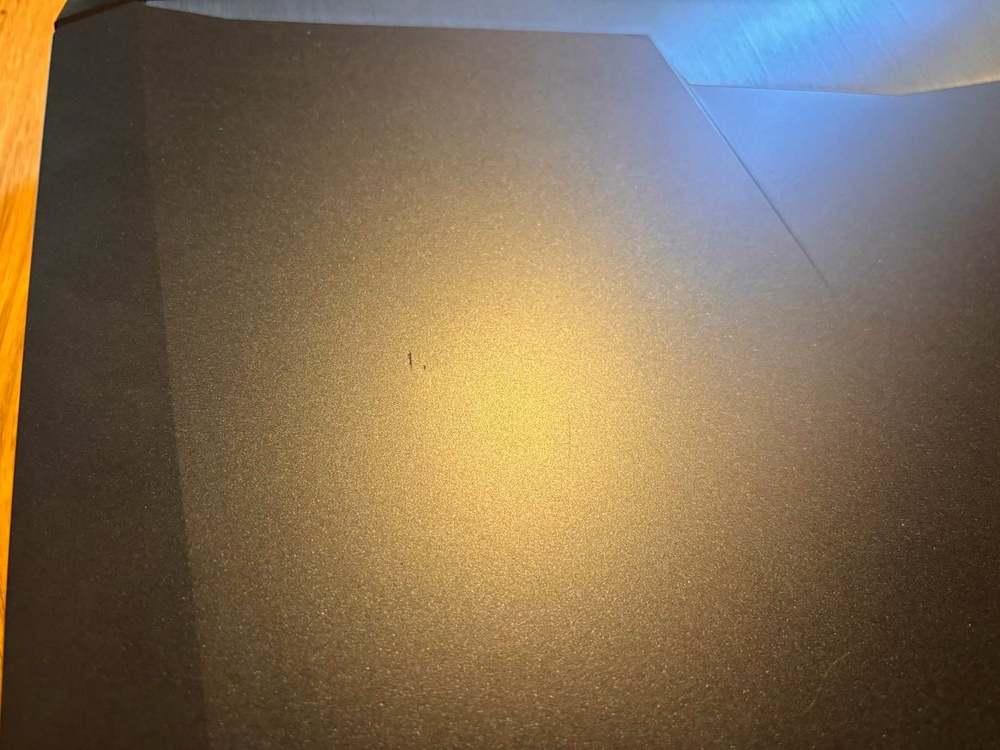
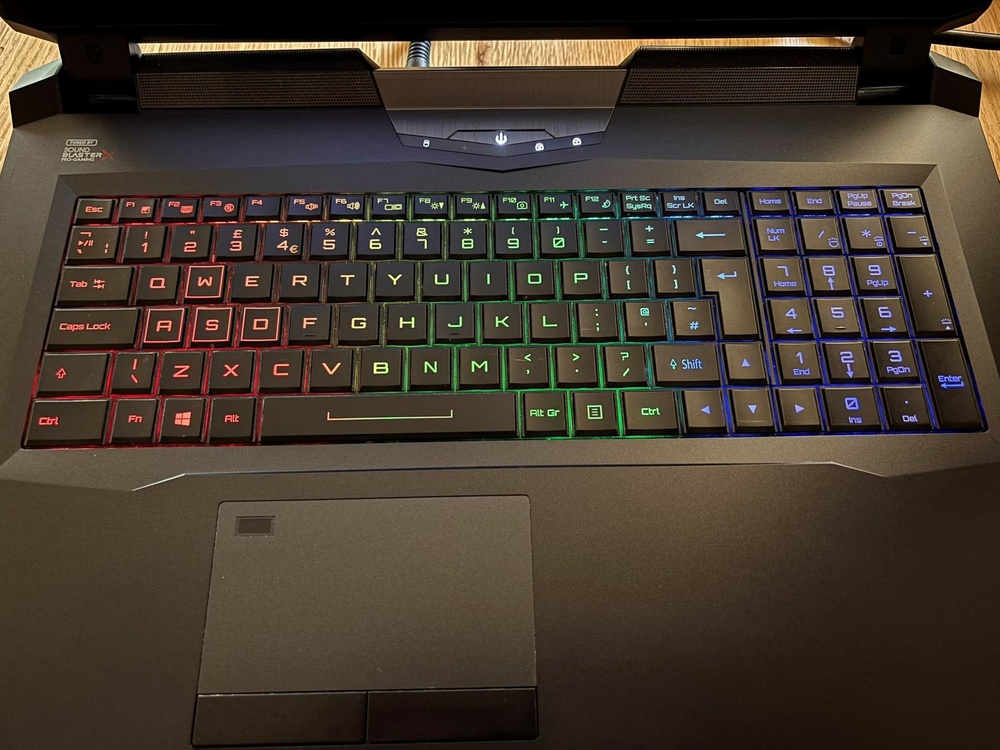
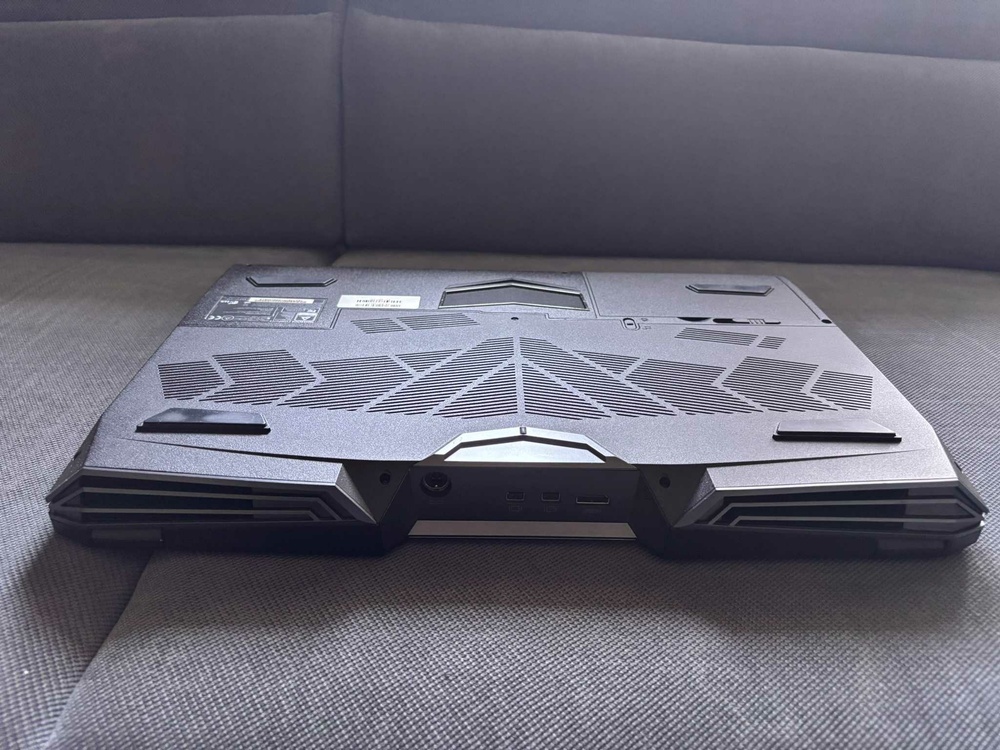
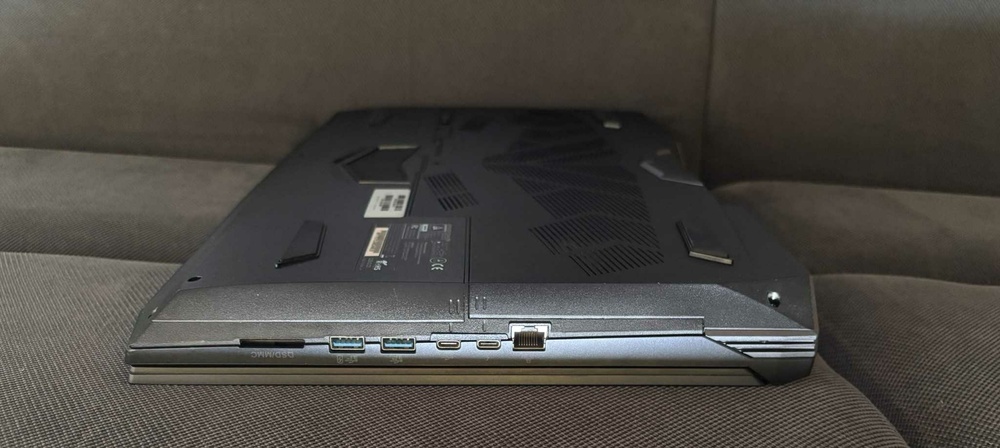
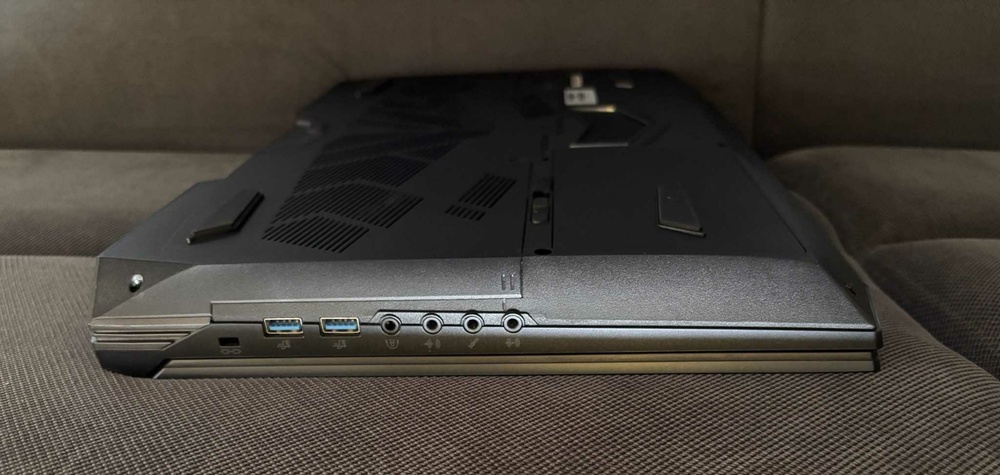
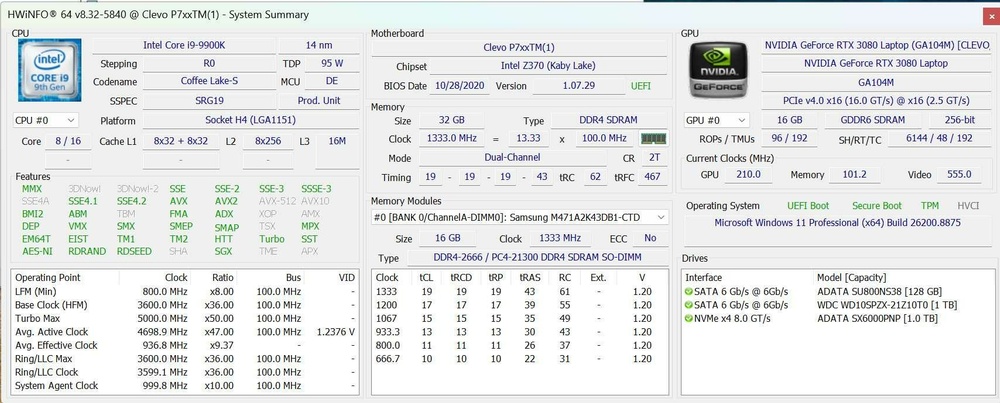
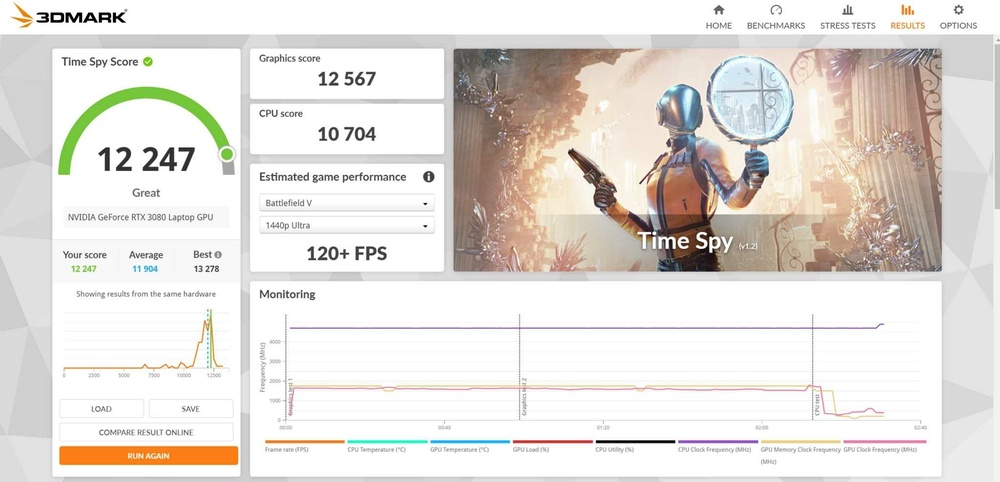
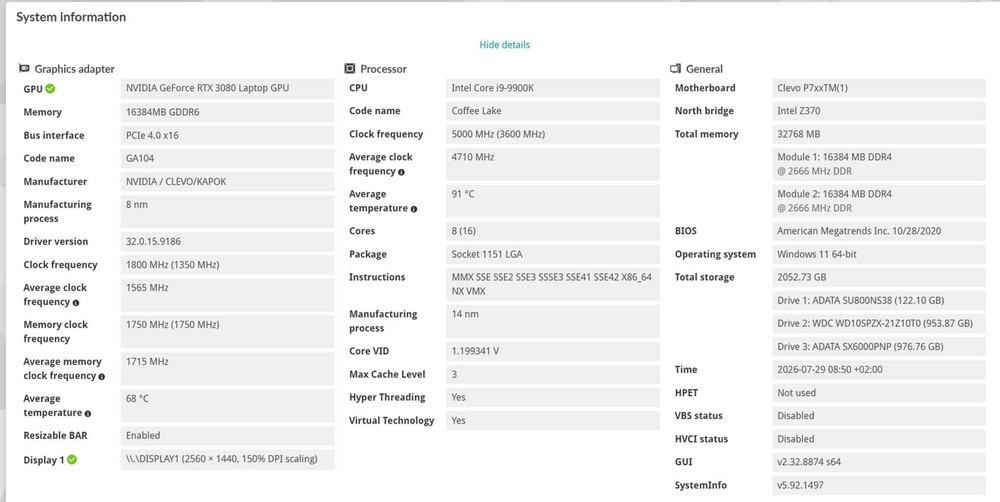
Price: 1000 Euro (or make an offer) Condition: Used, Very good condition as you can see on the pics. Warranty: No warranty Reason for sale: I have a P870 project ongoing I will keep that beast. ❤️ Payment: Paypal, Revolut or bank transfer Item location: Hungary, EU Shipping: Only EU International shipping: Only EU Handling time: 1 week Feedback:https://www.ebay.com/usr/kalmankz?_tab=feedback Specification: Display: 17.3in; QHD 2560x1440; 120Hz; Matte; eDP; AUO B173QTN01.0 CPU: Intel® Core™ i9-9900K Processor16M Cache, up to 5.00 GHz, ASZTALI CPU LGA1151, DELID with Thermal Grizzly Conductonaut Extreme GPU: NVIDIA RTX 3080; GN20-E7-A1; 16 GB VRAM, Core: 1710 MHz, RAM: 1750 MHz, 165W TDP ( including 15 W Dynamic Boost) 150W TDP, GDDR6, 27.21.14.6589, no Optimus, VRAMs and Rail padded with Thermal Grizzly Putty PRO. RAM: Samsung 2x16GB DDR4 2666MHZ CL 19 M471A2K43DB1-CTD, 2 empty slot free. SSD: Adata XPG SX6000 Pro PCIe Gen3x4 M.2 2280 Solid State Drive 1TB 96%, one more NVMe and two more 2,5” M2 slot free. KEY: RGB Backlit; UK English; QWERTY PSU: 330W AC Adapter; 100-240V; 50-60Hz; DC 19.5V @ 16.9A; 4pin round plug, 1.274 kg OS: Win 11 pro Weight: 4.368 kg For sale is a CLEVO P775TM1 custom-built Desktop Replacement Laptop, in excellent and well-cared-for condition. This model was never originally manufactured with an RTX 3080 GPU, so the cooling system has been modified to accommodate it. The GPU is upgradeable up to an RTX 4090 MXM, although further modification or a different heatsink/cooling solution would be required. Due to the non-factory CPU/GPU/display configuration, G-SYNC is not functional. The GPU's 15 W Dynamic Boost is also not available, as mentioned in the specifications. The laptop uses a DSANKE-based modified BIOS, which allows the NVIDIA driver to be installed normally without any issues or the need for a modified driver. This also makes it possible to enable Windows Secure Boot, which is required by some newer games (for example, Battlefield 6). If you have any questions, feel free to contact me. I am also happy to provide additional tests, benchmarks or screenshots upon request.
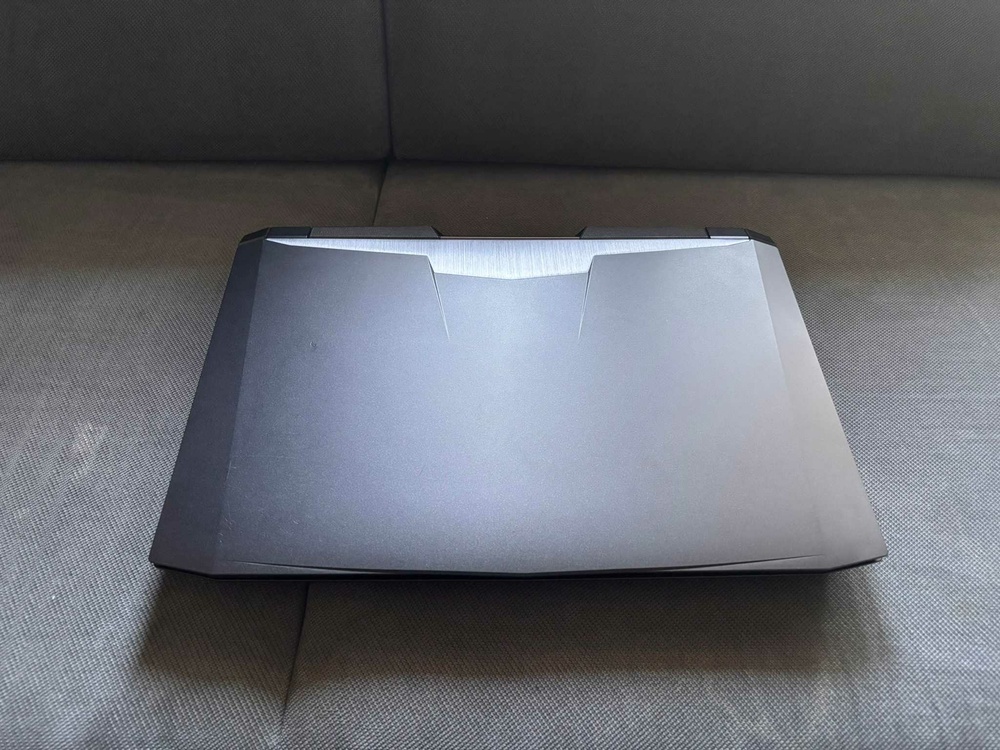
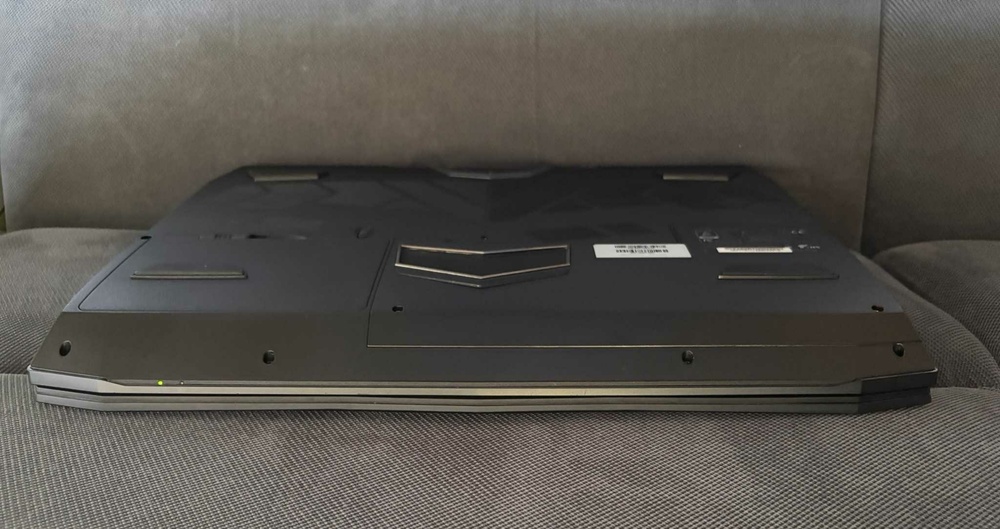
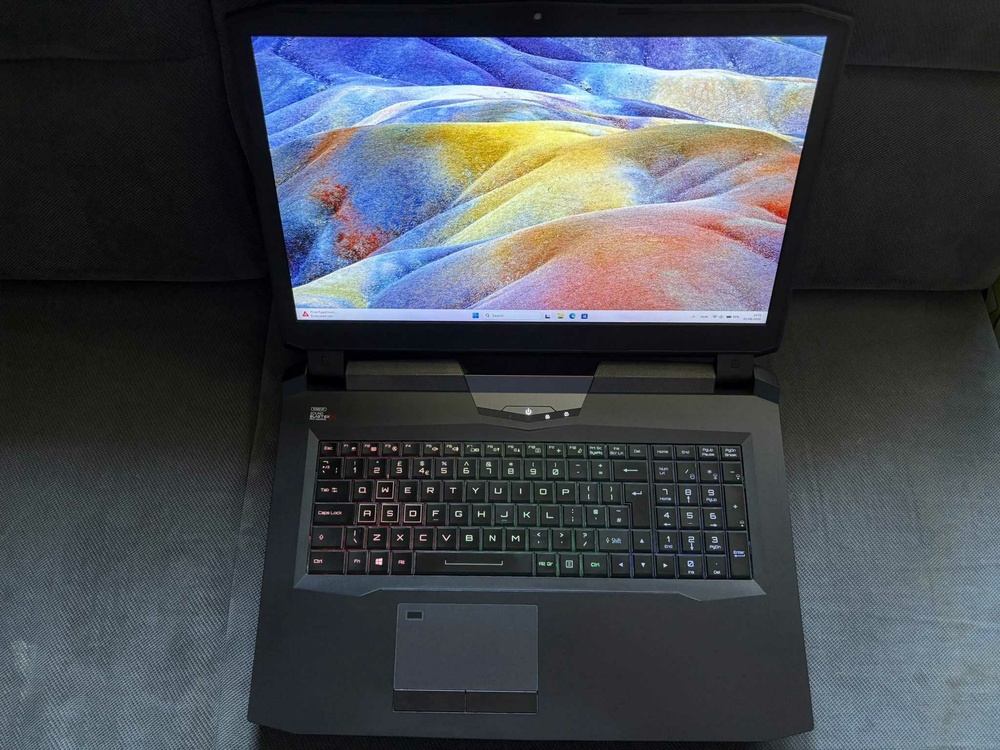
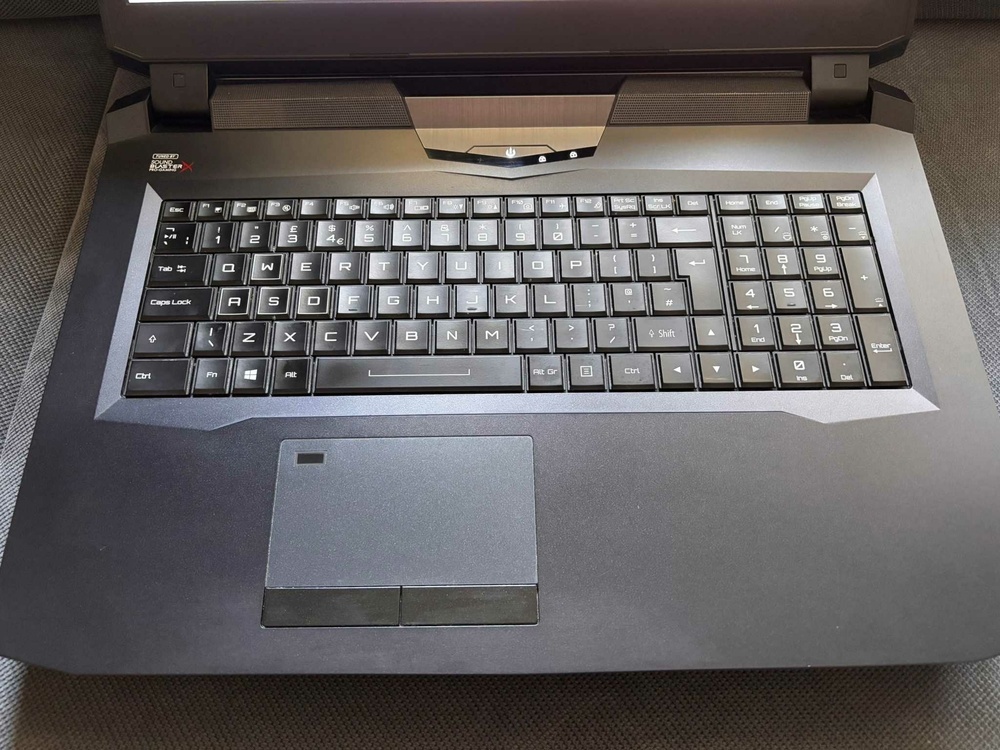
-
Okay, fair enough. I can not argue with that since I do not have any exp with 40th series. With 3080 it was a few percent.
-
Here is @Maro97 bench from an earlier post and he has P870. It is almost same CPU score what I got from X170K 11900k. Sorry I do not have test for my P870 is disassemblied right now. The 8 lane does not seem to a bottleneck and when I used it there was no problem at all. P775 also uses PCIe gen 3, only from 11th gen PCIe gen 4 is supported but it does not matter either just a few percents. Does not need a vapor for good cooling I have made one from the T-shape heat sink and it was excellent. Only thing why I had to switch to P775 that P870 has no option to make the BIOS mod to RTX and you have to INF mod it. Only with BIOS mod you can use secure boot.
-
Yes, it is a faster CPU in anyway. Yes, exactly! I think that is a good idea and looking forward the results if you share it. If you thinking replacing the P775, P870TM could be an option, it has I think the best CPU cooling solution, especially with the second fan mod. Also it is bigger and heavier, the last true DTR which was the best.
-
9900KS You can try I tried it out, I had an x170km with 11900k and rtx3080 for a few month. It is almost twice as loud, you had two carry two bricks with you and the improvement especially at 2k and higher the difference is not that much for the investment in my opinion. 11th gen was not best generation which intel developed 10900k was better in multi. 8c vs 10c I think P775TM is very good DTR but have to make some compromise with it.
-
Short answer is no. With the factory air cooling system you can not achive these numbers. Maybe someone can contradict me but I cannot imagine it could be done.
-
It should be the best,yes. However the factory datasheet says 127W TDP which means it can do the base freq which is 4.0 GHz. It is not likely it will do all core 5GHz on 140w, it do around 200w. It is still just a very good 9900k. UV depends on luck and bin. Around 100 is normal 130 is very good. Yes, I read it, it is was a very good research and work congrats!
.jpg.849c0dd3d41b72028c2b046b36aee135.jpg)
.jpg.28d3ef32db5deffbac09addfed77b96c.jpg)
.jpg.1797abf5bf9dab2727d4b79bed1614e3.jpg)
.jpg.d571999c456b9127fe83b7fb71206449.jpg)
.jpg.a591a8b12f7262ab83c35bf443ddb959.jpg)
.jpg.b9a70e37762f3931fdcf2eded3bf5e1a.jpg)
.jpg.4ceb6e26c4fa767ba357094ea4285b59.jpg)
.jpg.a7c0dd9834e7f094b77d7932889b2d97.jpg)
.jpg.d26d0053b1630d839637b623905b1e1b.jpg)