sliderfra
-
Posts
169 -
Joined
-
Last visited
2 Followers

sliderfra's Achievements






-
AMD Firepro S7100X does not post (black screen) at all. But 970m (MSI 3GB) works nicely in SG & PEG. You included the whitelist in BIOS as I don't need to mod driver, driver installs automatically. That BIOS is a gamechanger for our old R3, install it right NOW! That's great job mate, I'm definitely gonna buy you a coffee 🙂
-
Thanks BIOS works fine, I tried BCLCK but my R3 hangs whenever I press ENTER key. There's no multiplier option in overclocking menu with i7 2760qm. Must be available only for XM cpu. Will try 970m & m3000m soon & let you know how it works (SG & PEG). It did not work with A12 stock bios btw, but IIRC that was a known caveat on the R3. I got 120GB SSD & WD black 750Go, both work fine in SATA3 mode.
-

Alienware M18x r2 3630qm 16gb 2x7970m 80gb ssd 500gb hdd
sliderfra replied to kela-slk's topic in Notebooks and Desktops
hi, ok how much are you willing to sell? -
IDK how it's done on GT80 but screen is definitely LVDS (same screen as AW 18 - LVDS PLS/IPS). MB layout is different between ivy GT60 and haswell GT60. I think ivy is full LVDS whereas haswell has edp to LVDS converter. That converter is gone on the v3 version (2K/3K version).
-
IIRC there's a WIDI card (Wireless display) that used to be on AW M18X, was on the DMC port (the weird port). That or either a TV tuner card with a coaxial cable.
-
Alienware M18x r2 3630qm 16gb 2x7970m 80gb ssd 500gb hdd
sliderfra replied to kela-slk's topic in Notebooks and Desktops
is it working alright? How much are your willing to sell? -
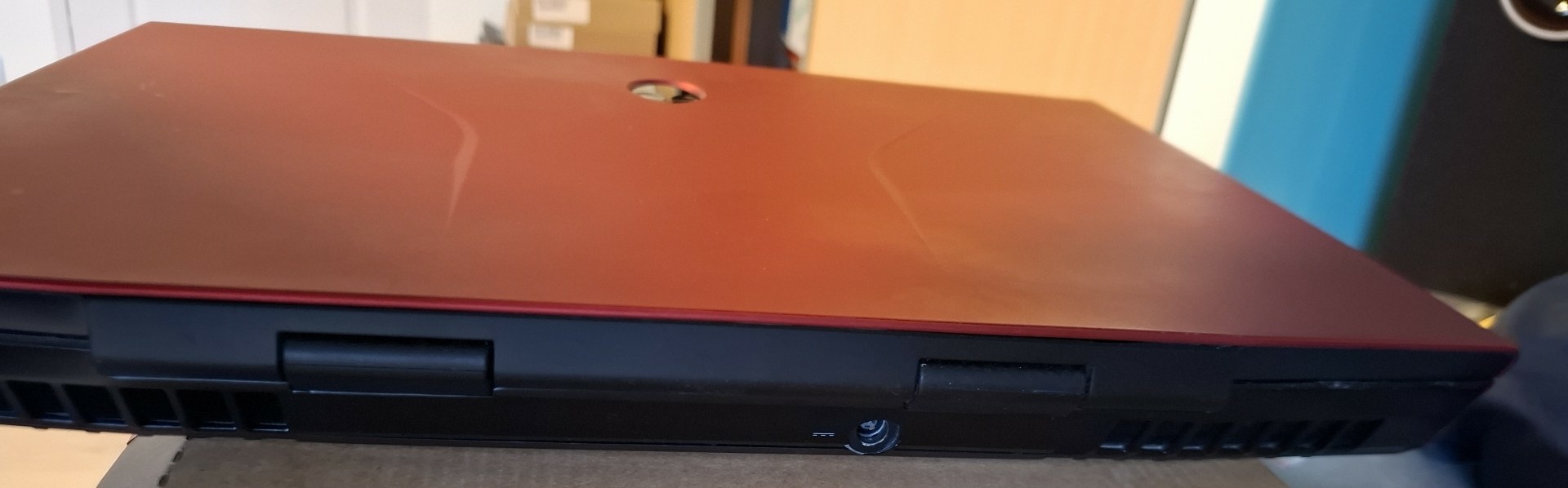
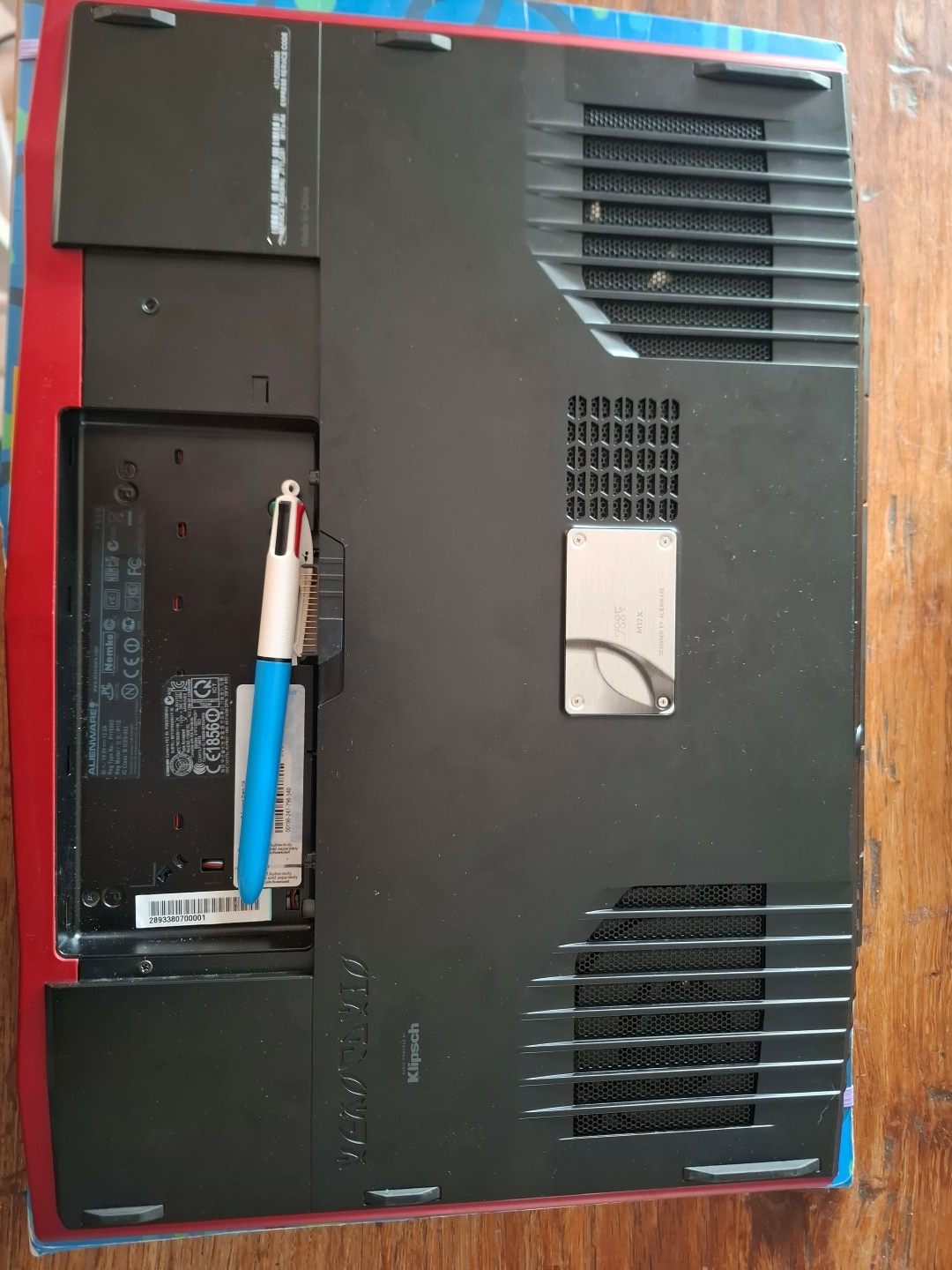
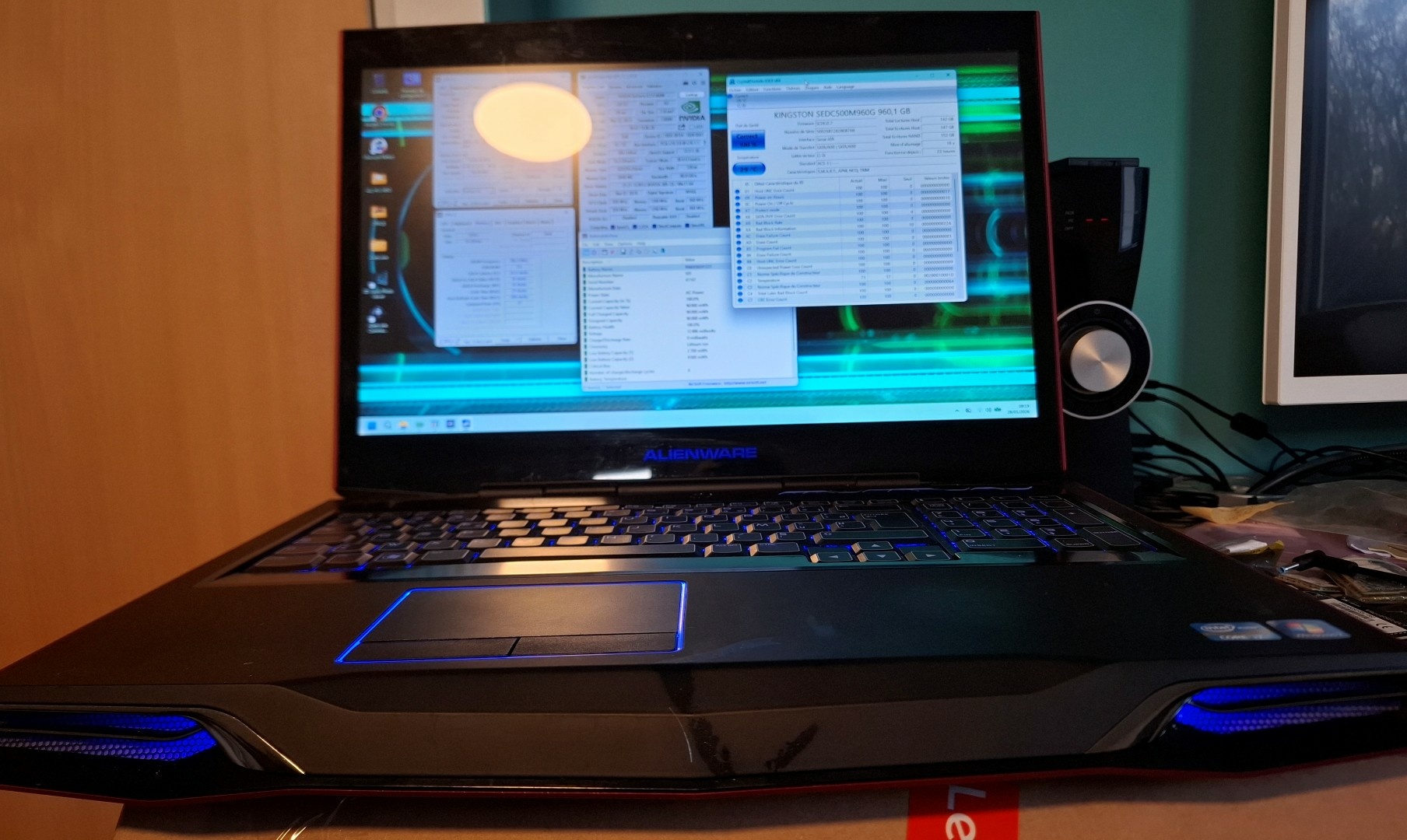
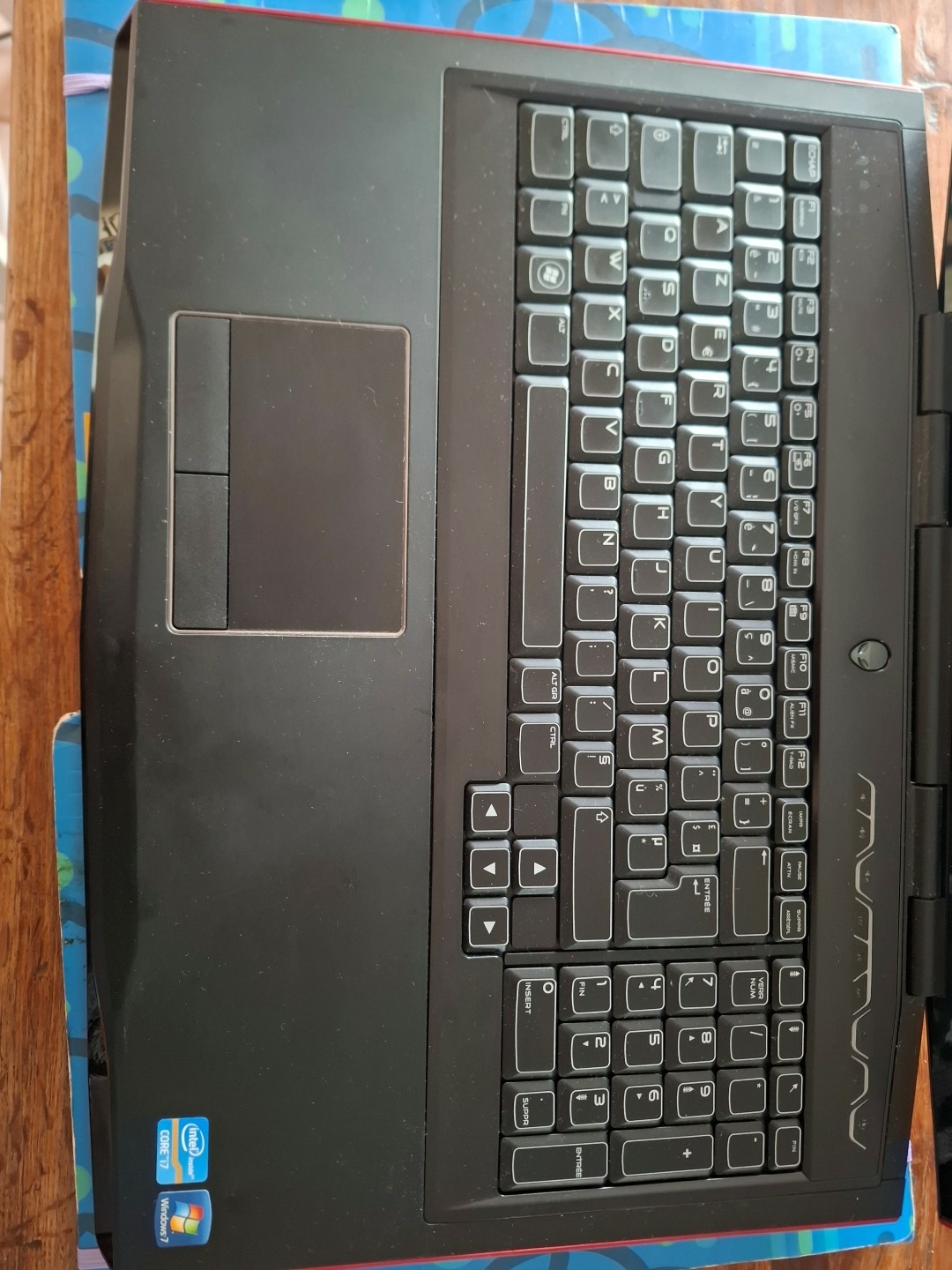
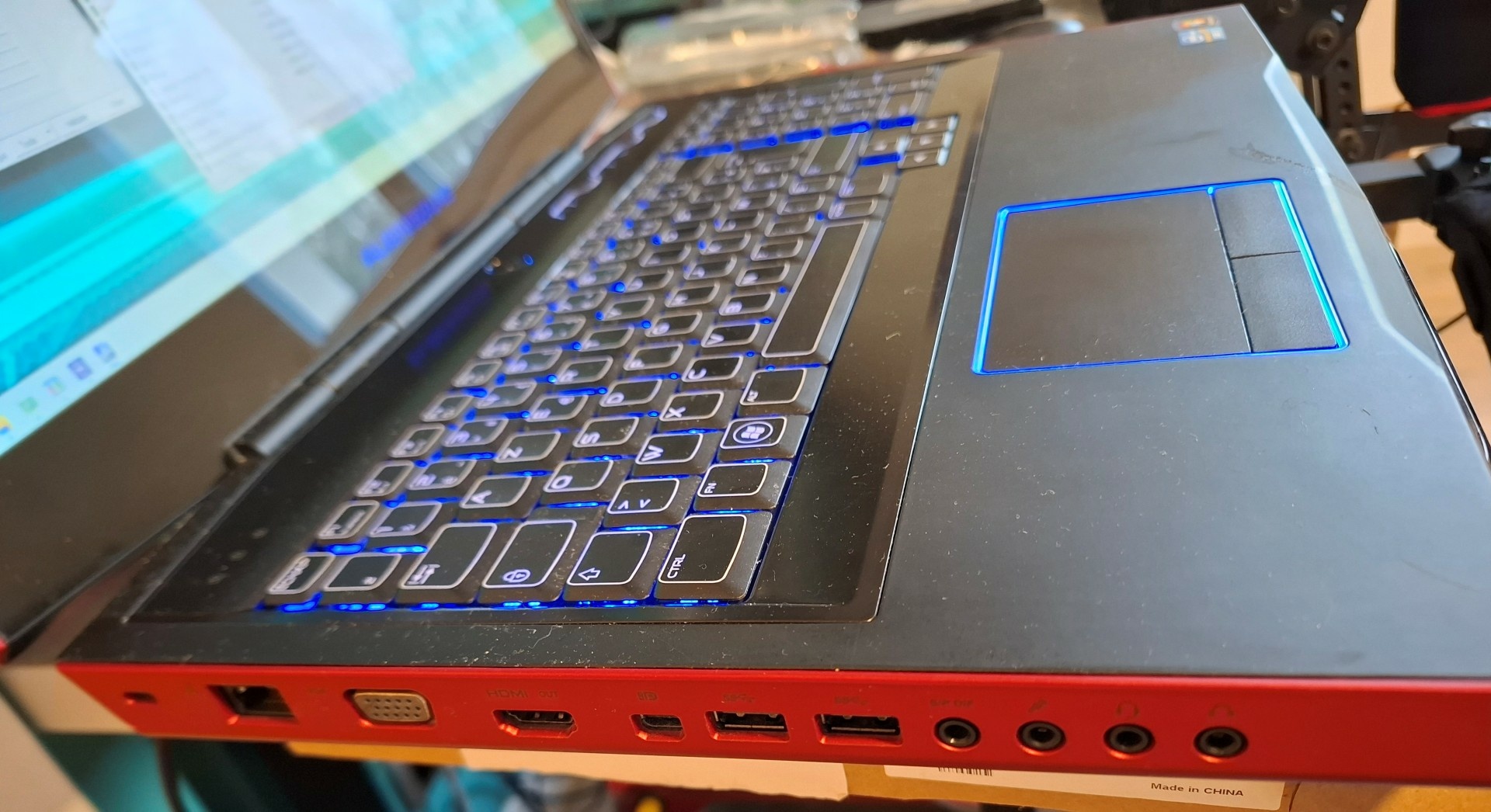
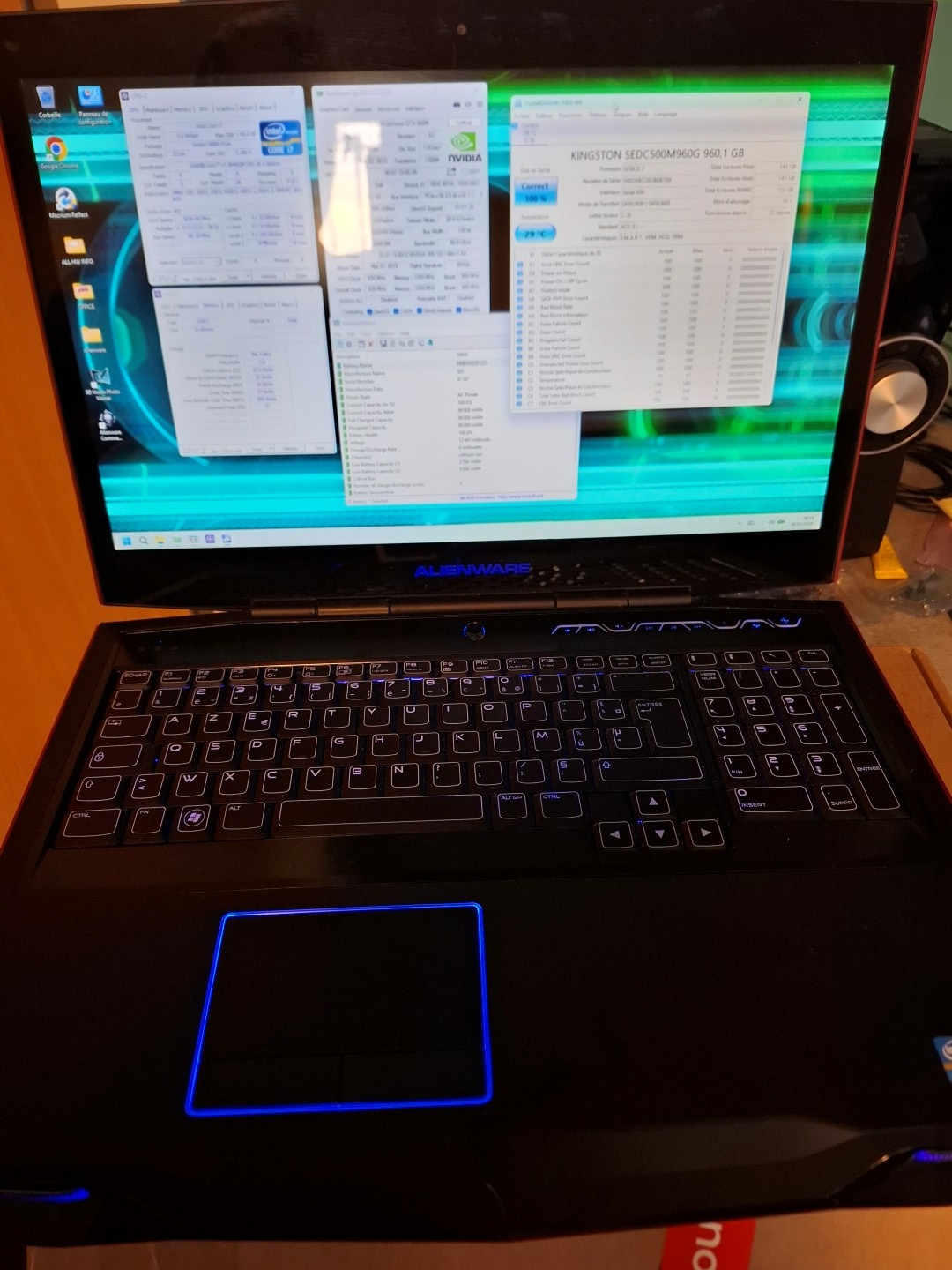
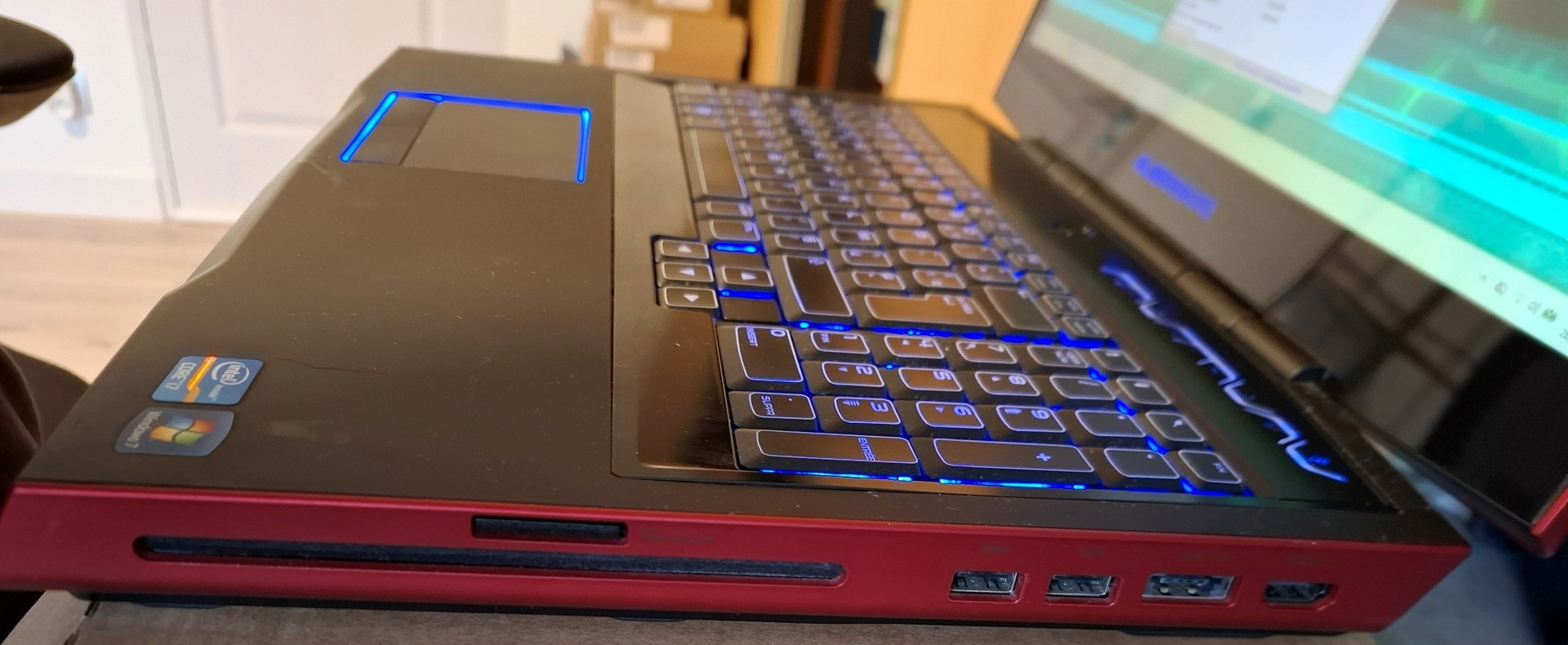
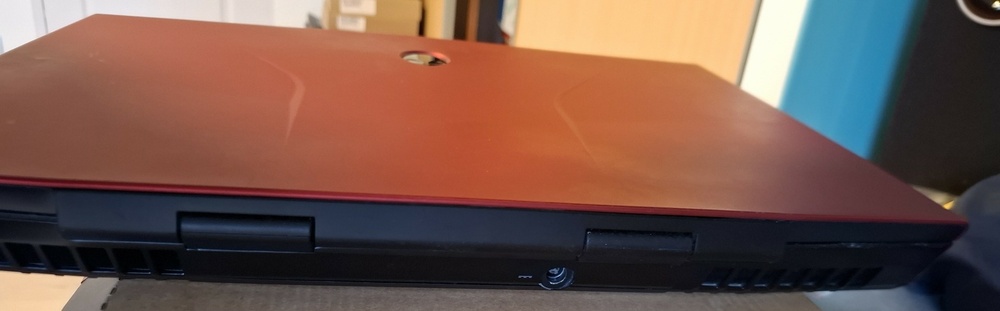
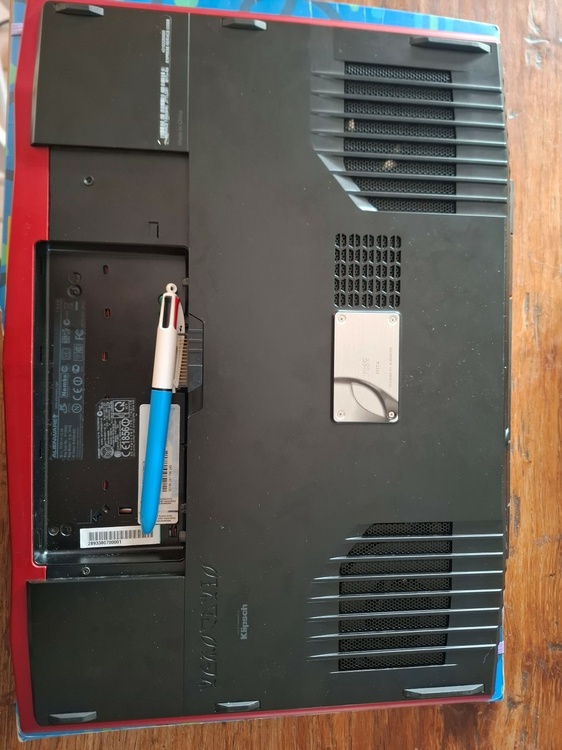
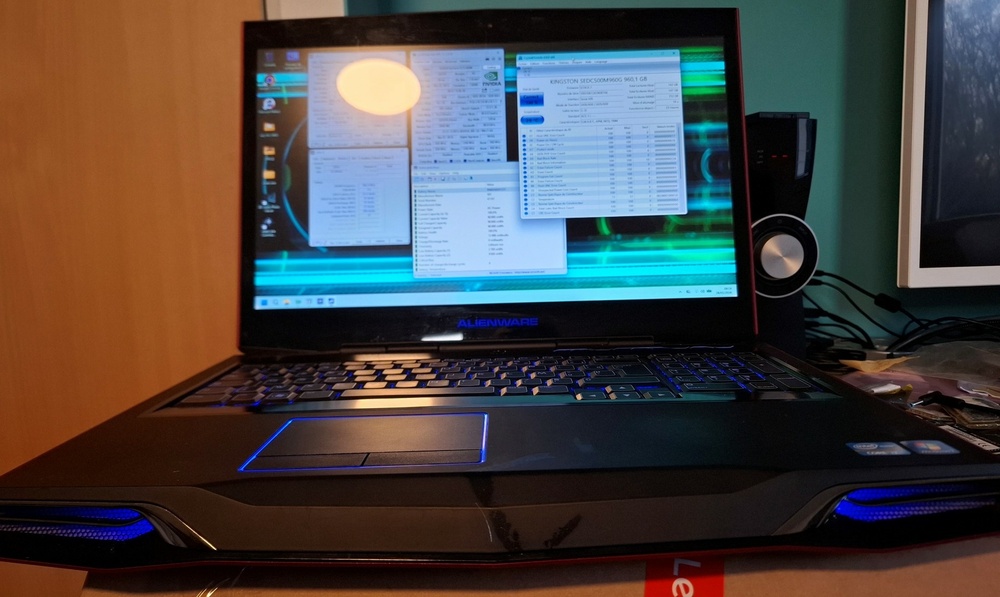
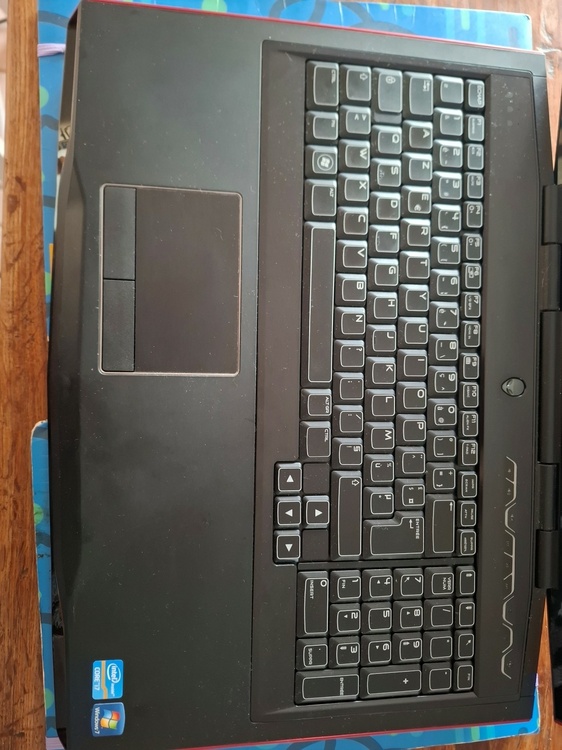
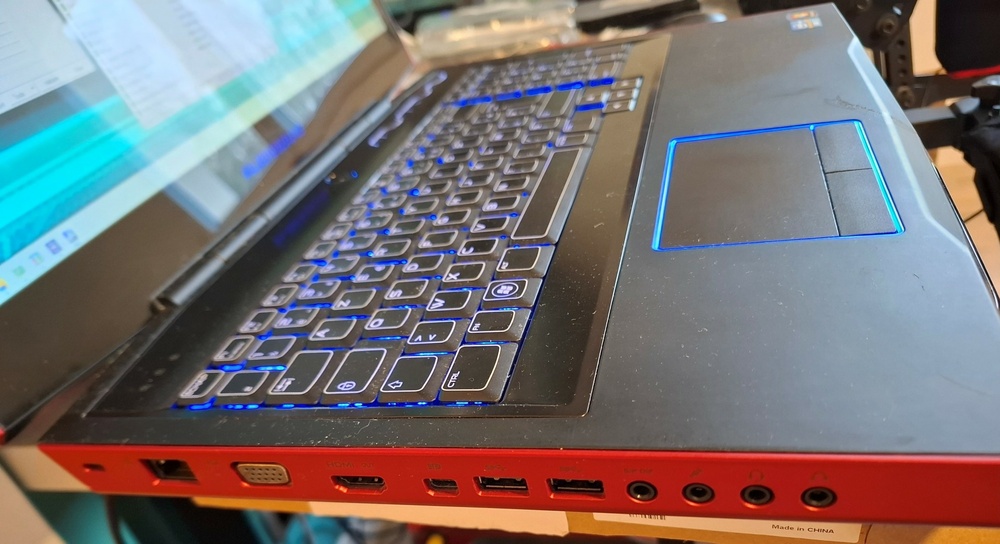
Alienware m17x r4 RED NEBULA in mint condition CPU: i7 3740QM GPU: geforce 660m GTX (or Radeon Firepro S7100X 8GB) RAM: 2x8GB Corsair VENGEANCE 1600Mhz CL10 SSD: Kingston DC 240GB screen: 60Hz LVDS FHD HDD: 1TB ODD: DVD burner + BR reader slot in PSU: 240W Battery: as new (wear level < 10%) KB: French AZERTY (but I may have QWERTY available if requested) Can be shipped in western Europe for "cheap" with Mondial Relay by inpost (France, Germany, Belgium, Luxembourg, Netherlands, Spain, Portugal, Poland). Other countries possible but it will be via French La poste which is way more expensive. STARTING PRICE: 450€ + shipping
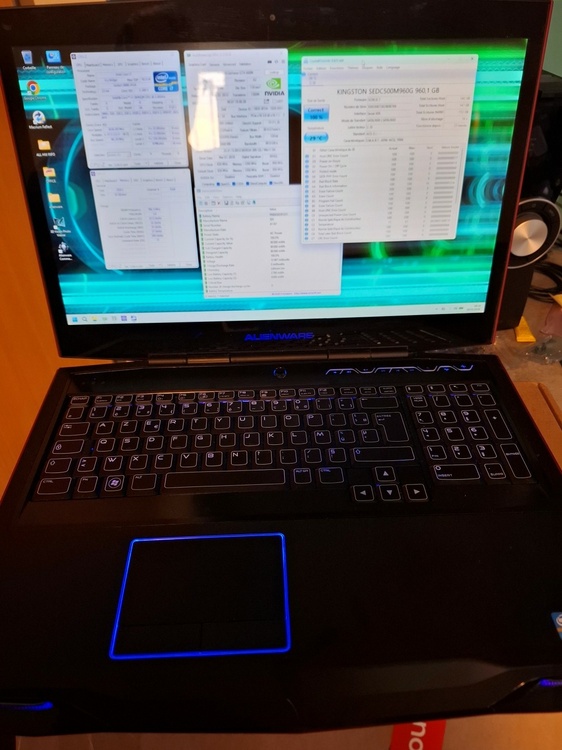
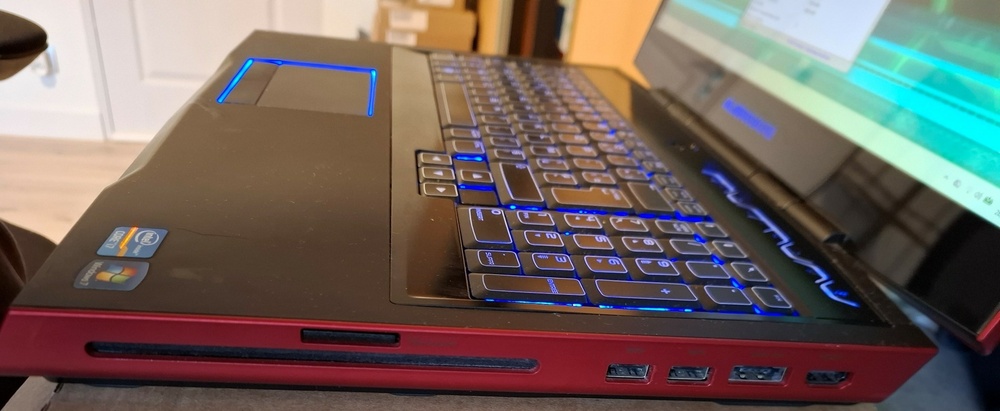
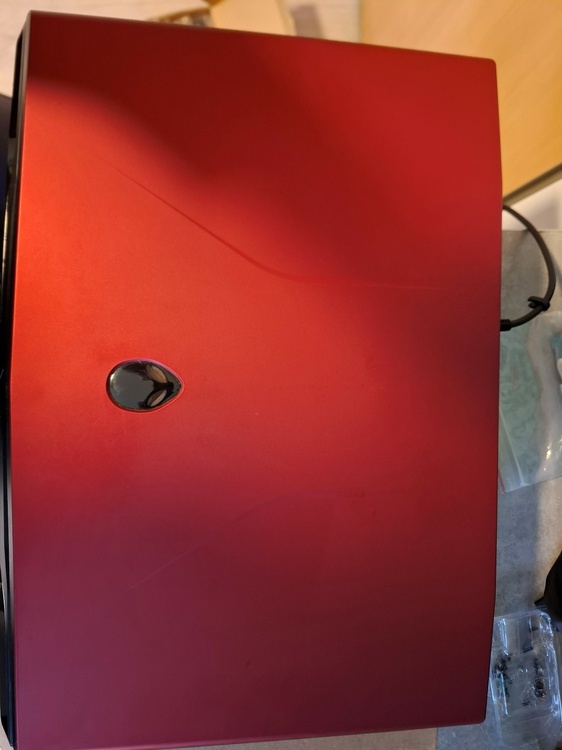
-
Looking for cheap P775 DM 2 / 3 motheboard TM would be ok as well if direct replacement is ok
-
Alienware M18x r2 3630qm 16gb 2x7970m 80gb ssd 500gb hdd
sliderfra replied to kela-slk's topic in Notebooks and Desktops
hi, still up for sale? -
(Potential) Fix for "pwr" limit of MXM GPU
sliderfra replied to JadeRover's topic in Components & Upgrades
Hi, That's great job! Too bad I sold my alienware 17 already, I would've tested it with the RTX 3000, as the TDP bug happened on it. -
Alienware M17X R4 MXM upgrade for eDP 120Hz.
sliderfra replied to SuperMG's topic in Components & Upgrades
your link does not work mate. Hopefully the spark did not come from my r4 motherboard 😄 Dead motherboard within an hour of testing would've been really unfortunate 🤔 -
LVDS are all TN 60Hz. But some of them are really good. Caveat will be angles & coloration: usually no more than 65° and 6 bit panels Getting a V3 motherboard is way to go as you have edp 40pin, which will allow you to get any 2 (maybe even 4) lanes edp panel
-
MSI GT60 (MS-16F4) rev 3.0 BOARDVIEW AND SCHEMATIC FILE
sliderfra replied to FrancoTecno's topic in Components & Upgrades
thank you! -
Hi, you need to put a starting price, or moderator will close your topic.
-
Hi mate, wonderful machine! You still need to edit your topic and put a price tag on it. It's mandatory here. Better choose a high one to keep margins for negociations 🙂