Tetsu
-
Posts
89 -
Joined
-
Last visited
Content Type
Profiles
Forums
Events
Everything posted by Tetsu
-
No, I haven't done it yet.
-
Additionally, the update procedure for the modified BIOS is likely almost the same. After the update, a "1394 GUID error" will likely occur, so a fix will be required.
-
When I installed the Prema Mod, I used Rufus to create a bootable USB drive (formatted as MS-DOS) and simply copied the BIOS data onto it. Then, I plugged the USB drive into a USB 2.0 port, set the boot order to prioritize that drive, and—after booting up—typed "update" to run the batch file. After that, I simply followed the on-screen instructions. If you have the Prema mod, a readme file is included, so it is a good idea to check it. It contains the update instructions.
-
Thank you for your reply. I checked the files using MMTool and compared the 64GB-compatible BIOS with Prema Mod v5; I found no differences in the source code or GUIDs for the "IvtQpiandMrcInit" project. Could it be that I am checking the wrong area? In the screenshot, the 64GB-compatible BIOS is on the left, and Prema Mod v5 is on the right.
.thumb.png.0cb0f9dbc8acae351b5fbe495cd2bb7d.png)
-
Thank you for your reply. I have received the BIOS that supports 64GB of RAM. Could you please confirm if the update procedure for this BIOS is the same as that for Prema Mod? Also, could you please explain how to modify the 1394 ID? Will using this BIOS enable support for 64GB of RAM? Additionally, which memory modules should I use?
-
Thank you for your inquiry. I have received the BIOS that supports 64GB of RAM. Could you please confirm if the update procedure for this BIOS is the same as that for Prema Mod? Also, could you please explain how to modify the 1394 ID? Will using this BIOS enable support for 64GB of RAM? Additionally, which memory modules should I use?
-
I'm installing it exactly according to the instruction manual, though...
-
?
-
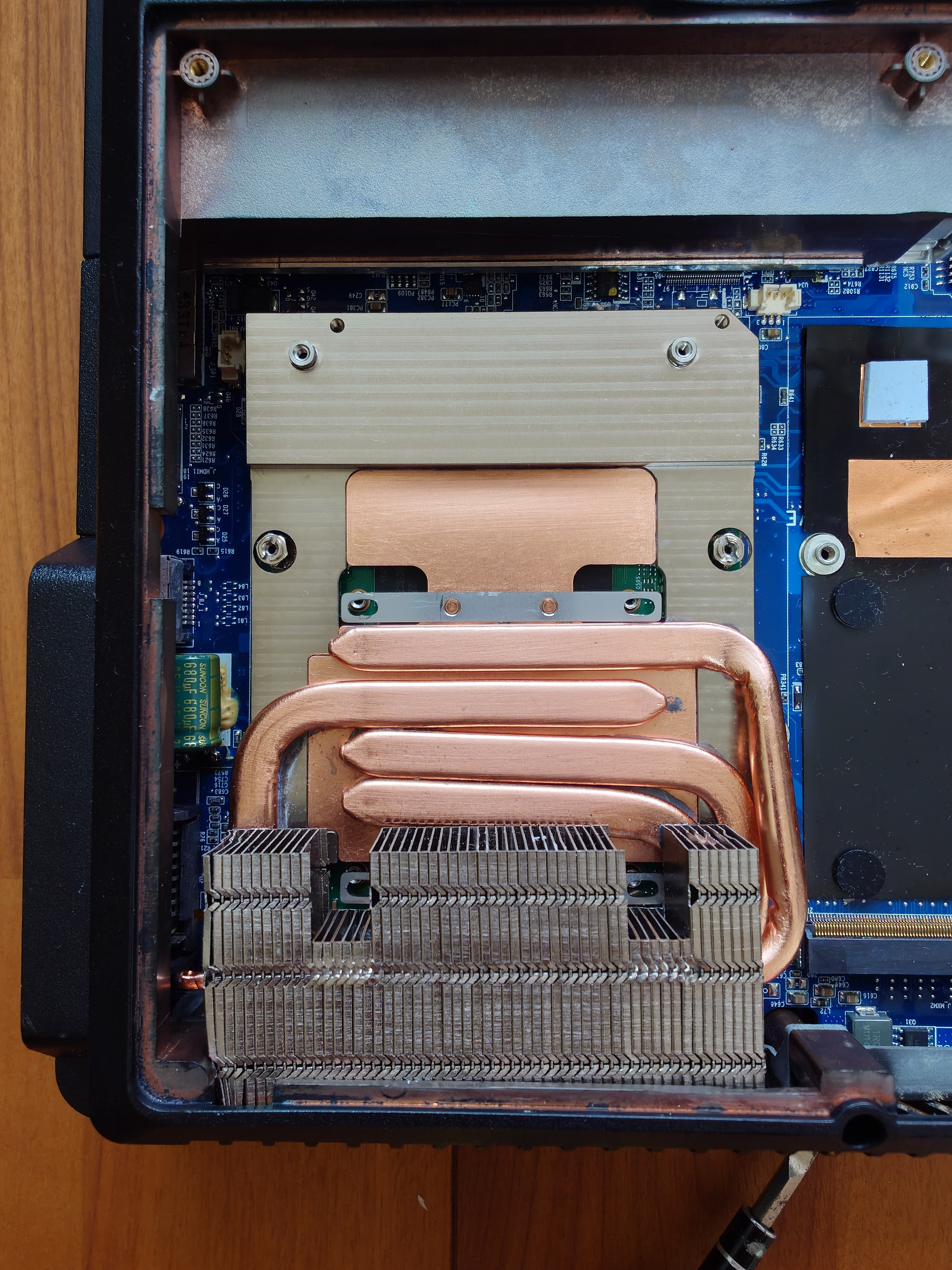
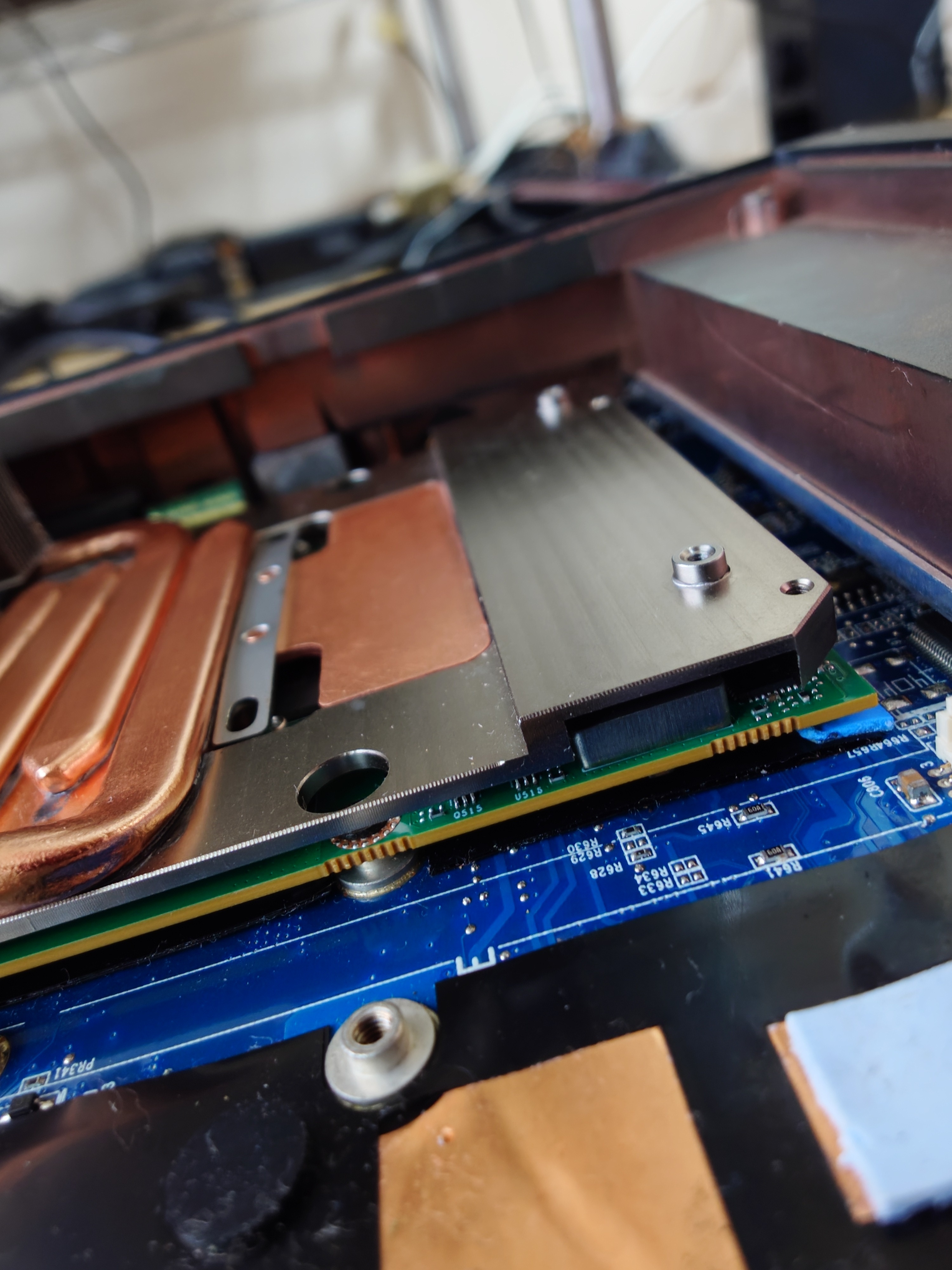
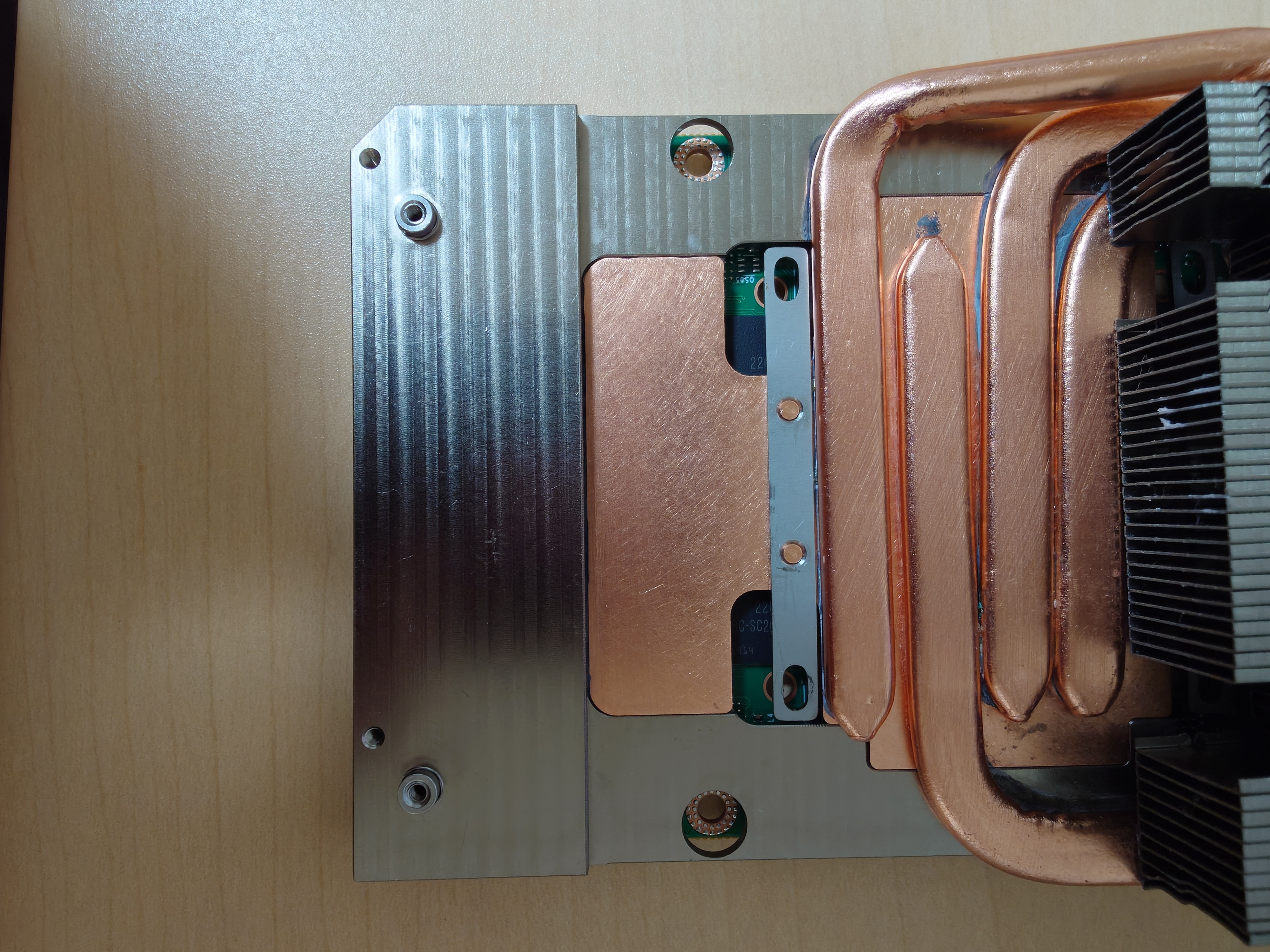
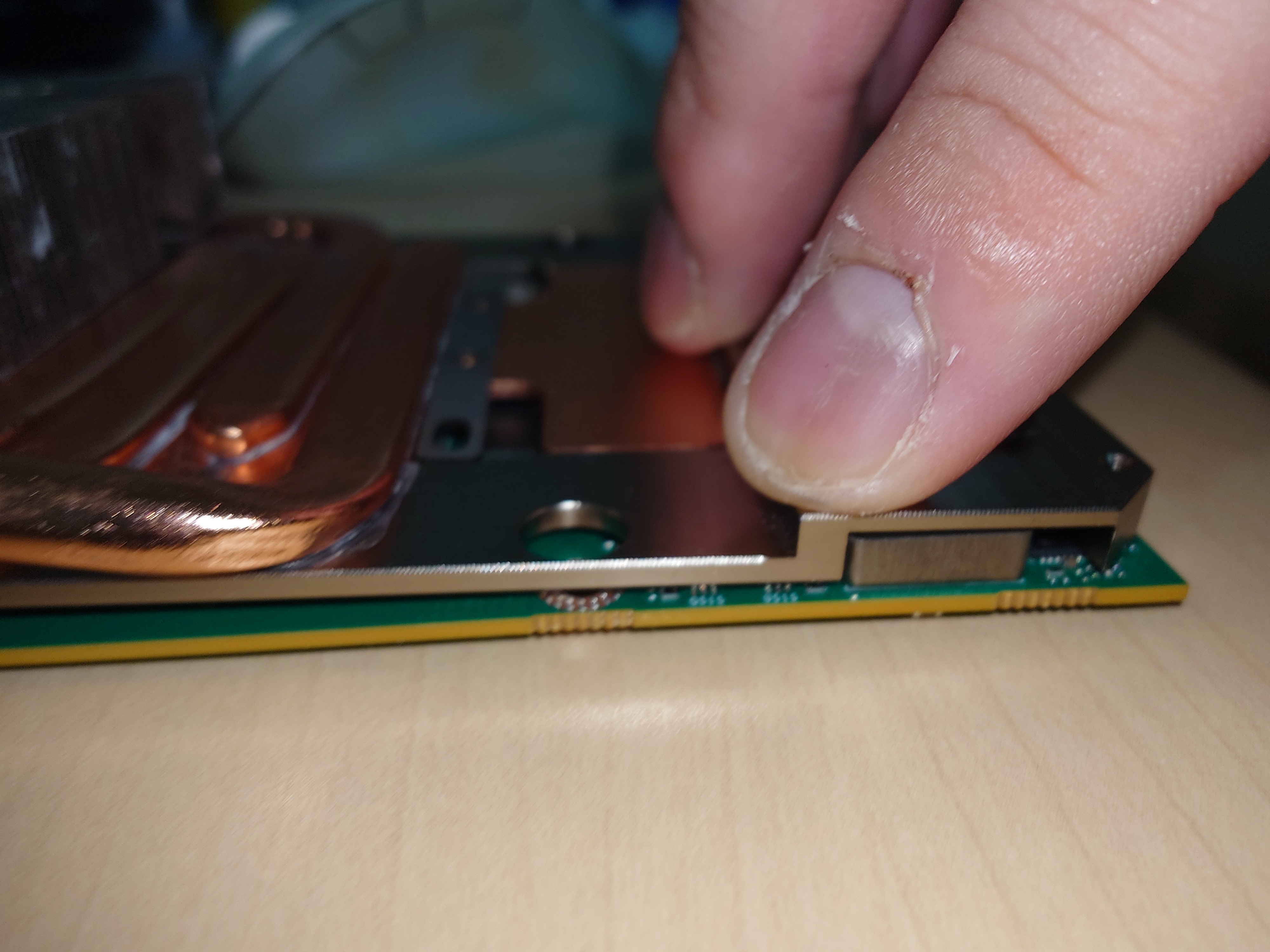
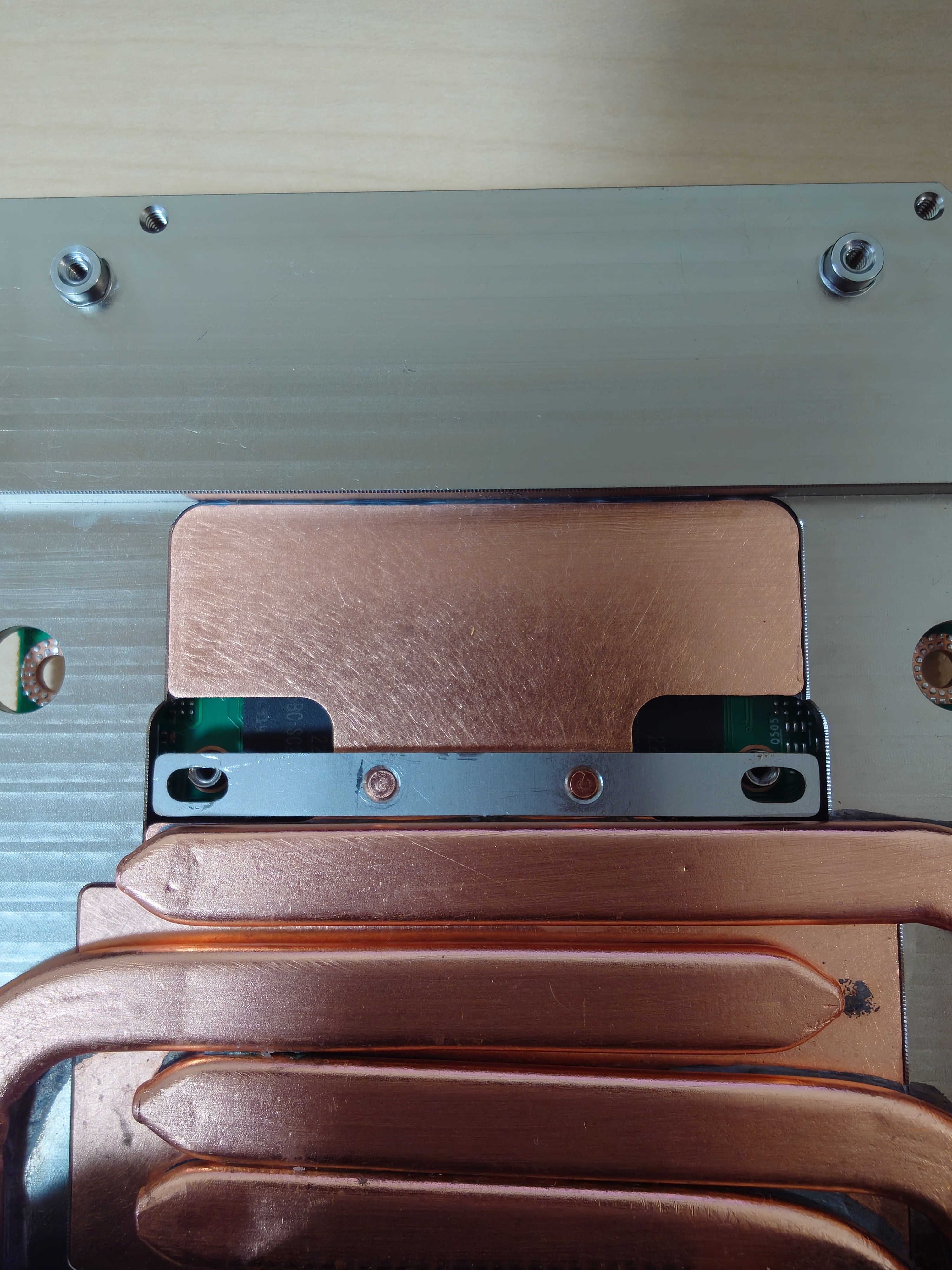
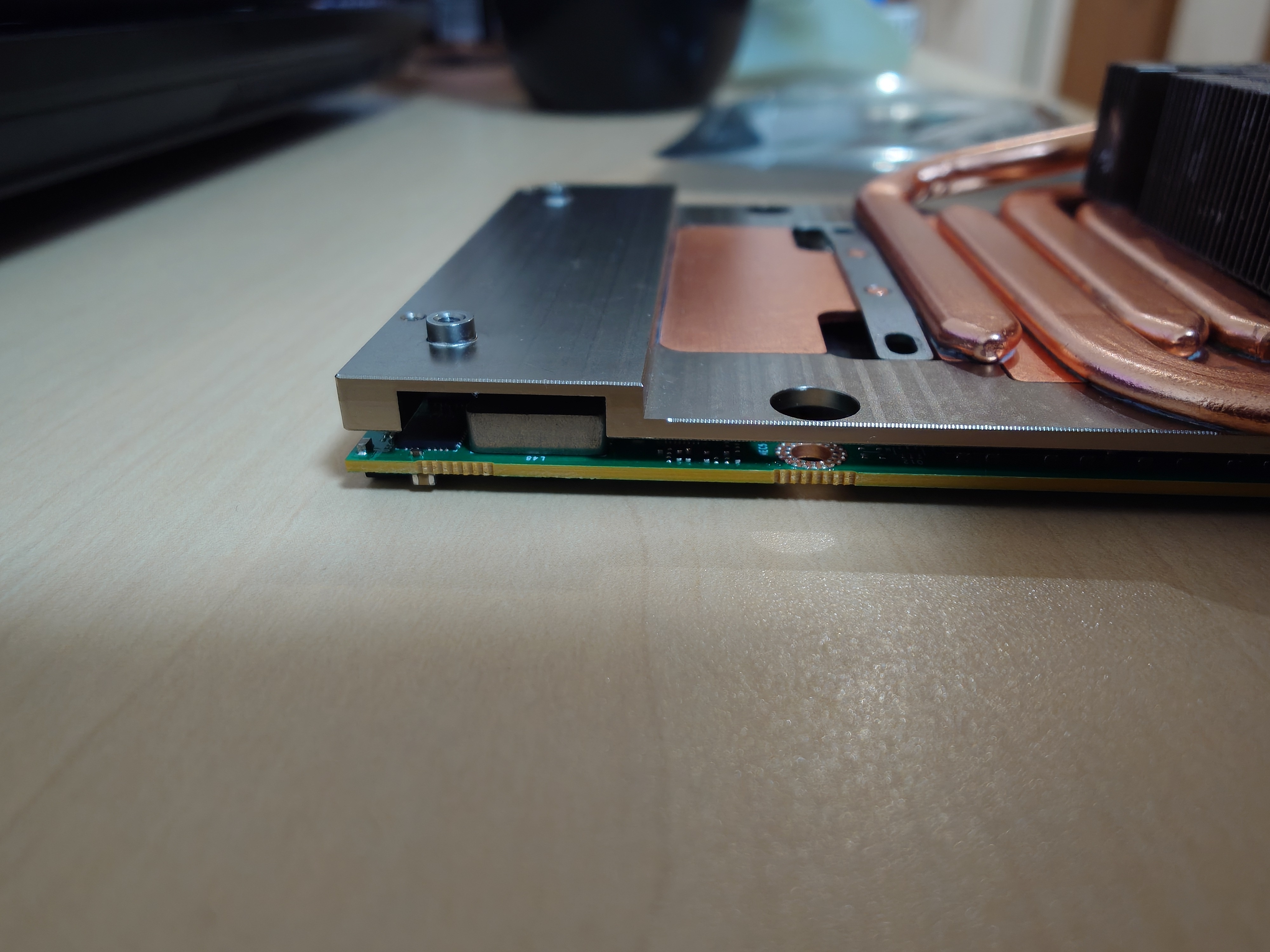
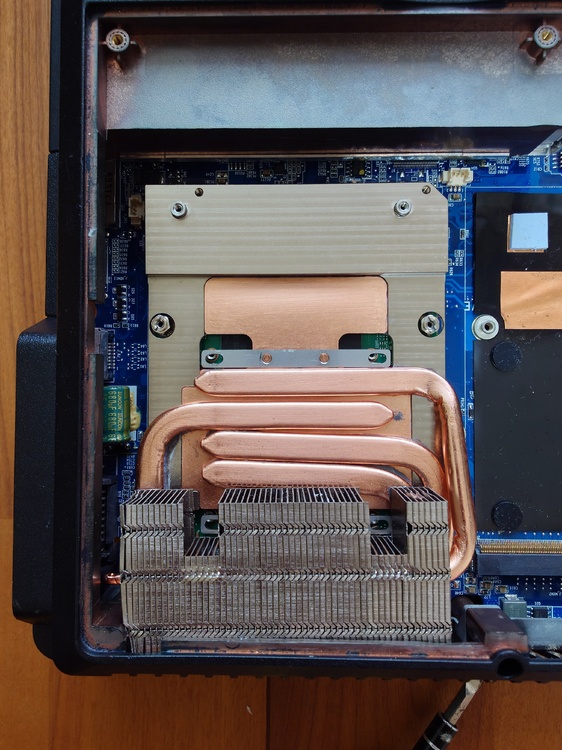
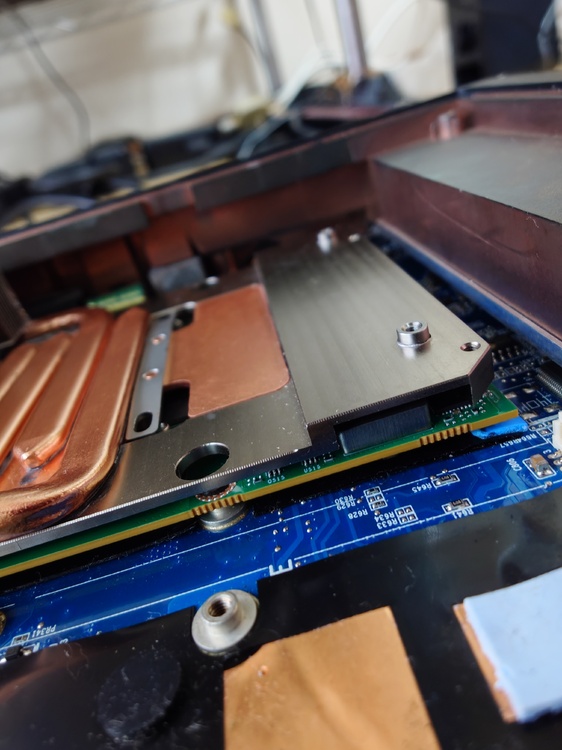
As expected, the heatsink and the card did not fit together when mounted on the main unit; I need to shave down part of the heatsink. Also, I connected the FPC cable, but the screen did not display anything. I likely installed the FPC cable in the wrong position. The screen wasn't displaying anything, but I heard the Windows startup sound, so I think it will work if the FPC cable is repositioned.
-
Modifying the standard fan for the P570WM is a hassle. It would be a great help if you could sell me one. Of course, I will pay.
-
That looks like a good fit. It's 9:30 PM Japan time and getting late, so I'll try installing it in the P570WM tomorrow. Thank you for providing the photos.
-
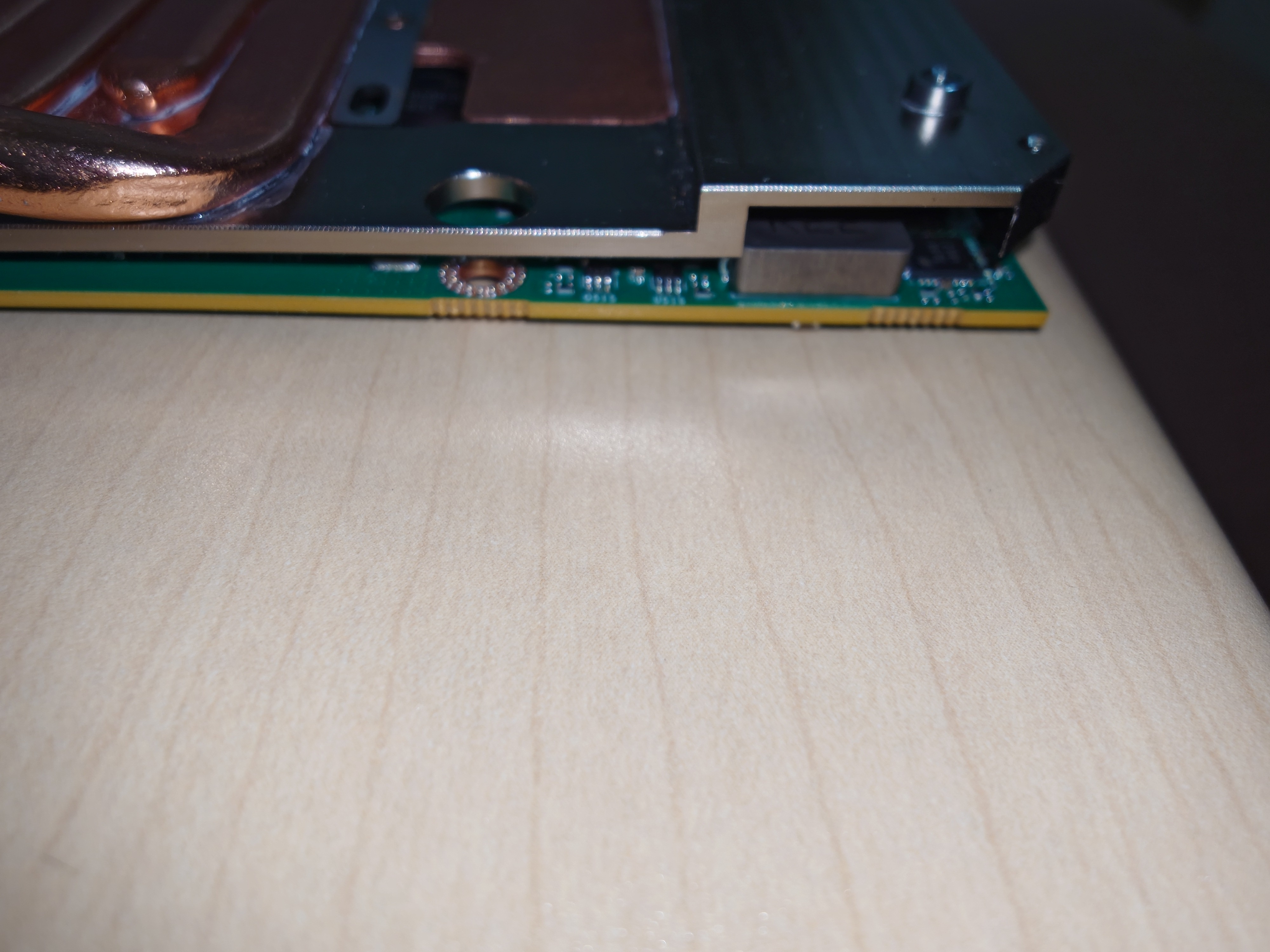
Given that there are no complaints from others, I simply ended up with a defective unit. The factory likely didn't test-fit the part against the actual card—instead manufacturing it based on SuperMG's blueprints—and I just happened to receive a unit with a slight misalignment. Since there are no companies in Japan that will modify metal parts owned by private individuals, I plan to file it down myself. It’s only off by about a millimeter, so I think I can manage it. I do regret not buying the Heatsink V2.
-
I haven't tested these while installed in the P570WM. Mounting them in the unit might solve the issue, though...
-
-
-
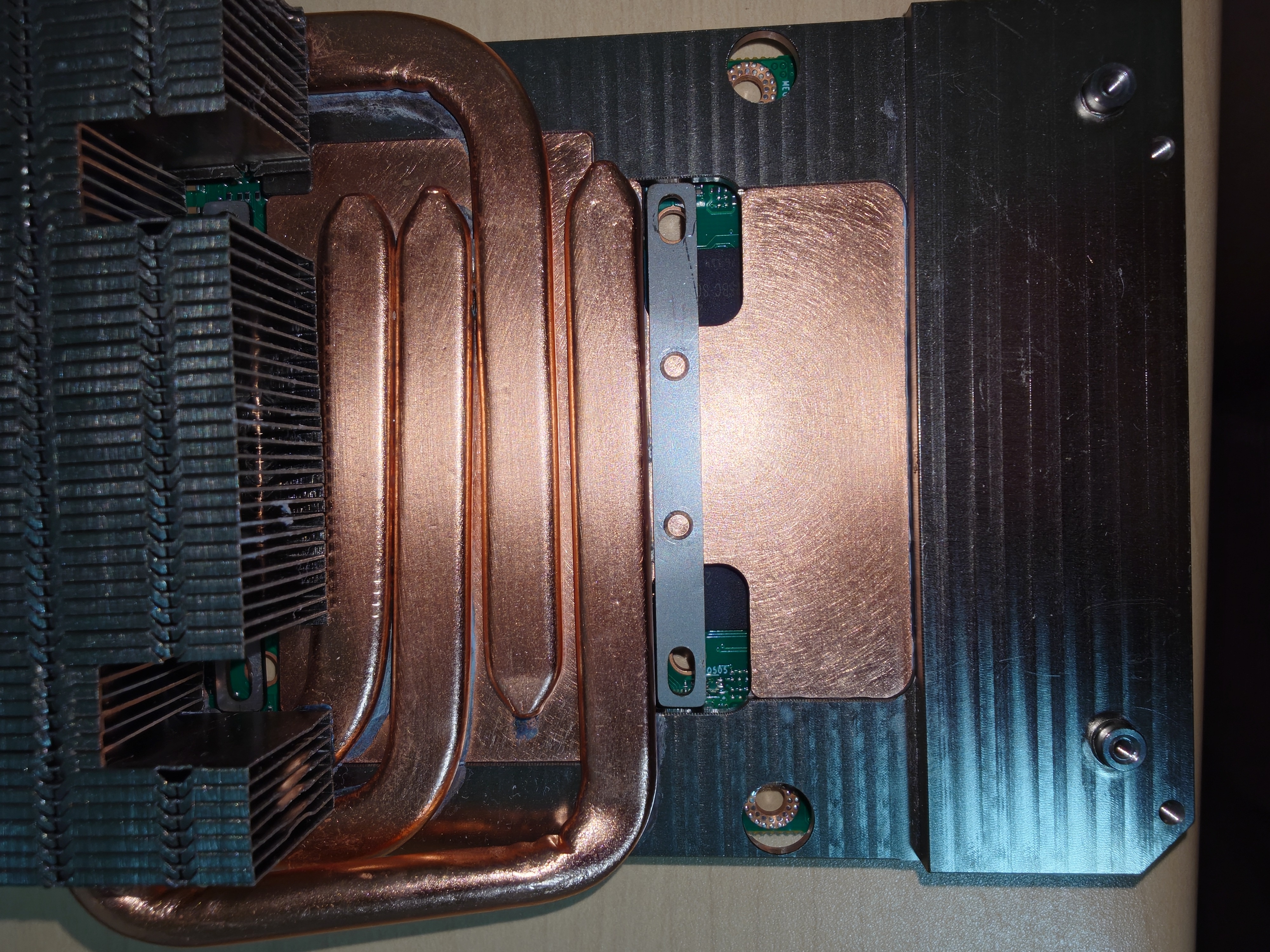
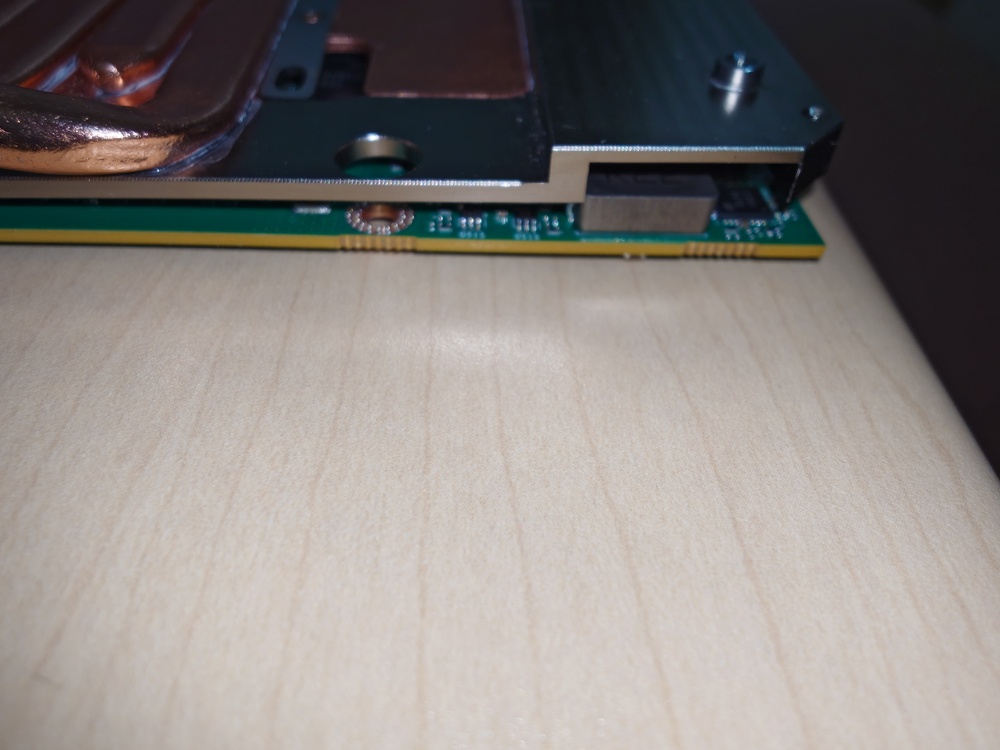
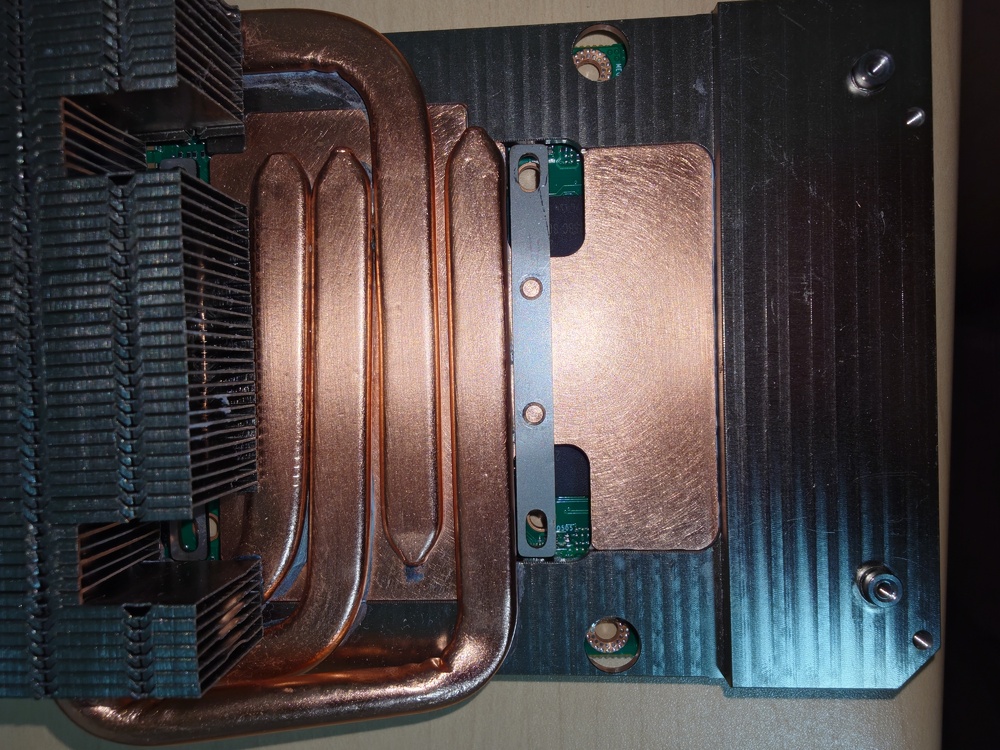
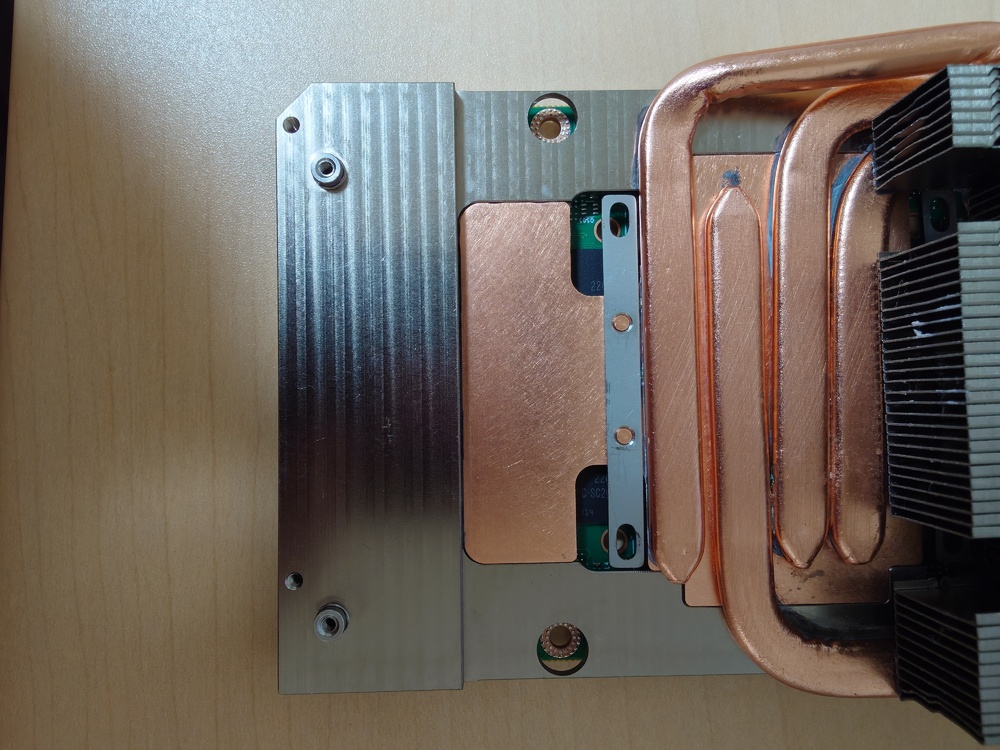
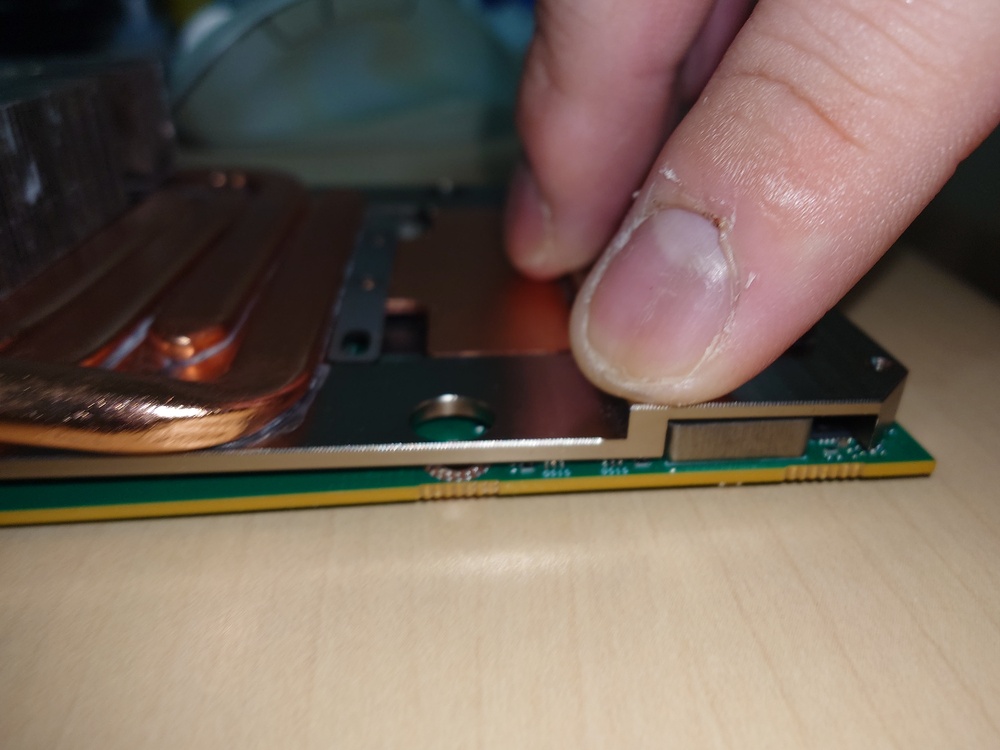
This card and the heatsink aren't a match. If you try to fit them together, part of the heatsink gets in the way. You'll have to shave off a section of the heatsink.
-
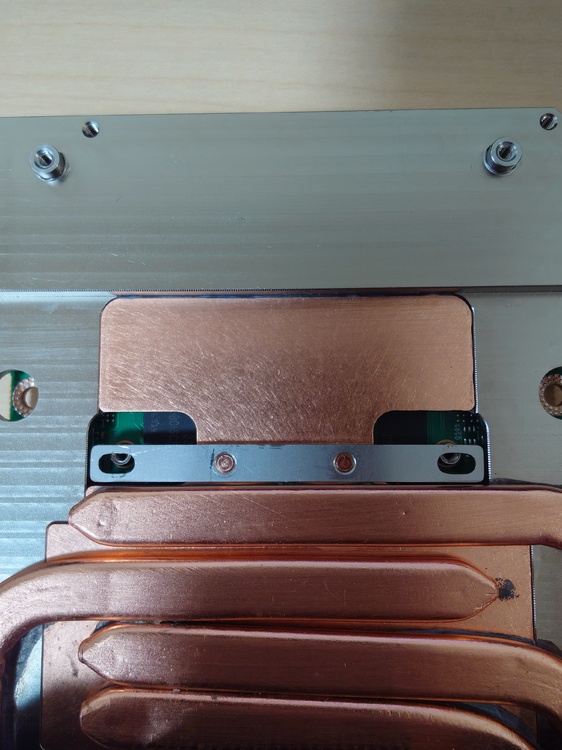
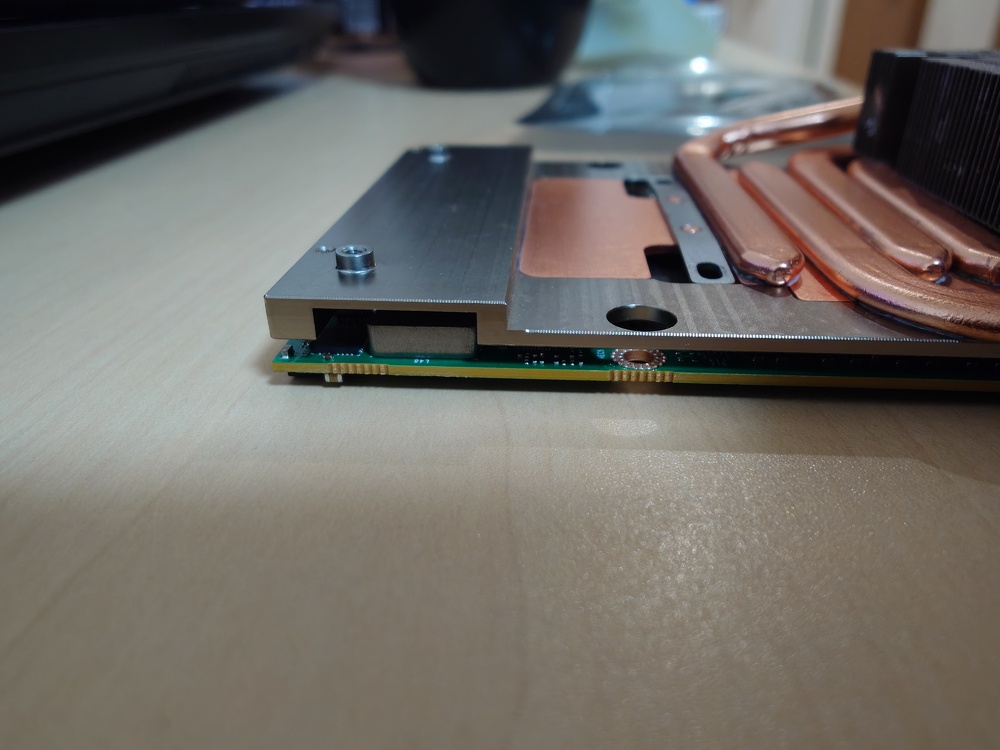
Hello. I brought the modified heatsink, FPC cable, and X-bracket from the mainland warehouse. When I try to fit them together, the holes on the heatsink and the X-bracket do not align. Also, I haven't applied a thermal pad to this heatsink. Would applying one resolve the issue?
-
It is said that the RTX 5090's compatibility with the P570WM is unknown, but if it were to work, would it be usable only with an external display rather than the built-in one?
-
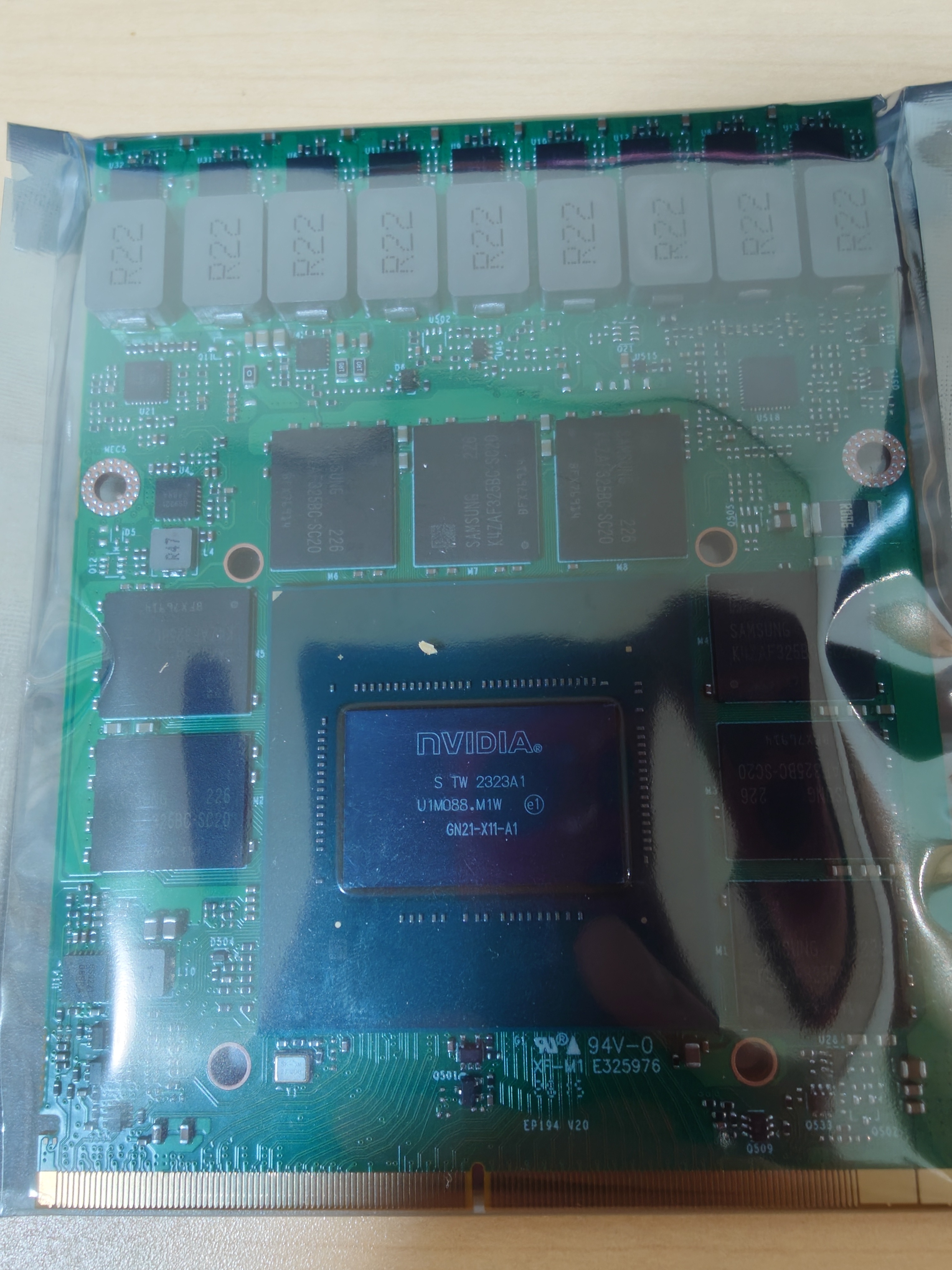
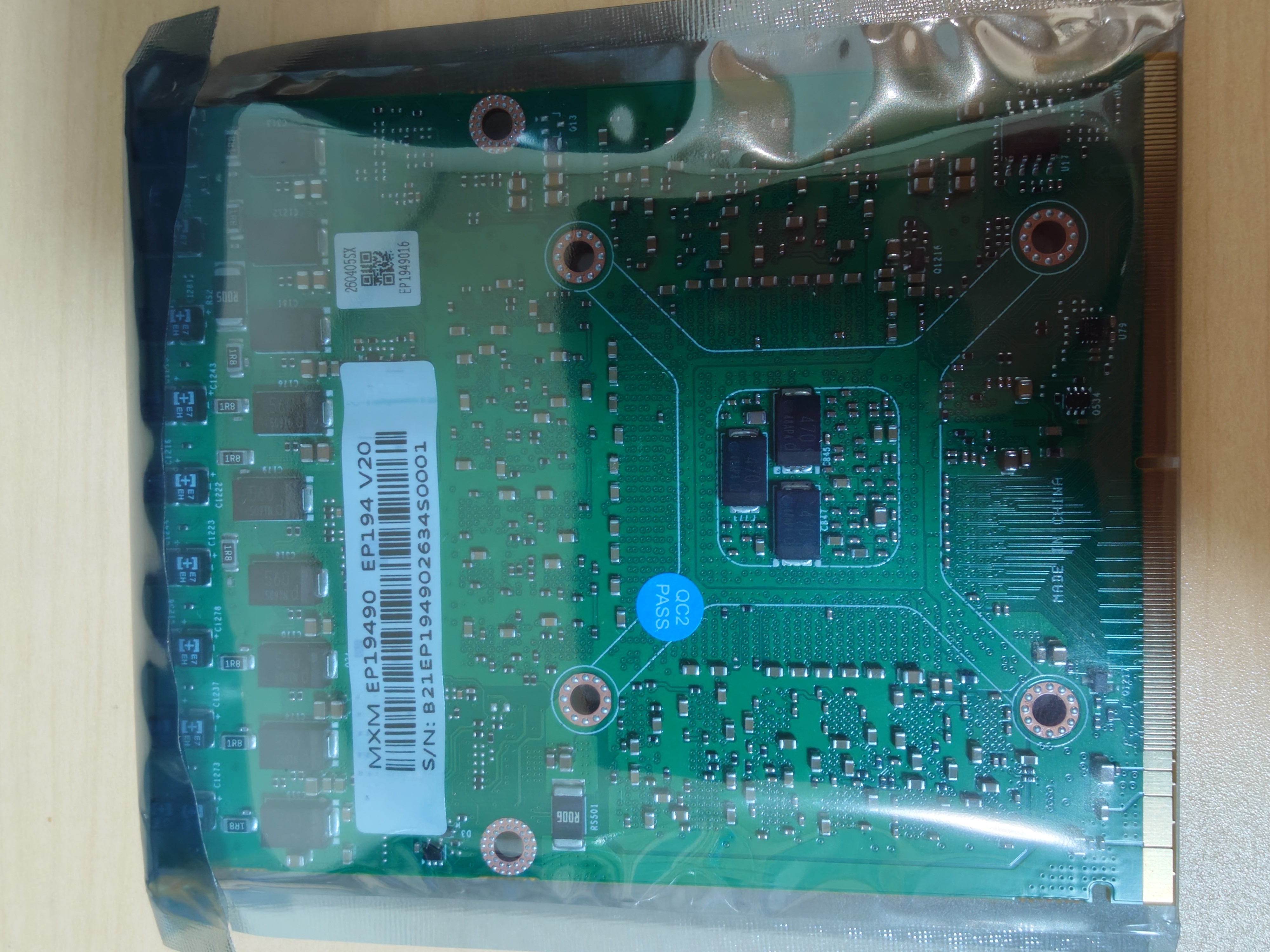
Status report on the RTX 4090 (X-Vsion model) Boot test conducted on the P570WM: A Quadro P5000 was installed as the master and the RTX 4090 as the slave. Although the system booted, the card was not recognized in the BIOS or Device Manager. Boot test conducted on the P775TM1-G: The system booted, but the screen remained black. The modified heatsink and FPC cable required for use with the P570WM could not be used, as they are currently located at a warehouse on the mainland.
-
If the RTX 5080 works with the Backlight Mod v2, I would like to purchase it. If the RTX 5080 works, the lifespan of older laptops could be extended even further. I want to use it in a P570WM, though there are issues regarding the X-bracket and heatsink... Also, unfortunately, I do not have the schematic for the X170KM.
-
Are there any plans to design and manufacture a heatsink compatible with the RTX 5090 for the P570WM?
-
Yes, it is made by X-Vsion. It is not that I have given up on buying from ZRT, but using an import agency would make the cost too high, so I cannot purchase it. By the way, is there any difference in performance between the ZRT version and the X-Vsion version?
-
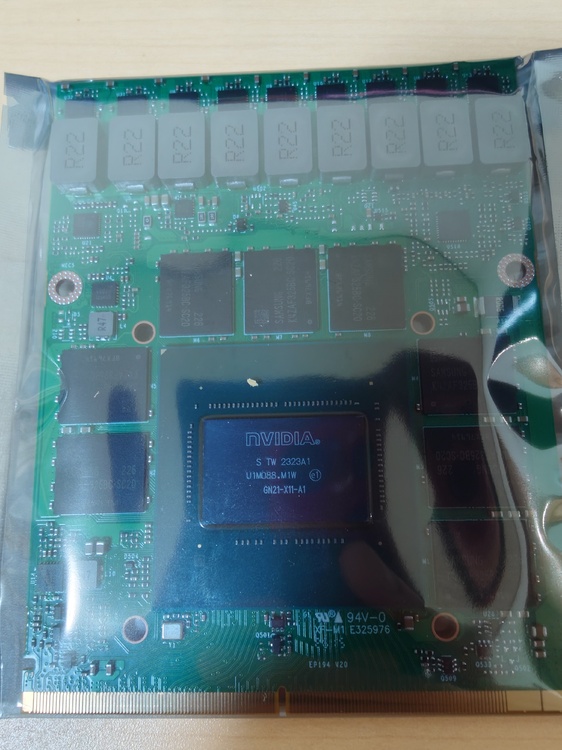
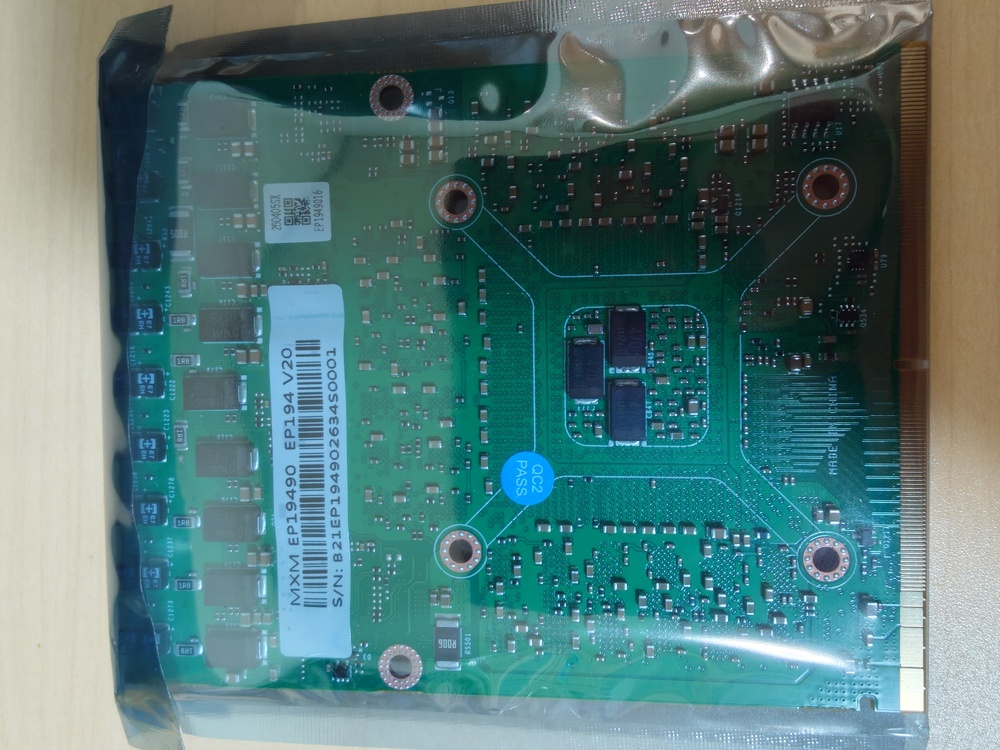
I also purchased an RTX 4090 MXM from X-vision. I haven't been able to verify its operation yet.
-
With both the ZRT and X-Vsion, you can output the display to an external monitor (using either HDMI or DisplayPort), right?
-
A P570WM is currently listed on eBay. Although details about the display aren't provided, given that it is Full HD at 60Hz, it is likely an LVDS type.
.png.88714f8e09cae43c0862e29711ff0993.png)