
Jerryzago
-
Posts
198 -
Joined
-
Last visited
Content Type
Profiles
Forums
Events
Everything posted by Jerryzago
-
Alienware 17 R1 980m Upgrade - Which variant to buy?
Jerryzago replied to mattalienware's topic in Alienware 17 and M17x
I would like to add that the GPU id must be 13D7 which is the non g-sync model. If you receive the G-Sync model, only SG mode will boot the laptop. Putting PEG will result in 8 beeps.- 17 replies
-
- 1
-

-
- alienware 17 r1
- m17x r5
- (and 5 more)
-
HOW DO I UPDATE TO A Nvidia GTX 1070
Jerryzago replied to Ryo Hazaki's topic in Alienware 18 and M18x
Then flashing another BIOS would be your best bet. But it is a problem since the system doesn't detect it... You could try your luck and flash a vBIOS with the corresponding software, despite the GPU isn't recognized. Backup your original first and try another vBIOS -
HOW DO I UPDATE TO A Nvidia GTX 1070
Jerryzago replied to Ryo Hazaki's topic in Alienware 18 and M18x
Check the following 1) install A11 unlocked Bios 2) From advanced menu, select SG mode 3) Put the system in UEFI mode (might help) 4) Reboot, enter Bios and check in the main Page and check if you see both Intel GFX and Nvidia GFX in the GPU section 5) Proceed with windows install -
M18x r2 no post after bios modifications
Jerryzago replied to Gewily's topic in Alienware 18 and M18x
It is a problem. Do the process without the 1070 in. System tries to boot in PEG mode and fails. If you had an 880m or earlier, maybe it could boot -
M18x r2 no post after bios modifications
Jerryzago replied to Gewily's topic in Alienware 18 and M18x
Blindsflash should work fine in most cases. Did you blind flash the A03 version without any GPU in the slot? No other version will work. I changed setting for the iGPU once and bricked mine. -
I still have my dual PSU mod laying around. I made this back when I had my dual 980m in SLI and cpu maxed to 4,4GHz. After doing the throttle fix process, I saw 645watts at peak! Keep up the good work.
-
Is this the incorrect 980m card for my M17xR4?
Jerryzago replied to JJ90's topic in Alienware 17 and M17x
For the M18x R2 I could remove the plate, because the fan was underneath and kept cool those memory chips. I believe the M17x has the same design. The fan is below the GPU and has a hole to blow through. For the 8 Beeps, there is a custom Bios for the M17x R4 that also unlocks the advanced menu. If you don't want to mess with this, you must set your laptop to full UEFI mode in Bios. First set UEFI boot and then install the GPU. If it boots, just install OS again and custom drivers. If it still gives you 8 Beeps, then probably you have the g-sync model. VBios is not to important. I had success with dell, clevo and HP Vbios and GPU booted just fine. -
This is an insulating tape. Most heatsinks have copper for the core. The core has some electronic parts around it that they might come in contact with the copper heatsink and short or even destroy the GPU itself. Leave it as is. For the record 980m used to have problems with the vrms, not the GPU core.
-
Is this the incorrect 980m card for my M17xR4?
Jerryzago replied to JJ90's topic in Alienware 17 and M17x
This heatsink comes from clevo laptops. You can unscrew the four screws and uncover the xbracket. I used this one for my RTX3000 for my AW17 R1. Needed some trimming to make it work. I doubt if it can work inside the M17x R4. You will have to remove it. -
Does these black chips require thermal pads? GTX980M
Jerryzago replied to Sebastian Ramirez's topic in Alienware 18 and M18x
When I had mine, Yes I had thermal pads on them. -
I can assume by your experience, the GPU hits it's thermal limit and shuts of. It stops sending power to the core, leaving you with the internal GPU, thus you have 0 degrees showing at HWinfo. Meaning the GPU is absent from the system. I am not sure, but since you had a 980m, the heatsink is the 100watt one?
-
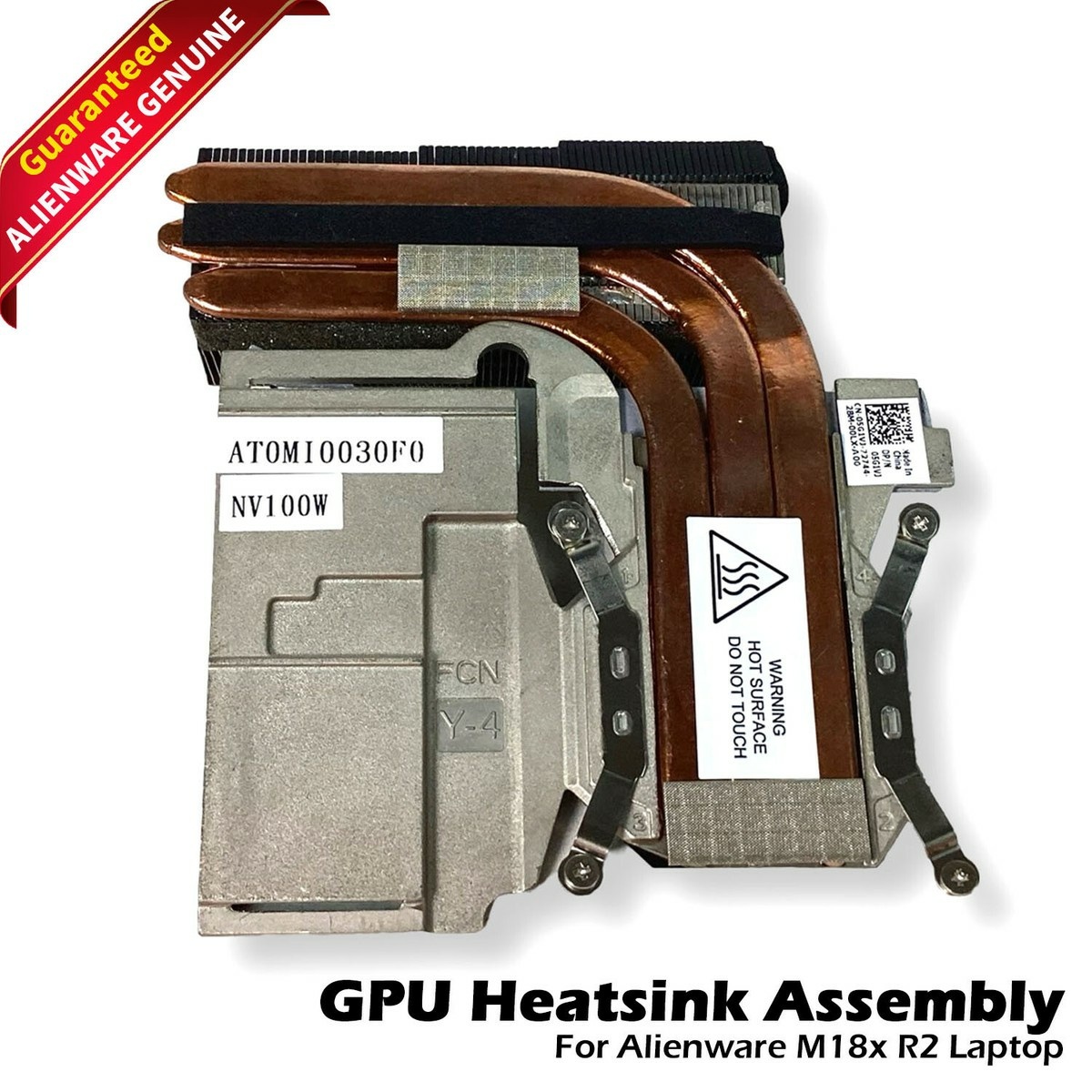
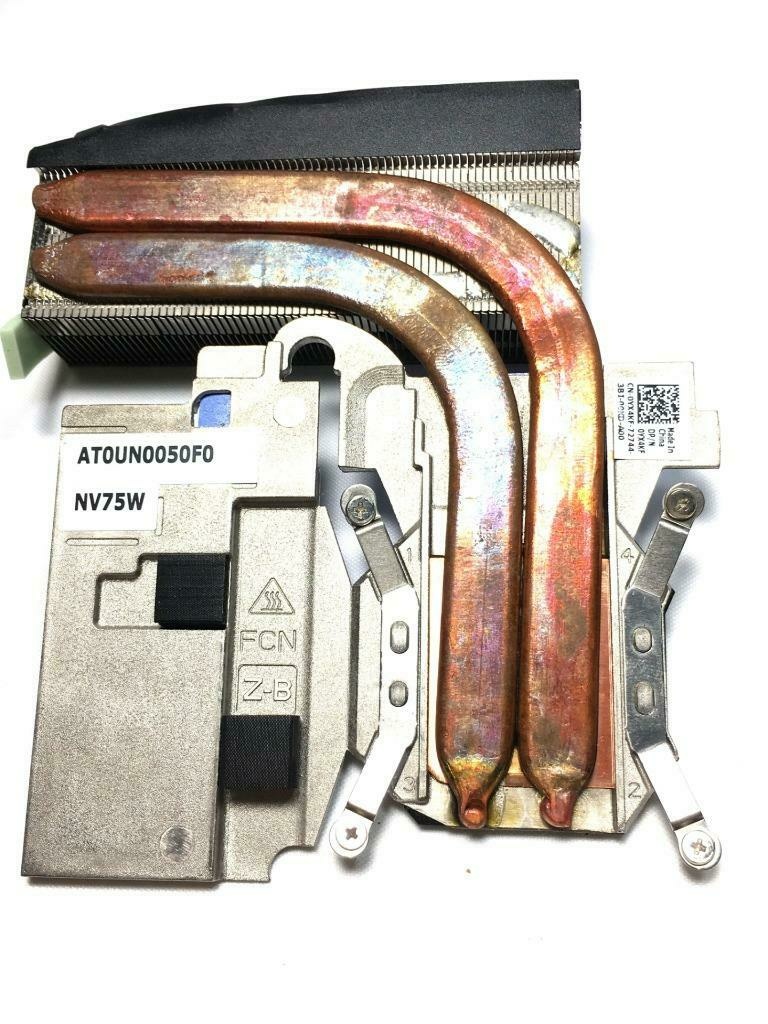
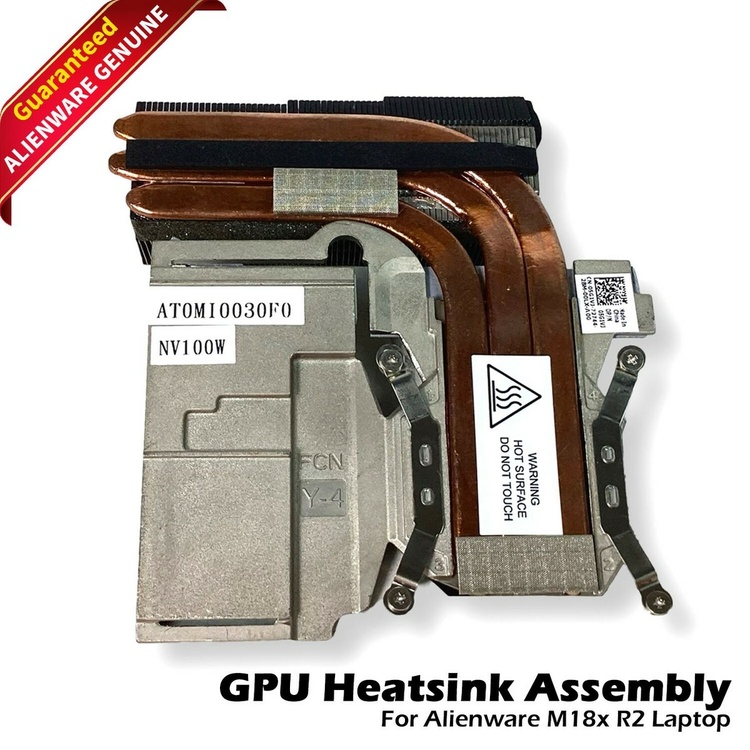
Look at the photos below. One if for 75watt GPUs and the other is for 100watt GPUs. I believe the 980m needs the three heatpipe one. I had my R2 with dual 980m with the amd variants
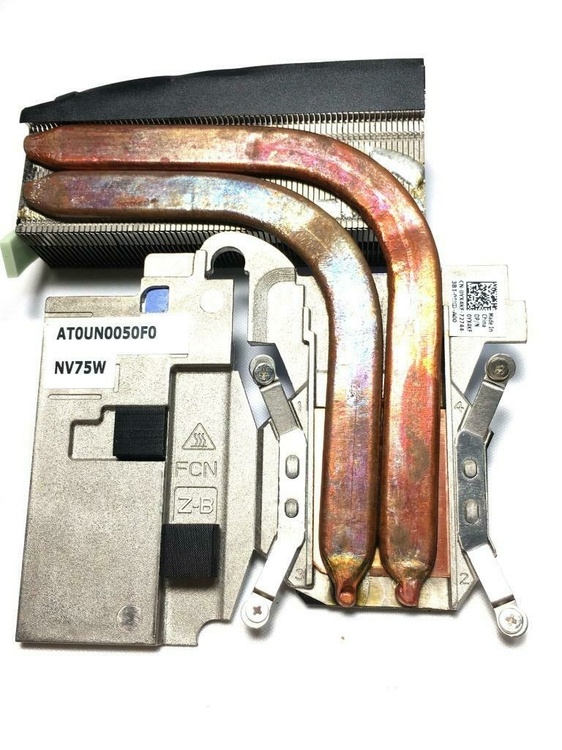
-
Does NV75W OEM heatsink work well with an GTX980M
Jerryzago replied to Sebastian Ramirez's topic in Alienware 18 and M18x
I believe those 75watt heatsinks have 2 heatpipes and 100watt equivalents have 3 heatpipes. So maybe they will fit the GPU, but cooling will be a problem -
Very nice upgrade. I believe MX-4 is an outdated thermal paste. I have an RTX3000 and with MX-4 and PK-3 temps were a problem. I switched to PTM 7950. Now the gpu tops at 75 degress with the hotspot getting to 84. I have an AW 17 so it uses the stock fun curve.
-
New MXM cards finally work in EDP only laptops
Jerryzago replied to sliderfra's topic in Alienware 18 and M18x
I have mine for almost a year. I had to change the screen cable and saw the two connectors at the board. My screen is LVDS. -
Can you share a photo of the heatsink? 4060 is an MXM-A right? Heatsink is the stock AW 17 R4 one? Is it custom made ?
-
Yeah, AW 18 seems to not work with my settings.
-
I have a post in the custom builts section with a gallery of BIOS settings. I have the unlocked A14+ and the Video Settings are set to iGFX. Both GPUs are visible in windows and no throttling. Power draw tops out at 80watts for me.
-
Mine is a PNY RTX3000 and doesn't throttle in my Alienware 17.
-
Finally the new RTX MXM cards will work in our laptops!
Jerryzago replied to SuperMG's topic in Components & Upgrades
I am tempted to replace the screen and cable to my AW 17 with the 120hz one and the edp cable......I will make the RTX 3000 work in PEG mode then! -
M18x R2 with MSI 970m 6gb, not installing newest drivers.
Jerryzago replied to Signex's topic in Alienware 18 and M18x
Yes. Nvcleanstall is our friend since we mainly have not supported GPUs in our systems. I think natively, the 970m was supported for the AW 18, not the M18x R2 -
New MXM cards finally work in EDP only laptops
Jerryzago replied to sliderfra's topic in Alienware 18 and M18x
That is a major brakethrough and a big win for the mxm mainboards. Sadly this won't work for the AW18 or M18x R1/2 because they have LVDS displays, right? Maybe for the M17x R4 and 17 R1 with the 3D screens? -
Alienware 17 R1 (Ranger) with 4930mx and PNY Quadro RTX 3000
Jerryzago replied to Jerryzago's topic in Custom Builds
Thanks. I am running Windows 11 -
upgrade Alienware 17 R1 Refurbishment/Upgrade
Jerryzago replied to AtomSnakes343's topic in Custom Builds
Thank you for the info. I will try this in my Alienware 17 and see results. -
upgrade Alienware 17 R1 Refurbishment/Upgrade
Jerryzago replied to AtomSnakes343's topic in Custom Builds
Yes. I meant GPU heatsinks. Here is an ad from him on ebay. Contact him from there. https://ebay.us/m/snDk9W Yes, he also sells the 5 heatpipe one for 1070s that has 100watt rating. My RTX 3000 is looking fine with the stock heatsink and fan. For the speakers, I source them from AliExpress. You can measure the speaker casings, lookup their characteristics (wattage, Omh, etc) and either swap the stock ones, print maybe new ones or DIY a solution. There is a post here in the Alienware 18 that a user swaps the stock speakers to higher quality ones.