Meaker
-
Posts
233 -
Joined
-
Last visited
-
Days Won
6
Content Type
Profiles
Forums
Events
Everything posted by Meaker
-

And so it ends, my laptop is dead and I am returning to desktop.
Meaker replied to Meaker's topic in Desktop Hardware
-
My GPU did not die, that's gone to someone else who is having fun. It was the motherboard with too much mounting pressure on the CPU side I think.
-
My laptop journey has come to and end, I think the heatsink I had was mounted with a bit too much pressure and with thermal cycles it has given up. As such I have already sold a fair amount of parts from it and have been putting together the following setup for now: Ryzen 5 7700 with thermalright 240mm AIO Asrock A620i Lightning wifi 32GB DDR5 6000 CL38 EXPO profile Nvidia RTX 4070 12GB dual fan from MSI 2TB WD 770 + 1TB SN961 Intel AX211 Wifi card Louqe ghost S1 mini ITX case with bottom hat and top hat extensions 500W Silverstone SFX-L PSU Going for a nice quiet and compact build, I might swap out the motherboard later when I need the higher end IO or want to overclock the CPU but this will do me well for now and I got it for a good 2nd hand price. At the moment the RTX4070 is in my old MSI GS30 dock and that's tiding me over.
-
@Mr. Fox check out 13:50
-
overcloking Nvidia GPU safe if temps are 65C
Meaker replied to raptorddd's topic in General Discussion
65C is very much into the safe side. -
clevo p870tm/tm1-g Official Clevo P870TM-G Thread
Meaker replied to ViktorV's topic in Sager & Clevo
😁 -
I never had internal G-Sync but external is flawless and yeah 1920Mhz locked clocks in games is very helpful.
-
I never had internal G-Sync but external is flawless and yeah 1920Mhz locked clocks in games is very helpful.
-
I'm still making my way through forbidden west and playing at 4k with quality DLSS while streaming allocating 15GB of vram lol./
-
1720mhz vs 1920mhz core clock wise, yeah the shunt mod helps a fair bit with that.
-
clevo p870tm/tm1-g Official Clevo P870TM-G Thread
Meaker replied to ViktorV's topic in Sager & Clevo
Did not measure it but the exact value will vary card to card. -
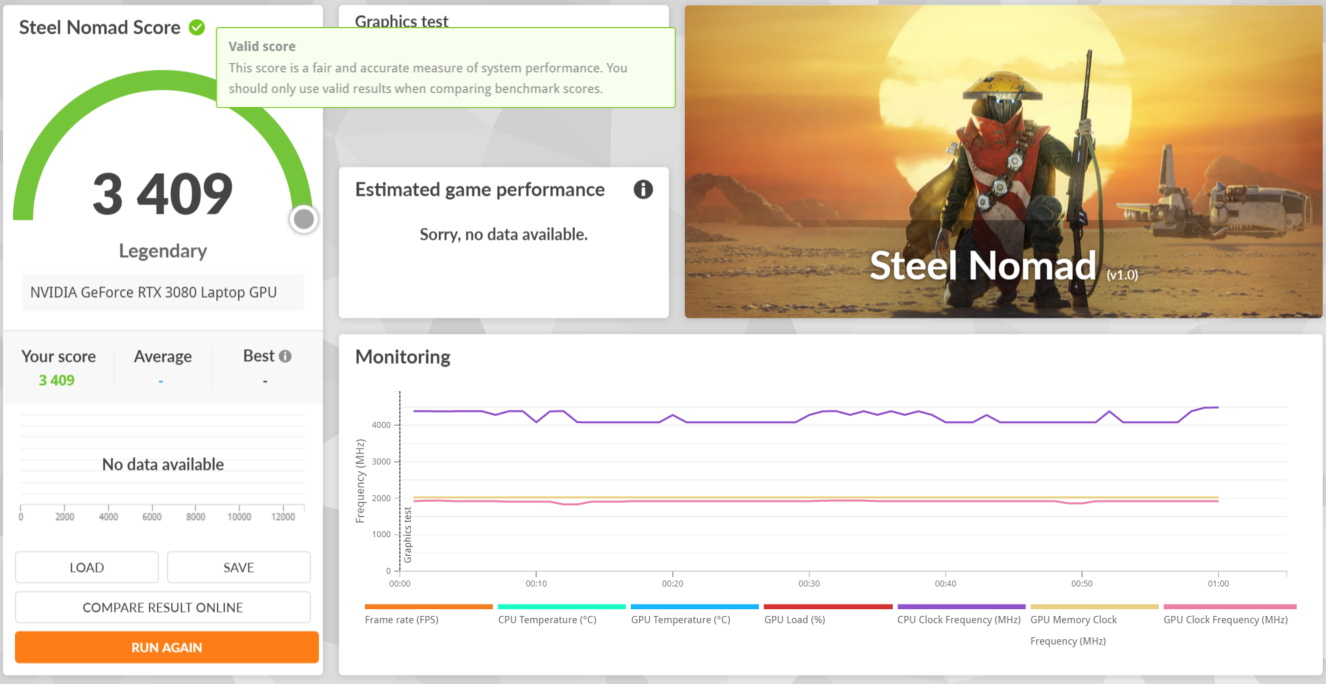
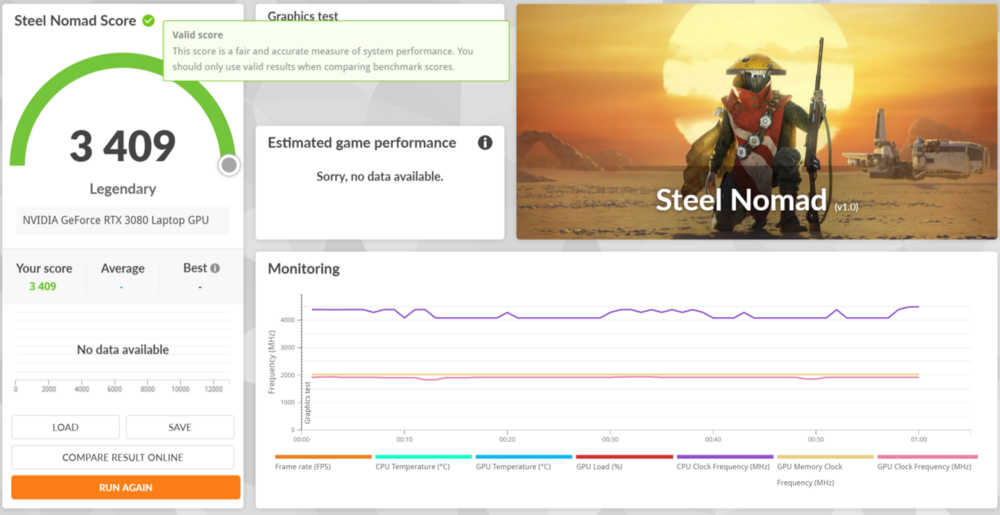
https://www.3dmark.com/sn/13726
-
clevo p870tm/tm1-g Official Clevo P870TM-G Thread
Meaker replied to ViktorV's topic in Sager & Clevo
About 65C. Here are my steel nomad results: https://www.3dmark.com/sn/13726 -
If it's from the same source others have it should. Mine has had a hundred or so hours of load and no issues so far.
-
I'm not sure 3200Mhz 64GB was ever shipped in them, what BIOS are you running and what memory/voltage tweaks have you got access to?
-
clevo p870tm/tm1-g Official Clevo P870TM-G Thread
Meaker replied to ViktorV's topic in Sager & Clevo
https://www.3dmark.com/spy/47636486 Got it to 14k with a 14773 graphics score. -
clevo p870tm/tm1-g Official Clevo P870TM-G Thread
Meaker replied to ViktorV's topic in Sager & Clevo
I got sent it after requesting and donating for it, we have worked together for a long time. -
https://www.3dmark.com/spy/47636486 That's my timrspy 3080 mobile run. I'll be swapping direction of the water which I think will help the cpu.
-
clevo p870tm/tm1-g Official Clevo P870TM-G Thread
Meaker replied to ViktorV's topic in Sager & Clevo
This sort of curve will do it. Not the same card just an example. It won't exceed the clock/voltage of where it goes flat. You can shift select and drag down all the values after the voltage you want to lower than your last value and it will auto flatten. my results: https://www.3dmark.com/spy/47636486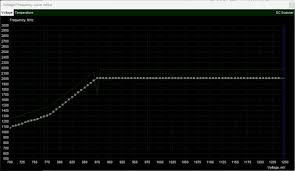
-
The HQ series were quad before the 8th gen but that's where the U series went quad. They tended to have HT disabled so 4 core 4 thread.
-
clevo p870tm/tm1-g Official Clevo P870TM-G Thread
Meaker replied to ViktorV's topic in Sager & Clevo
-
*Official Benchmark Thread* - Post it here or it didn't happen :D
Meaker replied to Mr. Fox's topic in Desktop Hardware
The 3d vache goes beyond the benefit of any overclocking in several titles. It does kneecap some of the voltages and clocks. But for someone who plays games for the games which is most people they are going to want the much cooler and quieter chip that gives them better performance. That's a reasonable desire. -
*Official Benchmark Thread* - Post it here or it didn't happen :D
Meaker replied to Mr. Fox's topic in Desktop Hardware
It's a gaming product, no point in overclocking your CPU if you are looking for the highest FPS. It's just not a tweaker or content workers product. -
clevo p870tm/tm1-g Official Clevo P870TM-G Thread
Meaker replied to ViktorV's topic in Sager & Clevo
You could limit the frequency curve to a set frequency and voltage max by flattening the top. -
*Official Benchmark Thread* - Post it here or it didn't happen :D
Meaker replied to Mr. Fox's topic in Desktop Hardware
https://www.3dmark.com/spy/47636486 Broke 14k in timespy. Just hard hitting into the 0.9V limit on the mobile 3080.